Home - mescon/Muximux GitHub Wiki
Muximux Wiki


Muximux is a modern, self-hosted web application portal for your homelab. It runs as a single binary, serves on a single port, and stores all configuration in one YAML file. Add your self-hosted applications, organize them into groups, and access them from a unified dashboard with health monitoring, keyboard shortcuts, and a built-in reverse proxy.
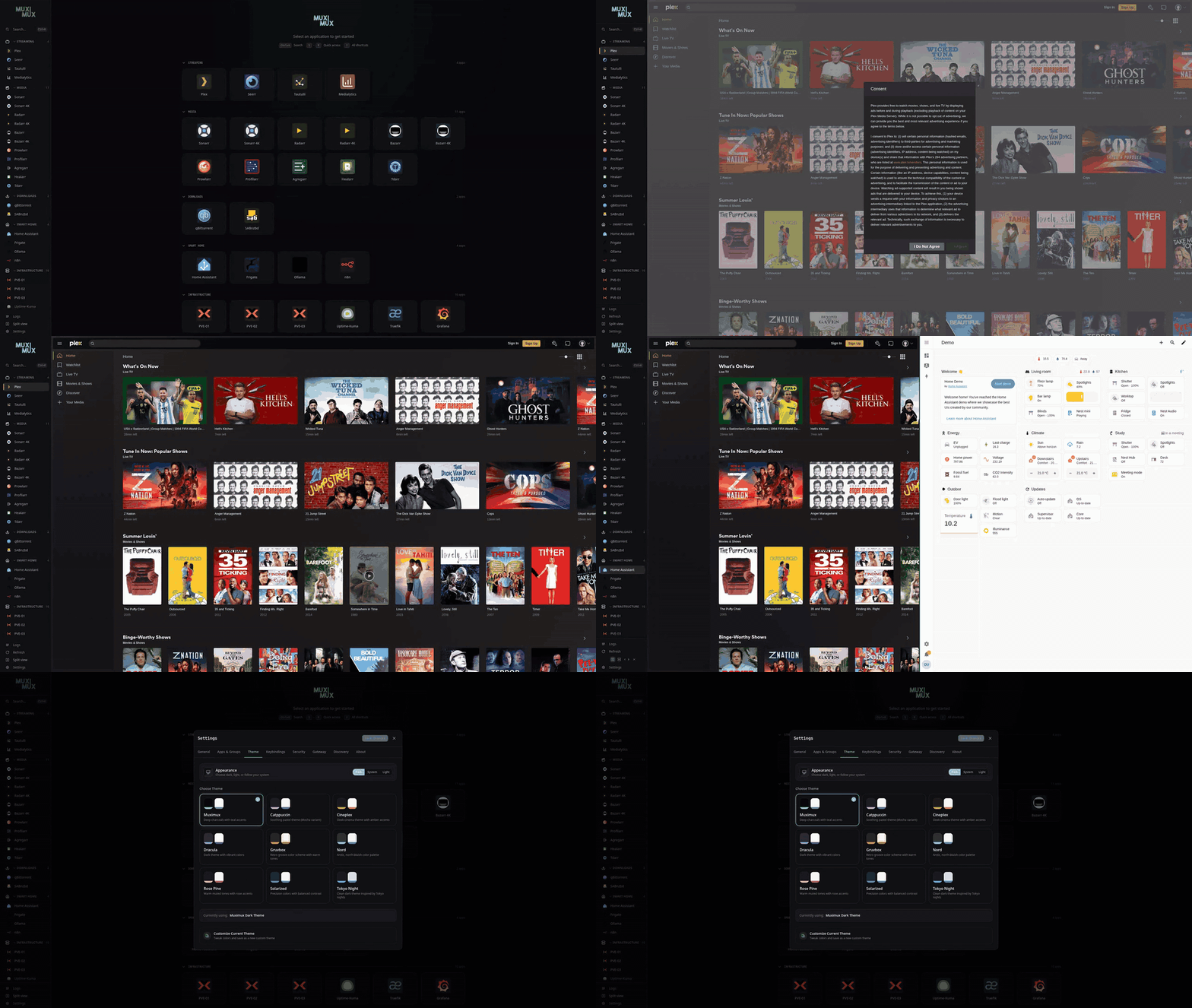
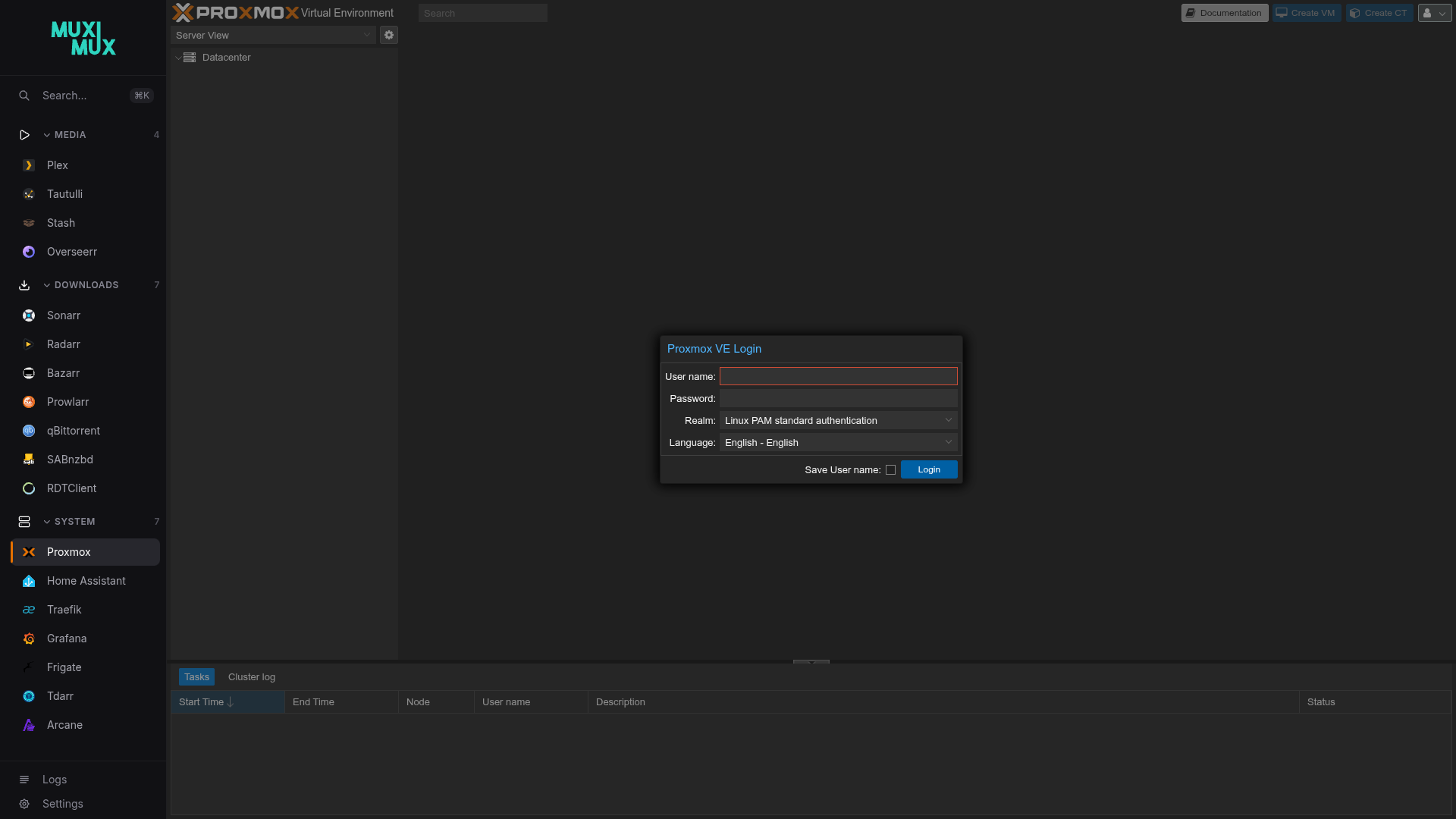
How You Can Use Muximux
Muximux is designed to fit your setup, from a simple dashboard to a full reverse proxy appliance.
Dashboard only -- Run Muximux behind your existing reverse proxy (Traefik, nginx, Caddy, etc.) with auth: none and let your proxy handle TLS and authentication. Apps open via their direct URLs or in iframes. This is the simplest setup.
Dashboard + built-in reverse proxy -- Same as above, but enable proxy: true on apps that don't work in iframes. Muximux proxies those apps through /proxy/{slug}/, stripping iframe-blocking headers and rewriting paths. This works in all deployment modes -- no extra configuration needed.
Full reverse proxy appliance -- Use Muximux as your only reverse proxy. Configure tls.domain for automatic HTTPS and declare your other services under gateway_sites: (or set them up in Settings -> Gateway) to serve them on their own subdomains. Caddy handles TLS certificates, HTTP-to-HTTPS redirects, and routing -- all from one binary. Optionally gate each subdomain behind the Muximux login (require_auth: true) so one sign-in covers your whole homelab. See TLS & HTTPS and Gateway Auth Gate for full walkthroughs.
Table of Contents
- Installation -- Docker, binary, and building from source
- Getting Started -- First launch, onboarding wizard, and initial setup
- Configuration Reference -- Full config.yaml format and all available options
- Environment Variables -- every
MUXIMUX_*variable, precedence, and the memory-only rule
- Environment Variables -- every
- Apps -- Adding, configuring, and managing applications
- HTTP Actions -- Turn an app into a one-click HTTP request
- Built-in Reverse Proxy -- Proxying app traffic through Muximux
- Docker Discovery -- Auto-import containers as apps with a background refresh poller
- Label reference -- every
muximux.app.*,muximux.group.*andmuximux.gateway.*label - Group labels -- icon, colour and order for Docker-created groups
- Docker Swarm and Compose -- stable tracking keys, service labels and published ports
- Upgrading to 3.6 -- what changes on the first refresh after an upgrade
- Label reference -- every
- Security Overview -- Security measures, OWASP ASVS compliance, and hardening details
- Authentication -- Built-in auth, forward auth, and OIDC
- OIDC from environment variables -- single sign-on with no
config.yaml, secrets from Docker secrets - Microsoft Entra ID -- step-by-step OIDC setup, including readable group names
- Keycloak -- realm-based OIDC client with the
groupsmapper - Authentik -- OAuth2 / OpenID provider with the
groupsscope - Pocket ID -- minimal self-hosted IdP with passkey sign-in
- Zitadel -- self-hosted IdP with project roles as groups
- Google -- consumer + Workspace accounts (no group support)
- Authelia -- forward auth via Traefik / Nginx / Caddy, or OIDC mode
- Cloudflare Access -- forward auth via Cloudflare Zero Trust
- OIDC from environment variables -- single sign-on with no
- TLS & HTTPS -- Automatic certificates, custom certificates, and gateway mode
- Gateway Examples -- Recipes for proxying common homelab services
- Gateway Auth Gate -- Single sign-on across gateway subdomains
- Navigation & Layout -- Sidebar positions, auto-hide, labels, and display options
- Split View -- Side-by-side or stacked app panels with draggable divider
- Themes -- Built-in themes, custom themes, and CSS custom properties (all bundled themes meet WCAG AA contrast)
- Health Monitoring -- Opt-in health checks and status indicators
- Keyboard Shortcuts -- Default shortcuts and custom keybindings
- Keyboard navigation and accessibility -- focus, dialogs, screen readers and reduced motion
- Icons -- Dashboard Icons, Lucide icons, custom icons, and caching
- Translations -- Interface languages and contributing a translation
- Deployment Guide -- Production deployment, reverse proxies, and networking
- Troubleshooting -- Common issues and solutions, including upgrading to 3.6
- Debug Logging -- Backend and frontend debug output
- API Reference -- REST API endpoints for programmatic access