Privacy and Local AI - JRAdams472/LENA2 GitHub Wiki
Privacy & Local AI
LENA's assistant (Dot) can run its language model on your own device, so the thinking step never leaves your phone or browser. This page is the complete privacy story: what the model can see, what never leaves the device, and where the authority lives.
The engine chain
Web tries local engines in this order, then falls back to the server:
- Chrome built-in AI (
LanguageModel/window.ai.languageModel) — Chrome's bundled model; zero download for LENA. - WebLLM — a small model over WebGPU; works in any GPU-capable browser. Downloaded once and cached by the browser.
- Server — the configured provider (Ollama by default, or the
mockprovider in demos/tests).
Mobile runs a small Gemma model on the phone via flutter_gemma — opt-in, downloaded once, deletable from the assistant's overflow menu.
If the local engine can't initialize or isn't ready, Dot quietly falls back to the server — answers keep working either way.
It's opt-in, and you can see which engine answered
- Nothing downloads without your say-so: the assistant shows an opt-in card with a progress bar (and cancel) before any model lands on your device.
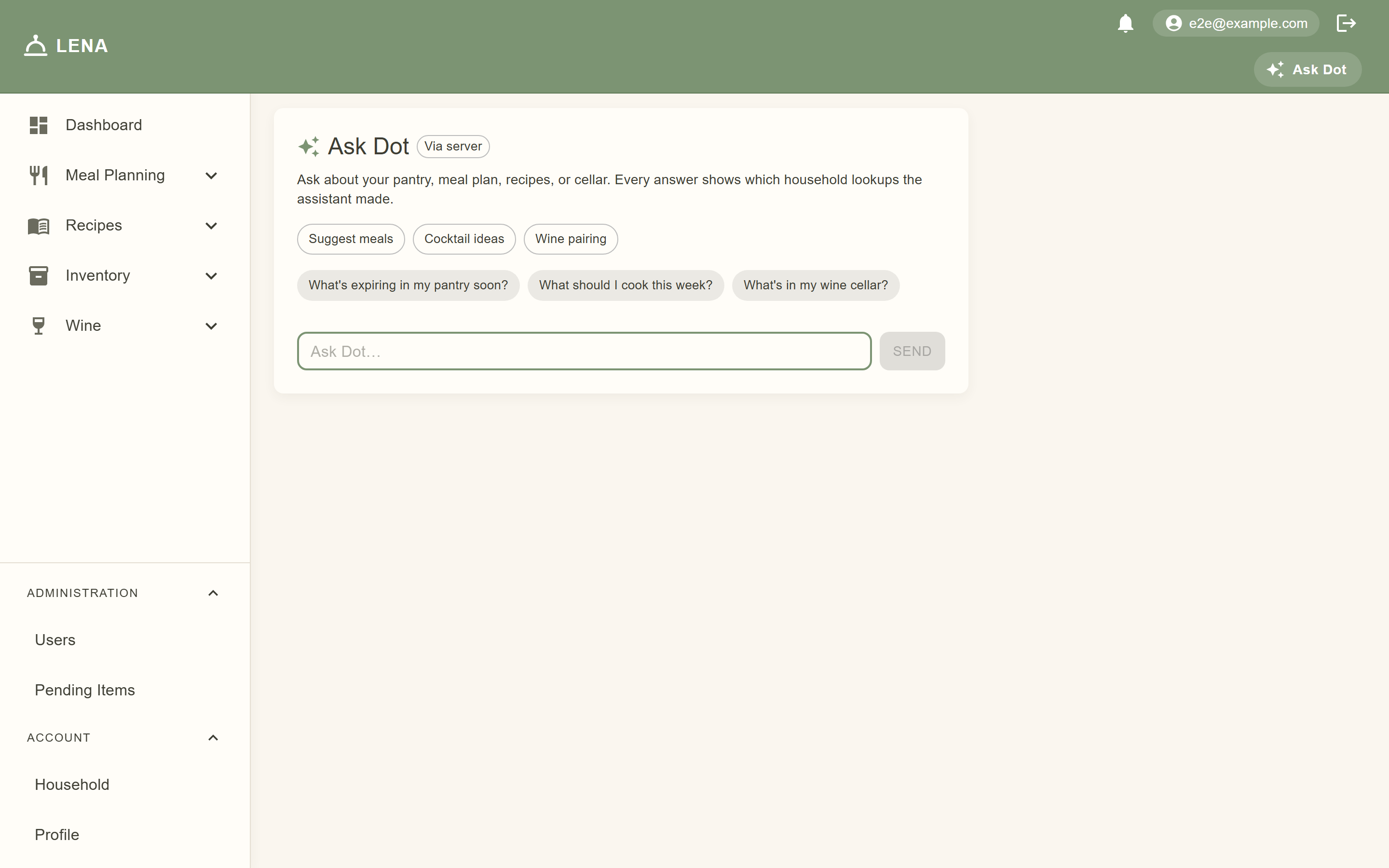
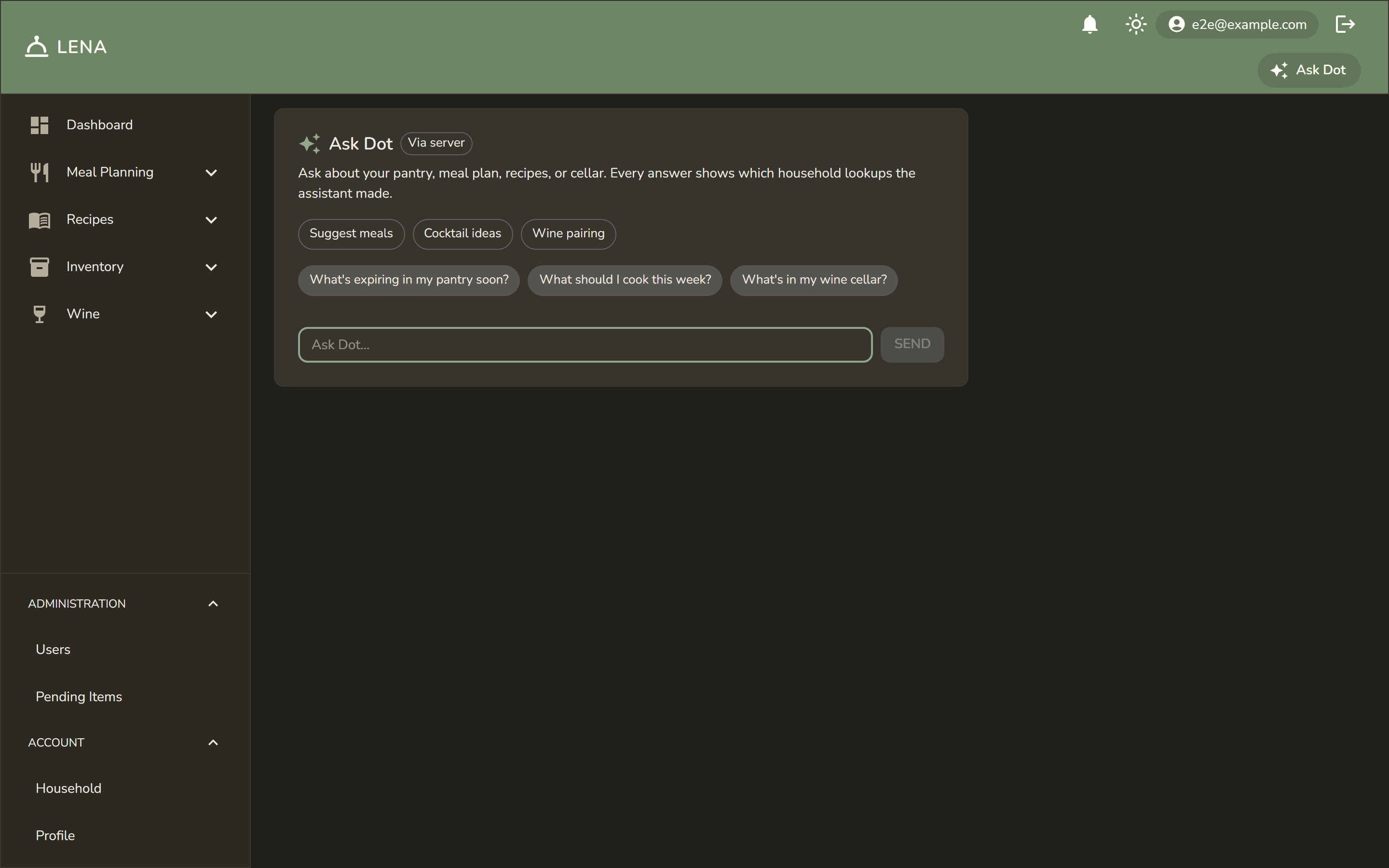
- Every reply carries an engine badge — On this device or Via server — so the provenance is never ambiguous.
- On mobile you can delete the model or force server-only mode at any time from the assistant's overflow menu.
What the model can see — and can't
Whether Dot runs on your device or the server, it uses the same set of read-only, household-scoped tools, and the server executes every lookup:
get_pantry_inventory,get_expiring_itemsget_meal_plan,list_recipes,get_recipe_details,search_recipes_semanticget_event_timelineget_wine_cellar,list_cocktail_recipesget_household_tastes,get_recipe_allergen_candidates
Scope guarantees:
- Household-scoped — the tools can only read your household's data. The assistant cannot reach another household's pantry, plans, or cellar.
- Read-only — there is no write tool. Anything actionable is a suggestion; applying it goes through the same forms and mutations as if you did it by hand, with the same permissions.
- Provenance shown — each answer lists the lookups it used ("looked up: get_expiring_items") so you can see exactly what data informed it.
What leaves the device
- On-device inference: your question and the tool results are processed locally — prompts never transit the server for the thinking step.
- Server fallback: when the engine badge reads Via server, the prompt goes to the configured provider (Ollama, run wherever you host it — there is no third-party API in the default stack).
- Model weights come from the platform's own distribution (Chrome's built-in model, the WebLLM cache, or the Gemma package for mobile) — LENA doesn't host or modify them.
Server stays the authority
Local inference changes where the model runs, not what it's allowed to do. Every tool call is executed server-side under your session; the local engine only proposes. Suggestions still land through the normal reviewable controls — nothing is applied silently, on any engine.
Age gate for alcohol features
Wine pairing and cocktail suggestions require a birthdate on your profile showing 21+. The check runs server-side in the suggestion resolvers — it can't be bypassed by a client. Without a birthdate the buttons stay hidden and the API returns an error explaining what's needed. Set it under Profile (web) — it's labeled "Optional — unlocks wine pairing and cocktail suggestions (21+)".
When AI is entirely off
With no provider configured (LENA_AI_PROVIDER unset), every AI surface hides — no Ask Dot link, no suggestion buttons — and the app is otherwise identical. LENA_AI_PROVIDER=mock returns a deterministic canned answer for demos and tests, so screenshots and e2e runs never touch a real model.
See also: AI Assistant for features, Getting Started for provider configuration.