AI Assistant - JRAdams472/LENA2 GitHub Wiki
AI Assistant (Dot)
LENA can run a local LLM (Ollama by default) as an optional assistant that answers questions about your household's data and makes reviewable suggestions. When no AI provider is configured, every AI surface stays hidden — the app works exactly the same without it.
Enabling the assistant
Set LENA_AI_PROVIDER=ollama and point it at a running Ollama (LENA_OLLAMA_URL, LENA_AI_MODEL), or start the bundled service with docker compose --profile ai up. For tests and demos, LENA_AI_PROVIDER=mock returns a canned deterministic answer.
Whenever LENA_OLLAMA_URL is set, LENA also enables semantic recipe search: a small embedding model (LENA_AI_EMBED_MODEL, default nomic-embed-text) turns each recipe's name, description, ingredients, and categories into a vector, and a background sweep keeps embeddings fresh as recipes change. The ai compose profile pulls the embedding model alongside the chat model.
Ask Dot
Ask Dot lives in the web header (the ✨ link on the second row) and as the Assistant tab on mobile — a free-form chat. Ask about your pantry, meal plan, recipes, or cellar — Dot looks up real data through a set of read-only, household-scoped tools and shows you which lookups it used under each reply ("looked up: get_expiring_items").
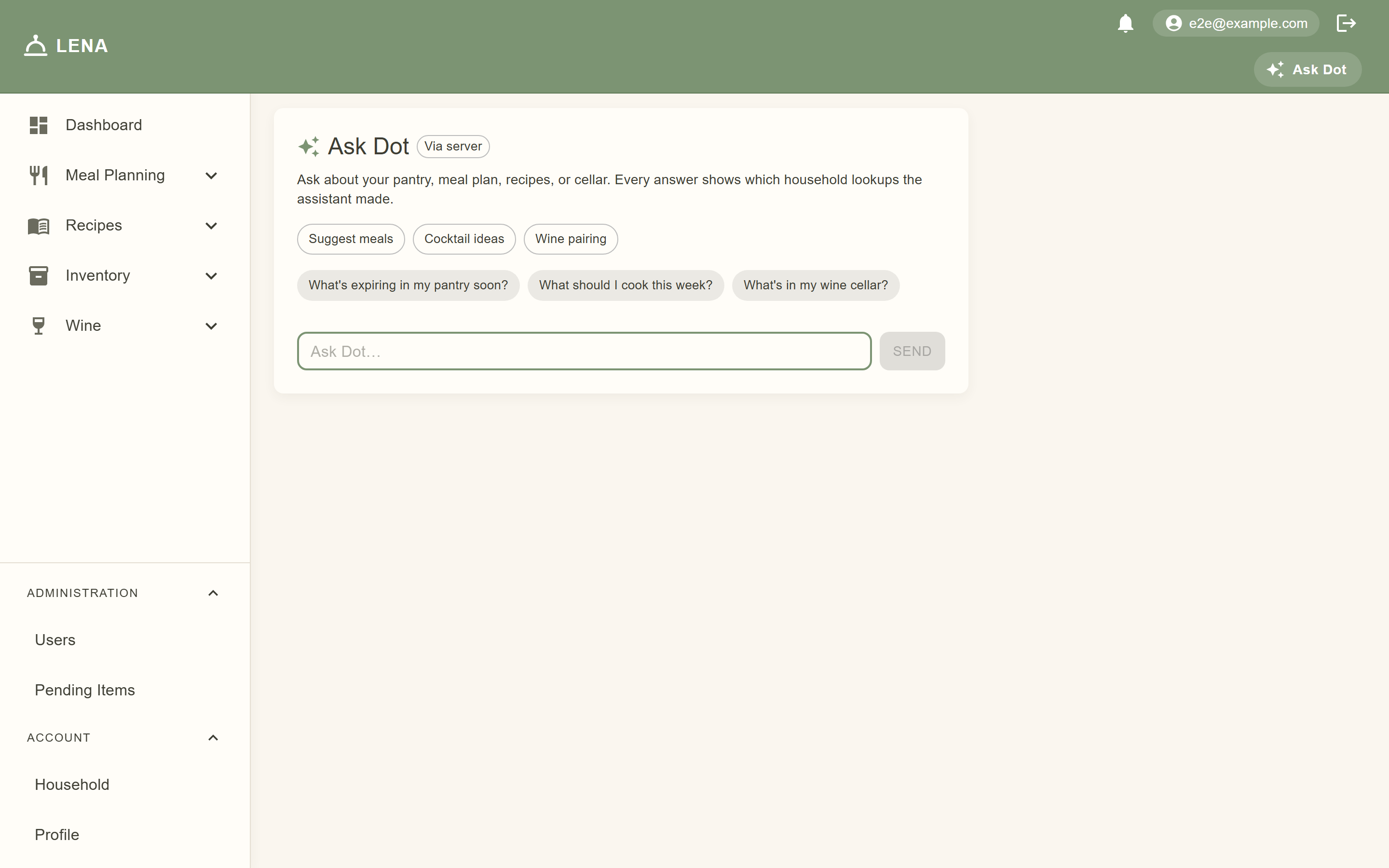
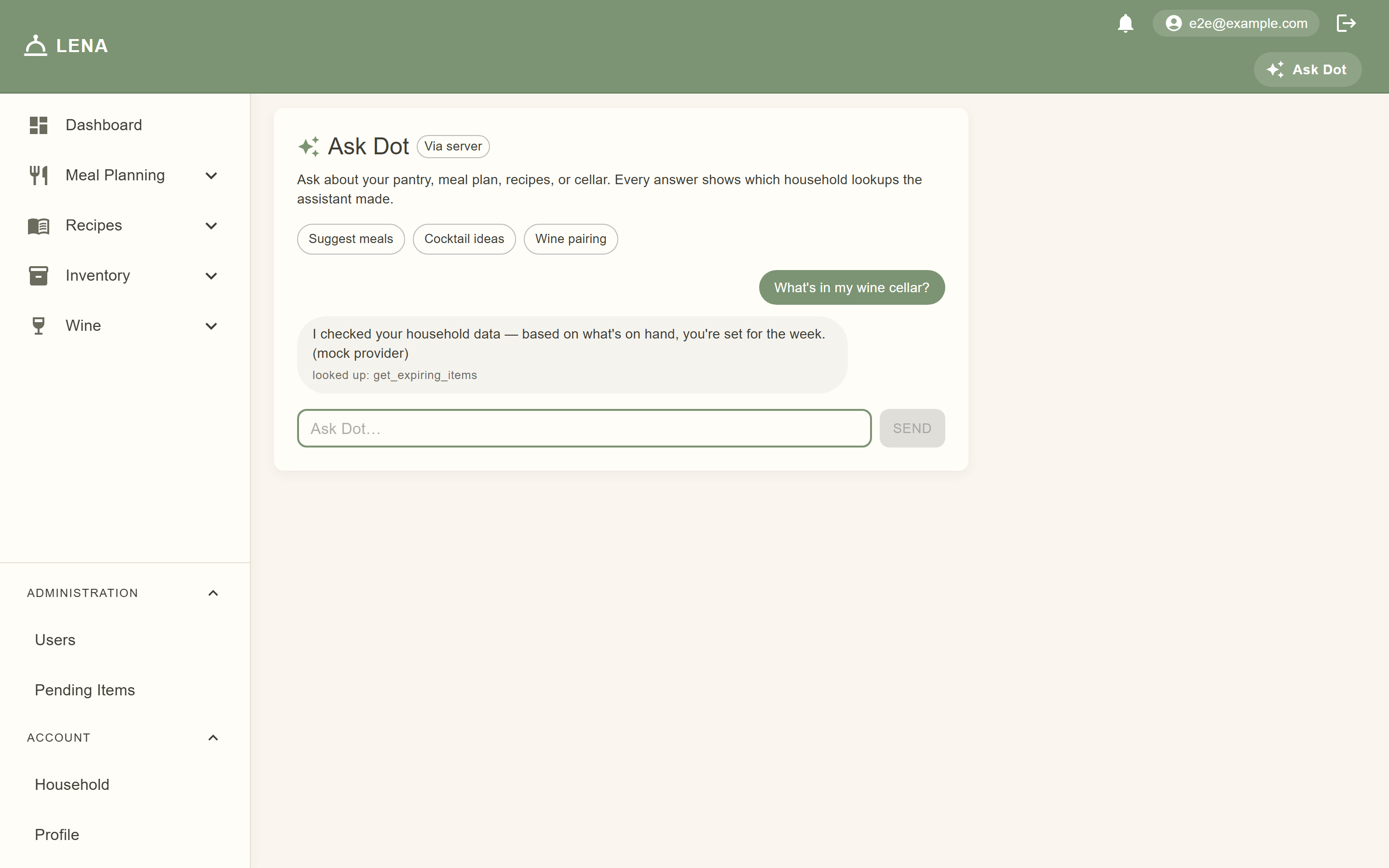
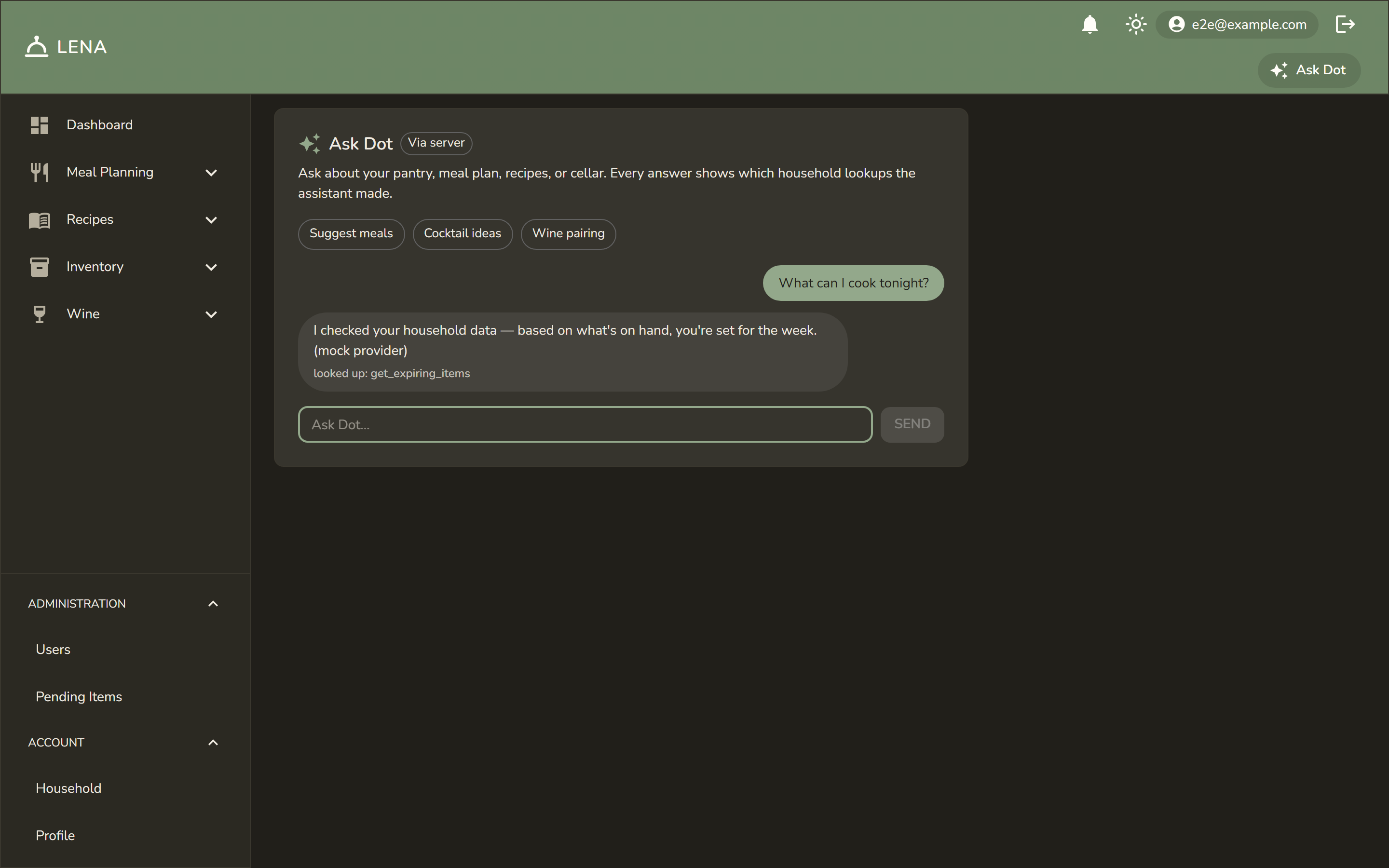
The model can only read — it cannot change anything directly. Anything actionable is suggested, never applied silently.
Dot's recipe tools include semantic search (search_recipes_semantic): ask "something cozy for a rainy night" and it matches on meaning — a recipe called "Creamy Tomato Soup" surfaces even though you never typed "soup". Because embeddings can't express exclusions, Dot verifies "no eggs"-style requests by reading each candidate's ingredient list before recommending.
On-device inference
Both clients can run the model on your own device — keeping prompts local and taking the compute load off the server entirely:
- Web tries Chrome's built-in AI model first, then a downloadable WebLLM model (fetched once, cached by the browser), then falls back to the server.
- Mobile runs a small Gemma model on the phone via
flutter_gemma.
It's opt-in: the assistant page shows an "On this device" card with download progress, and an engine badge on each reply tells you where the answer came from. You can switch to server-only mode any time. Whether Dot runs on your device or on the server, it uses the exact same tools, prompts, and household scope — the server stays the authority and suggestions still apply through the normal controls.
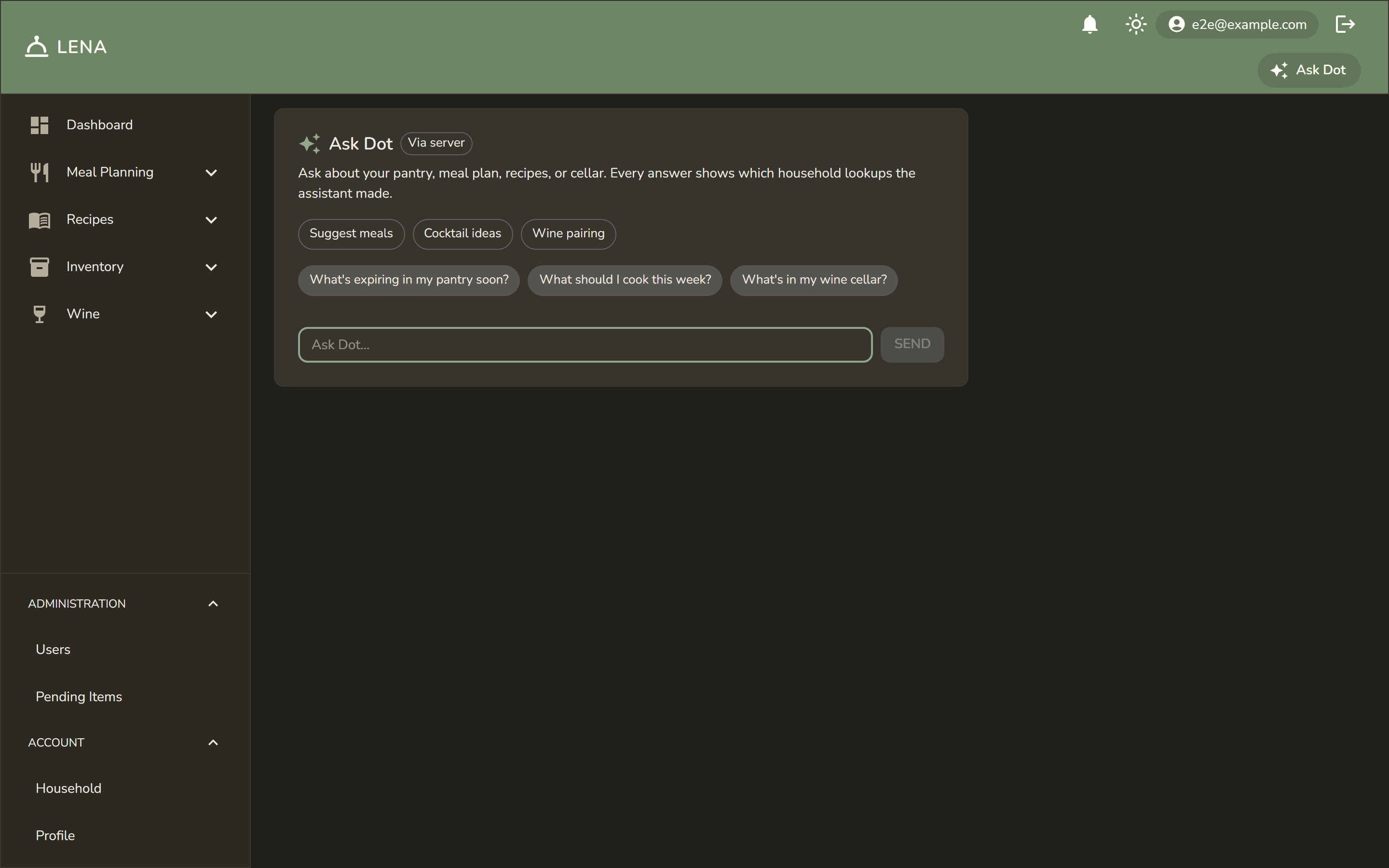
The full privacy story — engine fallback chain, what the tools can see, what never leaves the device — lives on Privacy & Local AI.
Built-in suggestions
| Feature | Where | What it does |
|---|---|---|
| Suggest Meals | Meal plan page | Proposes recipes for open slots, informed by what's in stock, what's expiring soon, and your household's taste analytics. Each suggestion is a reviewable card you add via the normal slot controls. |
| Suggest Fixes | Event timeline | When the cooking timeline flags appliance conflicts, the assistant proposes fixes — shift a serve time, reassign an appliance, adjust a duration or dependency. Each fix applies through the existing event controls after you review it. |
| Wine pairing | Recipe detail | Suggests bottles from your cellar (marked "In your cellar") plus general style picks for the recipe. |
| Cocktail ideas | Recipes list | Picks cocktail recipes; the "Only what I can make" toggle drops anything your pantry can't cover and lists missing ingredients. |
| Allergen flags | Inventory → Allergen Suggestions (admins) | Reads a recipe's ingredients and proposes contains/may_contain flags with a rationale. Proposals land in a review queue — Accept writes the flag under your name, Dismiss keeps the audit trail. Nothing applies automatically. |
See Allergy Tracking for how the flags feed cooking warnings.
Age gate for alcohol features
Wine pairing and cocktail suggestions require a birthdate on your profile showing you're of legal drinking age. The check runs server-side — it can't be bypassed from a client. If your birthdate isn't set, the buttons stay hidden and the API returns an error asking you to set it.
Privacy & safety
- Tools only ever see your household's data — the assistant cannot read or expose another household's inventory, plans, or cellar.
- All suggestions are advisory: the AI proposes, the existing forms and mutations apply — with the same permissions as if you did it by hand.
- The provider is pluggable: Ollama today, a commercial API tomorrow with a small adapter.