Your First App - project-barry/barry-launcher-apps GitHub Wiki
Your first app
From the template to an app on your home screen. You'll need about half an hour, and no experience with QML: it reads a lot like CSS with JavaScript mixed in.
1. Set up your computer
You need Python 3.10 or newer (to check and pack apps), and Qt 6 to try your app before it goes on the Thor. Qt is optional but saves a lot of round trips.
| Python | Qt 6.8 or newer (its qml tool) |
|
|---|---|---|
| Linux | already there | your distribution's Qt 6 QML packages (Arch: qt6-declarative) |
| macOS | brew install python |
brew install qt |
| Windows | python.org | the Qt Online Installer (open source), with Qt Creator |
| The Thor itself | already there | already there (Desktop Mode) |
barry-app run looks for qml6 or qml on your PATH. If Qt keeps it
somewhere else (the Qt installer does, on Windows), point BARRY_QML at it:
set BARRY_QML=C:\Qt\6.8.3\msvc2022_64\bin\qml.exe (Windows) or
export BARRY_QML=~/Qt/6.8.3/macos/bin/qml (macOS, Linux).
Then get this repository:
git clone https://github.com/project-barry/barry-launcher-apps
cd barry-launcher-apps
(Or use Code → Download ZIP on GitHub.)
See Tools for an editor. Qt Creator or VS Code with the Qt extension are both good.
2. Copy the template
cp -r template myapp
The folder has three files:
myapp/
├── barry-app.json   who the app is
├── main.qml         the app
└── icon.svg         its tile's icon
3. Name it
Open myapp/barry-app.json:
{
  "format": 1,
  "id": "io.github.your-name.hello",
  "name": "Hello",
  "version": "0.1.0",
  "main": "main.qml",
  "icon": "icon.svg",
  "description": "My first Barry Launcher app.",
  "author": "Your Name"
}
idmust be unique to your app, forever: use a domain you own, backwards. If your GitHub name isocto,io.github.octo.myappis yours. Lower case, with at least one dot.nameis the tile's label: 20 characters at most.versionchanges with each release you share.
The package reference has every field.
4. Run it
python3 tools/barry-app run myapp
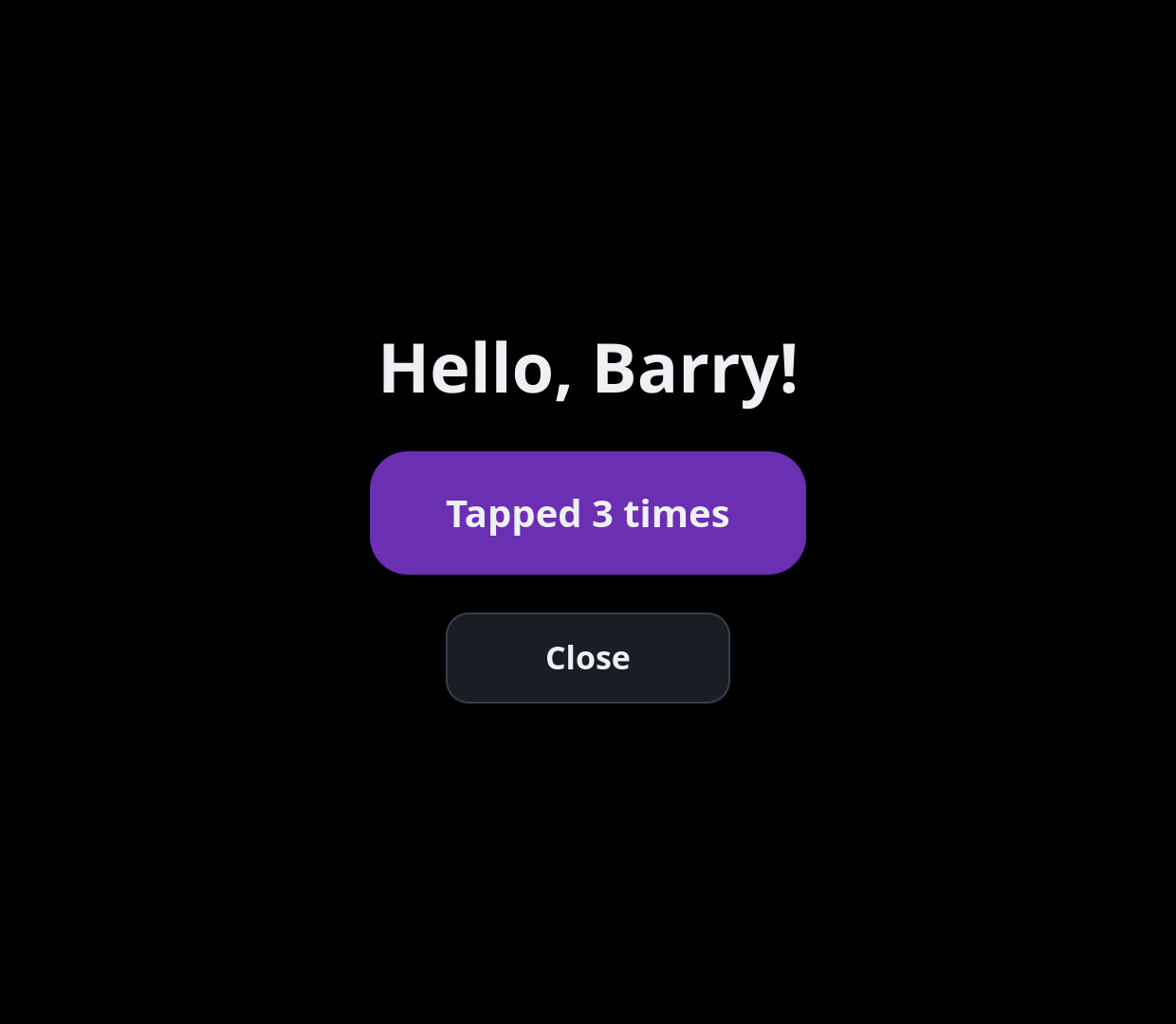
A 1240 × 1080 window opens, the size of the Thor's bottom screen, with your app in it, exactly as Barry Launcher hosts it. Click to tap. Close the window to stop.
The command prints where the app's data folder is: a fresh, empty one each
run, unless you pass --data somefolder to keep what the app saves.
No Qt on your computer? Skip ahead to packing and installing (steps 7 and 8): testing on the Thor works too, just with more steps.
5. Read main.qml
The template is about 70 lines. The important parts:
import QtQuick
import QtCore

Rectangle {
    id: app
    required property var barry          // (1)
    readonly property real s: barry.scale
    color: "black"

    Settings {                           // (2)
        id: saved
        location: app.barry.dataDirUrl + "settings.ini"
        property int taps: 0
    }

    Rectangle {
        width: 460 * app.s                // (3)
        height: 130 * app.s
        ...
        TapHandler {                     // (4)
            onTapped: saved.taps++
        }
    }
}
- The root item fills the bottom screen. Declaring
required property var barrygets you thebarryobject from Barry Launcher. - Settings from
QtCoresaves properties to a file, and loads them when the app starts again. Keep the file inbarry.dataDirUrl: it survives updates, and goes when the app is removed. - Sizes are written for the Thor's bottom screen and multiplied by
barry.scale, so the app fits other screens too. - TapHandler turns a touch into a tap. A finger is about 90 pixels across on this screen, so buttons should be at least that big.
6. Change something
Try adding a Reset button under the counter. Put this inside the
Column, after the purple button:
Rectangle {
    anchors.horizontalCenter: parent.horizontalCenter
    width: 300 * app.s
    height: 96 * app.s
    radius: 24 * app.s
    color: resetTap.pressed ? "#4a4f60" : "#1b1d24"
    Text {
        anchors.centerIn: parent
        text: "Reset"
        color: "#eef0f4"
        font { family: "Noto Sans"; pixelSize: 34 * app.s; weight: Font.DemiBold }
    }
    TapHandler {
        id: resetTap
        onTapped: saved.taps = 0
    }
}
Run it again (step 4). When three buttons look alike, it's time to make a
Button component; the Dice example shows how.
7. Check and pack
python3 tools/barry-app check myapp
python3 tools/barry-app pack myapp
check runs the same checks as the installer. pack checks too, then
writes hello-0.1.0.zip (the last part of your id, and the version).
8. Install it on the Thor
Copy the zip to the Thor's Downloads folder, then Quick Access → Barry Launcher → Apps → Install app… and pick it. Installing apps has the details and other ways.
Your tile is on the home screen. Tap it.
9. Make changes
Change the app, raise version in barry-app.json (0.1.0 → 0.2.0),
pack, and install the new zip over the old one. What the app saved stays.
Next
- Read through the Dice example: components, animation, lists of things.
- The design guidelines, so your app looks like it belongs.
- Testing and debugging, for when the screen stays black.