Theatre Surgery Bill Validation - hmislk/hmis GitHub Wiki
Theatre — Surgery Bill Summary / Validate
Overview
Once Theatre has finished a surgery, Billing needs a way to review every bill raised against it (services, medicines, timed services, professional fees) and confirm that each one has been checked — before locking the surgery so nothing more can be added by mistake. The Surgery Bill Summary / Validate screen is that review-and-lock step.
It mirrors the "check" workflow already used on the Interim Bill for a whole admission, but scoped to a single surgery.
When to Use
- After Theatre has finished recording all charges for a surgery
- When Billing needs to review the Green Sheet against what was actually billed, bill by bill
- To lock a surgery once everything has been checked, so no further items, medicines, or fees can be added against it
- To temporarily unlock a surgery (Revert Validation) if a correction is needed after validation
Required Privileges
| Action | Privilege |
|---|---|
| View the summary page | Same access as Manage Surgeries / the Surgery Workbench |
| Validate Surgery | InwardSurgeryValidate |
| Revert Validation | InwardSurgeryValidationRevert |
These are typically granted to Billing/Inward staff rather than Theatre staff — validation is a billing sign-off step, not a theatre step.
Navigating to the Surgery Bill Summary
From the Surgery Workbench (Surgery Dashboard):
- Select the surgery
- Click Surgery Bill Summary / Validate
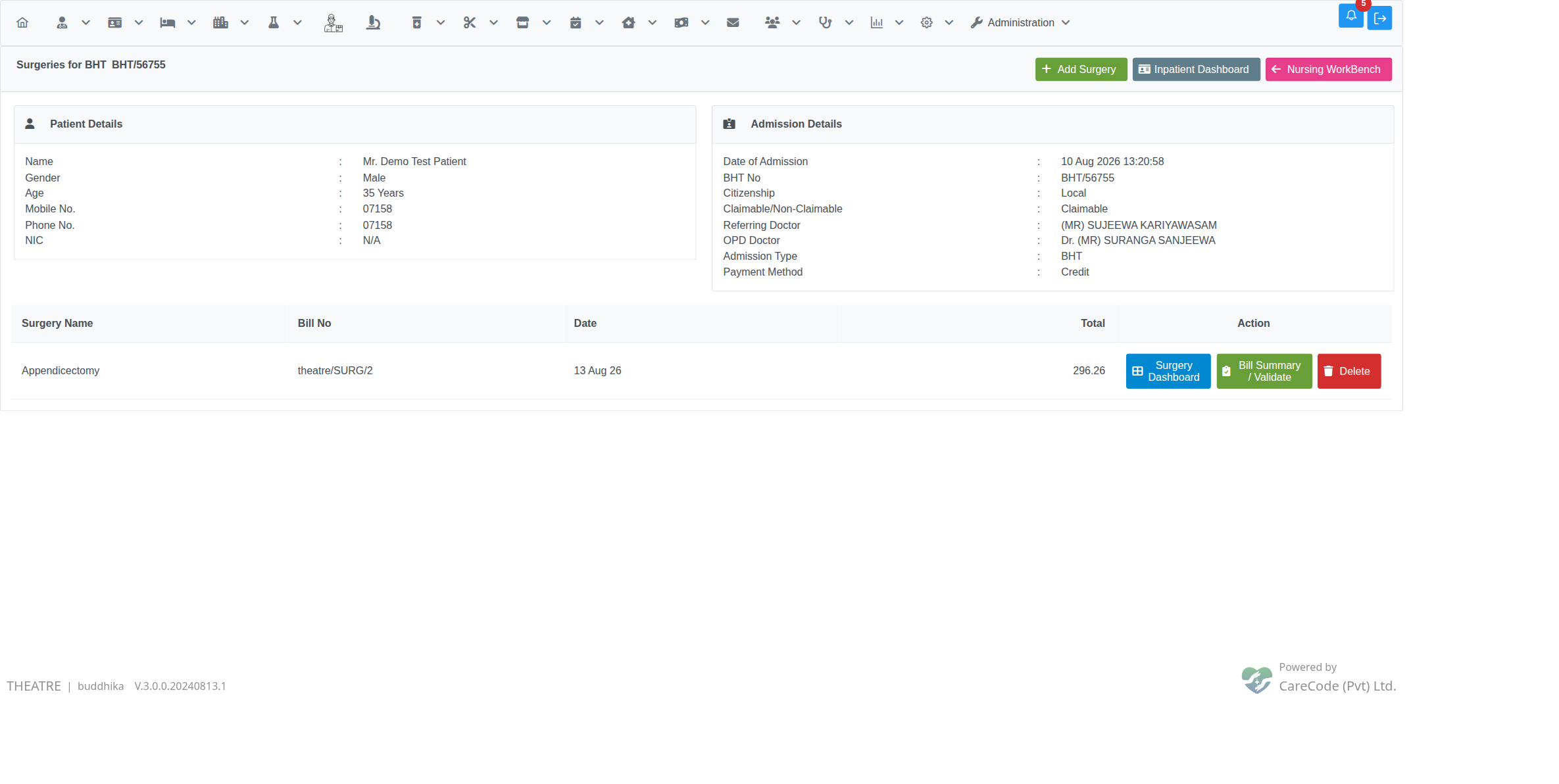
From Manage Surgeries (the per-admission surgery list):
- Open the admission profile → Manage Surgeries
- Find the surgery in the list
- Click Bill Summary / Validate in the Action column
Reviewing and Checking Bills
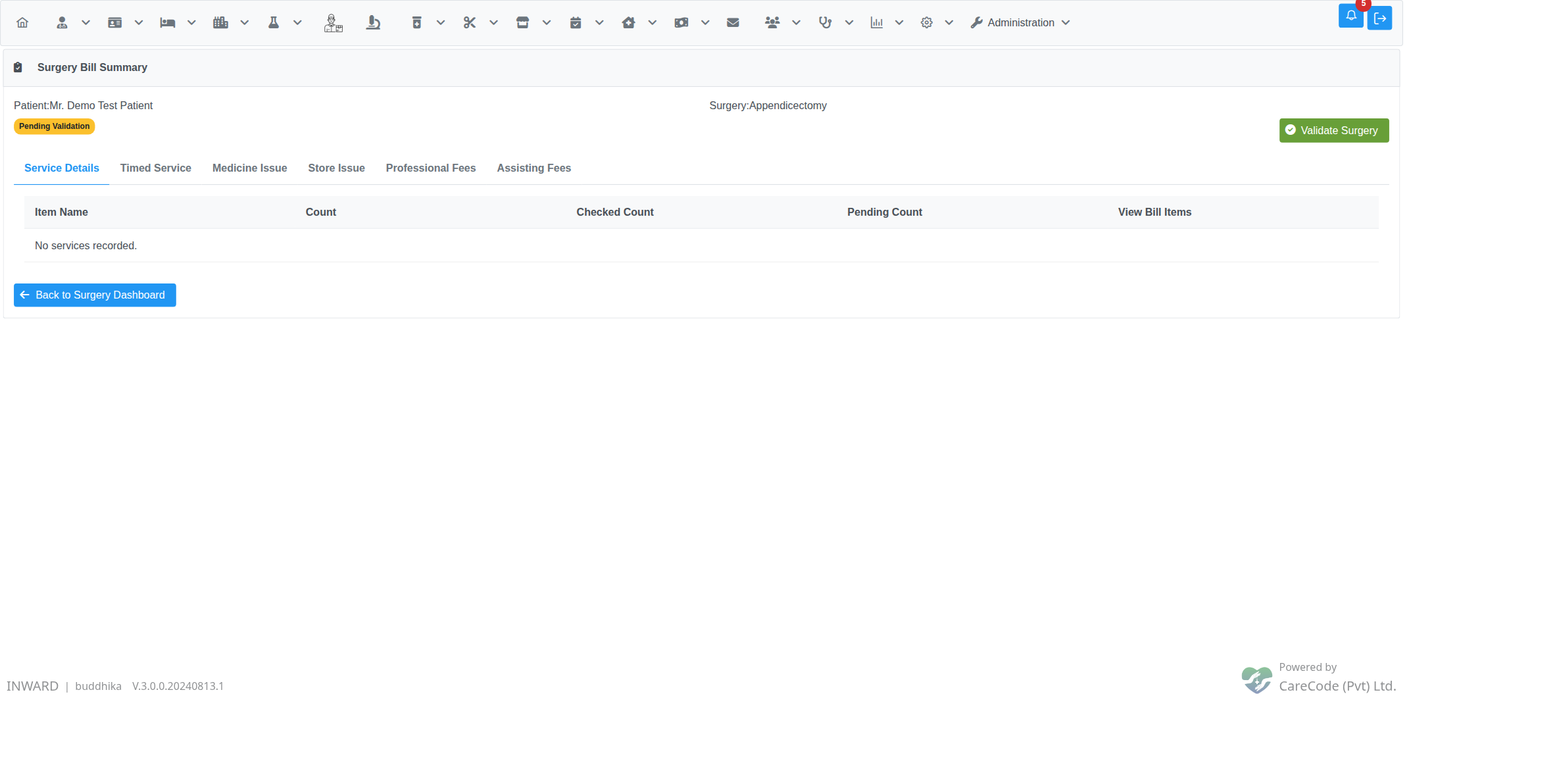
The summary page lists every bill raised against the surgery, grouped into tabs:
| Tab | Shows |
|---|---|
| Service Details | Theatre services/investigations, grouped by department |
| Timed Service | The surgery's timed-service bill (OT time, etc.) |
| Medicine Issue | Pharmacy items issued to the surgery |
| Store Issue | Store items issued to the surgery (legacy — see note below) |
| Professional Fees | Surgeon/consultant fees |
| Assisting Fees | Assistant/anaesthetist fees |
Each row shows whether it has been checked (Checked By / Checked At, or a Checked Count / Pending Count for grouped rows) and a button to open the underlying bill. Opening a bill takes you to the same reprint/detail screen used elsewhere in the system, with Mark As Checked / Mark As Un Check buttons — check every bill the same way you would on the Interim Bill.
A banner near the top shows how many bills are still pending:
Validating the Surgery
Once every bill under the surgery is checked, the Validate Surgery button becomes available. Click it and confirm — the surgery flips to Completed, recording who validated it and when.
A still-running timed service also blocks validation, even when every bill is checked. A timed service is still running if it was added from the Surgery Workbench's Timed Services tab with its End Time left blank. While any are running, the summary shows "N timed service(s) still running (enter an End Time)" next to the status badge and Validate Surgery stays disabled:

Every bill is checked, but Validate Surgery is disabled because one timed service has no End Time.
A running timed service's bill can't be checked either, because its charge keeps growing until it stops. Mark As Checked on that bill fails with "Cannot check: N timed service(s) on this bill are still running. Enter an End Time and press Update first.":

The timed service bill stays unchecked until its services have an End Time.
To finish: open Add Timed Services from the Surgery Workbench, set the End Time on each running service and click Update. Then check the timed service bill and validate as usual:

The surgery shows Completed after the End Time was entered, the bill checked and Validate Surgery clicked.
What Gets Locked
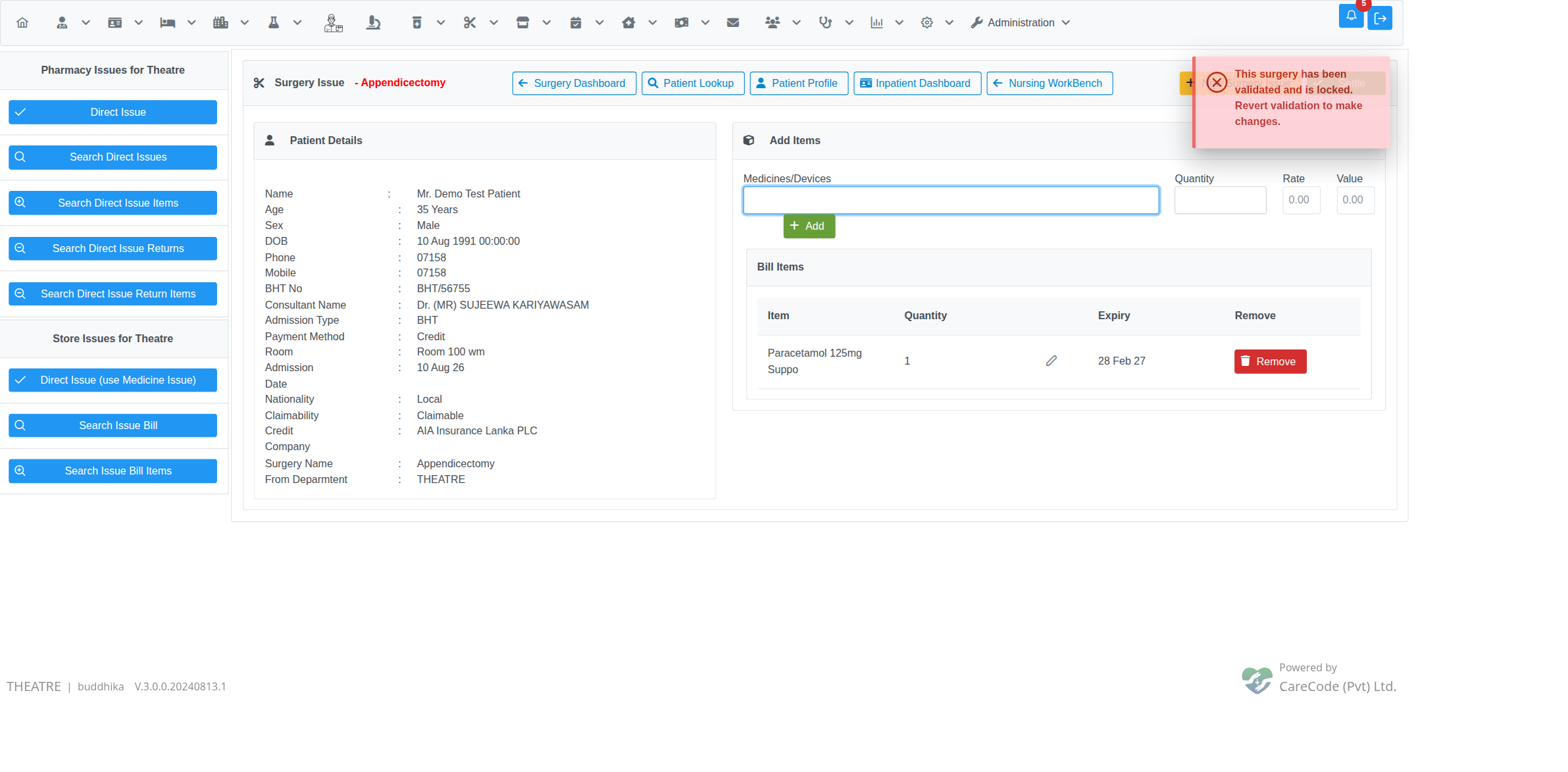
Once a surgery is validated, none of the following can be added to it:
- Services & Investigations
- Direct Issue Medicines (and Store Issue)
- Timed Services
- Professional Fees / Assisting Fees
This is enforced on the server, not just by disabling the button — so it holds even if a page was left open before validation happened:
The lock also covers removing a Timed Service that was added before validation — the Surgery Workbench's Remove button on the Timed Services tab is disabled once the surgery shows Completed, and the server rejects the removal even if that disabled state is bypassed:

Reverting Validation
If a correction is needed after validation, an authorised user (privilege
InwardSurgeryValidationRevert) can revert it:
- Open the Surgery Bill Summary page
- Enter a Revert Reason
- Click Revert Validation and confirm
The surgery goes back to Pending Validation, and all the add-charge actions above are available again:
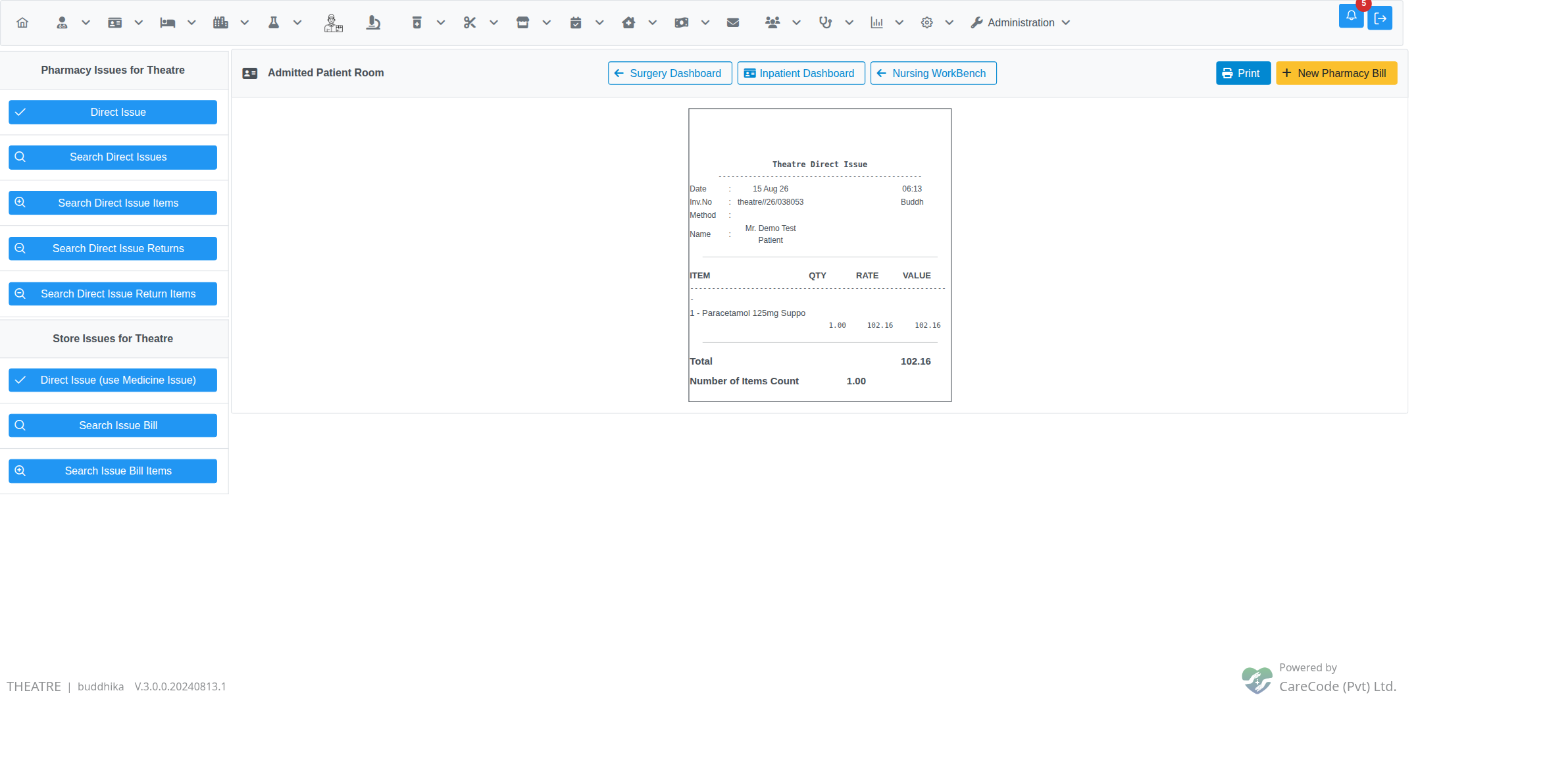
Both Validate Surgery and Revert Validation are recorded in the admission's audit trail (who, when, and — for revert — why).
Note: Store Issue is Retired in Favour of Medicine Issue
The old, separate "Store Issues for Theatre → Direct Issue" entry point has been retired — store items for a surgery are now issued through the same Direct Issue Medicines flow as pharmacy items. The Store panel's Direct Issue button now points there too; Search Issue Bill / Search Issue Bill Items remain for looking up records created before this change.
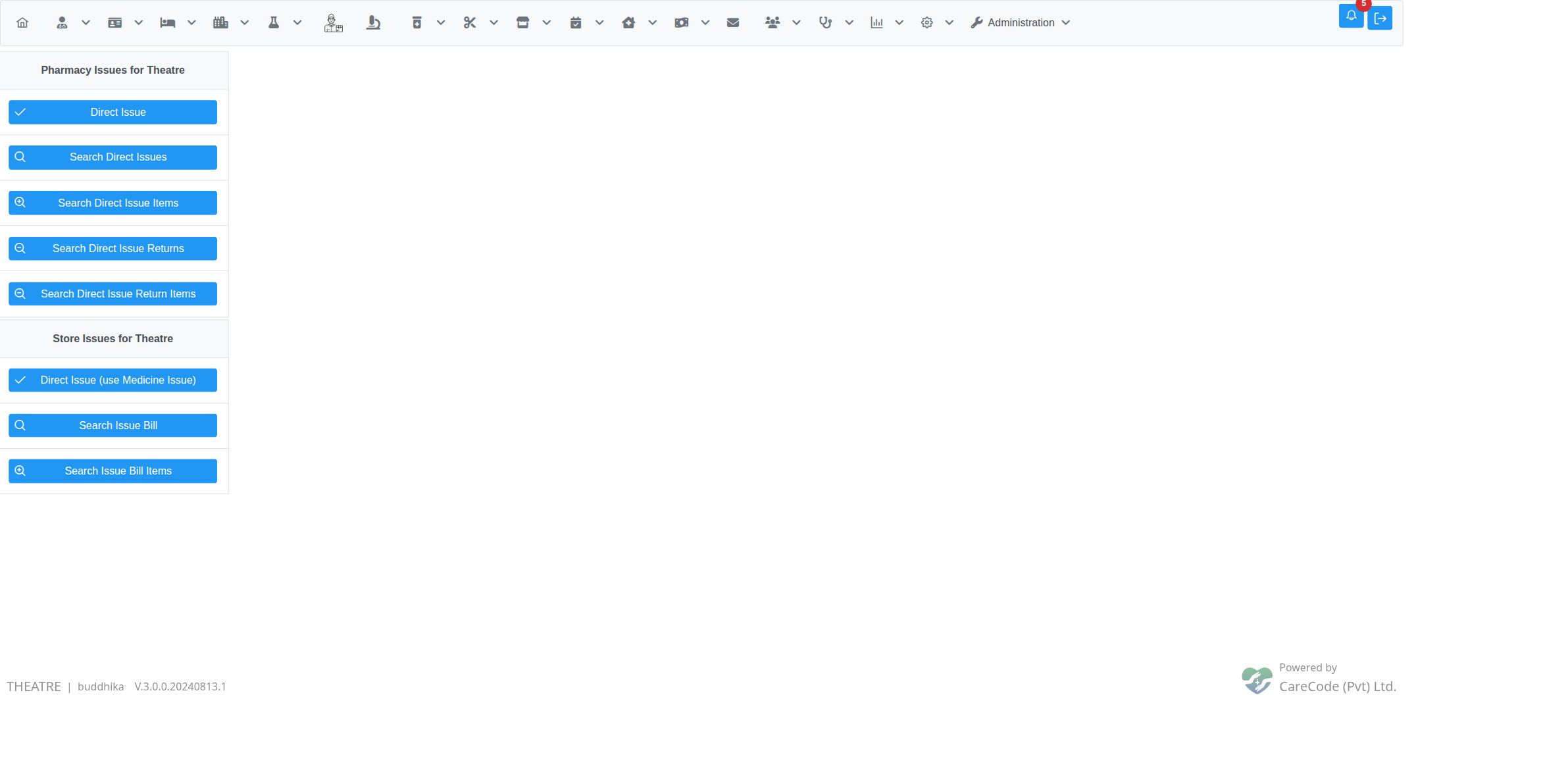
The Store Issue tab on the Bill Summary page is kept for viewing any older store-issue bills recorded under a surgery before this change.
Related Features
- Theatre — Surgery Workbench — where a surgery's charges are added and where this screen is also reachable from
- Theatre — Surgery Bill Search
- Pharmacy Issues for Theatre