Using Mutable from Blueprints - anticto/Mutable-Documentation GitHub Wiki
Creating a Customizable Object Instance
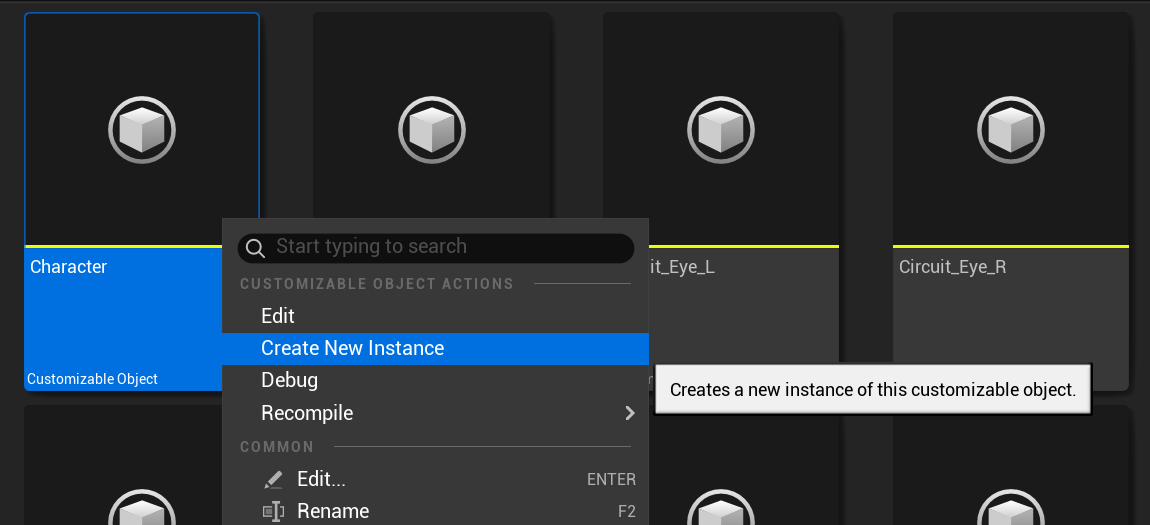
As seen in Basic Concepts, a Customizable Object Instance references a Customizable Object plus a set of parameter values. To create one, right click on an already existing Customizable Object and select Create New Instance.
Creating a Customizable Actor
Once you have a Customizable Object Instance, create a new Actor Blueprint open it.
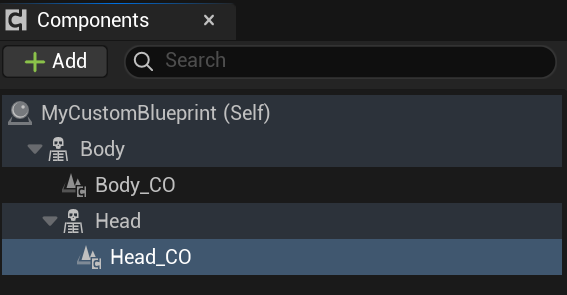
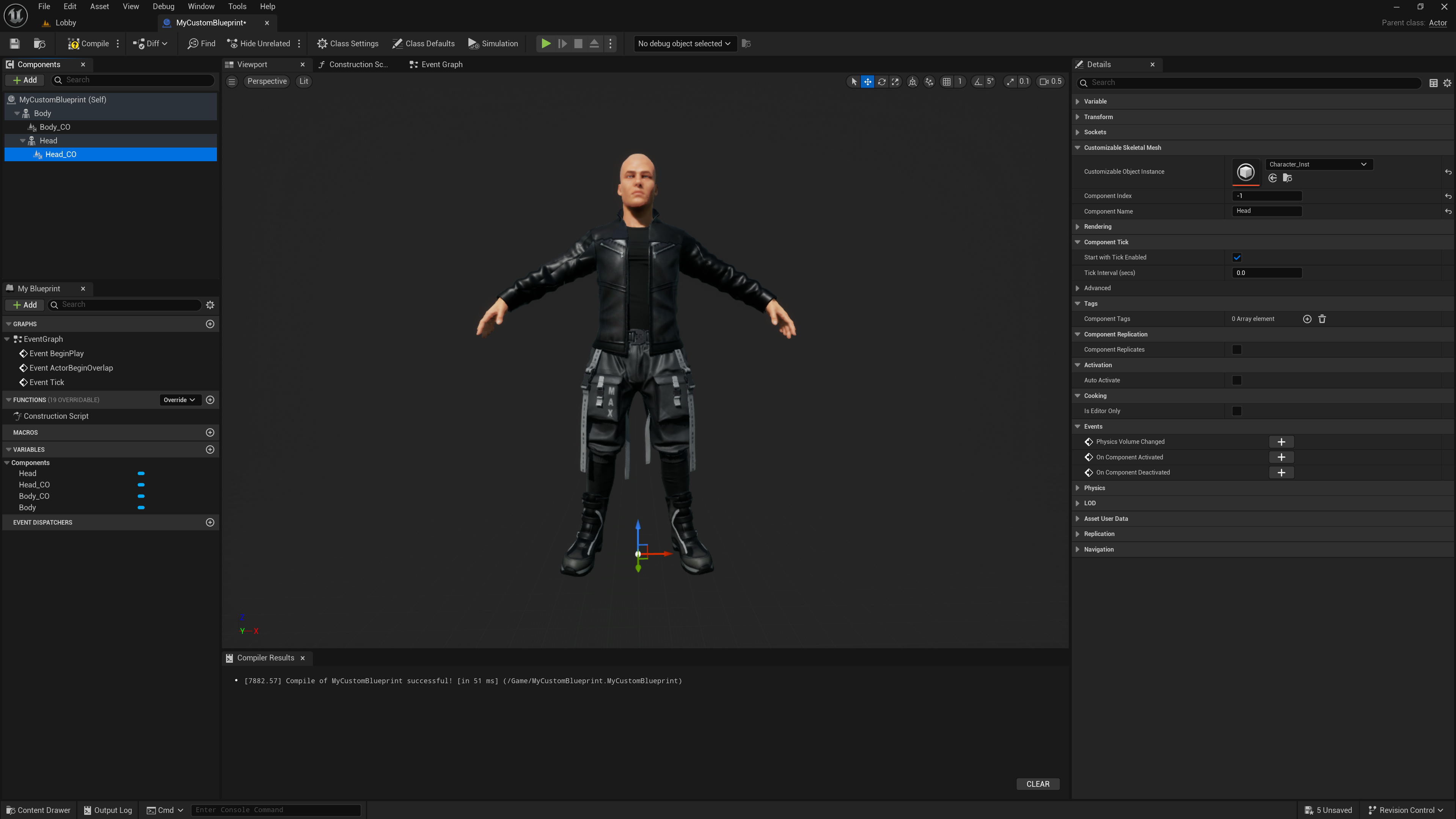
In the Blueprint Editor, create a Skeletal Component and add a Customizable Skeletal Component as a child.
Once created, select the Cusotmizable Skeletal Component, go to the details panel and chose the Customizable Object Instance to be used.
Also specify, with the Component Name, which Skeletal Mesh Component to use.
Add as many Skeletal Mesh Components as customization will require.
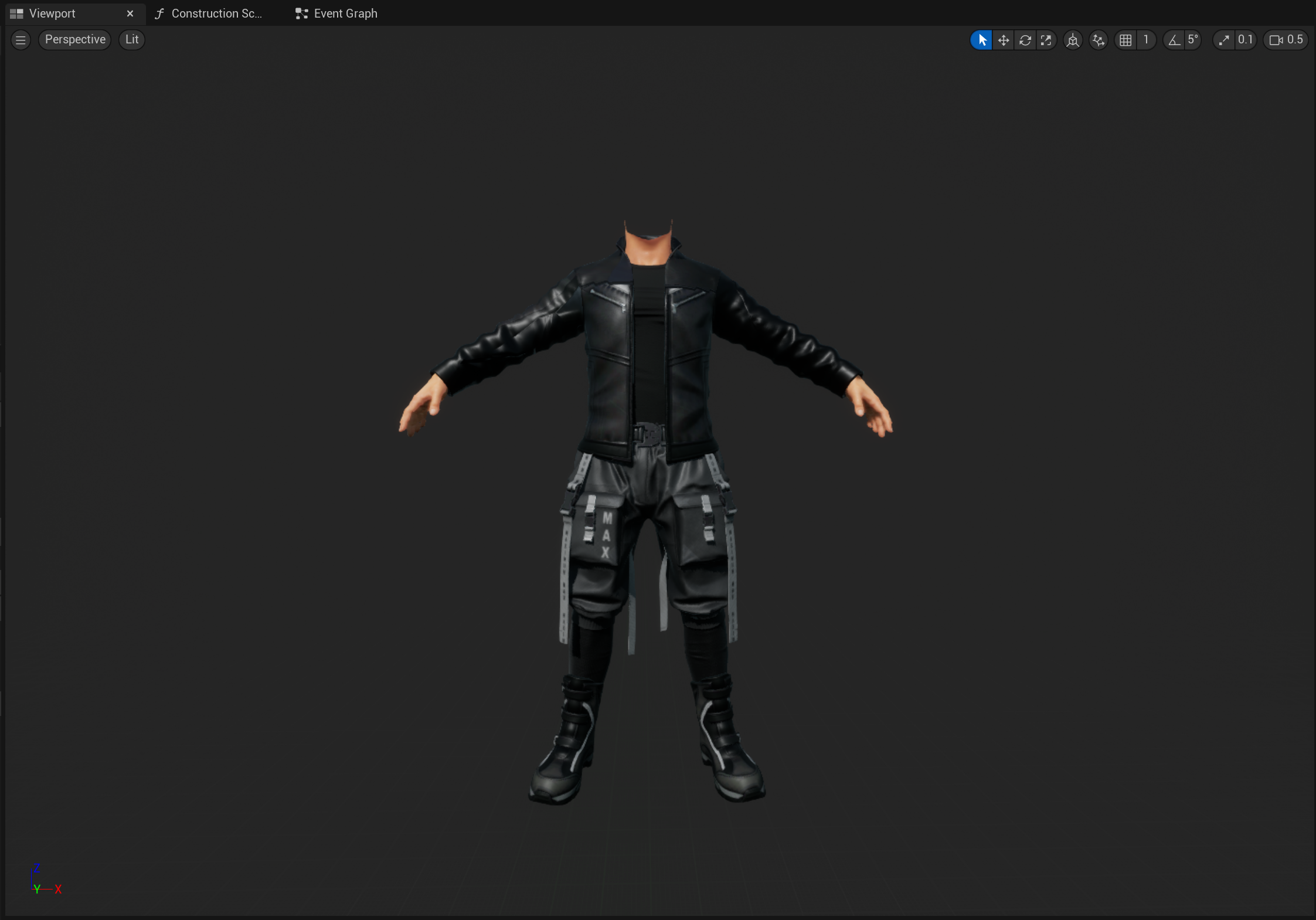
If setup correctly, in the Viewport you will se an already customized Actor.
Changing Parameters
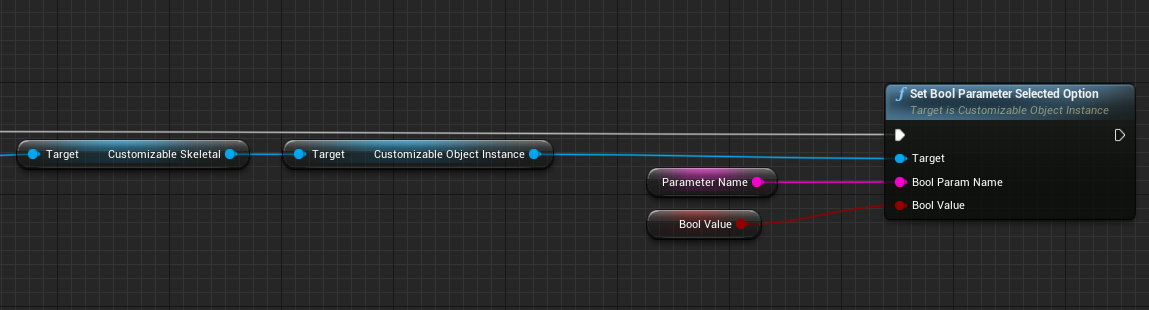
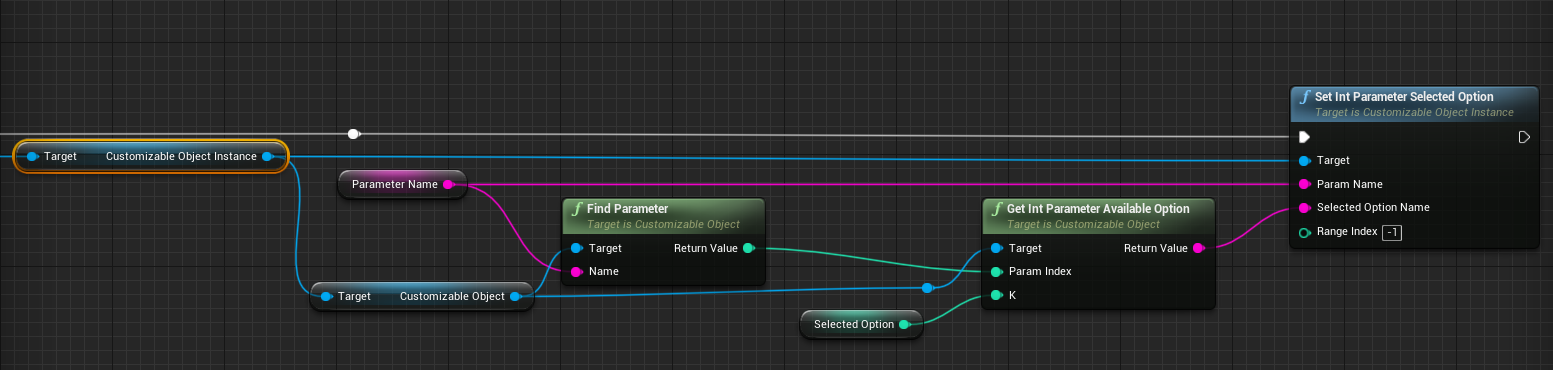
At any time, you can change the parameters of a Customizable Object Instance. This change will not take effect until an Update is requested.
Boolean Parameter:
Enum Parameter:
Float Parameter:
Color Parameter:
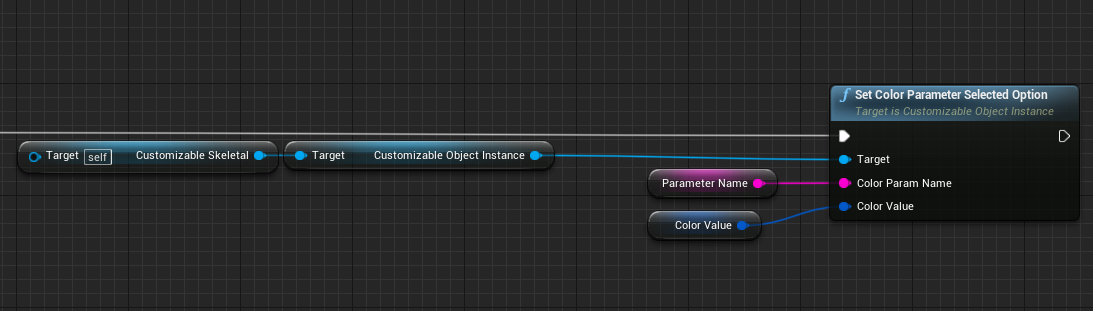
Changing State
In addition to changing parameters, you can also change the State.
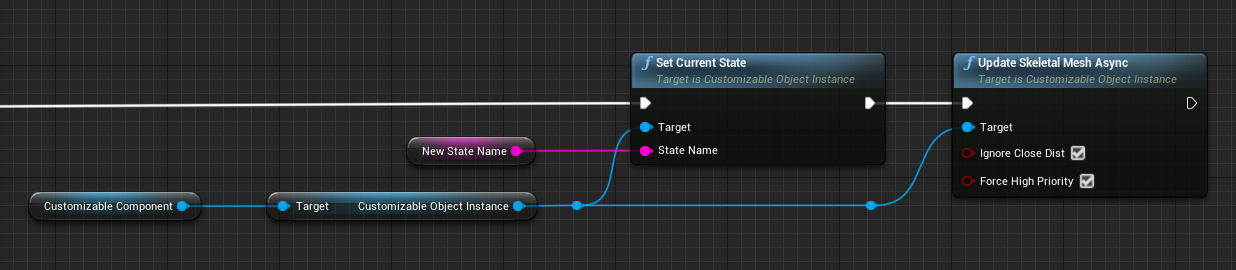
Updating an Instance
Once all parameters are set, to apply them you need to request an Update. Updates are always asynchronous, so expect some delay before seeing the resulting customizations.
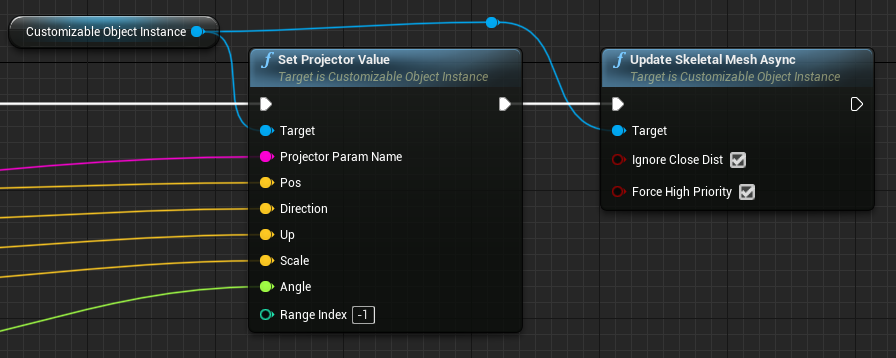
Updated Delegate
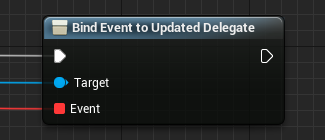
Since the Updates are asynchronous, Mutable provides two ways to know when an update has finished.
By calling specialized Update with a delegate:

Or by using existing delegates in the Instance or Usage: