Crates and warehouses - Starbugstone/Rivet-Reach GitHub Wiki
Crates and warehouses
Use Bulk Crates to keep one common material in a large physical store. A Crate Controller lets you use connected crates as one warehouse without making a wireless inventory.
Make a Bulk Crate
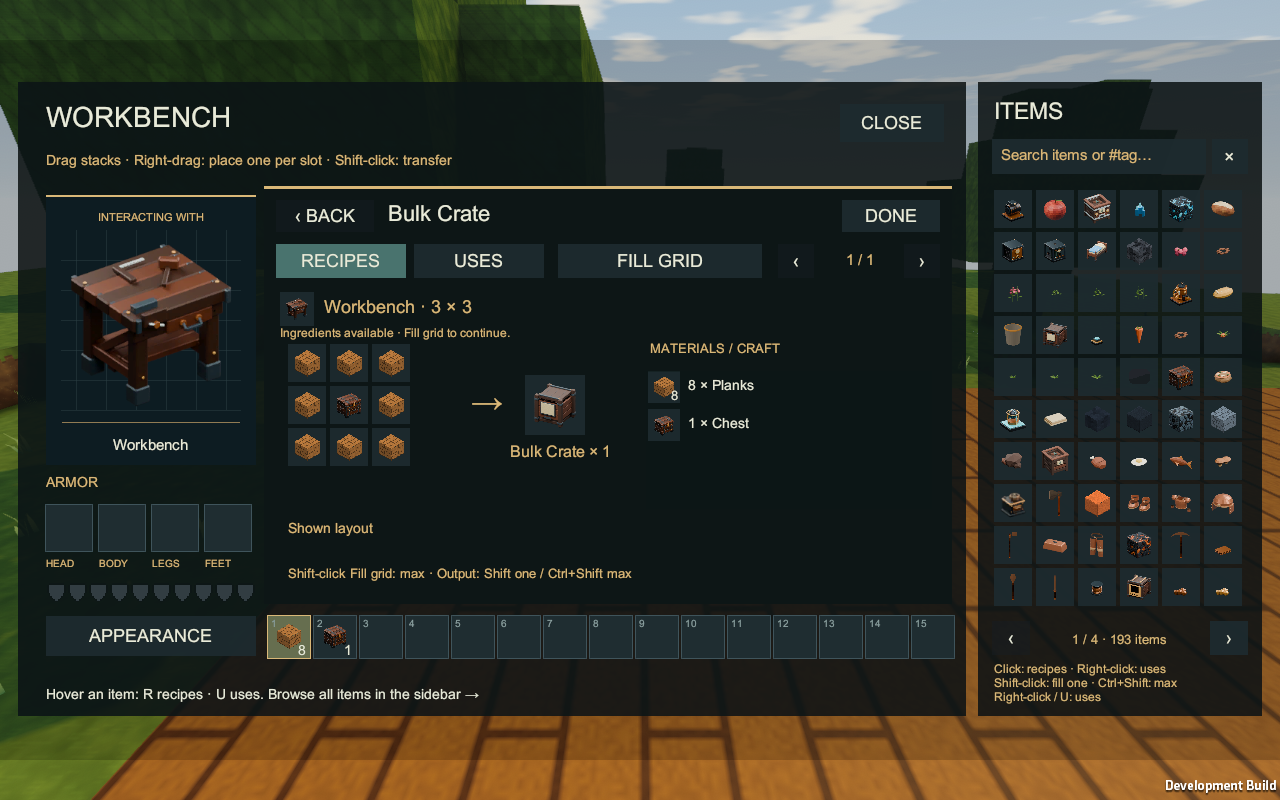
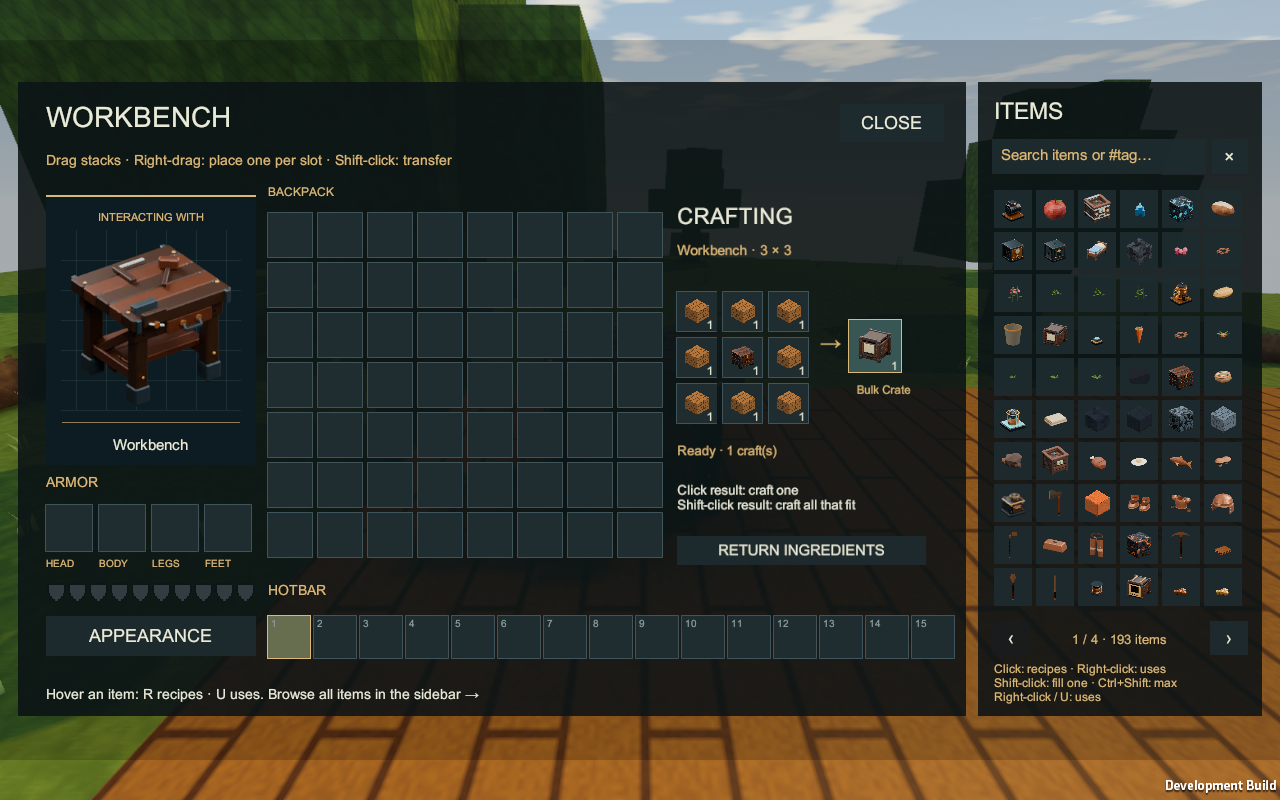
At a Workbench, surround one Chest with eight Planks to make one Bulk Crate.
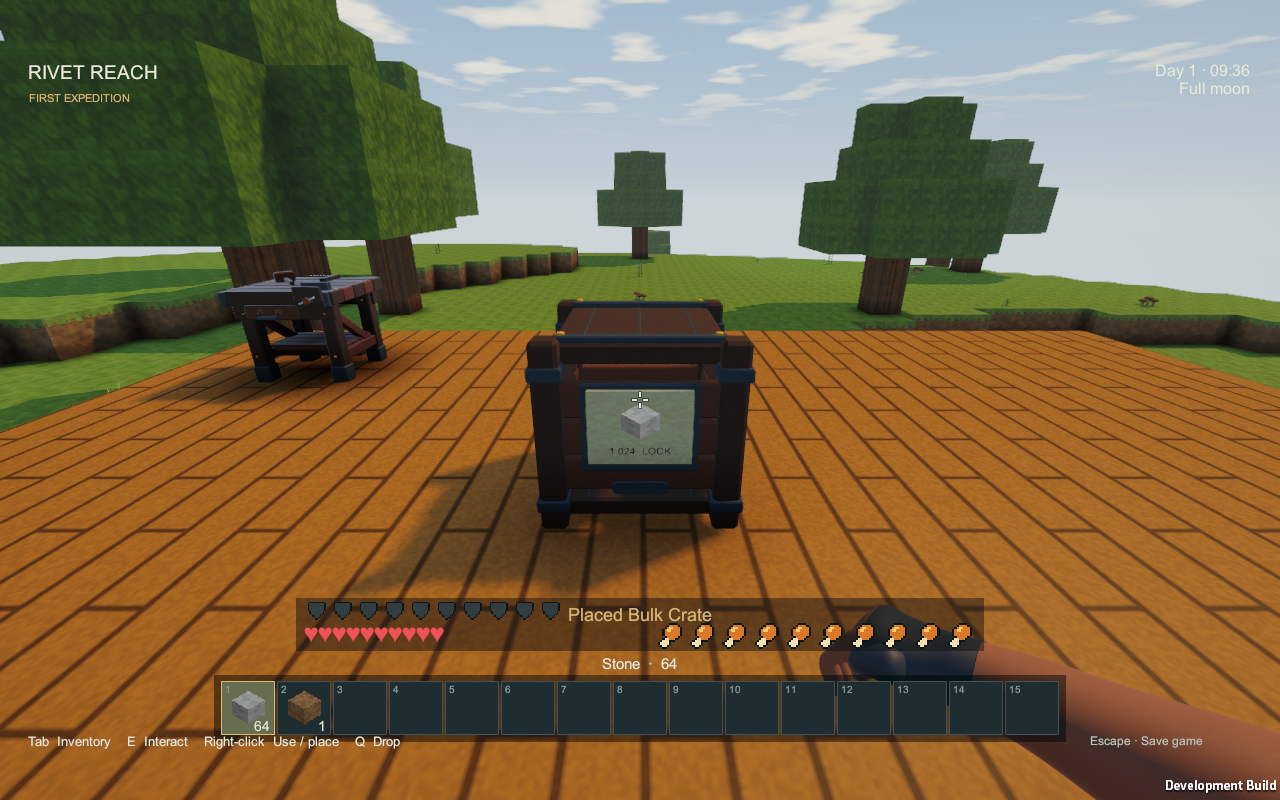
A crate holds up to 16,384 of one ordinary item. The first item you put in assigns its type. The front label shows the stored item and count.
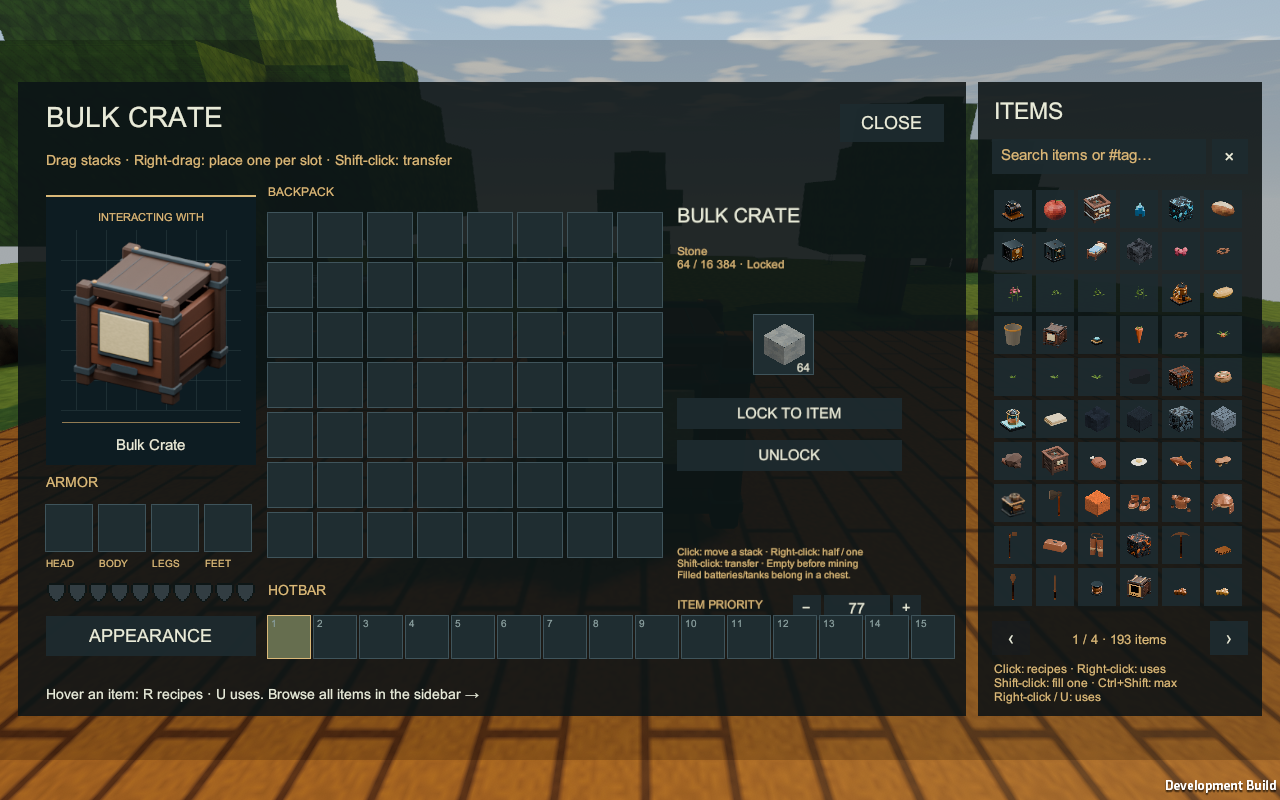
Open a crate with Use/right-click or Interact. Move stacks normally. To reserve an empty crate, hold an item on the cursor or select it in your hotbar, then choose LOCK TO ITEM. Unlocking an empty crate makes it available for another material.
Filled batteries and tanks cannot enter crates because their contents are individual. Store them in a Chest instead. Empty a crate before mining it; the game keeps its stored items safe rather than spilling a warehouse onto the ground.
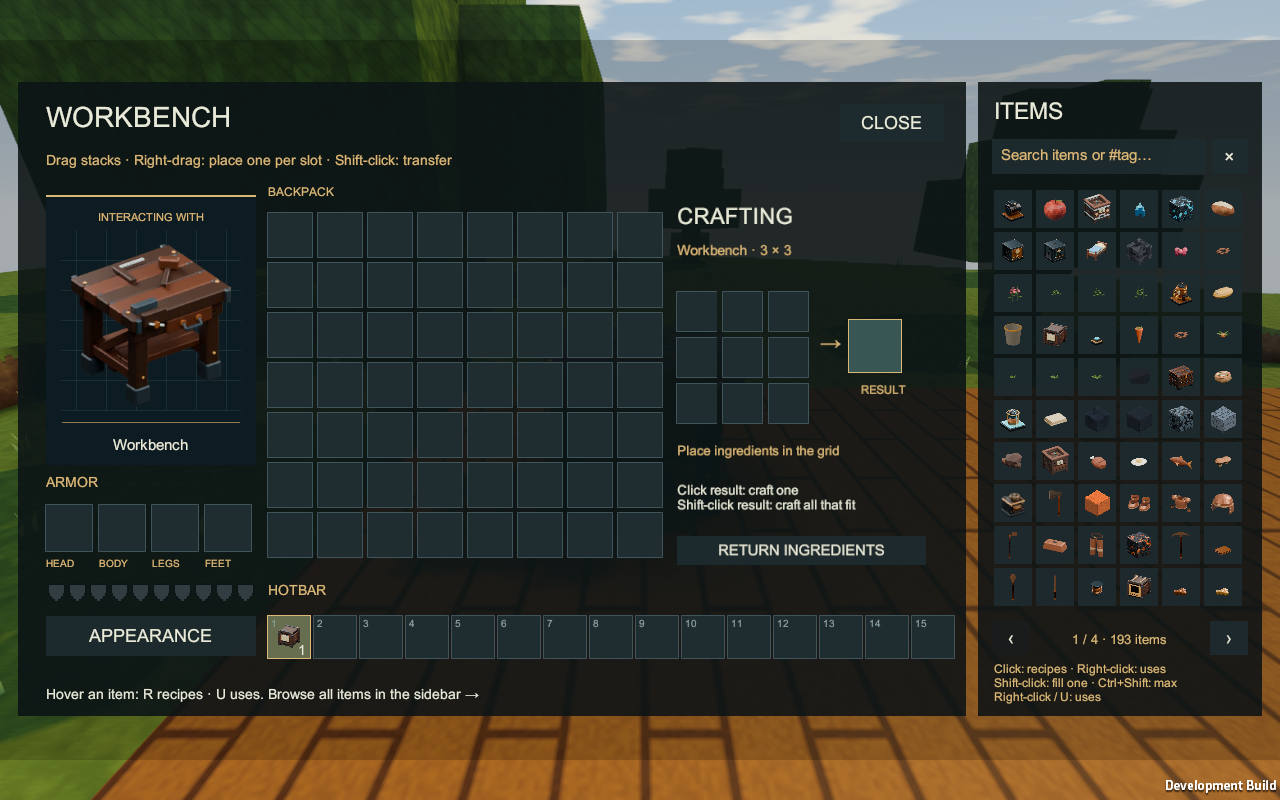
Build a warehouse
At a Machinist's Bench, combine one Bulk Crate, one Machine Casing, two Gold Ingots, two Iron Ingots, two Item Pipes and one Iron Cog to make a Crate Controller.
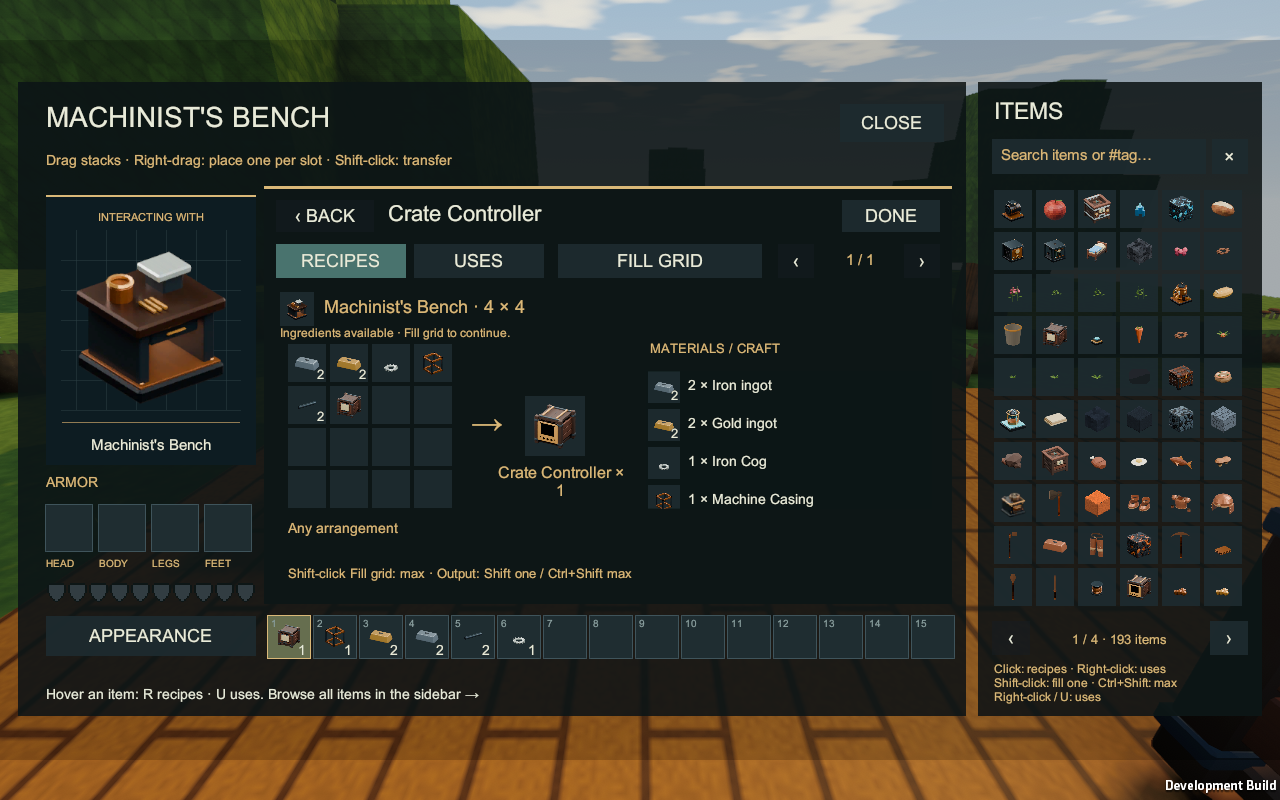
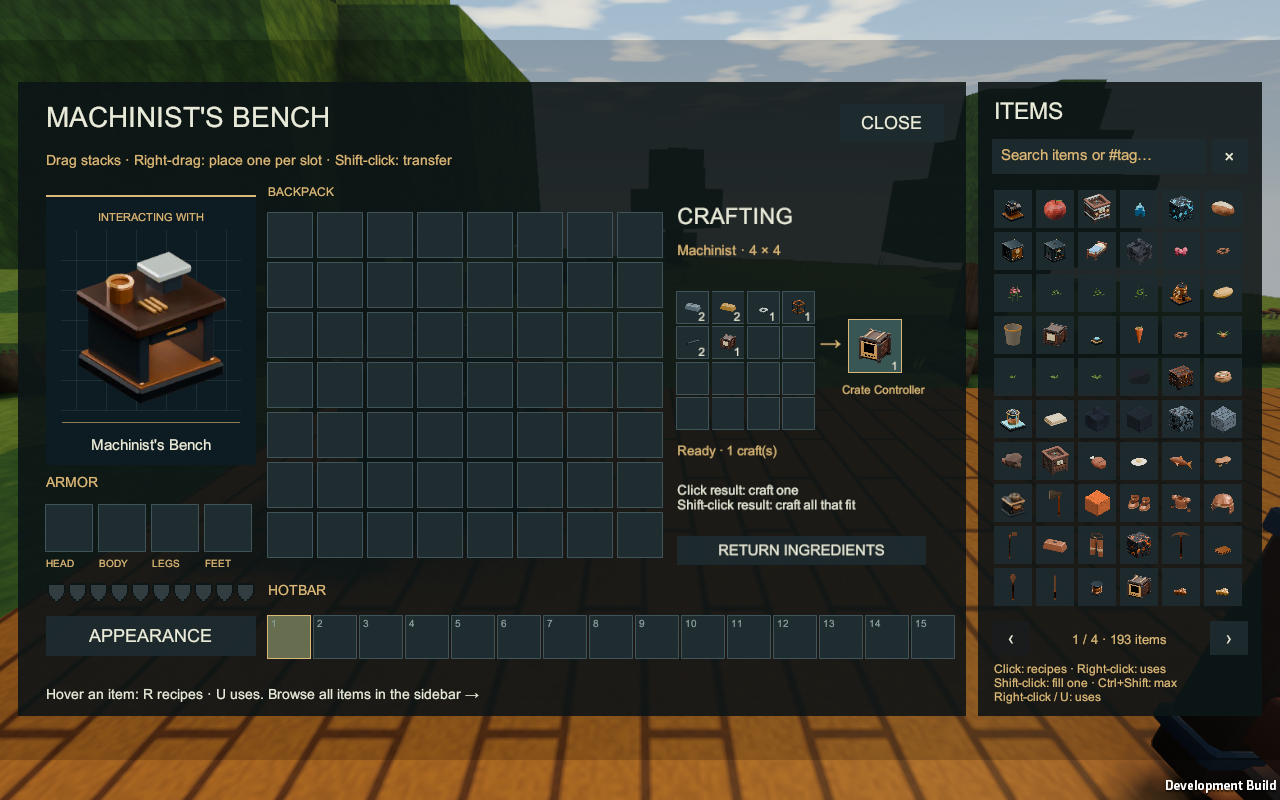
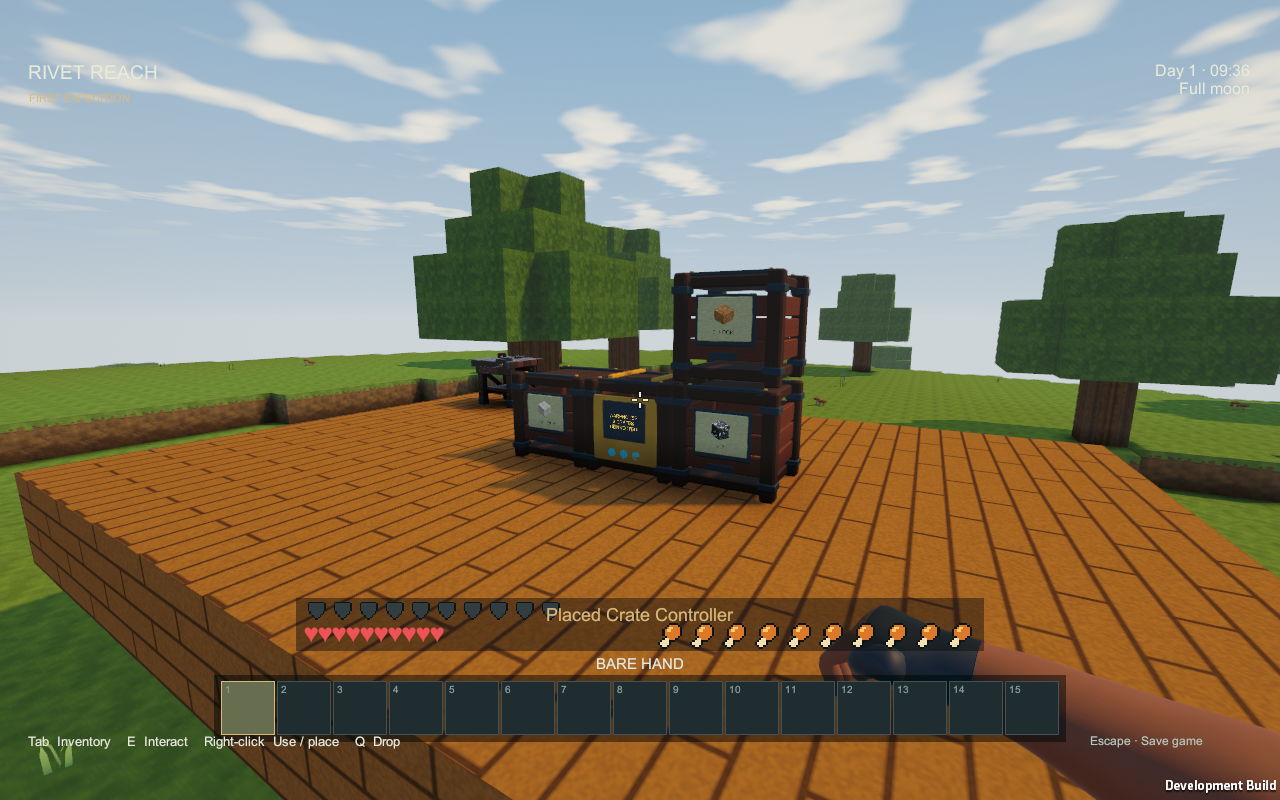
Place one controller beside your crates. Face-connected crates form one warehouse, up to 64 crates. The controller has no separate capacity: it shows the physical crates in pages of sixteen, and removing it leaves every crate untouched. A connected bank can contain only one controller.
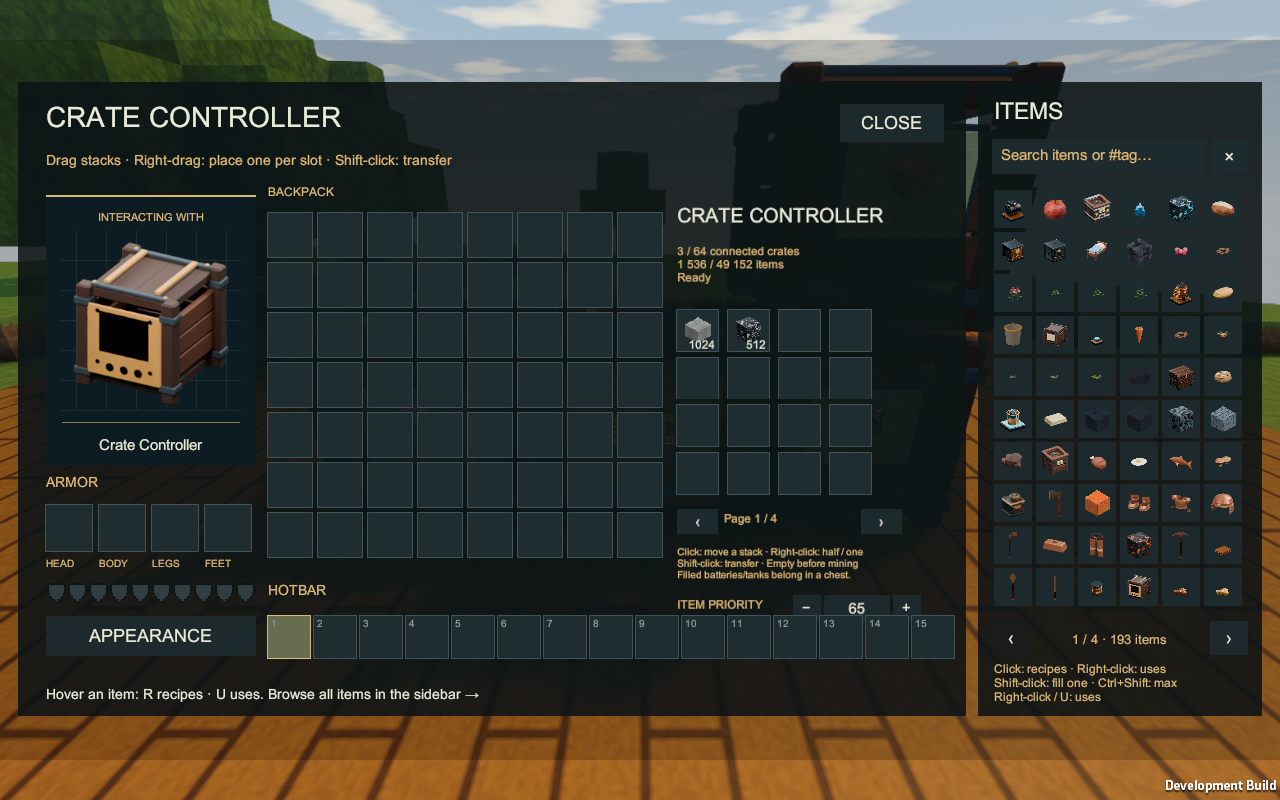
Every participating crate must be resident. If terrain is unavailable, the controller waits instead of using it as an invisible connection. An oversized bank or a second controller is not a valid shared warehouse; open its individual crates or correct the layout.
Use Item Pipes
Connect Item Pipe to a crate or controller as usual. Configure the pipe end with a held Wrench: red Output sends items out; blue Input receives them. Receivers start at priority 50 for machines/furnaces, 40 for controllers, 30 for direct crates and 20 for Chests. Higher eligible priorities receive first; equal priorities rotate fairly. A controller fills matching assigned crates before unlocked empty crates. Use the item-pipe routing guide to change a receiver's saved priority.
A direct pipe and a controller do not double a crate's output. Full or mismatched crates simply leave the item at its source. See Pipes for connection controls.
Save with Escape before quitting. Save/Load preserves each crate's item, count and lock; controller membership rebuilds from the placed crates.
Screenshots: native Windows development player, 19 September 2026. This constructed Survival review platform uses scripted fixture resources. Capacity and warehouse limits are working balance defaults.
All items · Pipes · Machine interfaces · Home
Seeing your factory from a distance shows current model visibility and an elevated tank view.