Package Updates - SYasJ/StackRadar GitHub Wiki
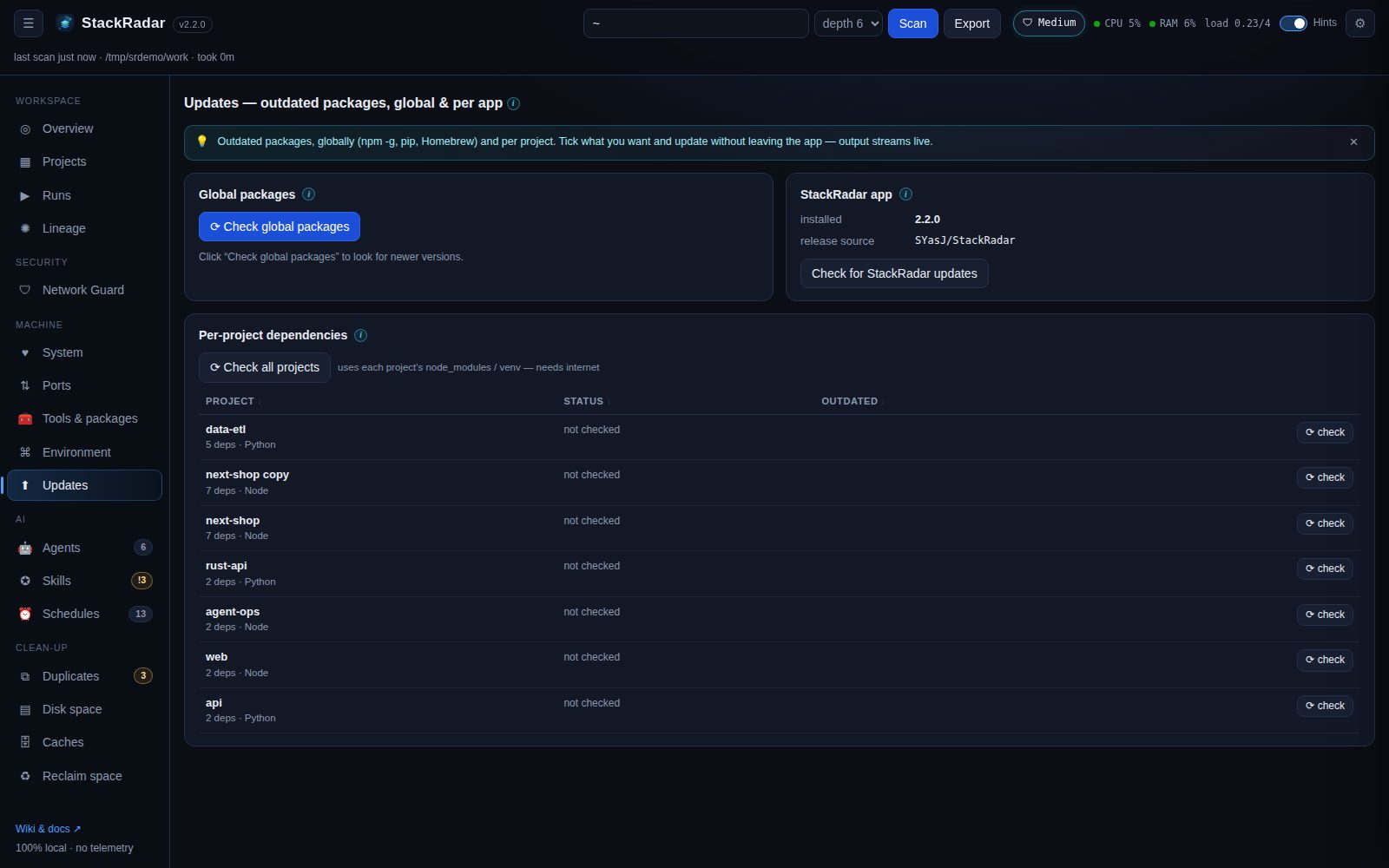
⟳ Check global packages runs npm outdated -g, pip list --outdated and brew outdated (whichever exist; needs
internet). Tick packages and click ⬆ update selected:
| Manager | Command StackRadar runs |
|---|---|
| npm | npm install -g <pkg>@latest … |
| pip |
pip install --upgrade <pkg> … (PEP 668 "externally managed" Pythons will refuse; use pipx / uv / a venv) |
| Homebrew | brew upgrade <pkg> … |
In the Updates tab (or a project's drawer) click ⟳ check to compare installed vs. latest versions, using the
project's own node_modules (npm / pnpm / yarn / bun, chosen from the lockfile) or virtualenv (.venv, venv, env).
Then ⬆ update one package or all outdated ones:
| Project type | Command |
|---|---|
| npm / pnpm / yarn / bun |
npm install x@latest, pnpm add x@latest, yarn add x@latest, bun add x@latest
|
| Python venv | <venv>/bin/pip install --upgrade x |
Every update asks for confirmation, then runs as a job with a live log window. Commands are passed as argument
lists (never through a shell) and package names are validated (^(@scope/)?name$), so nothing can be injected.
The outdated cache is cleared when a job finishes. Commit your project first: major versions can break things.
Updates → Check for StackRadar updates (or ⚙ Settings) asks GitHub Releases for the newest version. The desktop app downloads and installs updates by itself. See Desktop app & auto-update.