Desktop App and Auto Update - SYasJ/StackRadar GitHub Wiki
Desktop app & auto-update
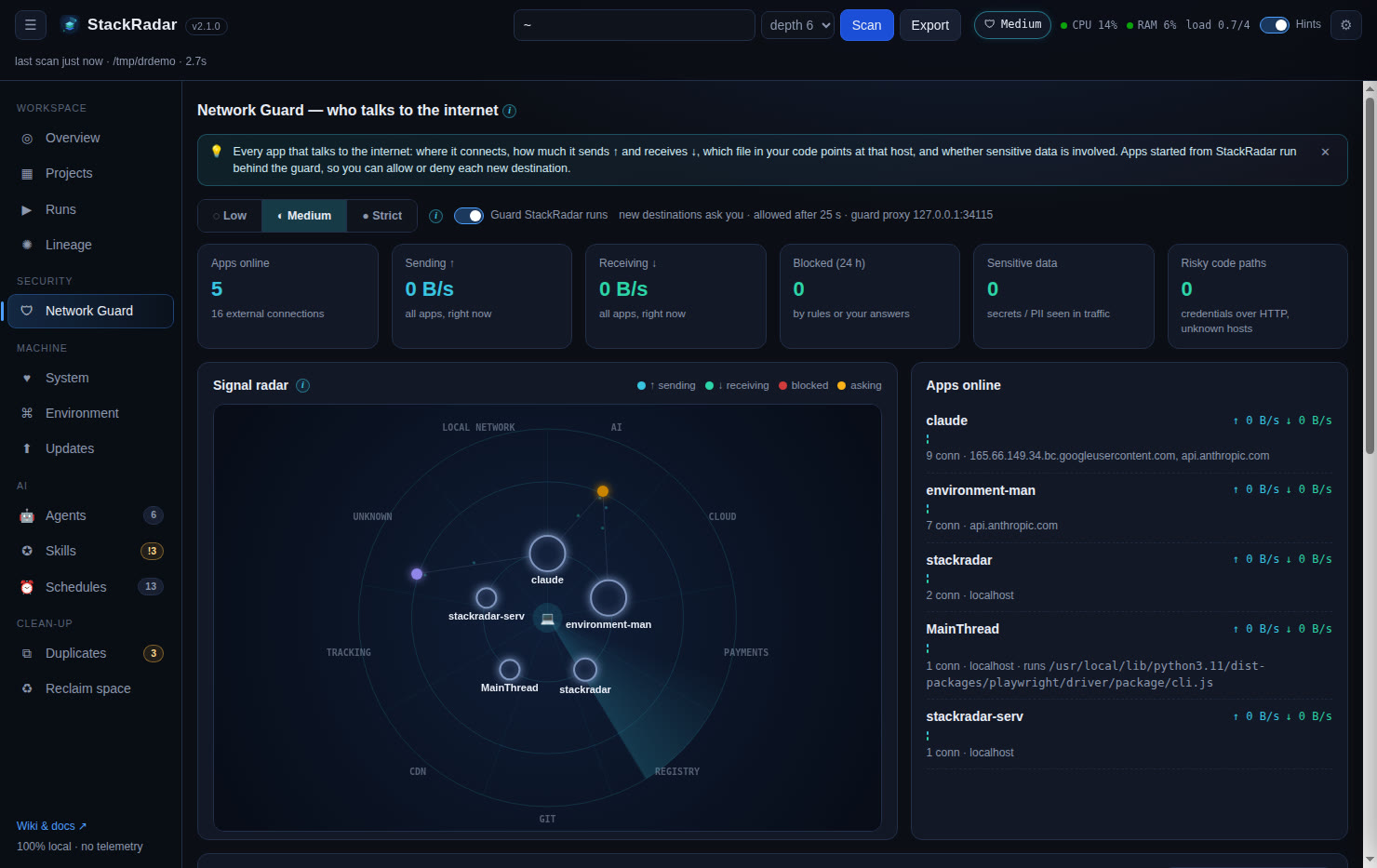
The desktop app is a thin Electron shell around the same engine you can run from source:
- On launch it starts the bundled engine (
stackradar-server, frozen with PyInstaller, so no Python is required) on a random free port on 127.0.0.1. - It waits for the engine's
STACKRADAR_READY port=Nline, then loads the dashboard in its window. - It borrows your login shell's PATH, so the engine finds Homebrew, nvm, pyenv,
git,docker,claude,codex… even when launched from the Dock or Start menu. - Only one instance runs at a time. External links open in your browser. Quitting stops the engine.
Menu: File → Open in Browser, Show Settings Folder · Help → Check for Updates…, Wiki, Report an Issue.
Auto-update
The app uses electron-updater against this repository's GitHub Releases:
- 8 seconds after launch, and every 6 hours, it checks the latest release's
latest*.yml. - If a newer version exists it downloads in the background, then asks Restart now / Later.
- ⚙ Settings → Check for updates or Help → Check for Updates… triggers a check right away.
| Platform | Auto-update |
|---|---|
| Windows NSIS installer | ✅ |
| Linux AppImage | ✅ |
| macOS | ✅ for signed & notarized builds. Unsigned builds show the update but macOS blocks silent install, so download the new .dmg manually |
Windows portable / Linux .deb |
❌ download new versions manually |
Building it yourself
cd desktop
npm ci
python3 -m pip install pyinstaller
npm run dist:mac     # or dist:win / dist:linux  → desktop/release/
npm start            # dev mode: runs ../stackradar.py with your Python
npm run dist* first runs scripts/build-backend.js (PyInstaller → dist/stackradar-server/), which also syncs
the app version from VERSION. CI builds all three platforms on every v* tag. See Releasing.