Inventory and Pantry - JRAdams472/LENA2 GitHub Wiki
Inventory & Pantry
LENA splits food into two layers, and keeping them straight makes everything else click:
- The catalog — a shared reference of items, brands, categories, units, and nutrition info. Think of it as "things that exist in the world."
- Your pantry — what your household currently has in stock, and how much.
The item catalog
Under Inventory (web) you'll find the catalog's building blocks:
| Page | What it holds |
|---|---|
| Items | The products themselves — name, brand, category, expiry info, and their generic ingredient |
| Ingredients | Generic foods recipes can name without a brand — corn, not Green Giant corn (see Ingredients) |
| Brands | The brands items come in |
| Categories | How items are grouped (produce, dairy, spices…) — the Protein flag drives defrost reminders |
| Food Nutrients / Nutrient Types | Nutrition info attached to items |
| Food Flavors / Flavor Profiles | Taste descriptors used for pairing and recommendations |
| Allergens | The allergen taxonomy plus per-item/per-ingredient contains / may contain flags — drives cooking warnings (see Allergy Tracking) |
| Allergen Suggestions | Admin review queue for assistant-proposed allergen flags — nothing applies until a human accepts (see Allergy Tracking) |
Items is the catalog's front door — every product with its brand, stock quantity, and favorite flag. Search and the In Stock / Favorites toggles make a large catalog manageable:
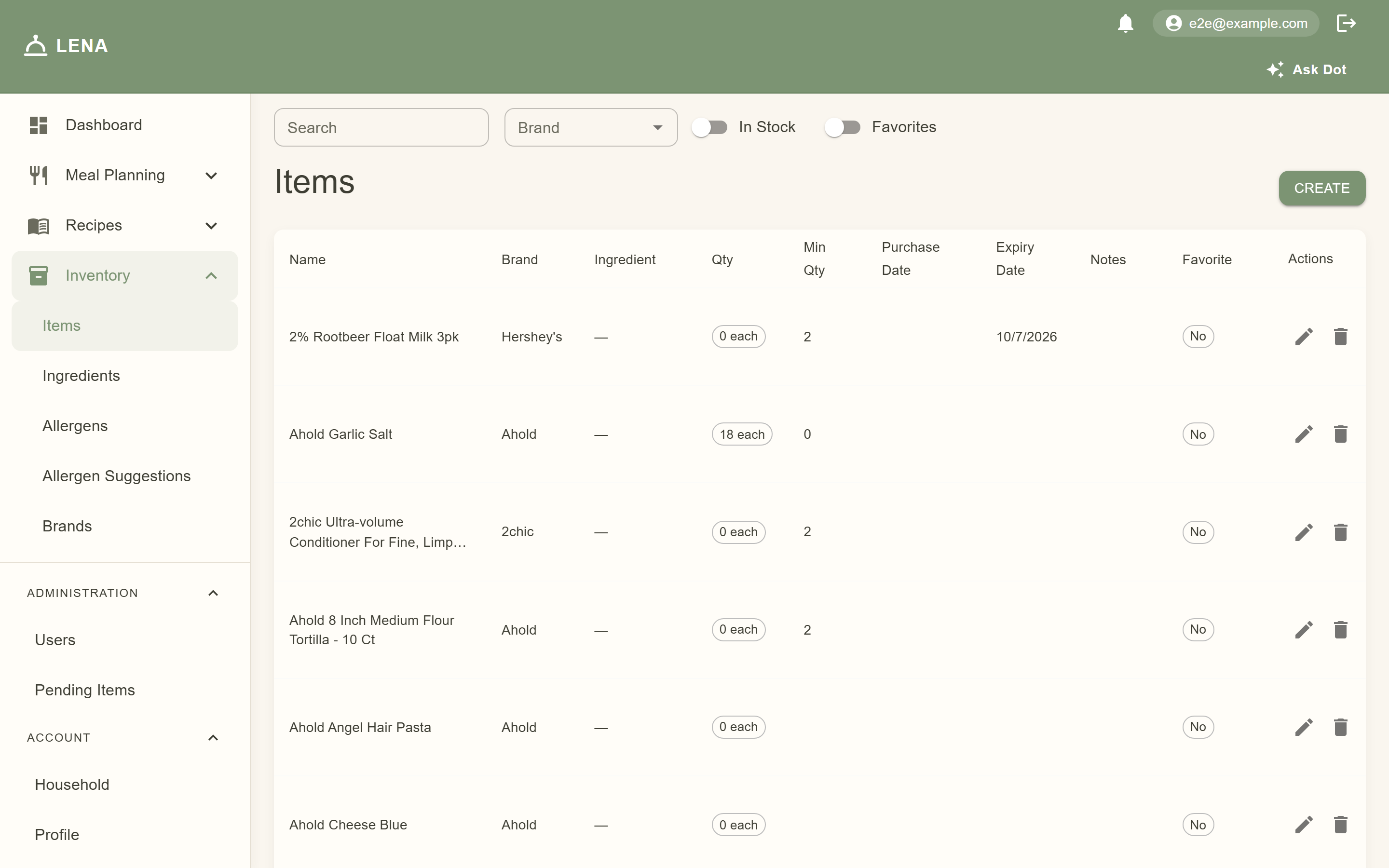
The same page in dark mode — the catalog is fully theme-aware:

Categories group items (produce, dairy, spices…). The Protein flag on a category is what drives the freezer-defrost reminders:

The supporting catalogs are admin-managed too. Brands are the names items come in:

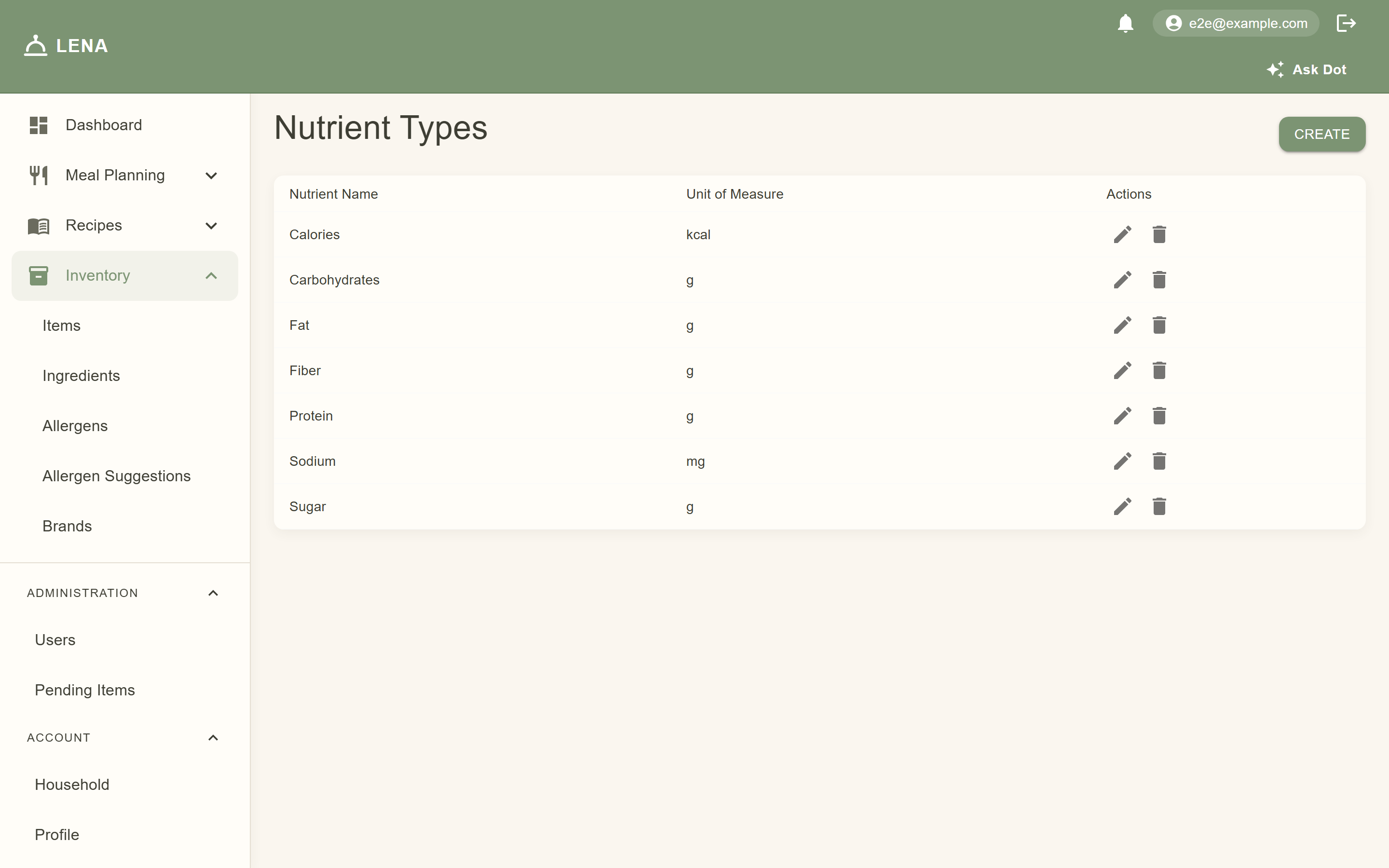
Nutrient Types define the units nutrition is expressed in (calories, grams of protein…); Food Nutrients attach actual values to items and ingredients — together they power the meal-plan Nutrition sheet:

Flavor Profiles are the taste vocabulary and Food Flavors apply it to items and ingredients — both feed pairing and recommendation features:


Recipes reference catalog items as ingredients, which is why the catalog matters — the richer it is, the better your grocery lists and recommendations get.
The Items grid shows each product's linked ingredient, and the item edit dialog carries two ingredient fields — Catalog ingredient (admin, shared) and Household ingredient (your household's private override). See Ingredients for how generic ingredients, usual brands, and overrides fit together.
Your pantry stock
The pantry (userItems in the data model) tracks what you actually have — browsable on mobile under the Pantry tab:
- Current quantity — the number your grocery lists subtract from recipe needs
- Minimum quantity — your "don't run out" threshold on staples (flour, oil, coffee). Set it on the web Items page; when stock falls to or below it, the item surfaces under Time to restock on the Dashboard and on your grocery list (see Analytics & Recommendations)
- Expiry date — set it on the web Items page and LENA sends an expiring soon reminder a few days ahead, with an Add to list action to restock (see Notifications)
- Notes
Keeping counts honest matters more than the exact numbers: a grocery list generated tomorrow subtracts whatever the pantry says you have, so stale counts mean buying duplicates — or missing something entirely.
Scanning: the fast way to keep counts honest
The mobile app's Scan tab is built for this — see Barcode Scanning for the full flow, and Pantry on Mobile for the stock list:
- Scan a barcode of something you bought → LENA finds the catalog item by UPC → add quantity to pantry.
- Scan it again when you use it up → subtract from pantry.
If the barcode is unknown, LENA offers to submit the item — fill in its name and details, and it enters a review queue (Pending Items, admin-only on the web) before joining the catalog.
Approving new items (web, admins)
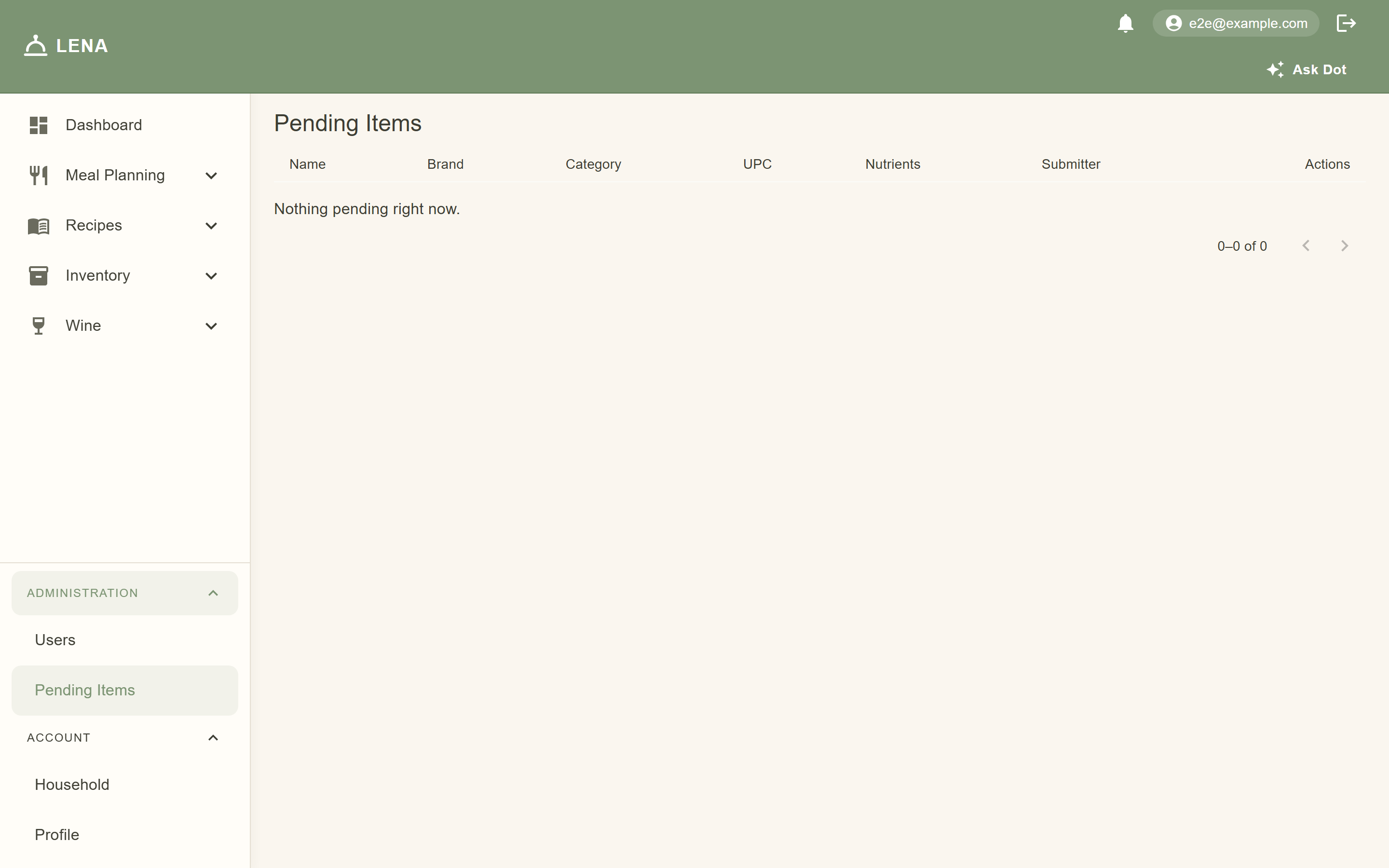
Submitted items land on Pending Items (admin-only, under Administration in the sidebar) where an admin approves or rejects them — this keeps the shared catalog clean while letting anyone contribute via the scanner.
Why it matters
- Grocery lists subtract what you already have — accurate counts mean fewer duplicate purchases
- Item records power recipe ingredients, barcode lookups, and nutrition tracking