Mobile Scanning - JRAdams472/LENA2 GitHub Wiki
Barcode Scanning
The Scan tab is the mobile app's superpower — it turns the phone's camera into a pantry scanner.
The camera permission prompt waits until you open this tab for the first time — it never fires at app launch.
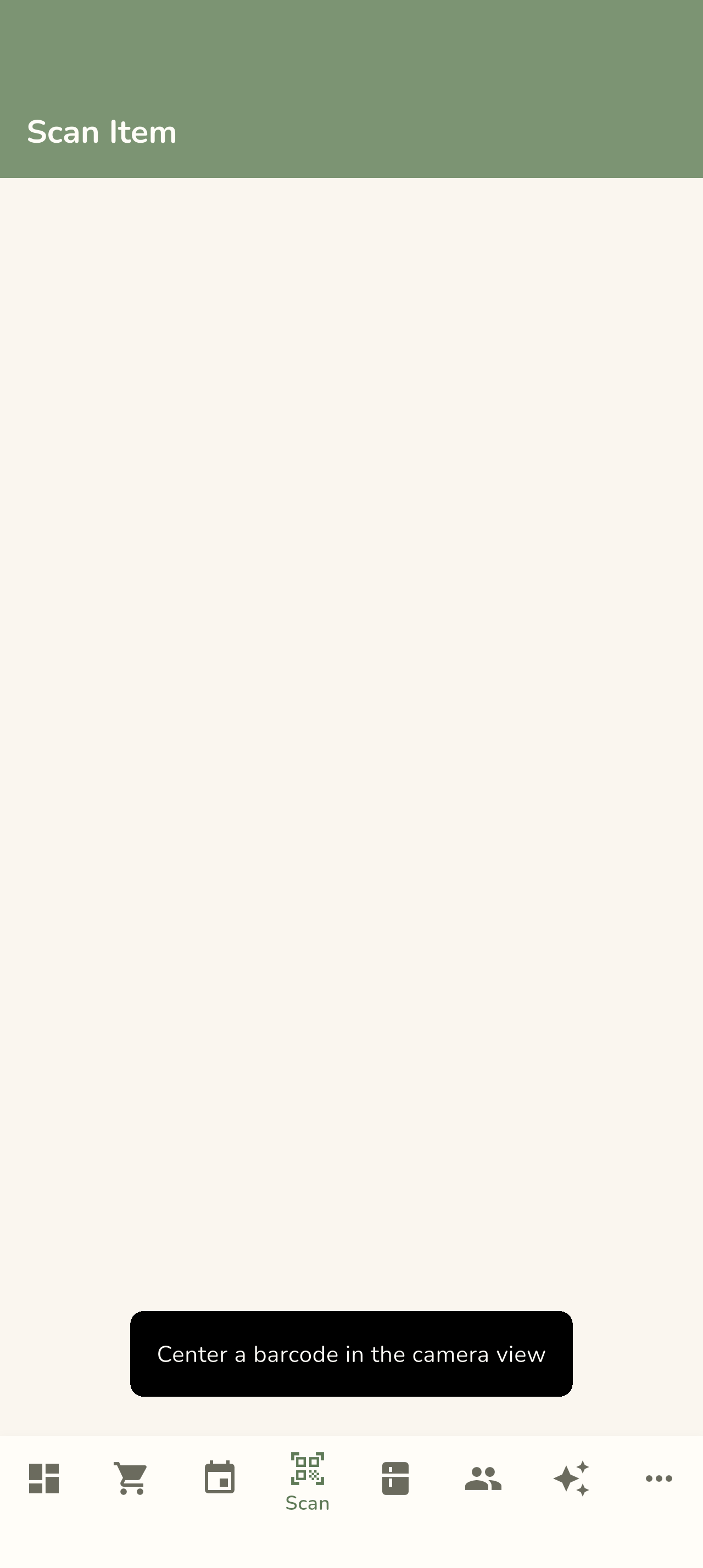
- Point the camera at a product barcode.
- LENA looks the item up by UPC — 12-, 13-, and 14-digit codes are normalized to GTIN-14 before lookup.
- Found? Enter a quantity and tap add or remove — the pantry count updates instantly. The result card shows the item's resolved ingredient when one is linked, marked (household) when your household has overridden the catalog link.
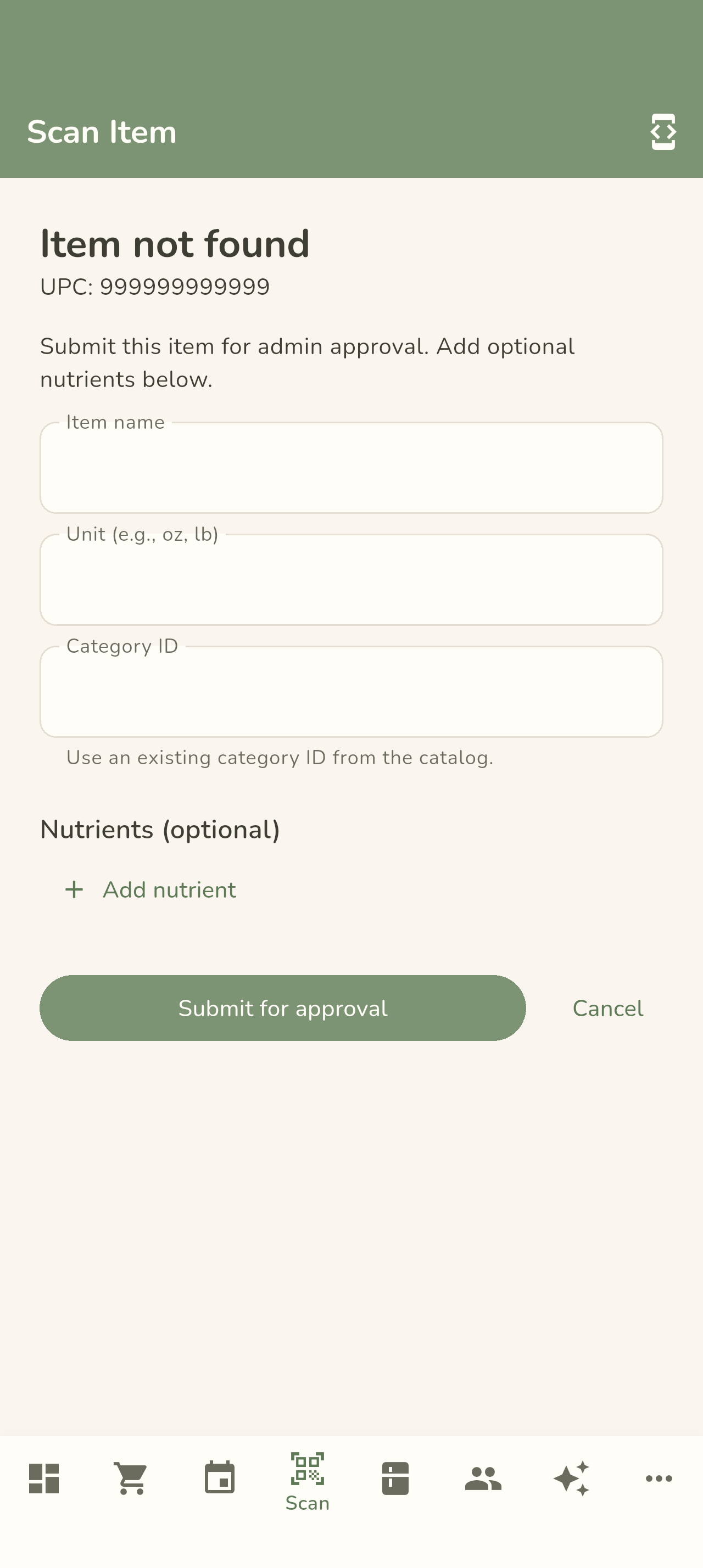
- Not found? Fill in the item's name and details to submit it — it goes to the Pending Items review queue on the web and joins the catalog once approved.
- Found but unlinked? LENA offers to pick the generic ingredient the item belongs to, so future recipe lines and grocery lists resolve it.



Use it when you unpack groceries, when you finish a product, or to check whether you already own something while standing in the store aisle.
Scans feed the same pantry counts you see on the Pantry tab, and items below their minimum automatically land on the next grocery list.
← Back to Using the Mobile App