Food Events - JRAdams472/LENA2 GitHub Wiki
Food Events
Food events are for cooking occasions bigger than a weeknight dinner — Thanksgiving, a dinner party, a bake sale. An event gathers the dishes you're making, says when each one needs to hit the table, and can generate a cooking timeline that works backwards from your serve times.
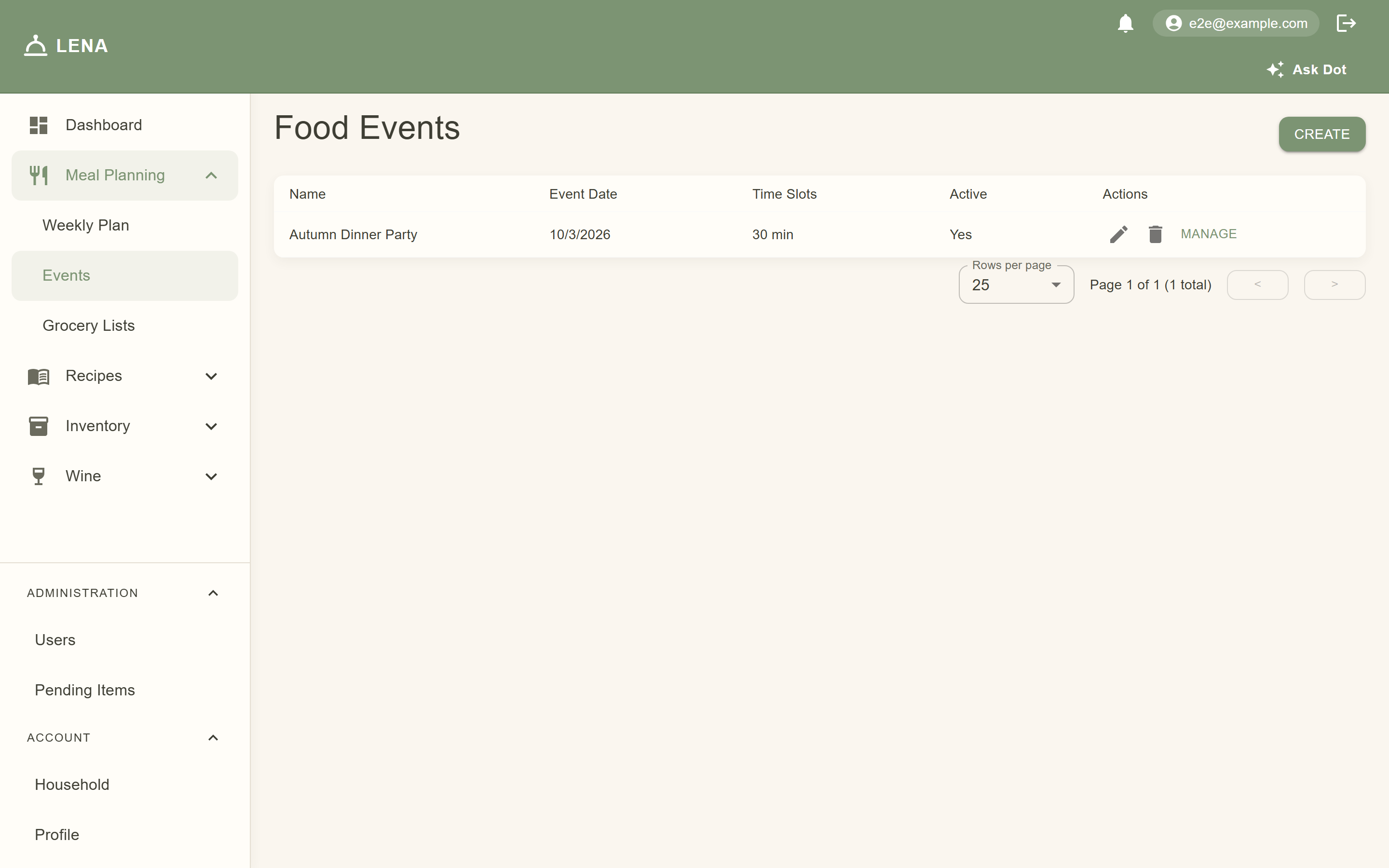
Creating an event
Go to Meal Planning → Events (web) and create an event with:
- Name — "Thanksgiving dinner", "Saturday cookout"…
- Date
- Time granularity — 15 or 30 minutes. This controls how finely the timeline schedules steps: 15-minute events get precise start-by times, 30-minute events stay coarser and easier to read. You can change it later.
Adding dishes
On the event's page, each dish is a slot. A slot can be:
- A recipe from your collection — LENA pulls its steps and ingredients into the event
- A free-form dish — just a name ("Grandma's stuffing", "Store-bought rolls") for things that aren't recipes
Each slot gets:
- Meal type (breakfast, lunch, dinner, etc.)
- Servings — how many people this dish must feed; ingredient quantities scale automatically (the slot shows a badge like
×2 of 4when you're cooking double the recipe's base servings) - Serve time — when the dish should be done. The time picker snaps to the event's granularity, so a 30-minute event offers 6:00, 6:30, 7:00…
- Notes — anything worth remembering ("use the good casserole dish")
Dishes that conflict with a guest's allergy records surface a warning on the slot — worth checking before you lock the menu for a crowd.

Making a dish your own — without touching the recipe
This is the part worth understanding: when you add a recipe to an event, the event takes a private copy of its steps and ingredients. Editing the dish inside the event never changes the shared recipe — and editing the shared recipe later never changes your event plan.
Expand a slot to see its Steps and Ingredients, then:
- Adjust timings for your kitchen — give the roast a longer rest, split a step into two, mark a step hands-off
- Tweak ingredients — double the garlic for this event only; scaled quantities show alongside the base amount
- Add steps or ingredients the recipe doesn't have — brining the bird, chilling the dough
- Sync from recipe — if you want to pick up changes made to the shared recipe, one button re-copies it (you'll be asked to confirm, since it replaces your event edits)
Deletions are safe too — removing a dish's slot doesn't touch the recipe.
Generating the timeline
When dishes have steps with durations, hit Generate Timeline. For every scheduled dish you get a step-by-step table: what to do and when to start it, working backwards from the serve time so everything lands together.

On mobile, open the event and tap View cooking timeline — the same schedule rendered as a cook-from checklist you can keep on the counter.
Watch for:
- Est. — the step had no duration, so LENA estimated one time slot. Fill in real durations on the steps for a tighter schedule
- Hands-off — passive steps (marinating, rising, resting) you don't need to stand over
- Red conflict rows — two steps that need the same appliance at the same time (both using the oven at 5:30). The timeline reports conflicts so you can reschedule; it doesn't silently move your steps
- Warning banners — steps LENA couldn't schedule (e.g. a dependency loop)
Tips
- Put serve times a little early — it's easier to hold a dish warm than to wait on it.
- Use free-form slots for anything bought ready-made so it still shows in the plan.
- The timeline is generated fresh every time you open it — no stale schedules; it always reflects your latest edits.
- Hit Suggest Fixes (with an AI provider configured) when the timeline flags appliance conflicts — Dot proposes reschedules you review and apply one at a time; nothing moves on its own.
