Configure GitHub Environment - Andrei15193/HintKeep GitHub Wiki
GitHub allows environments to be defined and have different configurations for it split into two categories, variables and secrets. There are few secrets that are stored per environment, however for security reasons even some non-secret values will be stored as such.
-
From the repository landing page, navigate to GitHub repository settings

-
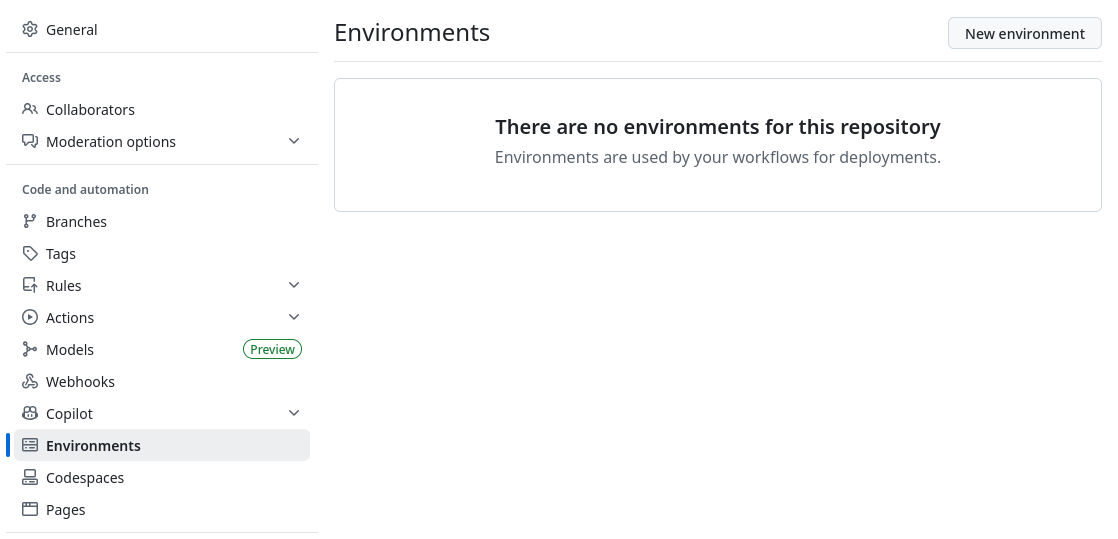
Navigate to Environments

-
Click on New environment
-
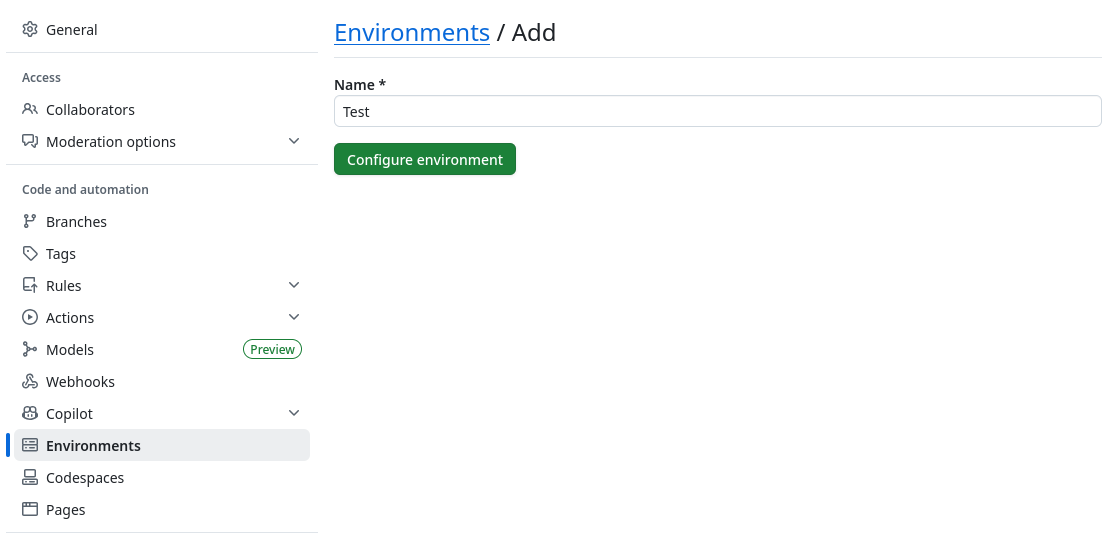
Provide a name and click on Configure environment
-
Configure reviewers, skip this step for test environments. Click on Save protection rules afterwards.

-
Configure environment secrets, click on Add environment secret

The following table lists the secrets that need to be configured per environment, they are used in deployment pipelines for provisioning and deploying the application.
Name Description AZURE_TENANT_ID The Azure Entra ID where the App Registration is located. For more information see Configure Azure Service Principal for Deployments AZURE_CLIENT_ID The Azure App Registration ID (service principal) used for provisioning and deploying Azure resources. For more information see Configure Azure Service Principal for Deployments AZURE_SUBSCRIPTION_ID The Azure Subscription ID where resources are located. For more information see Configure Azure Service Principal for Deployments NETLIFY_DEPLOY_TOKEN The Personal Access Token used for deploying and updating Netlify projects (sites). For more information see Configure Netlify Personal Access Token for Deployments
The following are secrets that are set in the Azure Functions app as part of the application configuration. A deployment will succeed without these, however the applicaiton will not run.
Name Description HINTKEEP_SIGNING_KEY A key used for signing authentication tokens (JWT) to protect against forgeries. HINTKEEP_HASH_KEY A key used alongside algorithms for hashing sensitive information such as the password or email address of a user.
-
Configure environment variables, click on Add environment variable
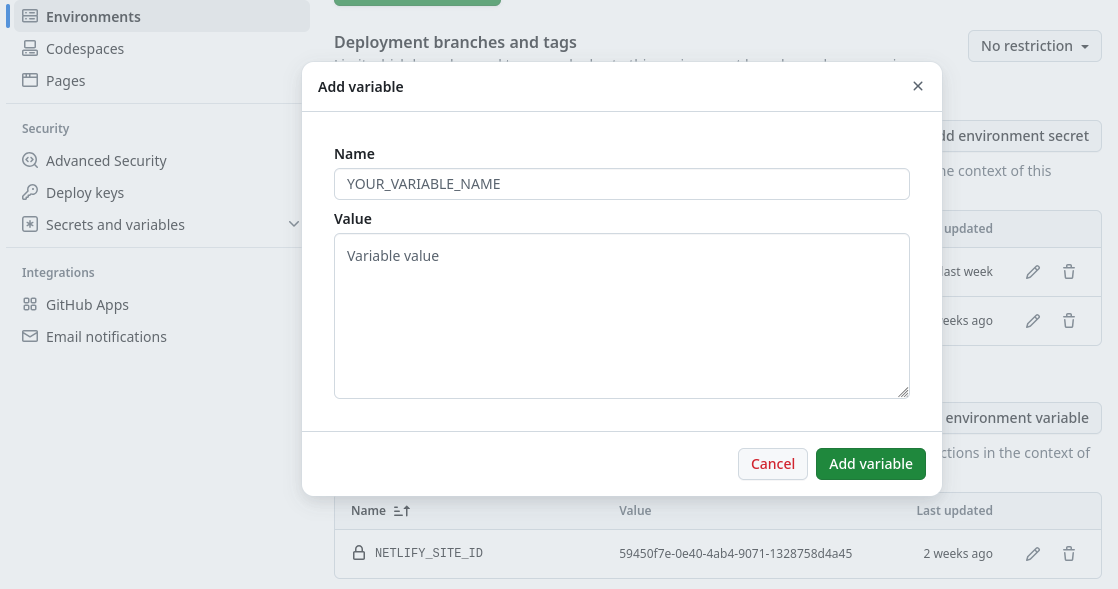
The following table lists the variables that need to be configured per environment, they are used in deployment pipelines for provisioning and deploying the application.
Name Description HINTKEEP_ENVIRONMENT_TYPE The environment type enabling a more developer rich environment or have it prepared for release. Can be development,stagingorproduction.NETLIFY_TEAM_ID The Netlify team ID (slug) used for updating projects (sites) during deployments. For more information see Configure Netlify Project NETLIFY_SITE_ID The Netlify project ID (site) used for updating post-process scripts & variables during deployments. For more information see Configure Netlify Project
This is all the required manual configuration for configuring an environment on GitHub, once this is done they can be used in deployment pipelines.