Configure Netlify Project - Andrei15193/HintKeep GitHub Wiki
Each HintKeep environment has a Netlify Project (site) of its own. Branch deploys require a repository to be linked which includes automated builds and deployments. This makes deployments more complicated and have less control over the flow over when and what is deployed.
-
Navigate to the associated team of the Netlify account, click on Add new project and then select deploy manually, all used features are covered by the free tier.

-
Select or drag and drop a folder containing an
index.htmlfile.

-
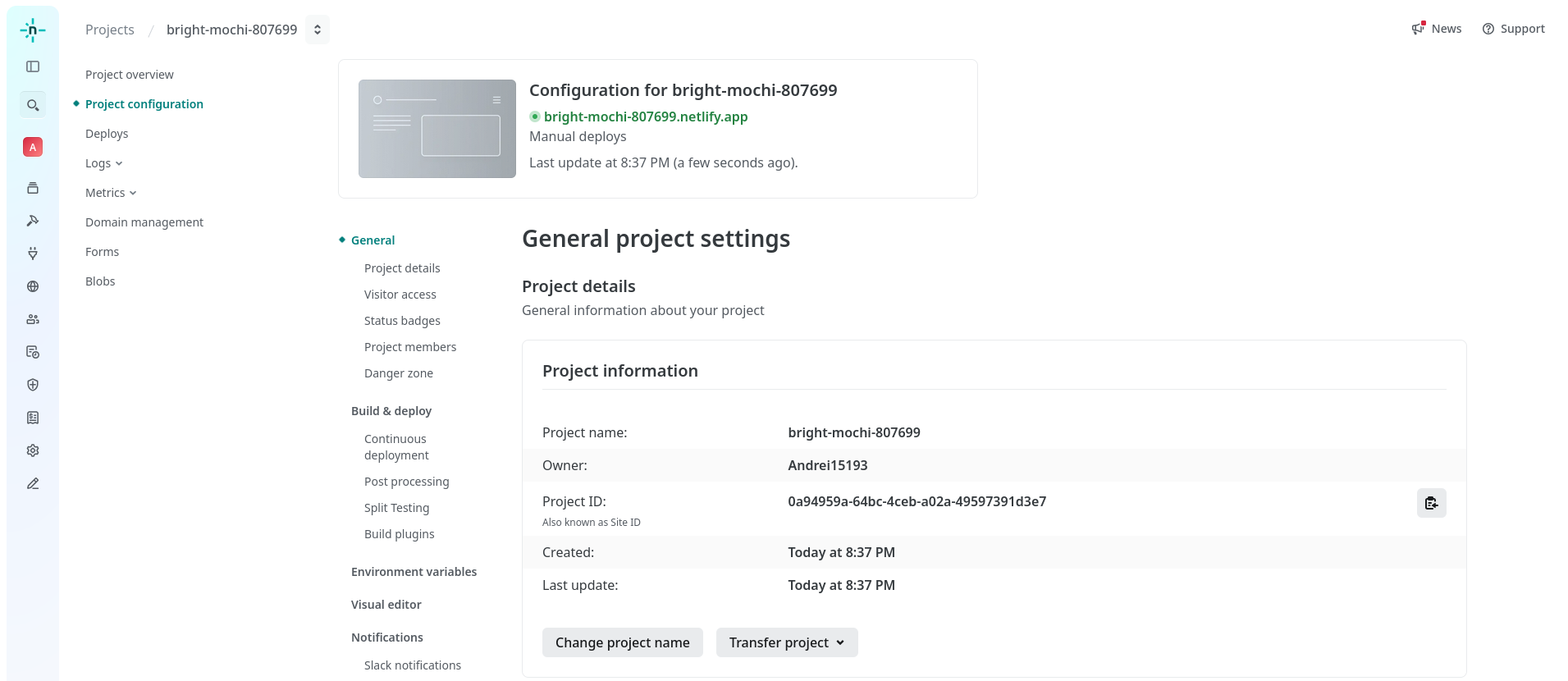
Go to Project configuration and click on Change project name.
-
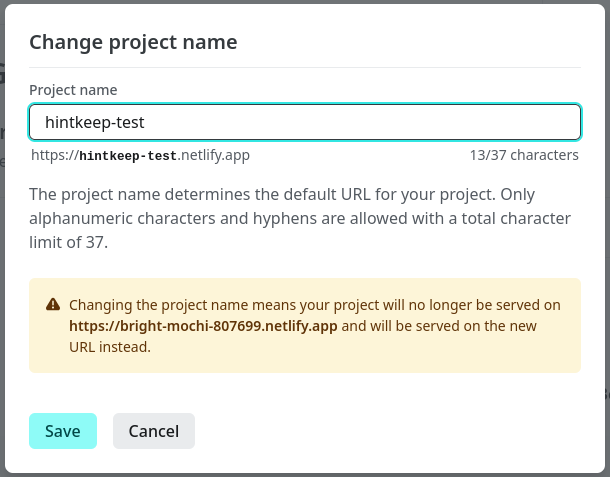
Enter the new name, prefix it with hintkeep to provide a namespace for it. Copy the project ID (site ID), this will be configured in GitHub later on.
-
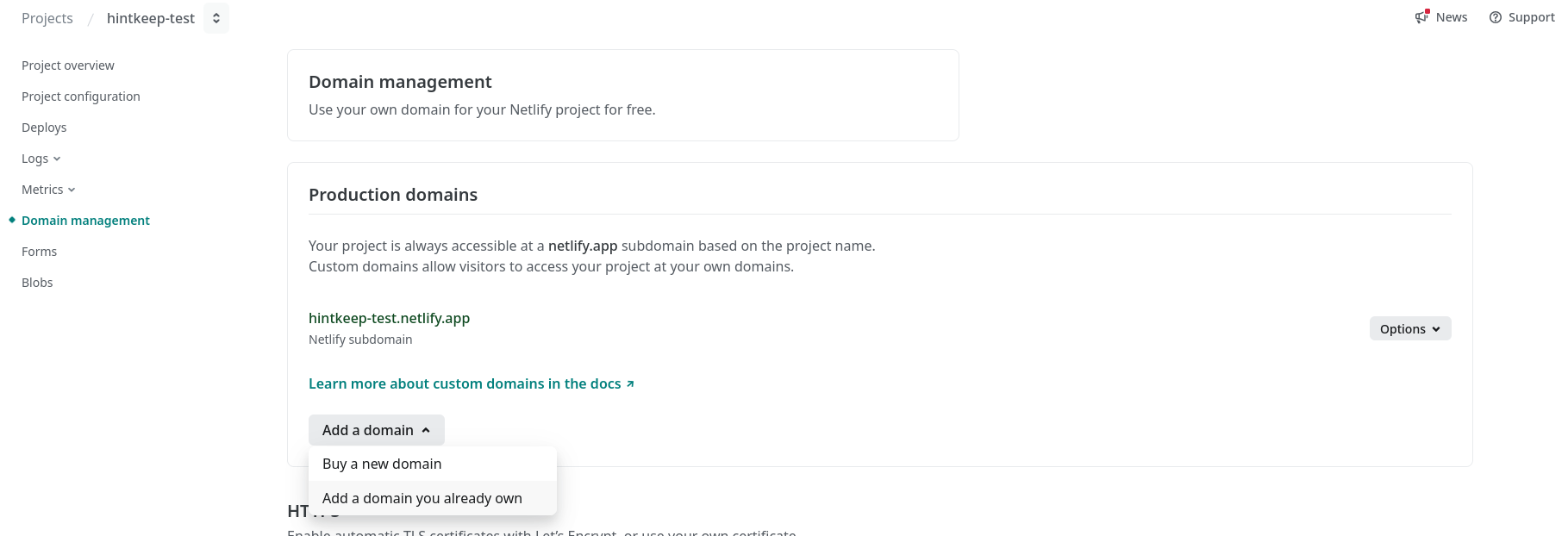
Navigate to Domain management, click on Add a domain and select add a domain you already own.
-
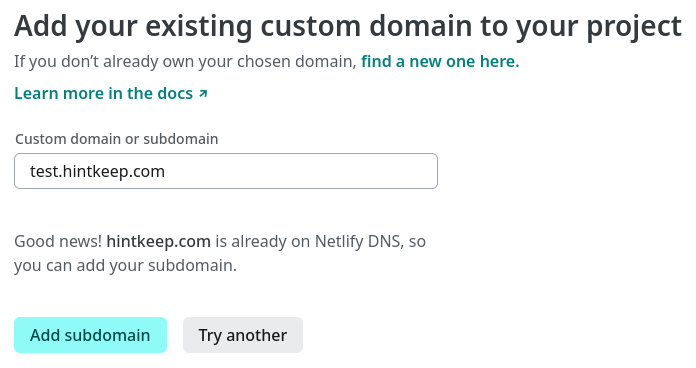
Fill the form, verify and then add the subdomain.
-
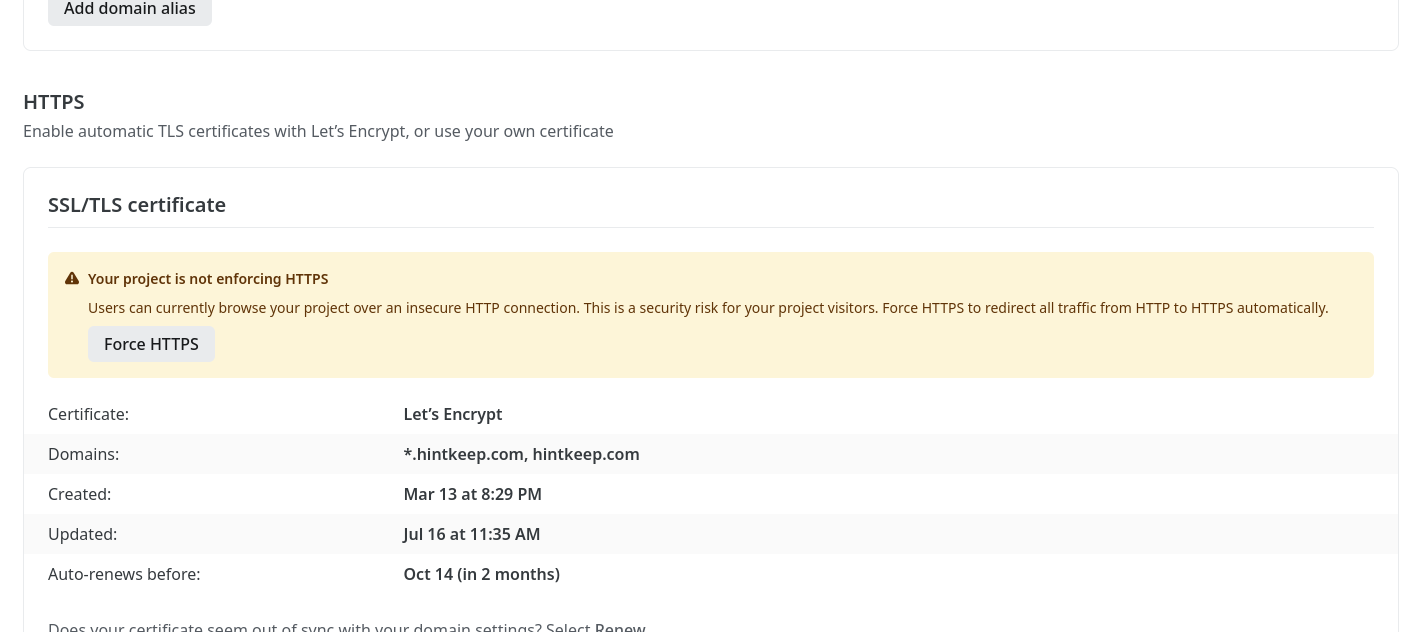
Under HTTPS click on force HTTPS, a certificate will be acquired and rotated using Let's Encrypt.
This is all the required manual configuration on Netlify, everything else such as environment variables and post-process scripts is handled through the deployment pipeline automatically.