Setting up rosserial_arduino - AUV-IITK/AUVWiki GitHub Wiki
sudo apt-get install arduino
sudo apt-get install ros-indigo-rosserial-arduino
sudo apt-get install ros-indigo-rosserial
In the steps below, sketchbook is the directory where the Linux Arduino environment saves your sketches. Typically this is a directory called sketchbook in your home directory.
Note: you have to delete libraries/ros_lib in order to regenerate as its existence causes an error.
cd <sketchbook>/libraries
rm -rf ros_lib
rosrun rosserial_arduino make_libraries.py .
You can ignore the warning if you encounter it
*** Warning, failed to generate libraries for the following packages: *** urdf_tutorial (missing dependency)
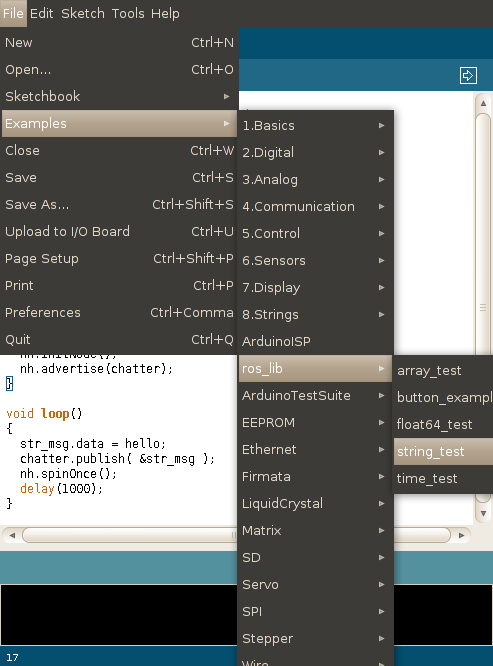
After install you should see ros_lib in the arduino IDE: