Fixing Item Orientation - xviable/escape-sim-room-editor-docs GitHub Wiki
Fixing Item Orientation
Sometimes when you're trying to put different items in a slot they'll be facing a way that you don't want them to; Or maybe you just want the item to appear differently in the player's inventory when you view it. Regardless of the reason, fixing the way an item faces is quite easy.
- Place a Transparent, or any object, into the game and make it pickable. In most situations you'll want to use one that supports transparency. This object will be used as the Parent for the object you'd like to fix the orientation of.
- Ensure that the orientation of the Parent is facing the way you'd like it in the slot, or on the ground.
- Place the Parent on the object that you'd like to fix the orientation of and make that item the Child of that Parent.
- Make the Child object Static.
- (If using a slot) Make the Parent object the key to the slot.
- (Optional) Change the texture of the Parent to something transparent.
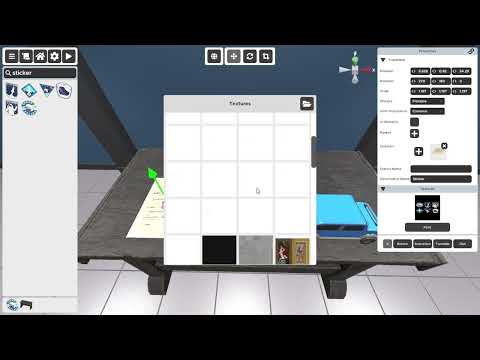
Wollo's Video Guide to Fixing Item Orientation
This video created by Wollo will guide you through how to do this step by step. He uses a Space Sticker for the Parent, because that was one of the few items that supported transparency at the time. It is recommended that you use a Transparent instead, but a Space Sticker will still work!