Plex Login - webtoplex/browser-extension GitHub Wiki
Use this section to provide/obtain a Plex token, and determine which server to get data from.
Screenshot
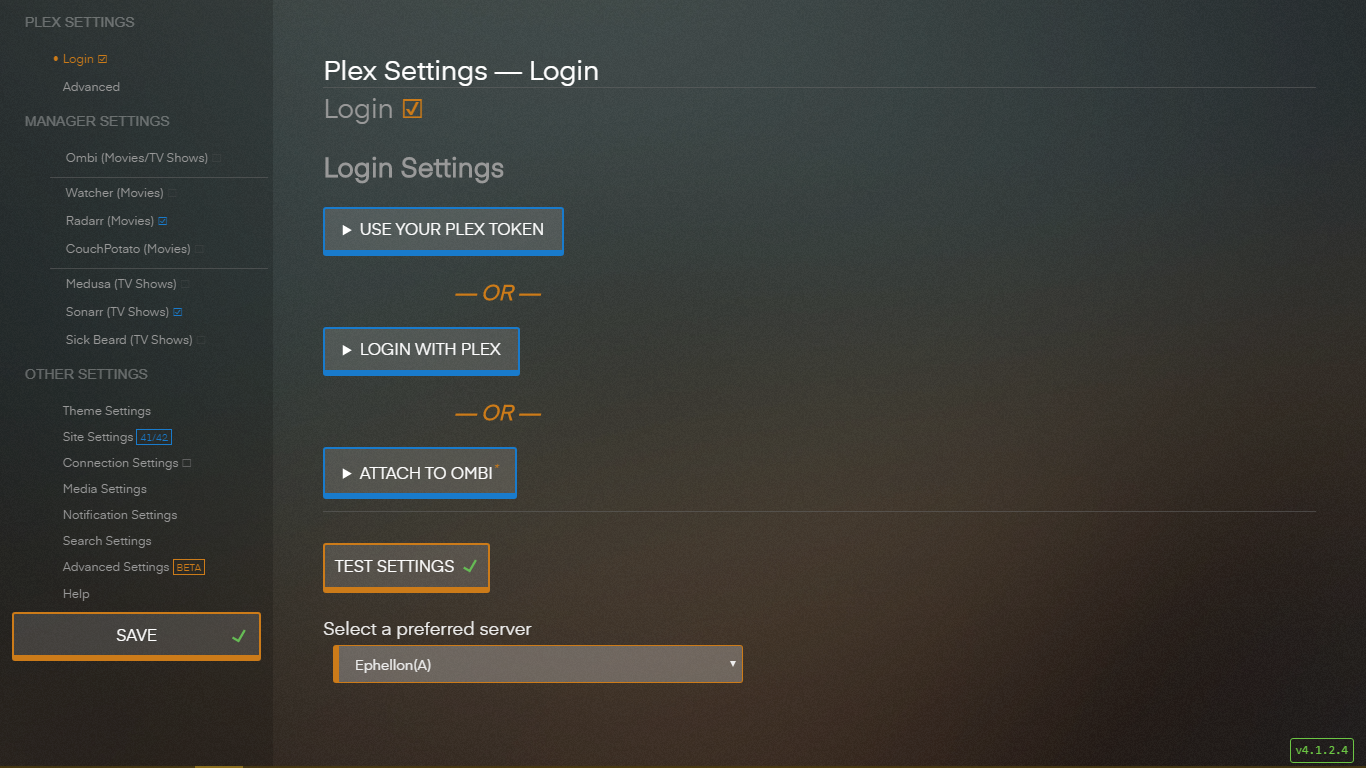
You can either:
- Use your Plex token — provide a Plex token
- Login with Plex — login with your Plex credentials (they won't be saved, only the token that Plex returns)
- Attach to Ombi — Ombi's Plex token will be used (shared) by the extension
- Would you like to use Ombi to fill in your Manager Settings? — if Ombi is successful, the extension will proceed to fill in your remaining settings using Ombi's configuration
-
Select a server — select the server you want the extension to query for media
-
No Plex Server (GitHub) — this is a special option that won't talk to any servers. This will force every query to return
false(item not found)
-
No Plex Server (GitHub) — this is a special option that won't talk to any servers. This will force every query to return