1. How to use - waterglass2s/GraduationProject GitHub Wiki
1. Login
If you want to login to our application, we store the data about you including where you liked it. So, whenever you want to know about store information you liked, we provide it by list
But, it's okay not to login!
2. Image scan
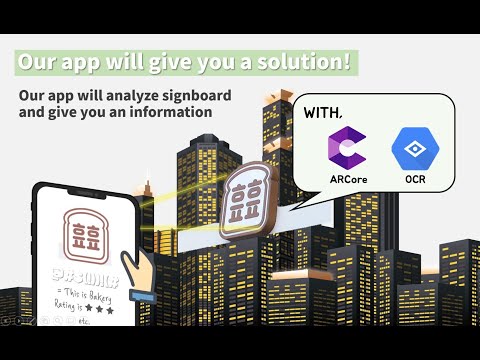
If you meet somewhere you want to know, open our application and scan it Our application will find the information and tells you about it.
We use OCR to get the store's name, and get your location to increase the accuracy of the search by reducing the radius And we recognize the name of the store several times and derive the value that comes out the most as a result.
So, you can trust our result ! We tried our best to provide you accurate information :)
2-1. When the information is not what you want
Click the button then we provide a map that show all store arounds you. You can select radius of map , type of store.
3. View with AR
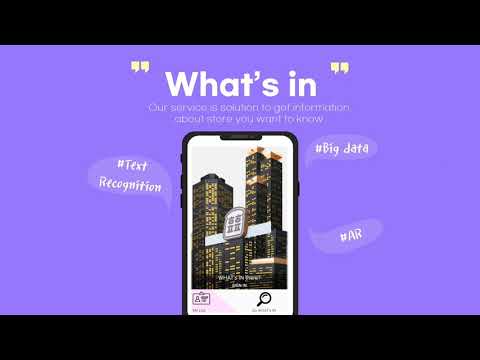
When the information is what you want, we provide the information with AR view. We provide the store's name, rating, business state. And if you want to know more information, click the AR view then we provide more information.
Proposal Video
Implementation Video
Final Video
