Finding your REDCap API URL - vubiostat/redcapAPI GitHub Wiki
The steps provided here to find your API's URL assume that you already have a token for your project. Please refer to Finding Your API Token for instructions to get your token.
-
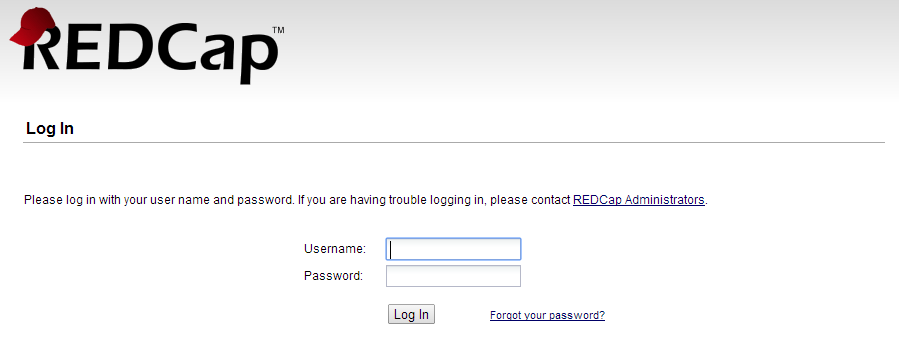
Navigate to your REDCap login screen and log in.
-
Click on the tab for "My Projects" and select a project for which you have an API token.

-
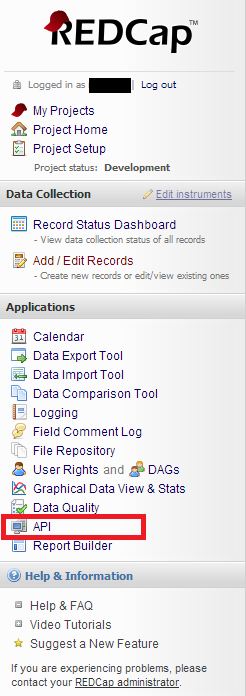
Click on the API link on the left navigational panel.
-
Click on the link to the REDCap API Documentation.

-
Select an option under "Supported Actions," such as Export Records.

-
Your API address will appear in the place of the gray box in the image below.

-
Enter the API address into either
redcapConnection(url=[your_url], token=[your_token])or set
options(redcap_api_url = [your_url])