Transcription of Sources from Page Images - usaybia/usaybia-data GitHub Wiki
Procedure
Main Sources
We provide text transcriptions at Usaybia.net for the reader's convenience, in order to give a basic understanding of the material we are analyzing. These are by no means the best or only textual basis we are using for the analysis. Readers are encouraged to consult the forthcoming edition and translation being done by the ALHOM project.
The sources the Usaybia.net project plans to provide in transcription are the following texts of Ibn Abī Uṣaybiʿa's History of the Physicians (عيون الأنباء في طبقات الأطباء):
- August Müller's 1884 edition, which omits some of the best manuscript witnesses, including those in Istanbul, and has many typographical errors. To the best of our knowledge, this text is in the public domain in both Germany (the author/editor having died more than 70 years ago) and in the U.S. (having been published before 1924).
- one or more early manuscripts representing a reliable version of the text, which can be compared to Müller's edition,
- Lothar Kopf's unpublished, partial translation, photographed by Douglas Galbi and OCR'd by Roger Pearse. This translation has abbreviated some sections, particularly poetry, and cannot be relied upon for scholarly work. Moreover, the OCR'd text is sometimes inaccurate, particularly for names. Nevertheless, this translation gives readers who do not know Arabic a preliminary grasp of the text.
Page Images
- Müller's 1884 edition has been digitized by Google and is in the public domain (see above). Volume 1 of Müller's 1882 edition is also available here.
- Page images of the manuscript(s) to be transcribed are yet to be determined.
- Page images will not be used for Kopf's English translation. (However, we will make minor corrections and revisions to this translation.)
Transcribing Text with Transkribus
At present, we use Transkribus to do page-by-page transcriptions. (See the Transkribus How-To Guide and Wiki for instructions how to use Transkribus.)
- PDFs with page images can be uploaded to Transkribus documents. Each document should contain one chapter of Ibn Abī Uṣaybiʿa's text.
- Perform automatic line recognition in Transkribus.
- Transcribe the text line-by-line and page-by-page. Note: Rather than transcribing the text from scratch, we are currently reconciling the transcription found at http://shamela.ws/browse.php/book-6687 to Müller's edition. Another possible transcription source is https://ar.wikisource.org/wiki/%D8%B9%D9%8A%D9%88%D9%86_%D8%A7%D9%84%D8%A3%D9%86%D8%A8%D8%A7%D8%A1_%D9%81%D9%8A_%D8%B7%D8%A8%D9%82%D8%A7%D8%AA_%D8%A7%D9%84%D8%A3%D8%B7%D8%A8%D8%A7%D8%A1.
Cleaning up the Layout
Transkribus's line recognition needs some correction and extra information. This is best done before any HTR (handwriting text recognition).
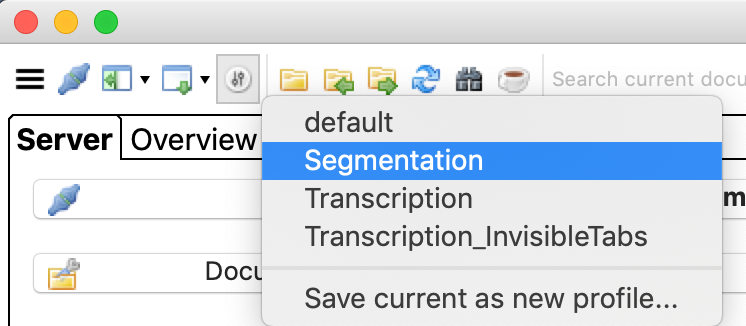
1. Switch into Segmentation view.
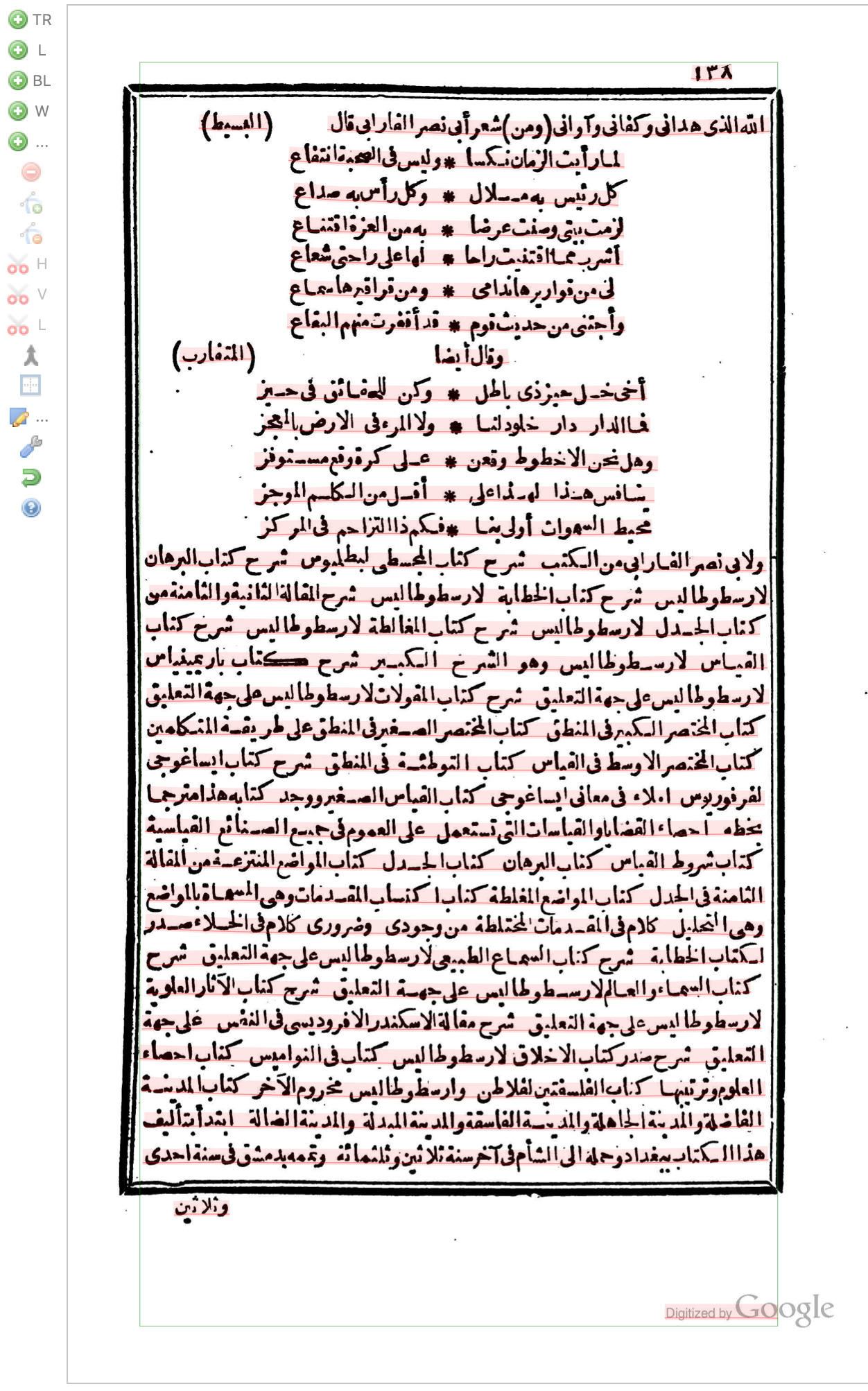
You will see something like this.
2. Delete extra text regions and lines
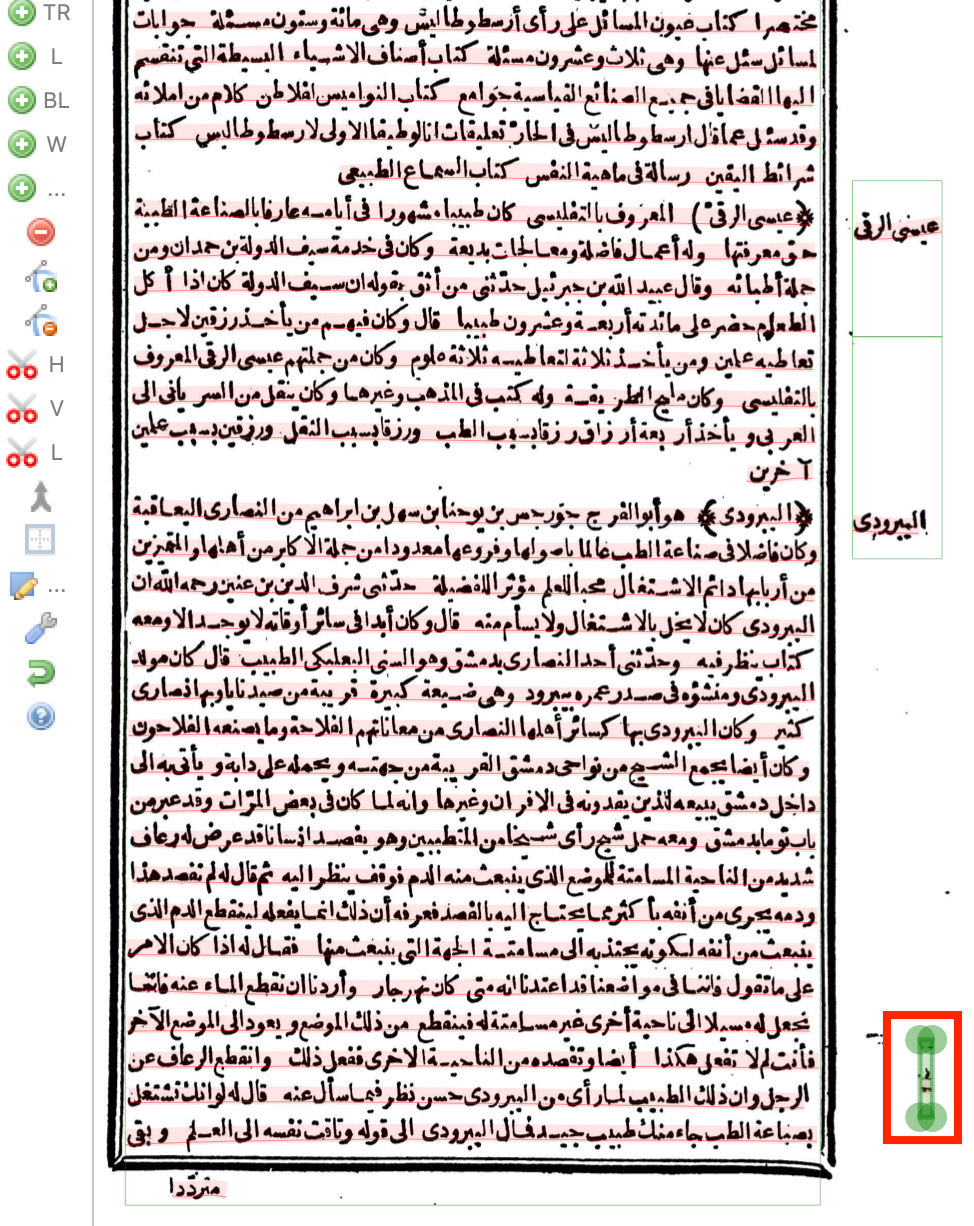
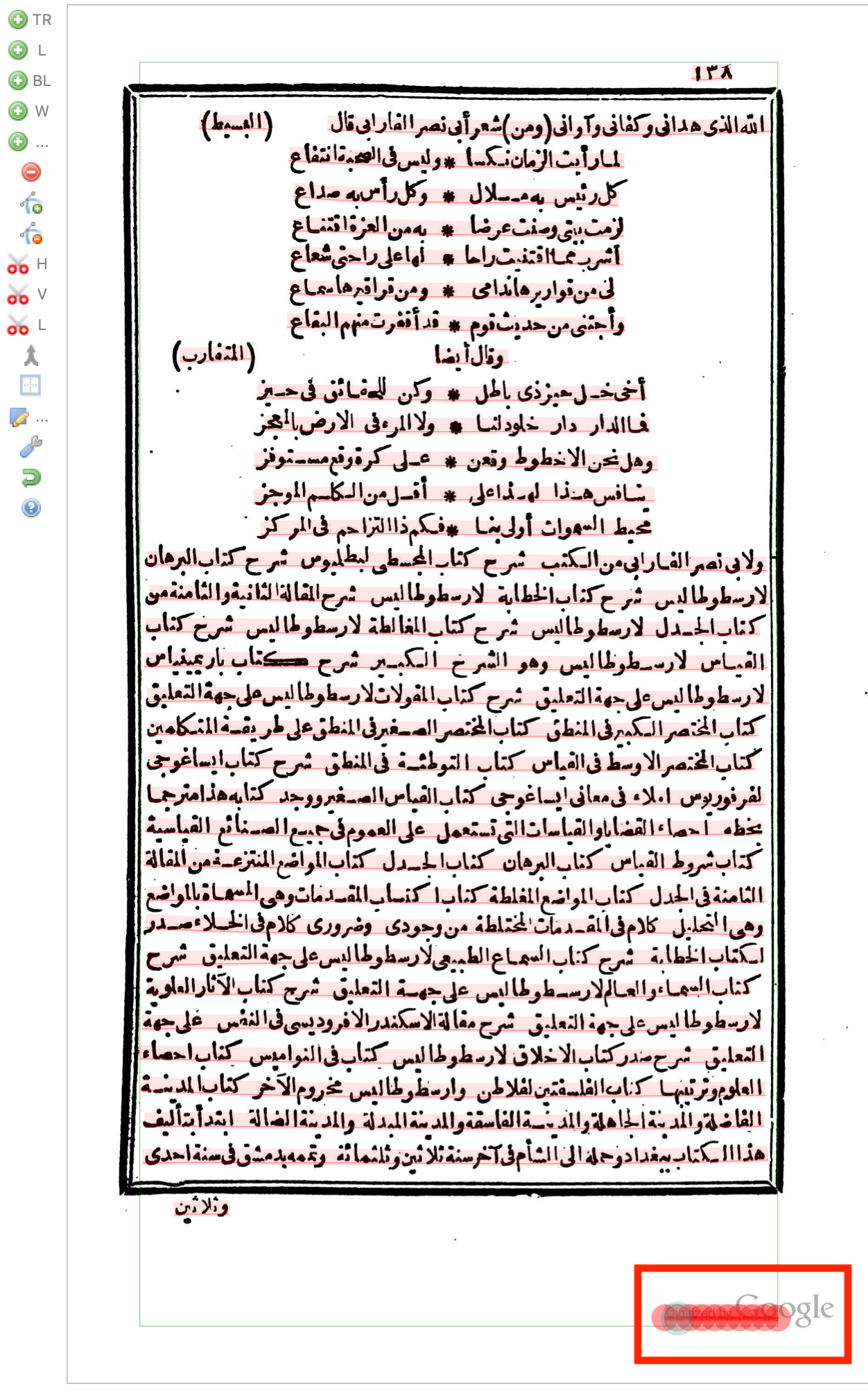
Sometimes Transkribus recognizes things we don't want to include in the description, such as random marks on the page, the lines framing the page, or the "Digitized by Google" watermark. These should be deleted. Use the mouse to select the region (green) or the line (red) if it's part of a region containing text we need. Then press Delete.
3. Assign "structure types"
Page numbers
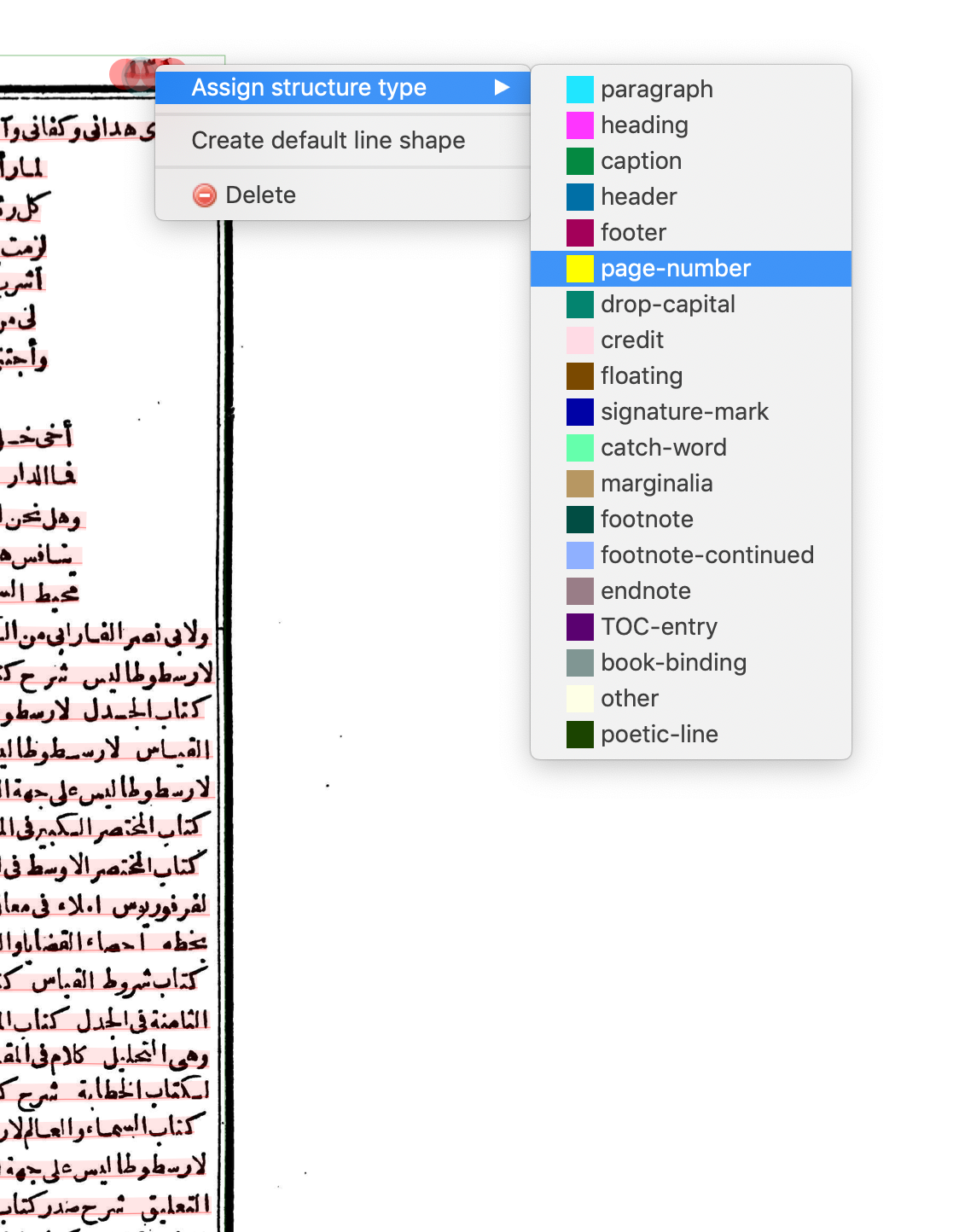
Right-click on the page number and select "Assign structure type > page-number".
Catchwords
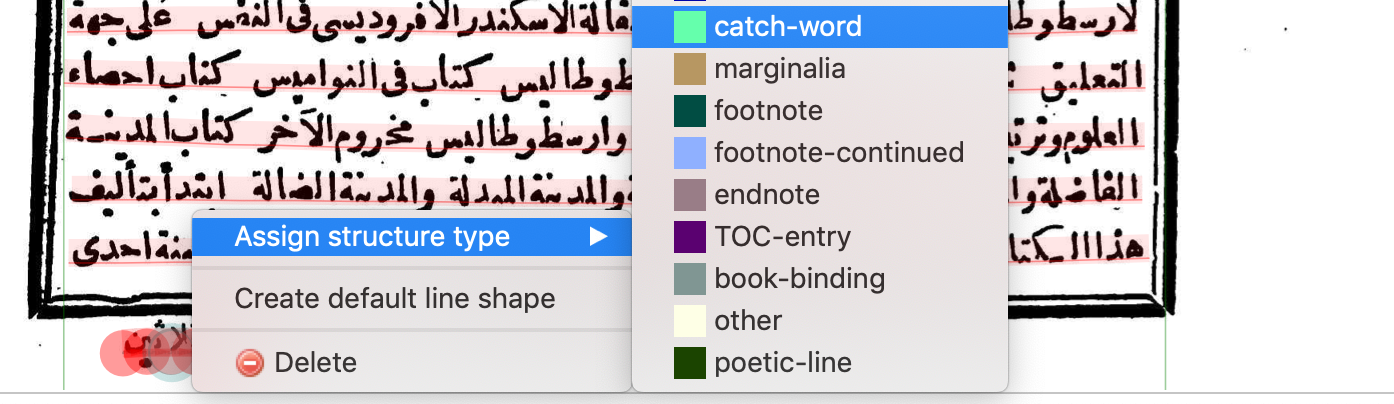
Every other page of Mueller's text has a catchword below the box. Select this and mark it as a "catch-word".
Poetic lines
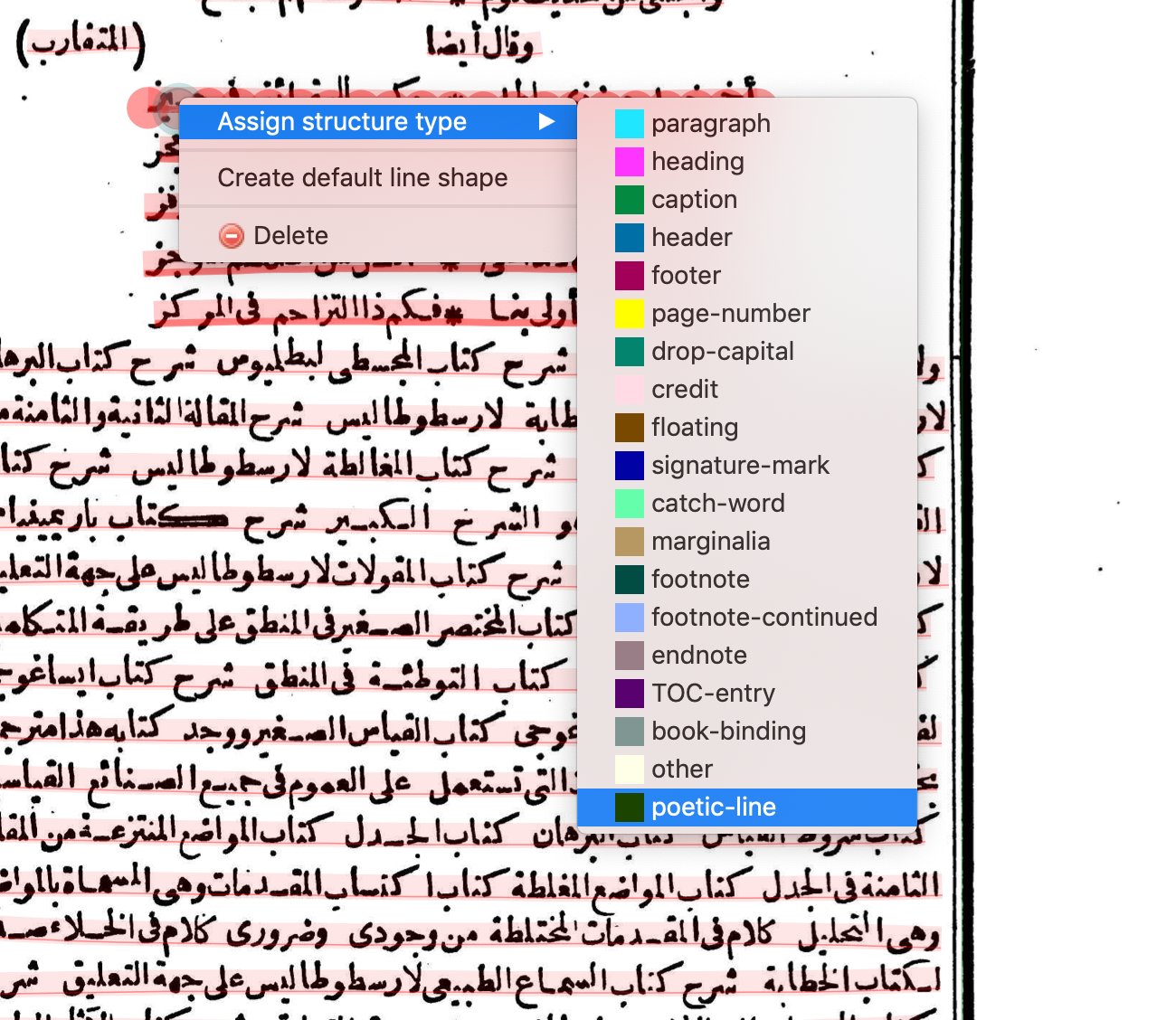
When there is a section of poetic lines, hold the Command key (Mac) or the Ctrl key (Windows) and select all the poetic lines. Then right-click and Assign structure type > poetic-line.
Poetic meter keys
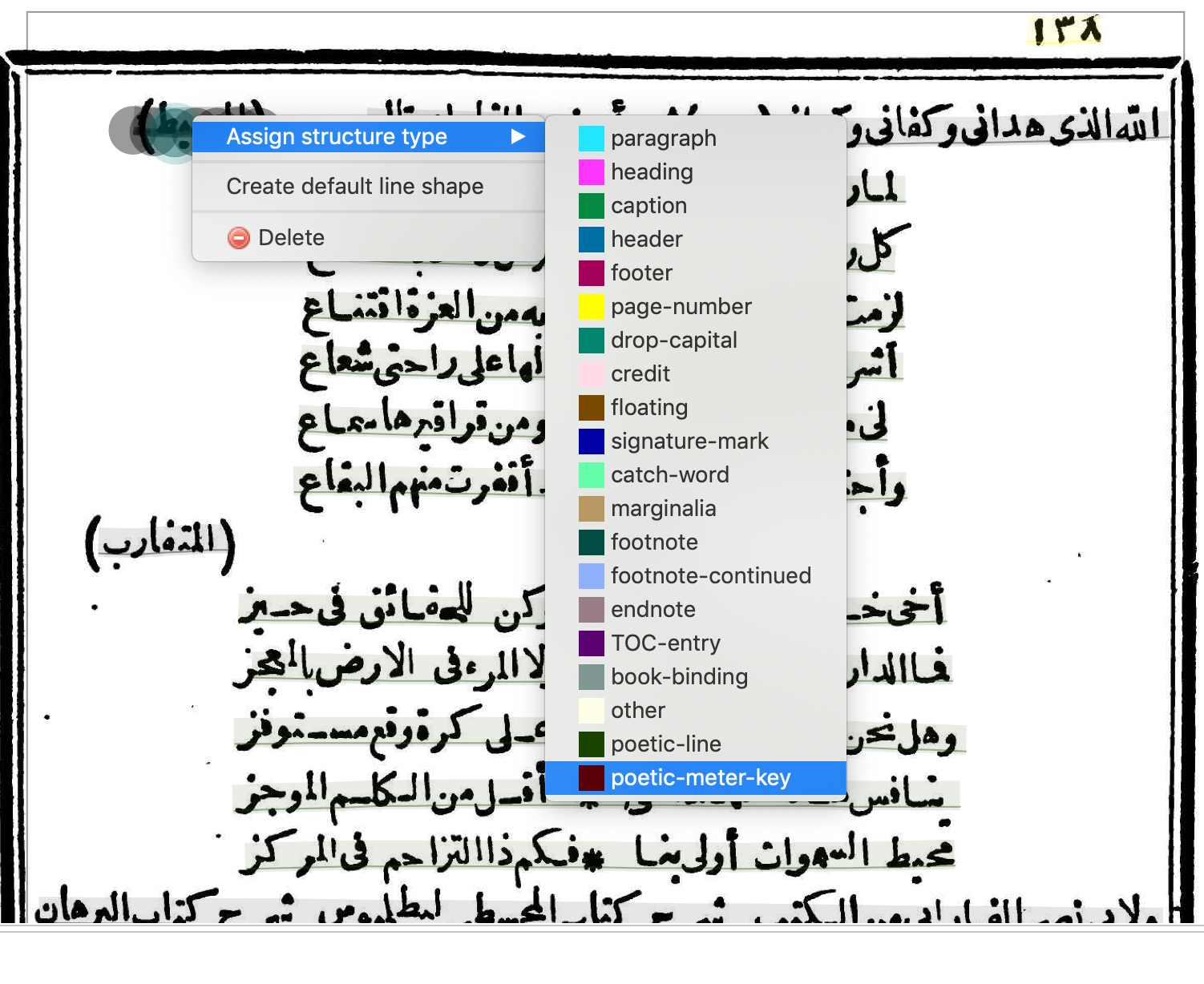
In Mueller's edition, the beginning of poems have a meter key on the left side in parentheses. Mark this as a "poetic-meter-key."
Headers
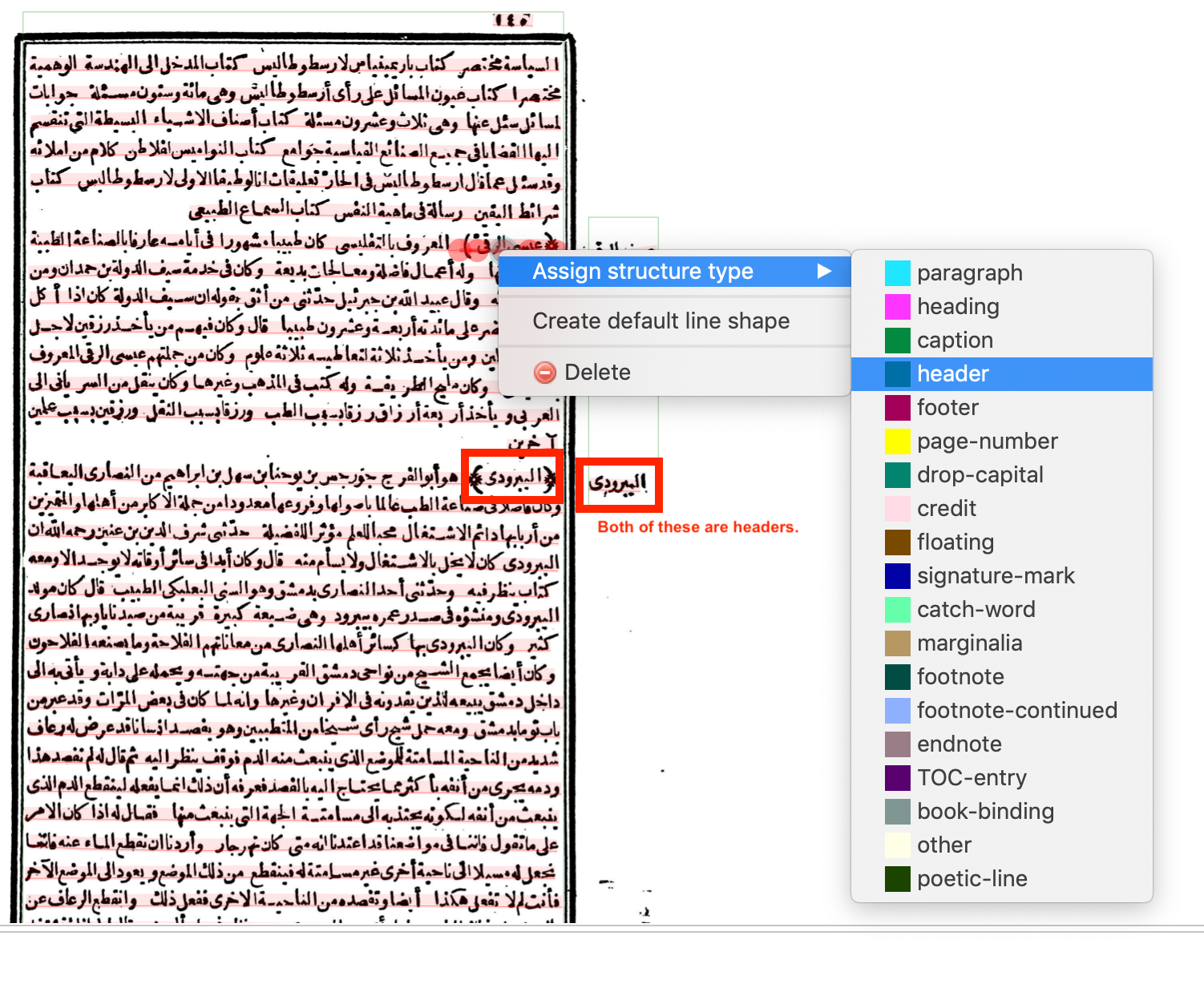
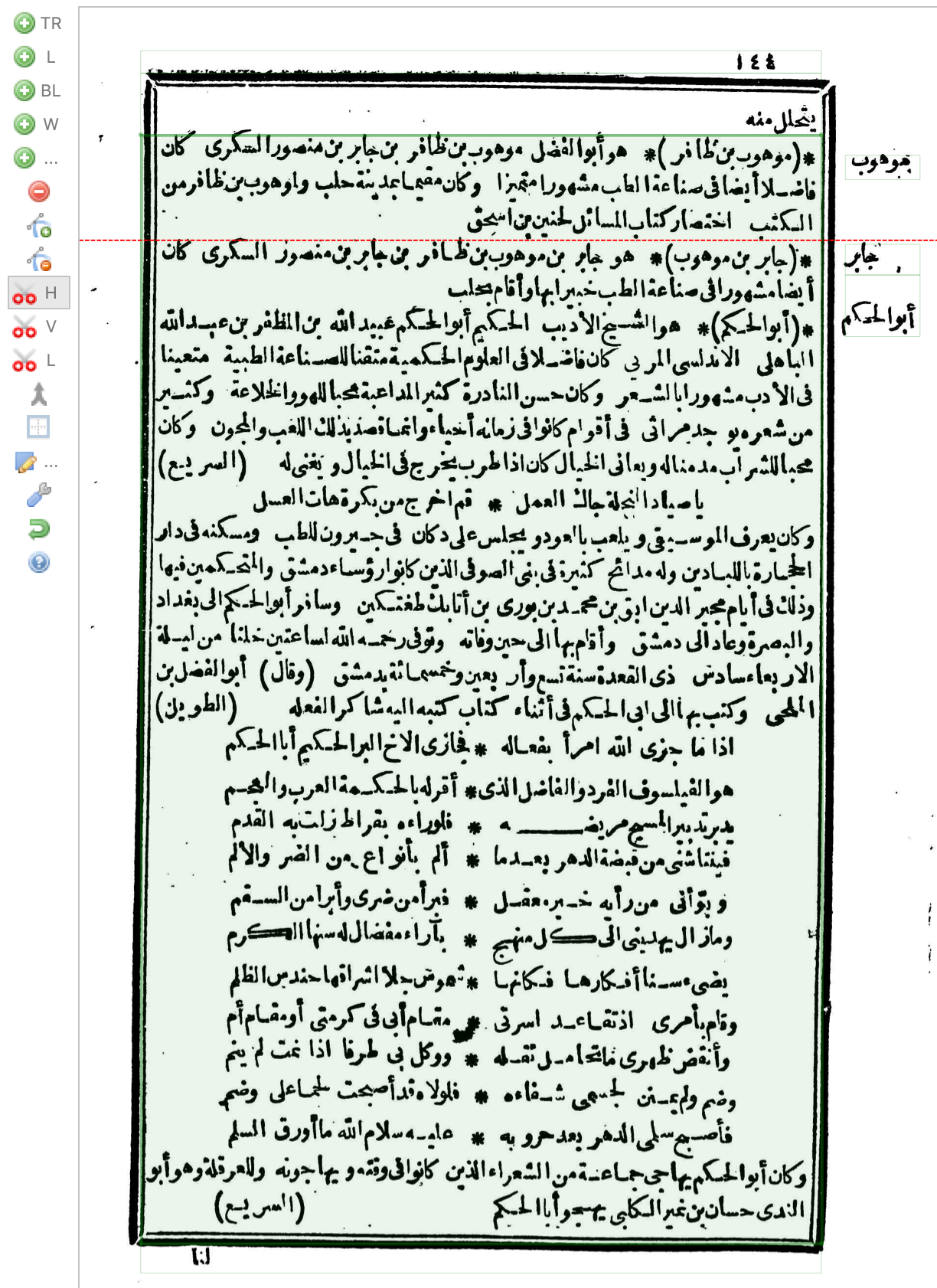
Mueller's text has two kinds of headers to mark the beginning of each entry about a person. Both are the person's name. One is in the right margin and the other is at the beginning of the paragraph in special parentheses ﴾﴿. Both should be marked as a "header". Before doing this, you may have to split the line (between the header and regular text) or split the text region (if there are multiple headers as one region).
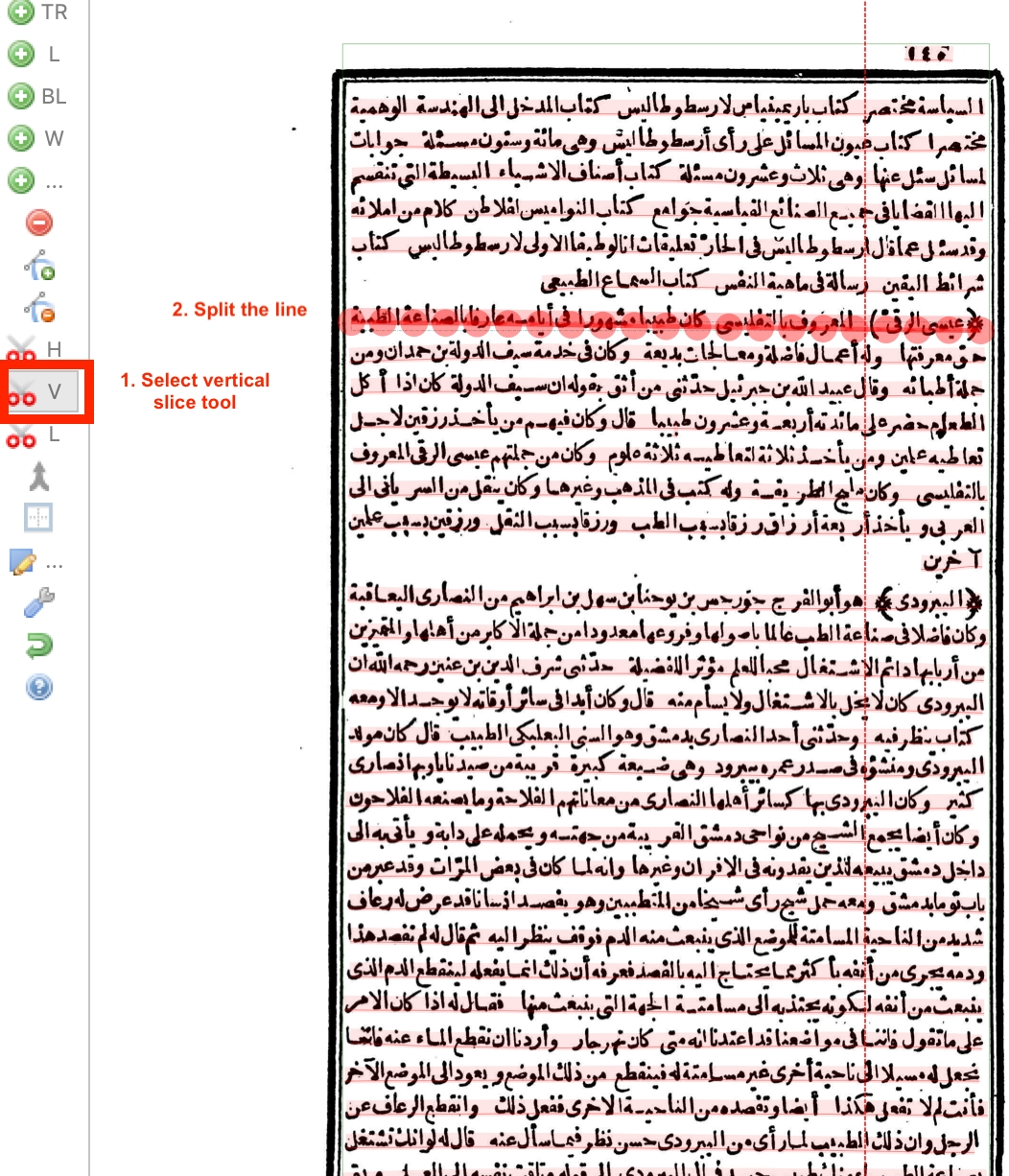
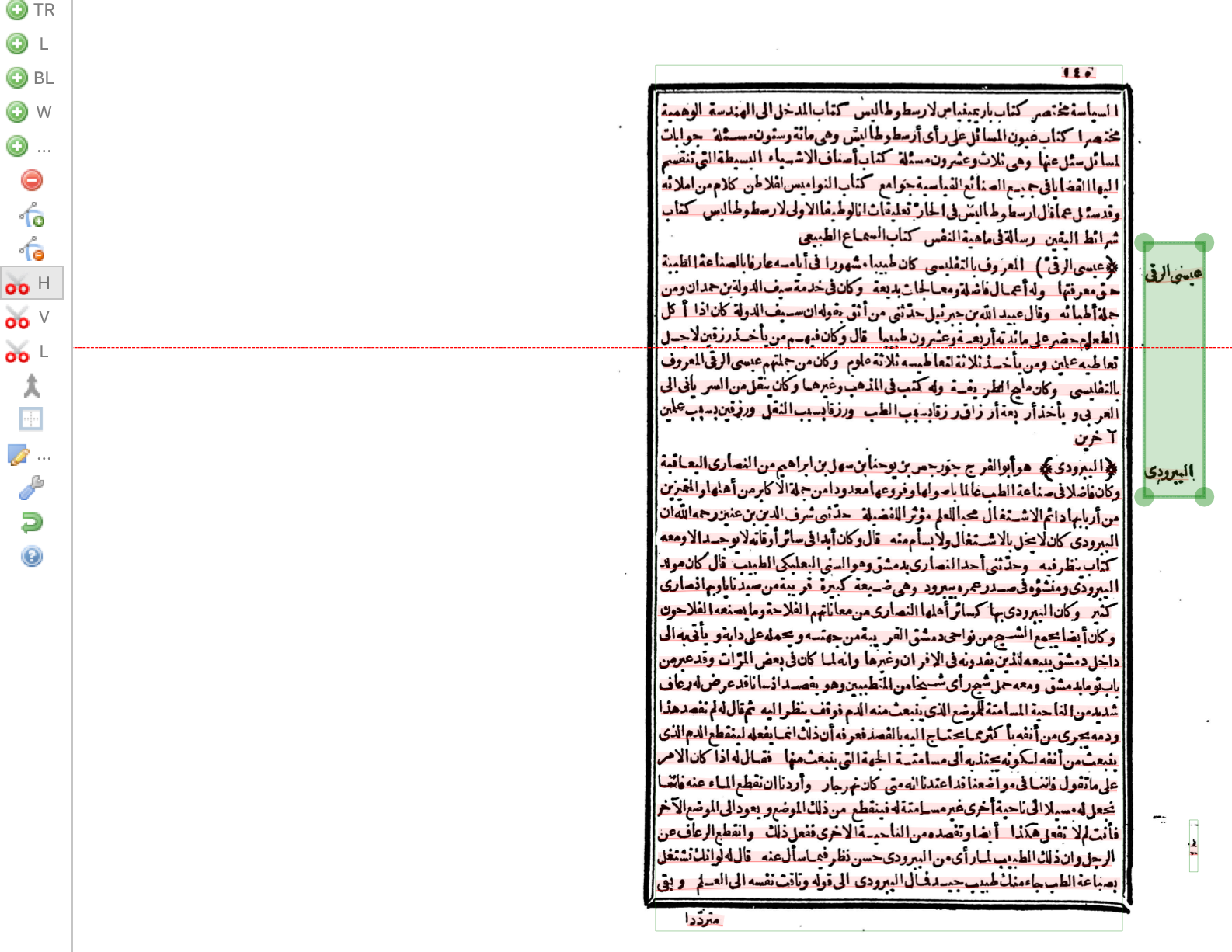
The main text (inside the black box) should also be split into different text regions using the H Scissors tool to correspond to the headers in the margin, so that there is one text region of main text for each header in the margin.
4. Correct text order
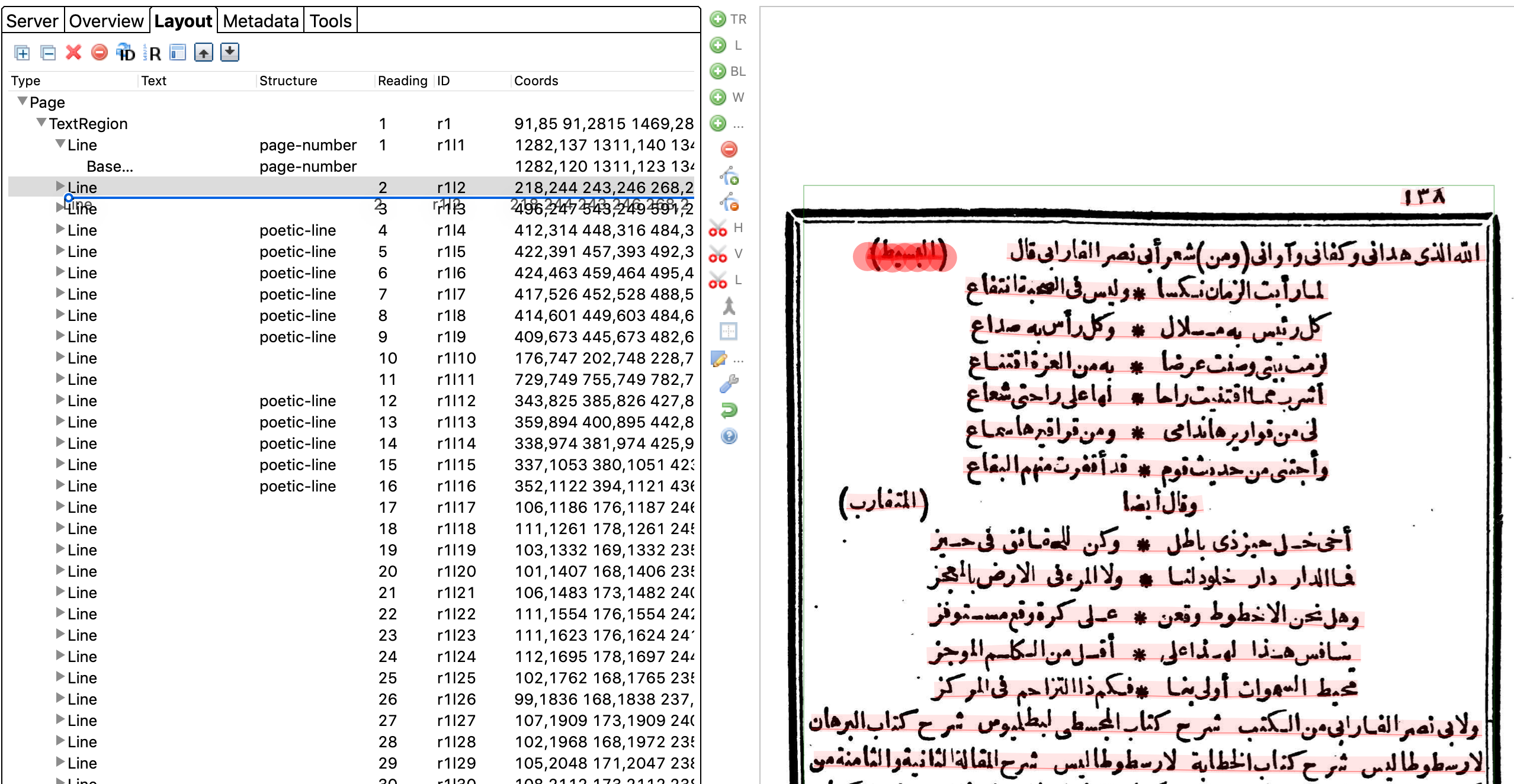
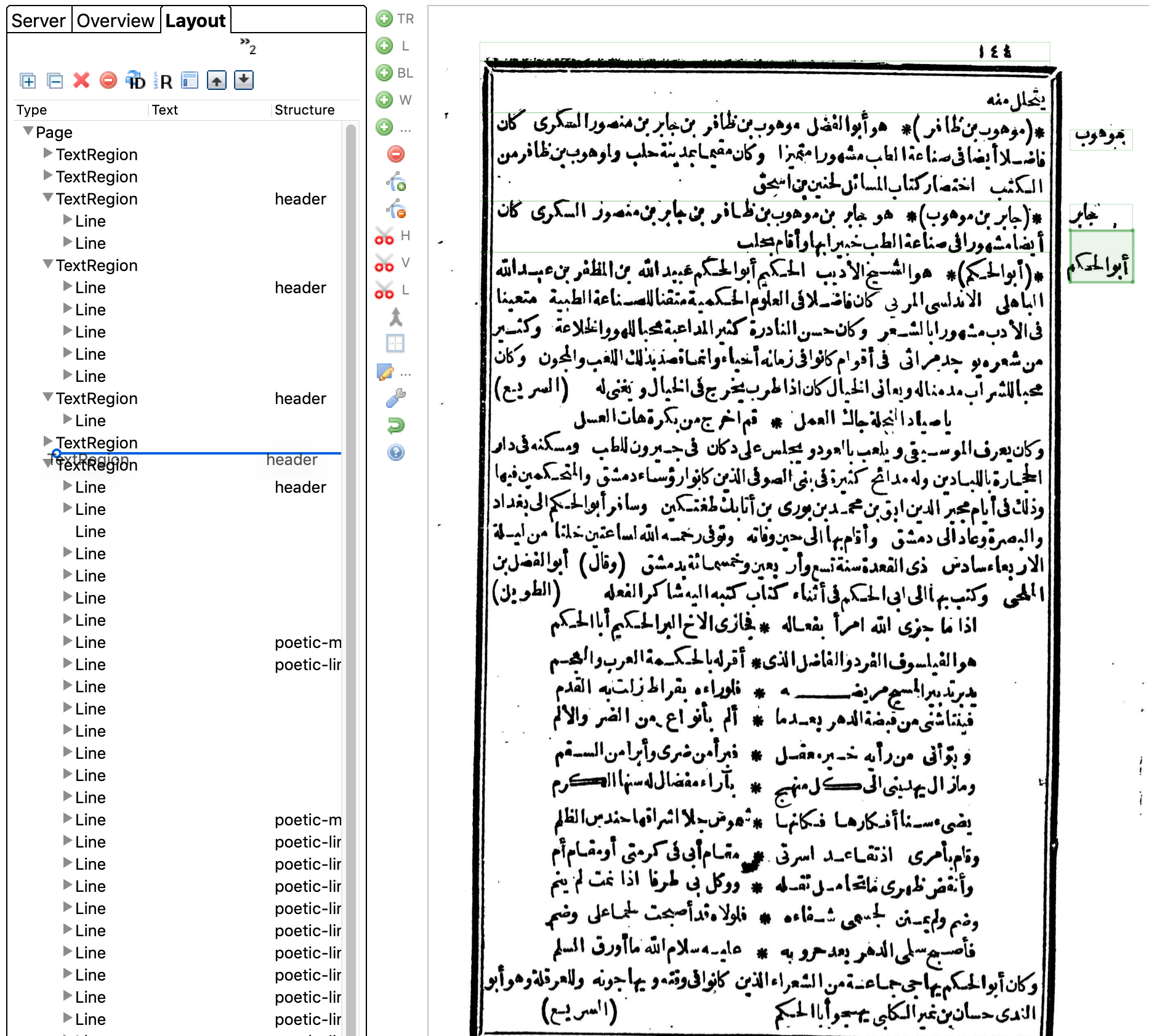
After assigning all the structure types on the page, you may have to reorder some of them (especially headers and poetic meter keys). Transkribus assumes a left-to-right reading order, therefore it puts any lines on the left before lines on the right. This is a problem for transcription.
Go to the "Layout" tab in the left sidebar. Here you will see the order of the lines. On the page image, click on a line on the left side of the page, such as a poetic meter key or the beginning of a paragraph after a header. It will be selected in the Layout panel. Now click on it and drag it below the next line shown in the Layout panel. Now when the text is transcribed in order it will correspond to the lines shown on the page image.
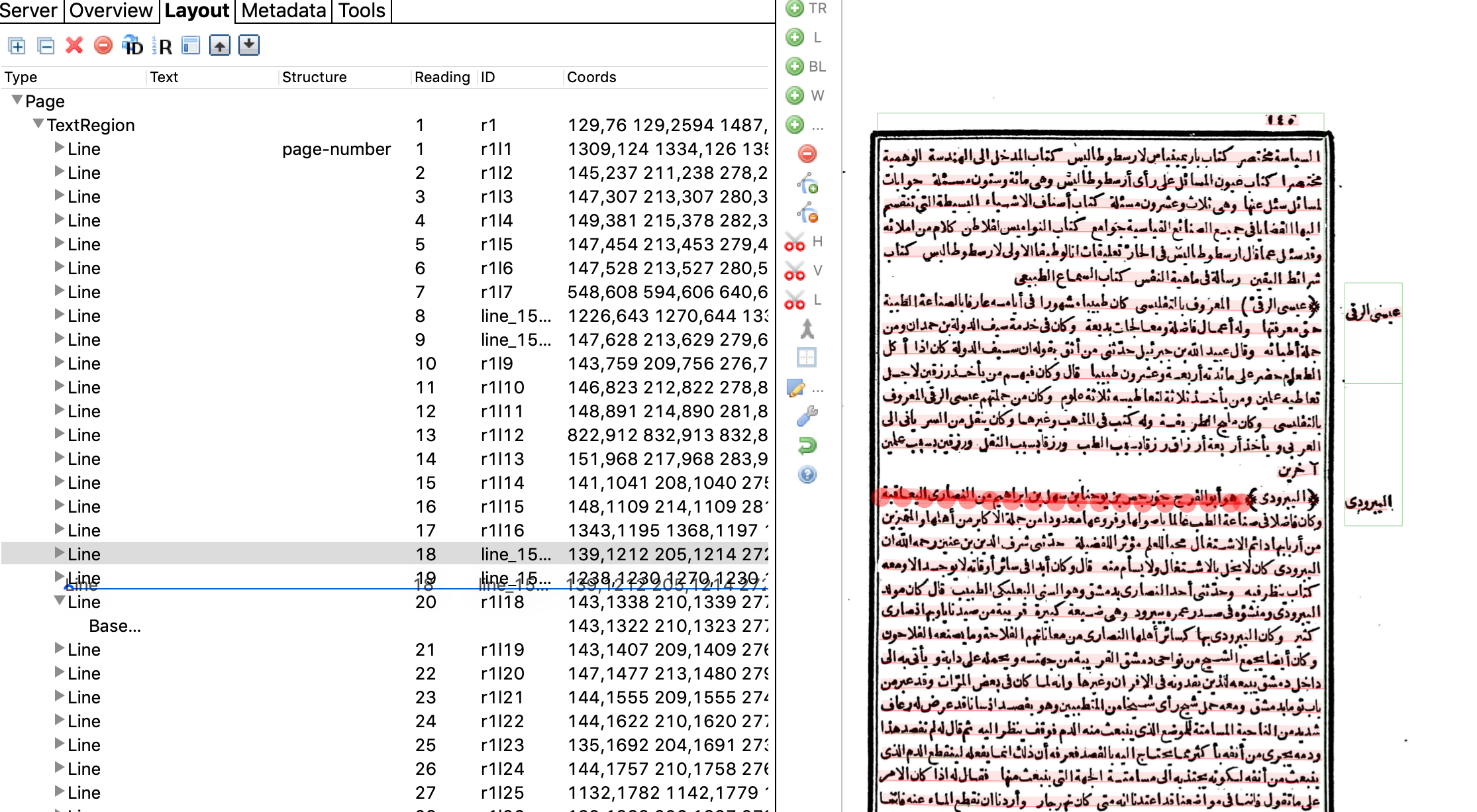
Any text regions that are headers in the margin should be dragged above the text region with the main text corresponding to that header.
Exporting Transcription Data