1. Importing data from the Internet - upalr/Python-camp GitHub Wiki
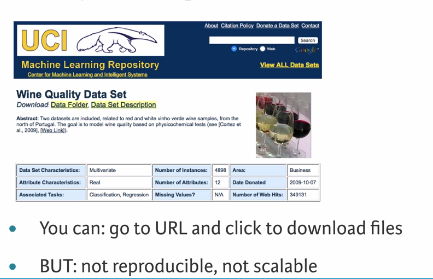
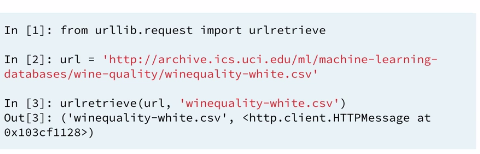
You are about to import your first file from the web! The flat file you will import will be 'winequality-red.csv' from the University of California, Irvine's Machine Learning repository. The flat file contains tabular data of physiochemical properties of red wine, such as pH, alcohol content and citric acid content, along with wine quality rating.
The URL of the file is
'https://s3.amazonaws.com/assets.datacamp.com/production/course_1606/datasets/winequality-red.csv'
After you import it, you'll check your working directory to confirm that it is there and then you'll load it into a pandas DataFrame.
ANSWER:
# Import package
from urllib.request import urlretrieve

# Import pandas
import pandas as pd

# Assign url of file: url
url = 'https://s3.amazonaws.com/assets.datacamp.com/production/course_1606/datasets/winequality-red.csv'

# Save file locally
urlretrieve(url, 'winequality-red.csv')

# Read file into a DataFrame and print its head
df = pd.read_csv('winequality-red.csv', sep=';')
print(df.head())You have just imported a file from the web, saved it locally and loaded it into a DataFrame. If you just wanted to load a file from the web into a DataFrame without first saving it locally, you can do that easily using pandas. In particular, you can use the function pd.read_csv() with the URL as the first argument and the separator sep as the second argument.
The URL of the file, once again, is
'https://s3.amazonaws.com/assets.datacamp.com/production/course_1606/datasets/winequality-red.csv'
ANSWER:
# Import packages
import matplotlib.pyplot as plt
import pandas as pd

# Assign url of file: url
url = 'https://s3.amazonaws.com/assets.datacamp.com/production/course_1606/datasets/winequality-red.csv'

# Read file into a DataFrame: df
df = pd.read_csv(url, sep=";")

# Print the head of the DataFrame
print(df.head())

# Plot first column of df
pd.DataFrame.hist(df.ix[:, 0:1])
plt.xlabel('fixed acidity (g(tartaric acid)/dm$^3$)')
plt.ylabel('count')
plt.show()Congrats! You've just loaded a flat file from the web into a DataFrame without first saving it locally using the pandas function pd.read_csv(). This function is super cool because it has close relatives that allow you to load all types of files, not only flat ones. In this interactive exercise, you'll use pd.read_excel() to import an Excel spreadsheet.
The URL of the spreadsheet is
'http://s3.amazonaws.com/assets.datacamp.com/course/importing_data_into_r/latitude.xls'
Your job is to use pd.read_excel() to read in all of its sheets, print the sheet names and then print the head of the first sheet using its name, not its index.
Note that the output of pd.read_excel() is a Python dictionary with sheet names as keys and corresponding DataFrames as corresponding values.
ANSWER:
# Import package
import pandas as pd

# Assign url of file: url
url = 'http://s3.amazonaws.com/assets.datacamp.com/course/importing_data_into_r/latitude.xls'

# Read in all sheets of Excel file: xl
xl = pd.read_excel(url, sheetname=None)

# Print the sheetnames to the shell
print(xl.keys())

# Print the head of the first sheet (using its name, NOT its index)
print(xl['1700'].head())
<script.py> output:
dict_keys(['1900', '1700'])
country 1700
0 Afghanistan 34.565000
1 Akrotiri and Dhekelia 34.616667
2 Albania 41.312000
3 Algeria 36.720000
4 American Samoa -14.307000
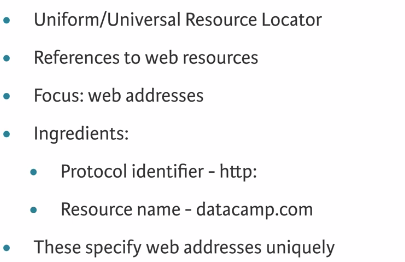
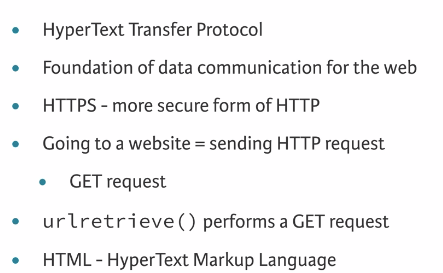
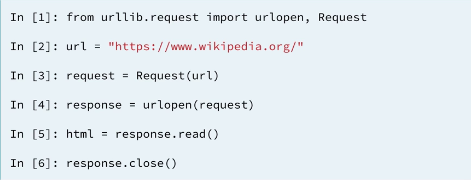
response = urlopen(request) #Send the request and catch the response in the variable response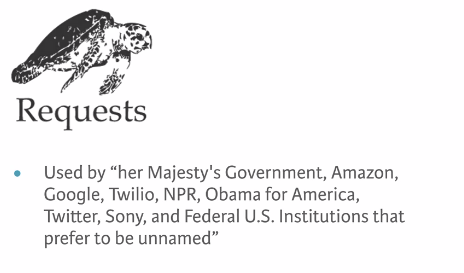
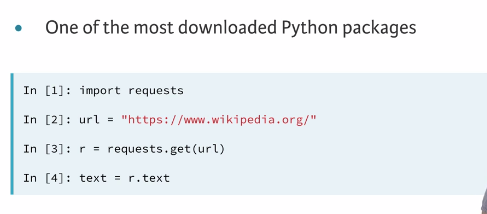
INFO: Note that unlike in the previous exercises using urllib, you don't have to close the connection when using requests!
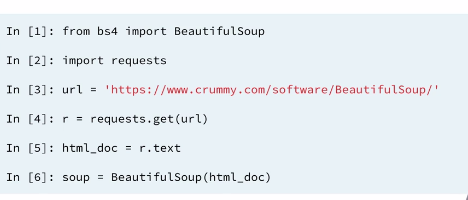
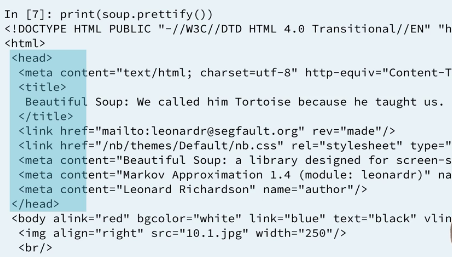
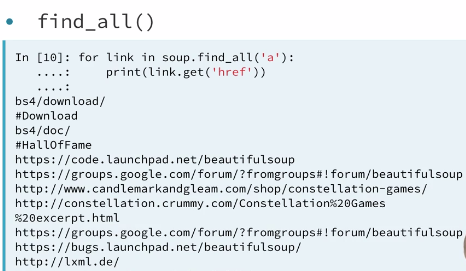
# Import packages
import requests
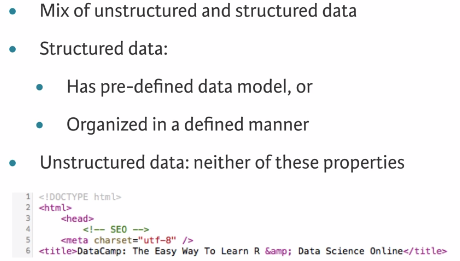
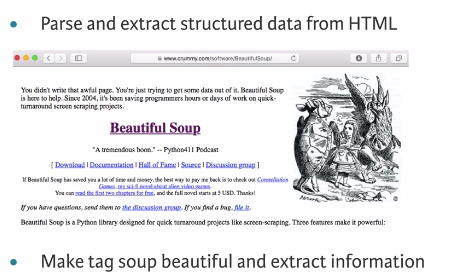
from bs4 import BeautifulSoup

# Specify url: url
url = 'https://www.python.org/~guido/'

# Package the request, send the request and catch the response: r
r = requests.get(url)

# Extract the response as html: html_doc
html_doc = r.text

# Create a BeautifulSoup object from the HTML: soup
soup = BeautifulSoup(html_doc)

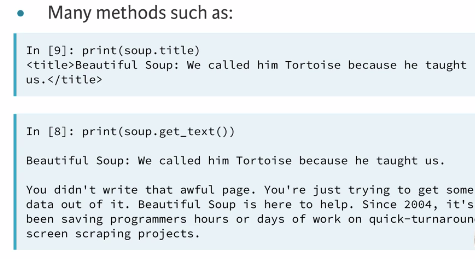
# Get the title of Guido's webpage: guido_title
guido_title = soup.title

# Print the title of Guido's webpage to the shell
print(guido_title)

# Get Guido's text: guido_text
guido_text = soup.get_text()

# Print Guido's text to the shell
print(guido_text)