Webhooks - turalf/evergreen GitHub Wiki
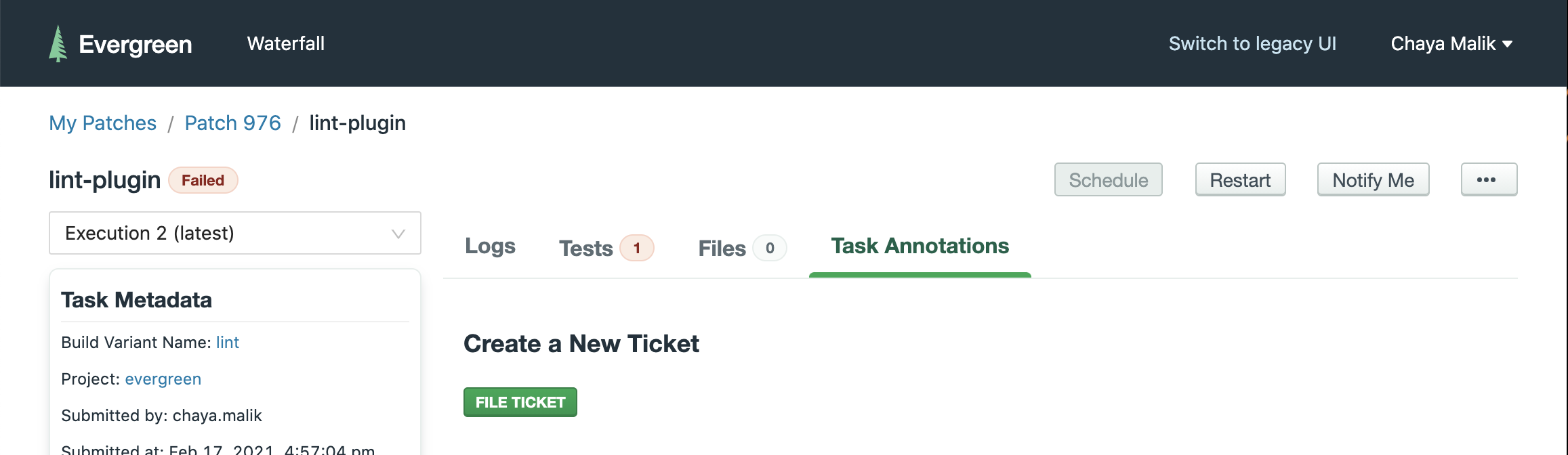
The file ticket button in the Task Annotations tab can be configured to call a custom webhook when clicked.
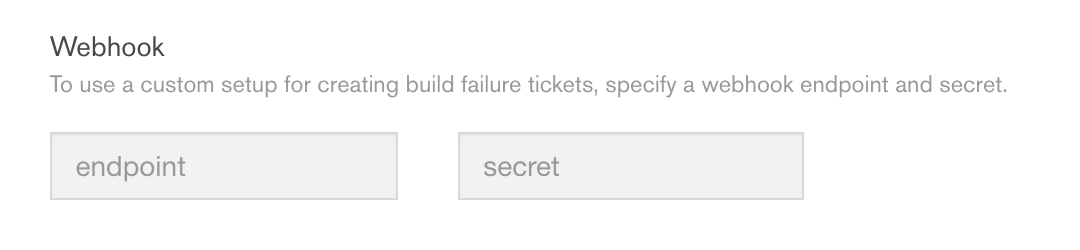
To configure the file ticket webhook, add an endpoint and secret to the build baron plug section of your project settings page.
Once a webhook is configured, the following data will be sent to the webhook when the button is clicked:
{
  "task_id": <string>,
  "execution": <int>
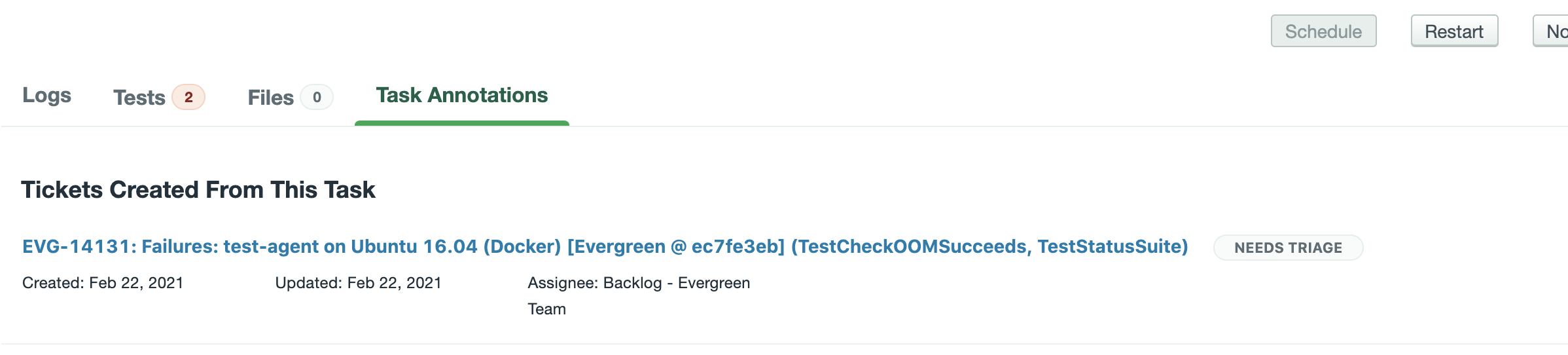
}After a ticket is filed using the webhook, evergreen needs to be notified of the newly filed ticket's key and url so that the ticket can be stored and displayed to the user under Tickets Created From This Task. To do that, please use the created_tickets endpoint.