Uploading files to P3 - tomvandeneede/p2pp GitHub Wiki
Uploading files to P3
Pre-requisites
- Uploading files to P3 / P3Pro is available as of version 8.0.28 of P2PP.
- files cannot exceed 1GB in size
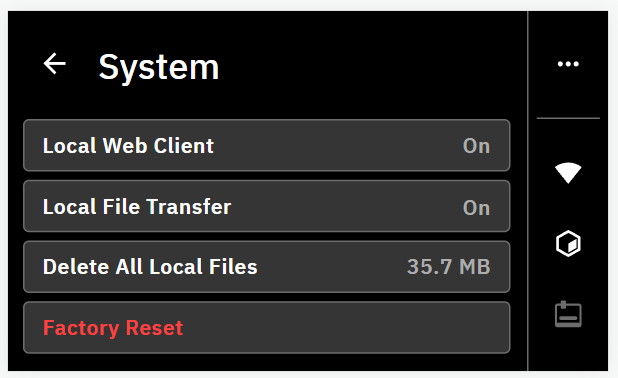
- enable the file uploading and online interface in the P3 setup menu
Configuration
Add the following configuration items to your specifying the address where to send the file. The P3_UPLOADFILE command is the trigger for sending the file to the printer.
;P2PP P3_HOSTNAME=[hostname or IP address of P3]
;P2PP P3_UPLOADFILE
Don't put the brackets around the hostname of the IP address. Also no need to include the port number. The hostname of your device should be the serial number of your Palette 3 that can be found in the menu under Settings - About. On my system I need to add .local to the serial number to actually find the device.
So in my case the config looks like:
;Example config! DO NOT COPY...
;P2PP P3_HOSTNAME=0PLM-P3P.local
;P2PP P3_UPLOADFILE
Additional settings
Optionally you can also add the following line
;P2PP P3_SHOWPRINTERPAGE
;P2PP P3_ROTATEINTERFACE
The P3_ROTATEINTERFACE parameter only applies if you are operating the P3 in a rotated screen configuration (upside down)
This command will open a browser to the printer after successfully uploading the file so you can start the print if you like from your computer.
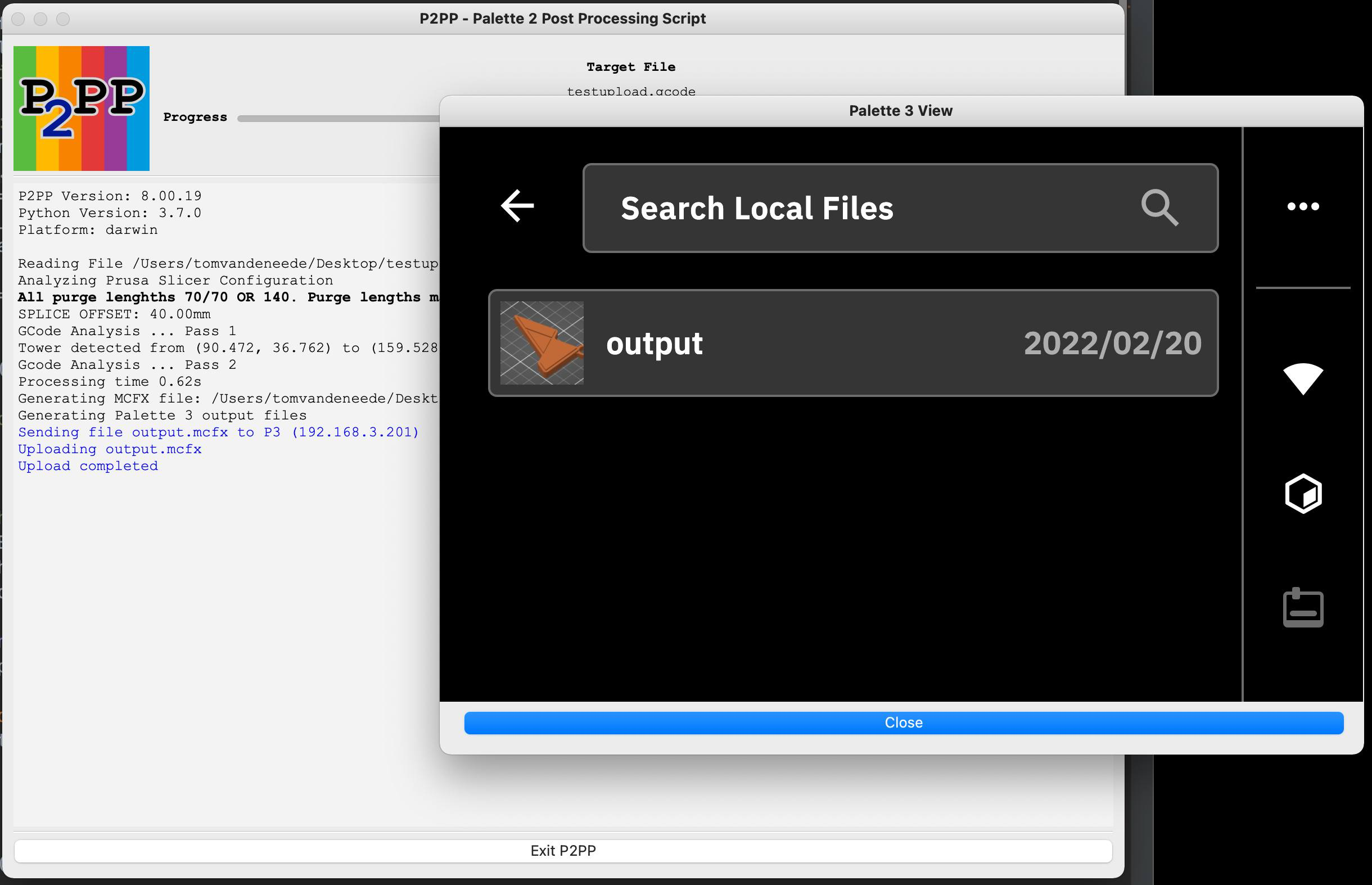
After running P2PP with upload and webbrowser the screen should look as follows: