Liquid Shader - thisismatthew/Bottled GitHub Wiki
Liquid Shader
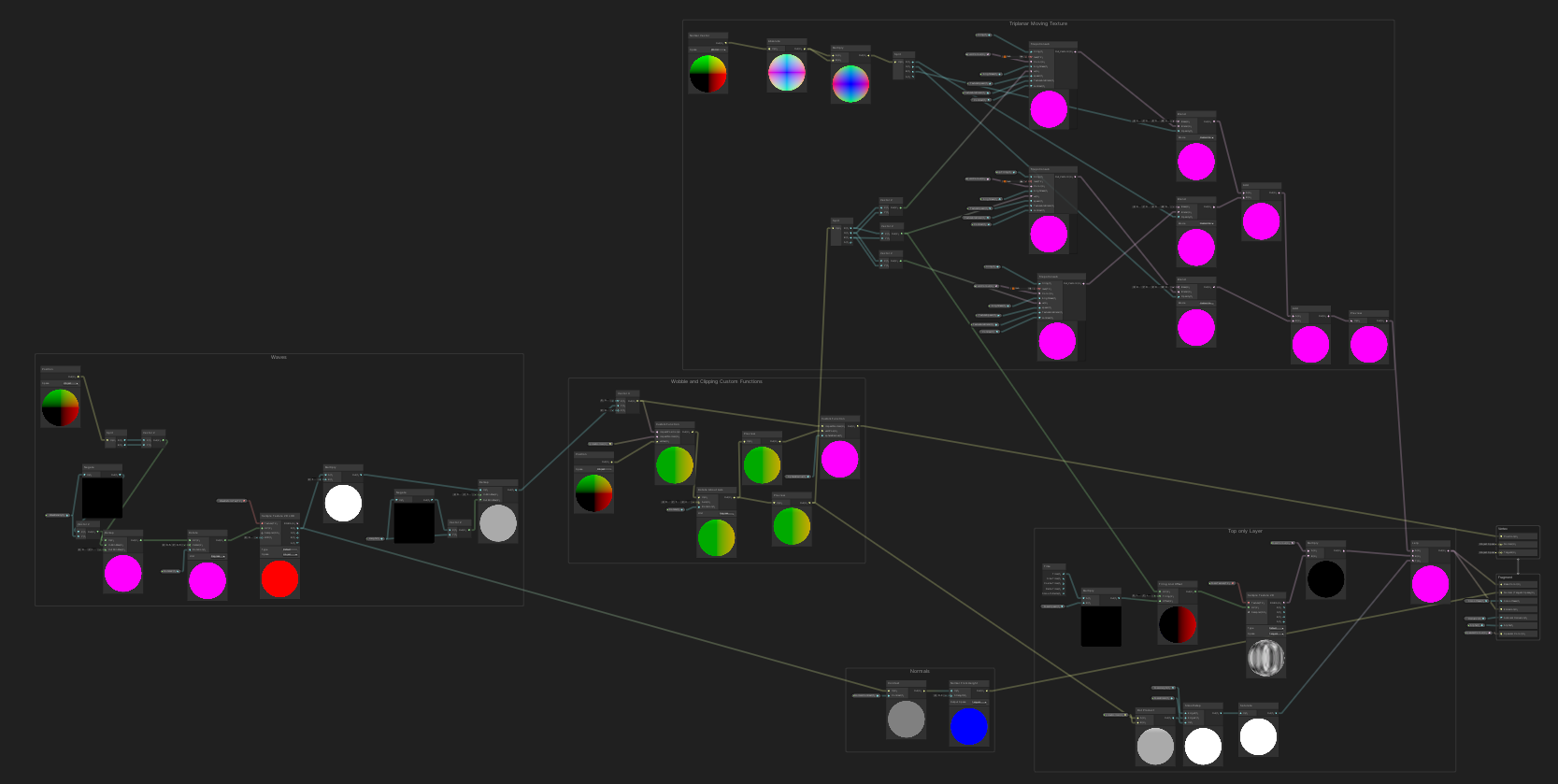
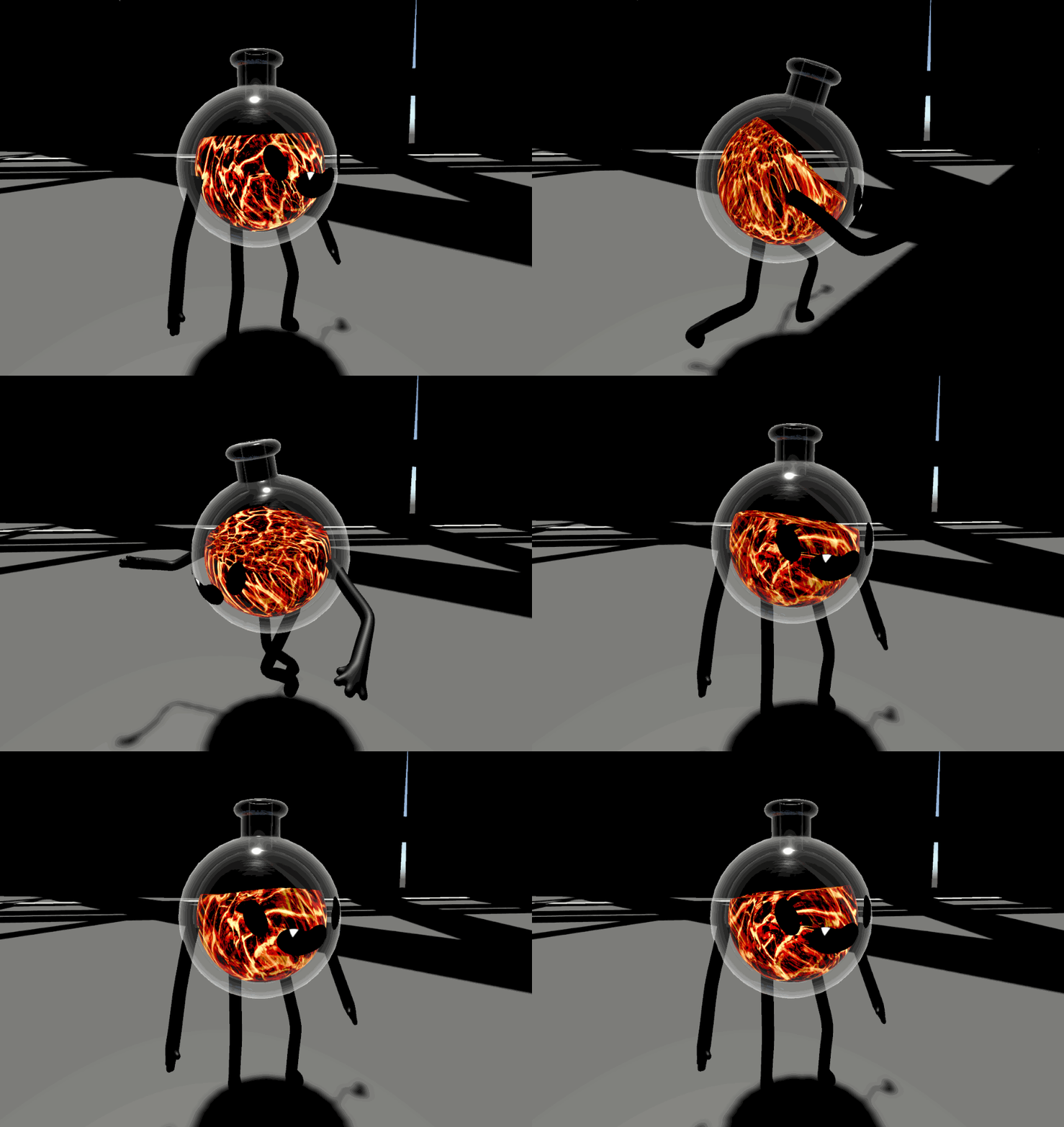
How the Liquid Shader Works
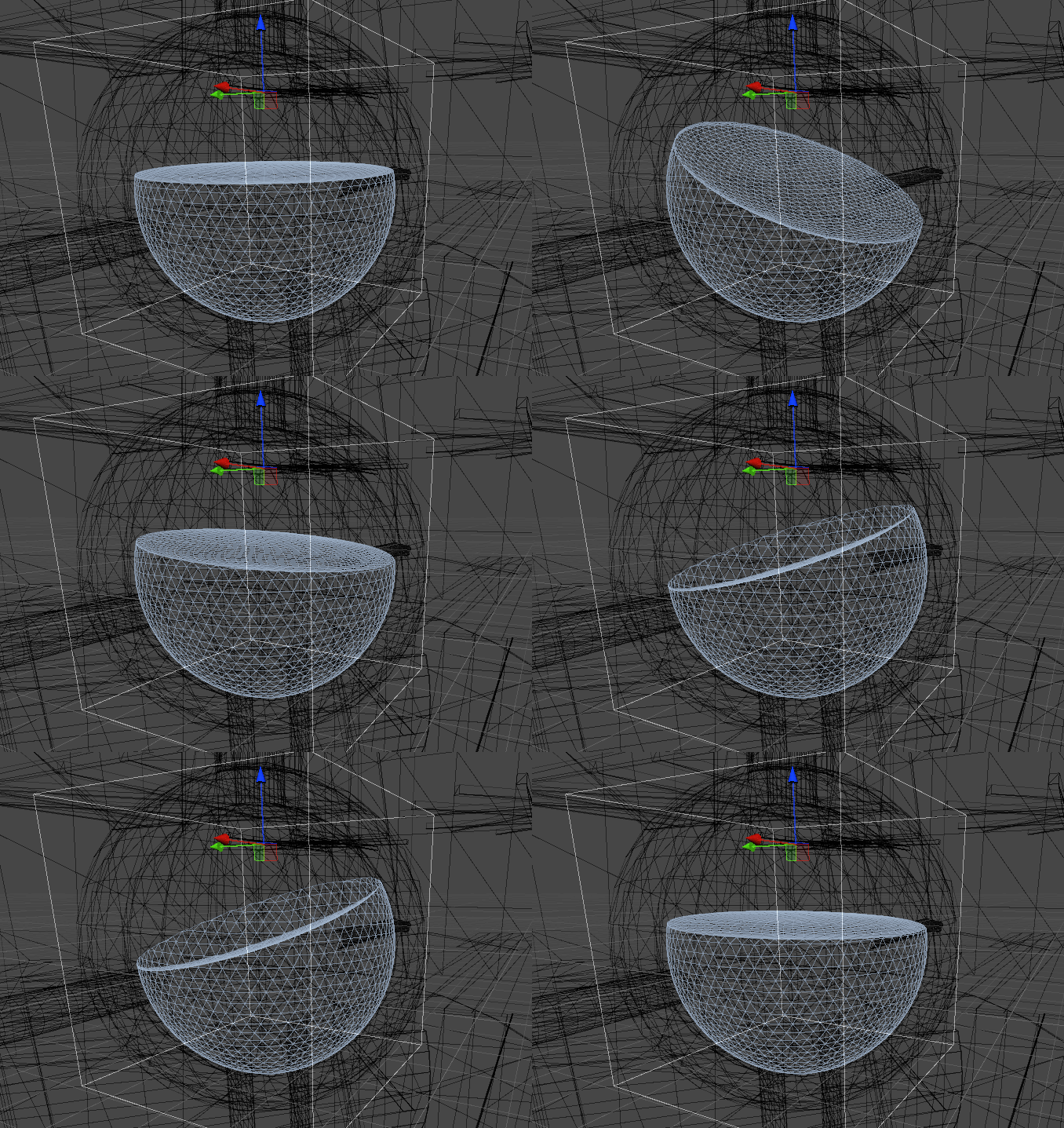
The liquid shader uses Spring weight that spins around and towards a point above the player character to generate a normal vector via script. The normal is used to create a ray, that finds the angles to align the rotation of the liquid. The Normal is passed to the shader, and the mesh is compressed to a height based on a variable and angle based on the normal. Vertices that would be compressed outside of the spherical mesh are pushed inwards. The velocity of the character creates a Sine wave that the script passes to a compute shader. The compute shader applies the wave to a series of 16x16 springs that pull on eachother. The positions of these springs are used to generate a 2D texture in black and white which the script passes on to the shader. The shader applies this texture to the flat top of the mesh to deform it and create waves.
List of currently implemented variables
SHADER Variables
- Wave Density
The wave density affects the number of waves that appears on top of the water's surface
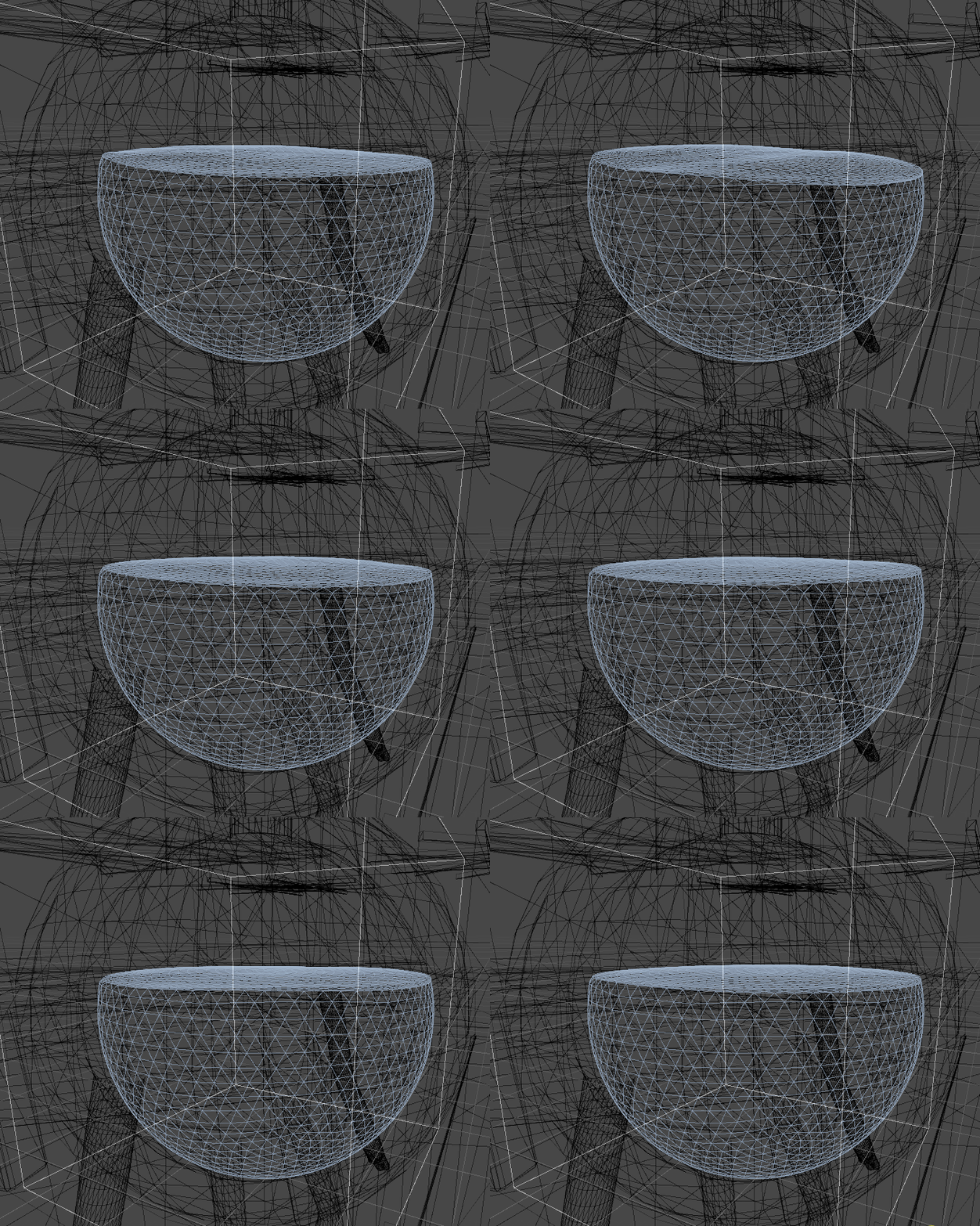
- Normal Contrast
Used for tweaking the normals of the waves
- Height
Change the height of the liquid
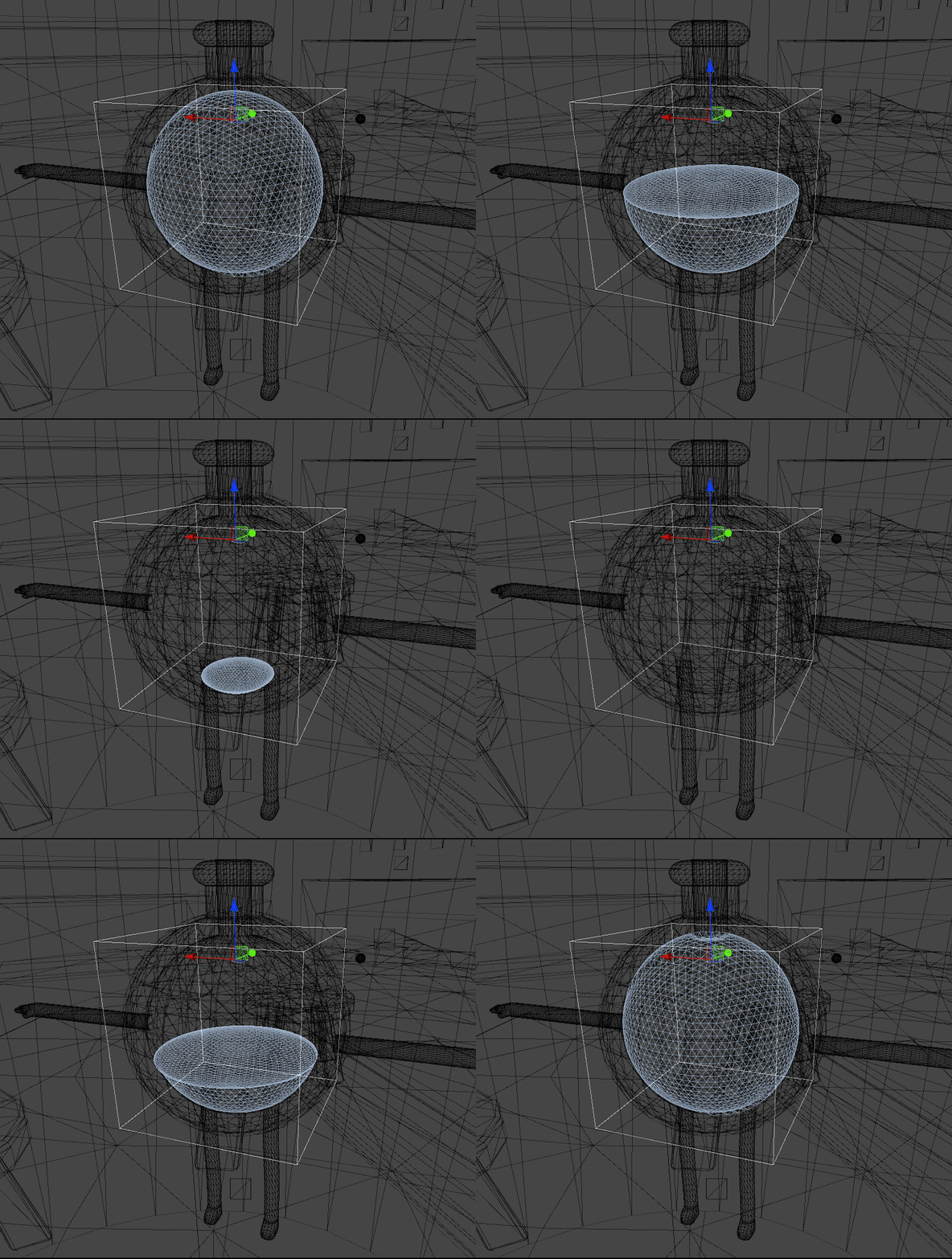
- Sphere Radius
This float is used for the cropping of deformations outside of the bottle's bounds, the radius should be kept at 0.385 at this time.
- Plane Normal
Automatically generated angle for the top of the liquid using a ray pointing to a swinging weight. Must be normalised lest the surface be concaved.
- Rotate & Rotate2
Automatically generated based on the character's look direction. Used to reorientate the liquid and waves to face the character's direction.
- Alpha
This value changes the transparency of the liquid
- Smoothness
- Occlusion
- Specular Colour
- Wave Deform Texture:
This texture is automatically generated via a compute shader, and applies a deform to the top plane of the liquid to simulate waves
- Foam Blend Blend Sharpness and Foam Height
These values are intrinsically linked to change the look of the foam, these will eventually be controlled by script to adapt the foam to changing heights as values will need to be adjusted to get the perfect look at all times.
- Foam Speed
The rate at which the foam texture if applied moves
- Foam Colour
The - colour that the foam texture will be modified to.
- Foam Texture
The texture projected on top of the liquid to emulate foam.
Shader Liquid Subgraph Controls
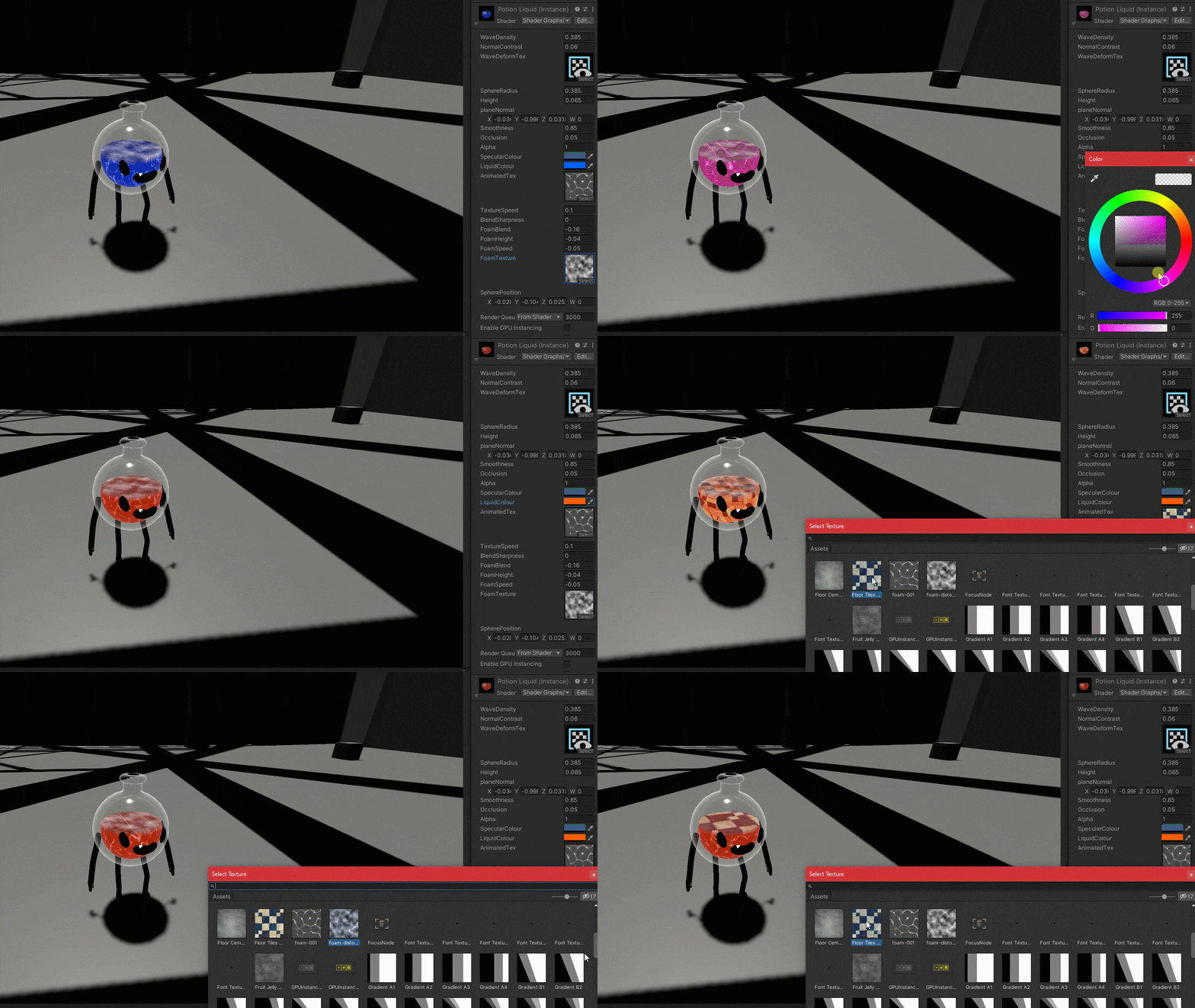
Triplanar subgraph applied to XY, YZ and XZ planes. Intention is to make it easy to swap out without changing the physics.
- Liquid Colour
The Colour that the subgraph will be changed to
- Brightness
The brightness of the subgraph's emission
- Tiling
The density of the XY and YZ planes
- Top Tiling
The density of the XZ plane
- Texture Speed
The speed of the subgraphs' texture
- Texture Ani Blend
Point at which the subraph's animation fades to repeat
- Contrast
Contrast of the subraph
SCRIPT Variables
Damping
The rate at which the wave wobbling returns to neutral
Spring Stiffness
How easily the waves are manipulated
SPRING WEIGHT VARIABLES
The Spring Weight in the hierarchy is what controls the wobbling of the liquid, adjusting the variables in the spring weight will change the way it behaves, and as such the liquid will follow.
Planned Features
- Effervescent bubbles
- Agitation based foam
- More realistic foam, with deformation
- Better Waves
- Better Colour customization
Known Issues
- Wave deformation changes water level slightly
- Cropping slightly off