Kinematic Character Controller - thisismatthew/Bottled GitHub Wiki
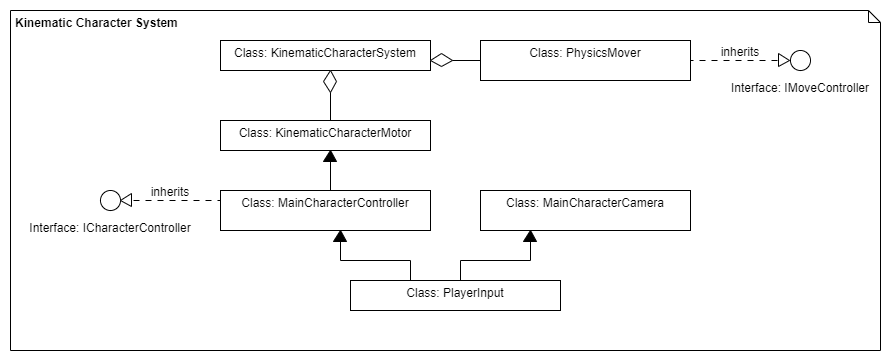 Rather than use Unity's in-built rigid body system for our physics, we decided to use a library known as the Kinematic Character Controller. This system provided a robust foundation for which to start the development of our 3D platformer. The Kinematic Character Controller came with several basic scripts that we have modified and refactored into our scripts. The changes for which are outlined below:
Player Inputs
Player inputs are taken and updated to the character controller and the camera controller from this script. Player inputs are stored in a PlayerCharacterInputs struct.
public struct PlayerCharacterInputs
    {
        public float MoveAxisForward;
        public float MoveAxisRight;
        public Quaternion CameraRotation;
        public bool JumpDown;
        public bool JumpUp;
        public bool CrouchDown;
        public bool CrouchUp;
        public bool UsePotion;
    }
Any new user input must be added and packaged in this struct if called in either of the controllers.
Character Controller
This is the most complex script at the moment in the KCC collection. The script implements the ICharacterInterface. The character controller is where calculations about the character's velocity, orientation, and animations are performed using a Character Motor. The motor then passes its information to the Kinematic Character System.
Stable Movement
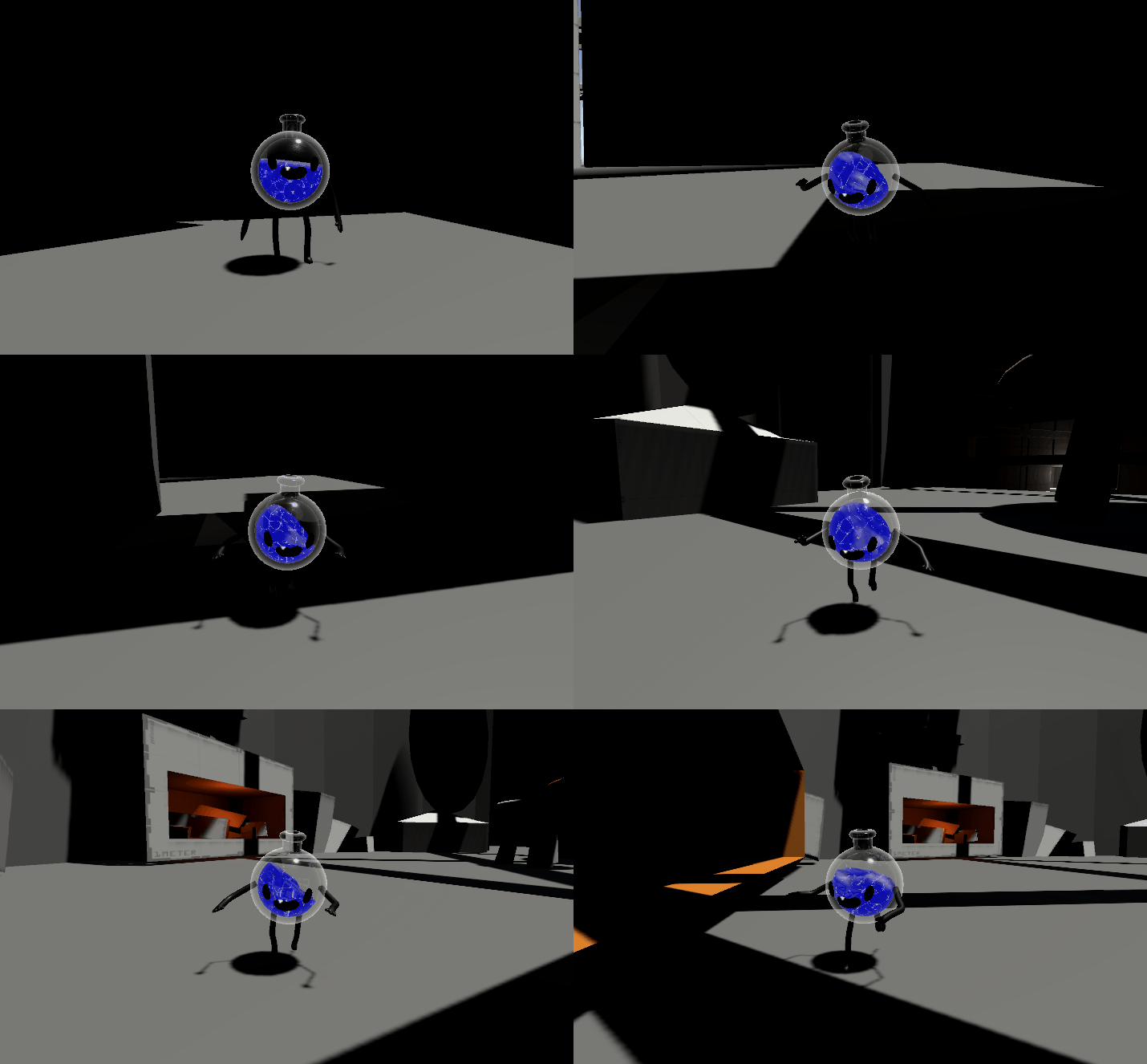 The Character controller handles calculating stable movement that accommodates for moving platforms, it has been modified to account for accelerated movement over time within a threshold.
- DefaultStableMoveSpeed - The default speed that the player will first accelerate to.
- ActualMoveSpeed - The current actual move speed of the player.
- TopStableMoveSpeed - The top speed the player will reach if running for an extended period.
- Acceleration - The rate of acceleration of the player.
- StableMovementSharpness - How sharply the player will stop and start moving. A low sharpness feels like sliding on ice.
- OrientationSharpness - How sharply the player will turn to face the intended direction.
- OrientationMethod - two options in this drop down, facing towards the direction the player is headed or facing the way the camera is pointed.
Air Movement & Jumping
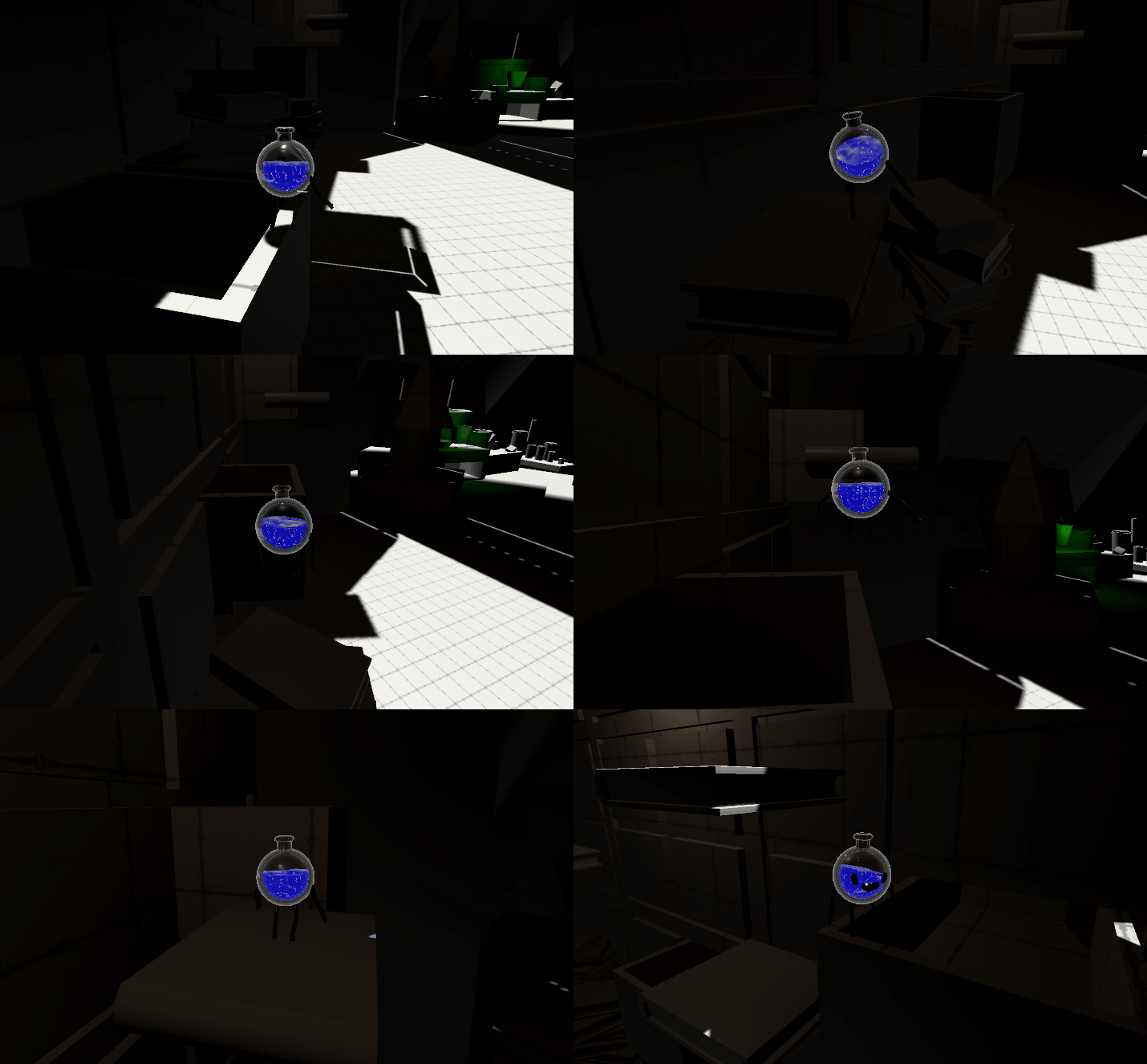 Jumping has been modified so that the player is able to jump different heights depending on how long the jump button is held down. This was done by taking the maximum jump height desired and the desired time it would take to reach the apex of that jump and calculating the appropriate jump velocity and gravity.
- MaxAirMoveSpeed - the speed at which the character can move in the air.
- AirAccelerationSpeed - the acceleration of the character's arial movement.
- Drag - the resistance in the air when moving.
- AllowJumpingWhenSliding - a toggle of whether the player is allowed to jump while sliding, default is false so that players cannot jump up slanted walls.
- TimeToMaxJumpApex - time it will take to jump to the apex of the jump.
- MaxJumpHeight - the maximum height the player can jump.
- MinJumpHeight - the minimum height the player can hop.
- JumpScalableForwardSpeed - the speed scale applied when the player jumps forwards.
Climbing
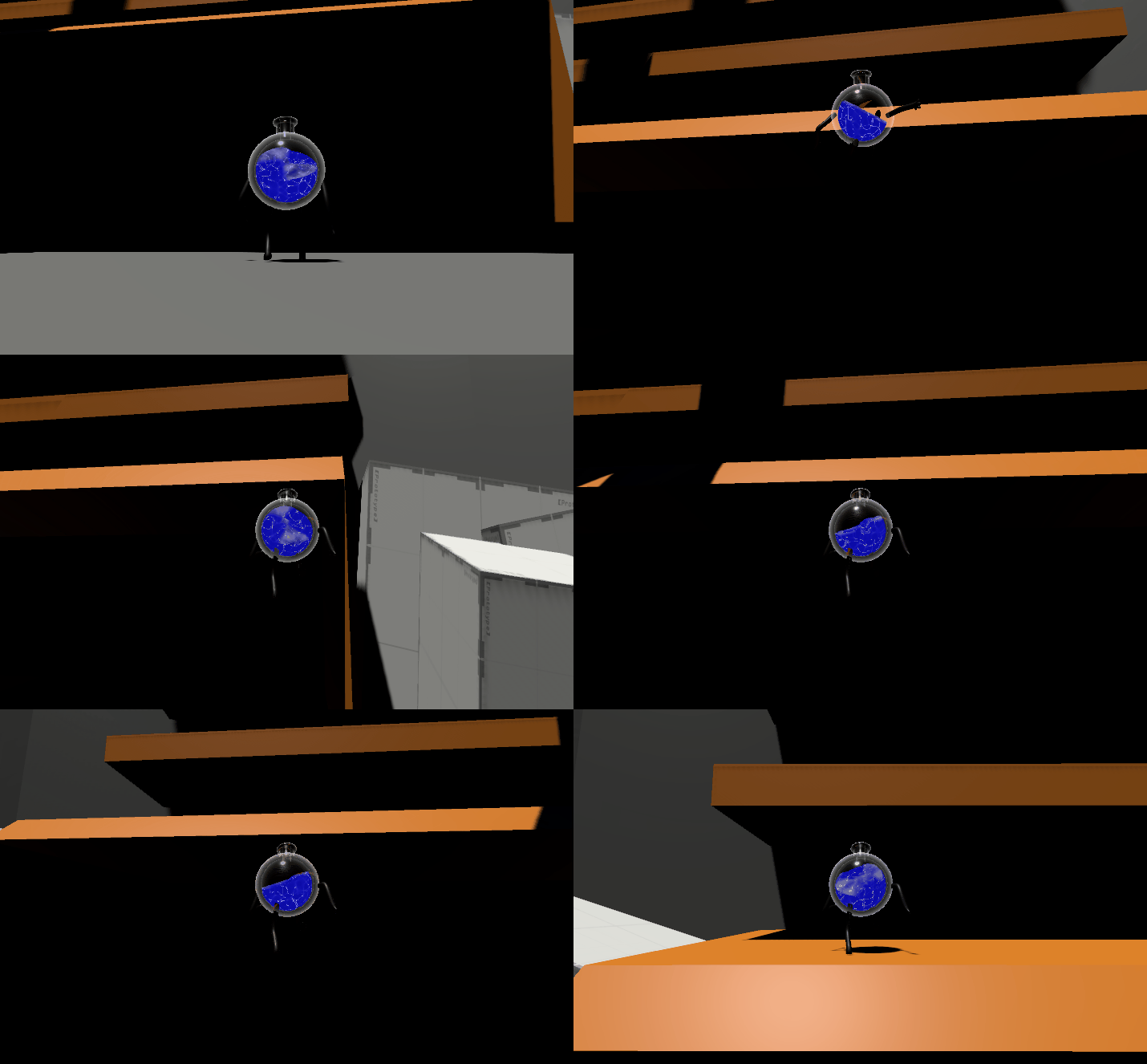 Climbing is a new feature to the character controller, adding a new Character State enum to the controller. The system uses splines to create climbable sections for the player.
- ClimbingSpeed - the speed at which the player climbs
- CurrentClimbSpline - the current spline the player is using for climbing
- ClimbingSharpness - the sharpness at which the player moves while climbing
- _currentSplineIndex - the current point that the player is on on the spline, expressed as a float between 0 and 1.
- _splineStart - the starting point on the spline.
- _splineEnd - the end point on the spline.
- _climbingBegun - whether or not the player has begun climbing.