How To Search This Wiki - source-chunk/chunk-picker-v2 GitHub Wiki
Being able to search for the information you're looking for in a wiki is a very useful feature, and unfortunately Github Wikis don't make it very obvious how to do that. This page therefore will explain how to search for something in this wiki.
- Locate the searchbar at the top of any page on this wiki.
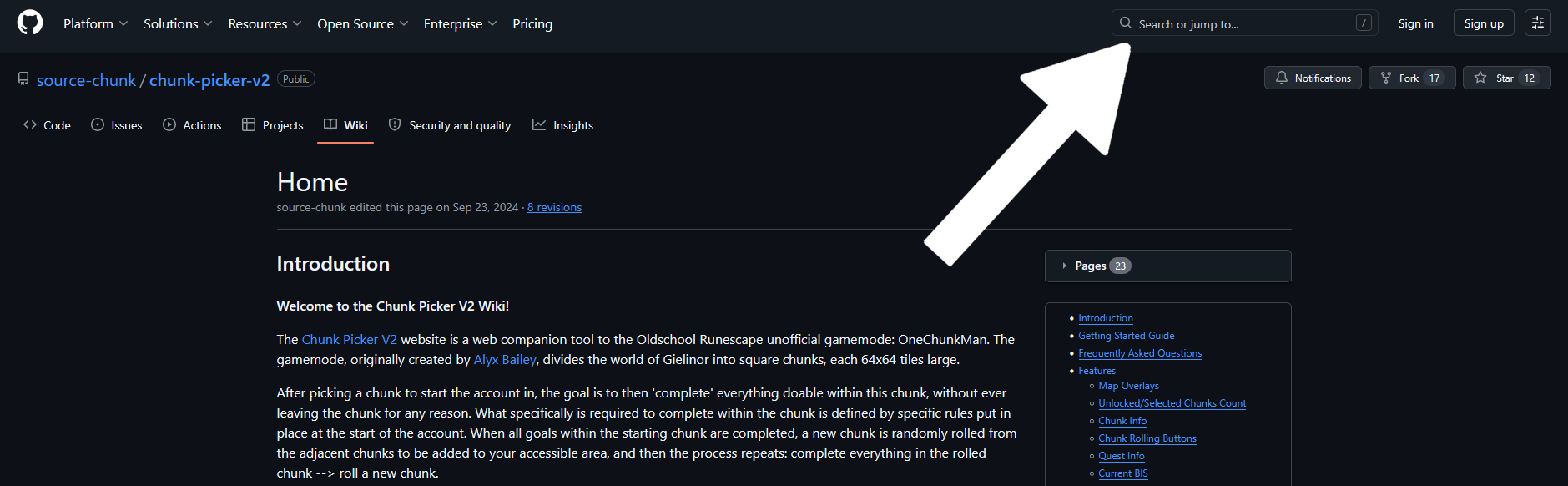
The searchbar
- Type in the search term you want to search for, then hit enter.
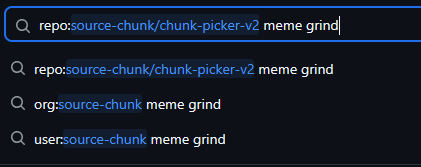
Enter your search term (the `repo: ...` part fills in on its own)
- A search results page will appear (and might look somewhat confusing at first). Find the "Wikis" button on the left side and click it.
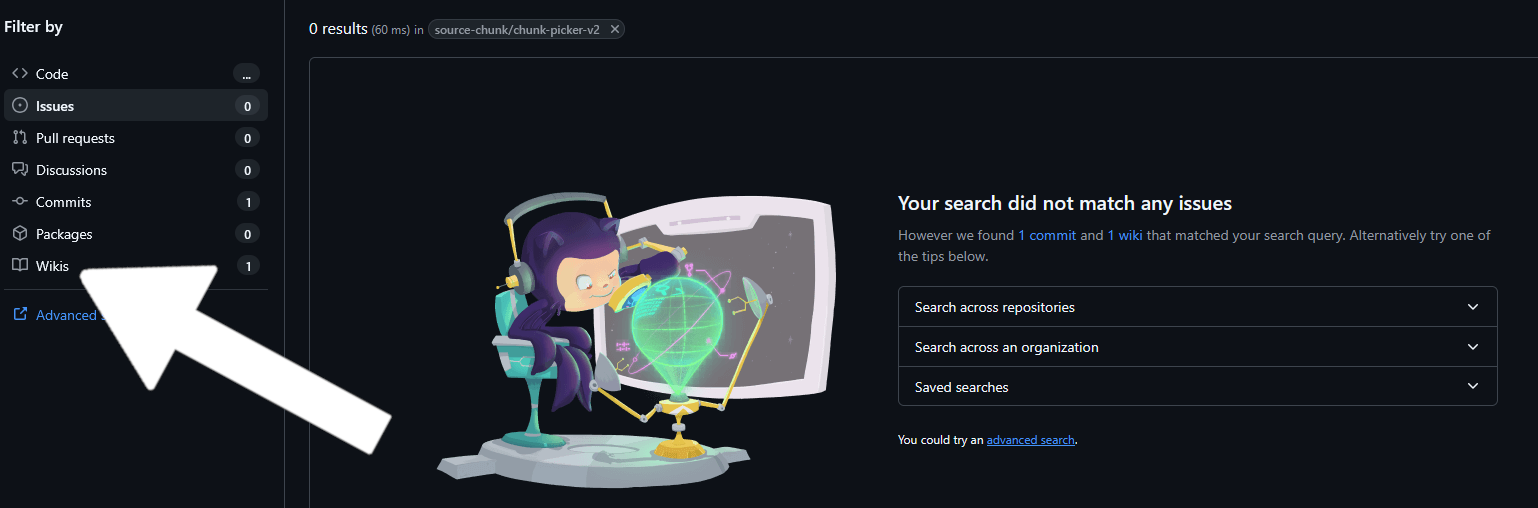
Find the Wikis button to show wiki search results
- Any wiki pages that match your search result will show up here. Click the link to one of the page results to read more.

The wiki search results