DRL Studio 1.7.0 What's new? - robb19y/DRL-Studio GitHub Wiki
New features
New version of DRL Studio can be downloaded from the Homberger Hub web site
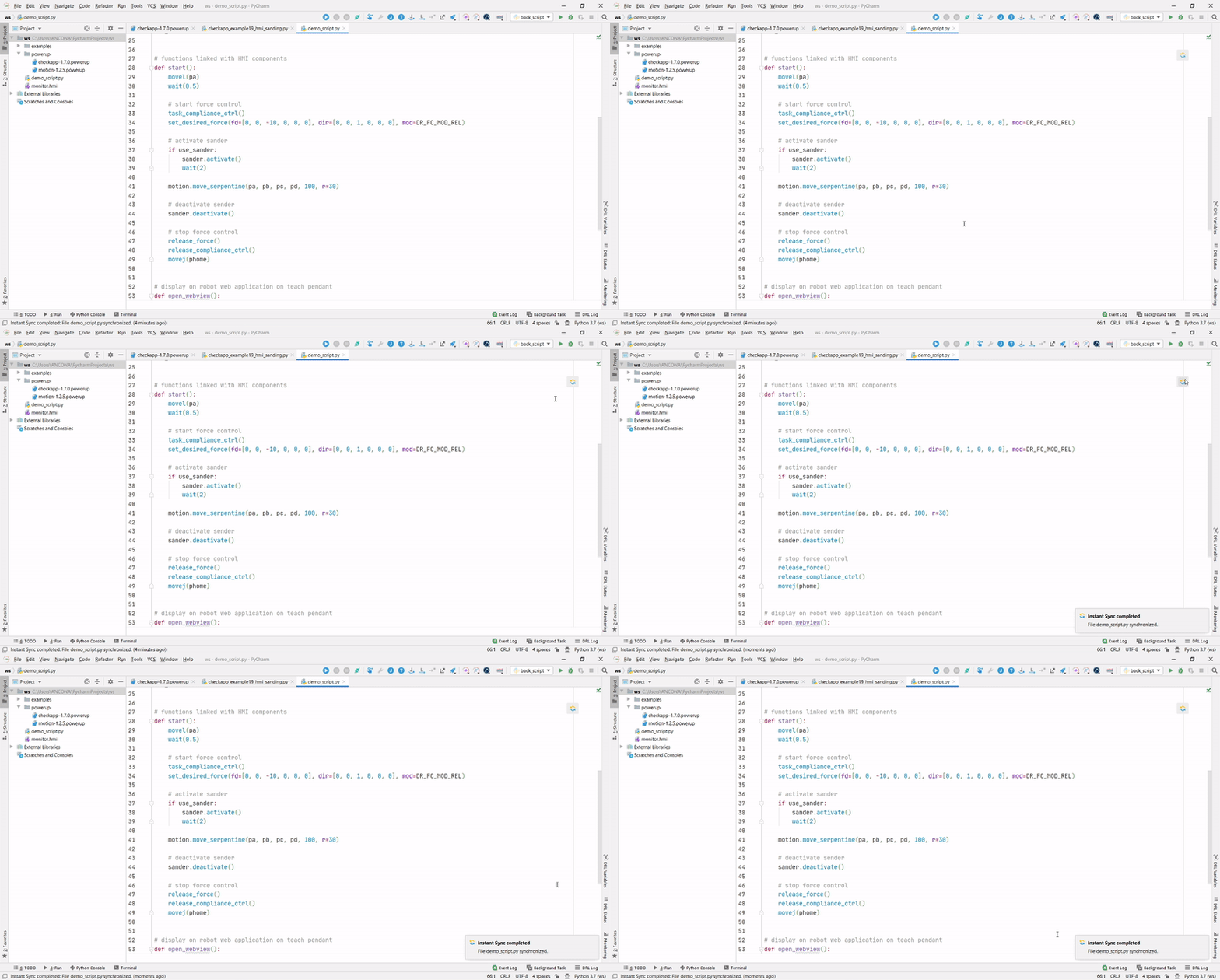
Instant Sync
To speed up application development we have added the Instant Sync feature to let you synchronize and upload files on the robot without requesting robot control each time. In this way you can run and test programs from the robot teach pendant and synchronize pyhton script changes with just one click.
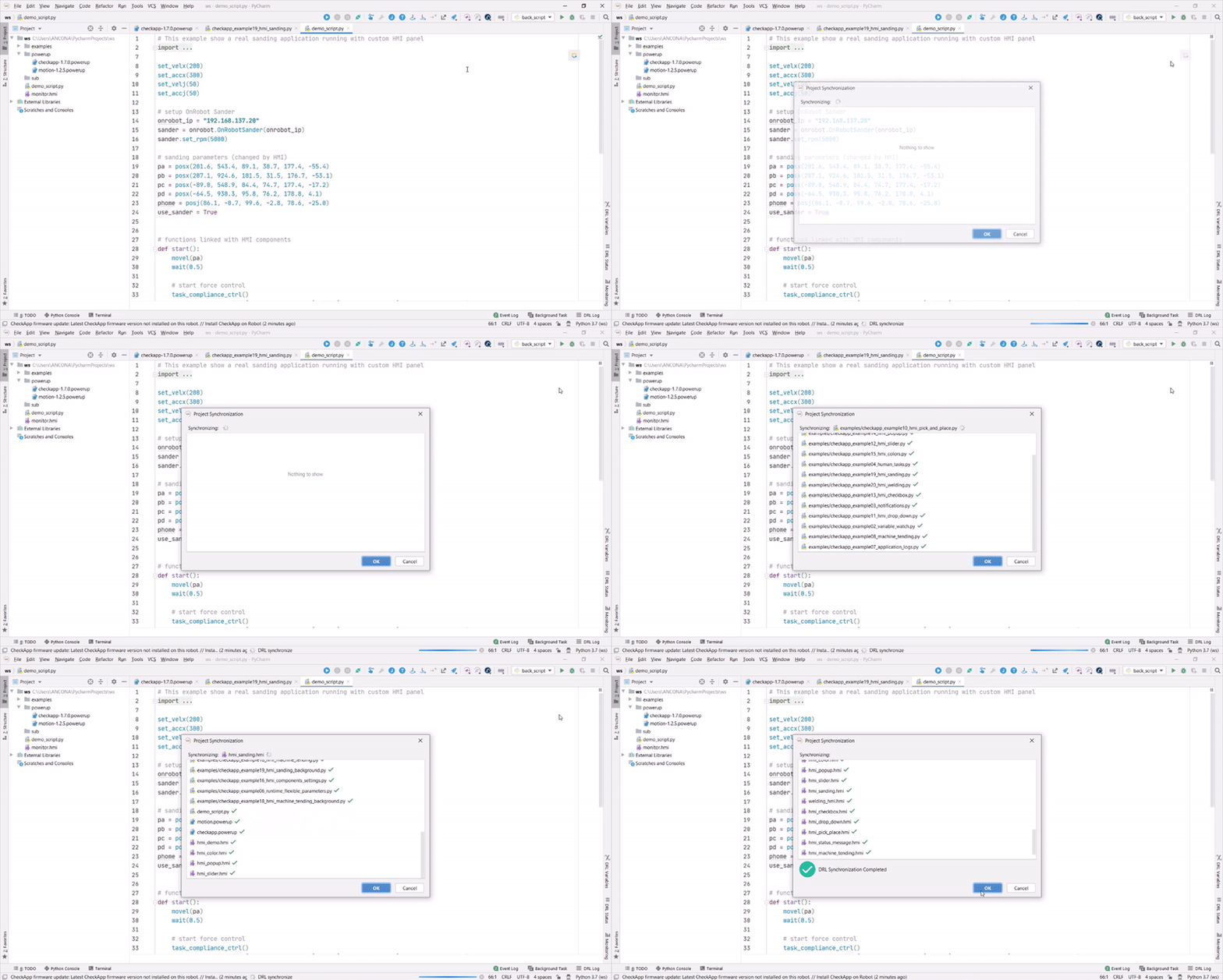
Synchronize Report
To give a better feedback of what gets synchronized in your project the Synchronize Report has been added.
Improved Smart HMI integration with teach pendant
Integration between Smart HMI and robot teach pendant has been improved to be more user friendly.
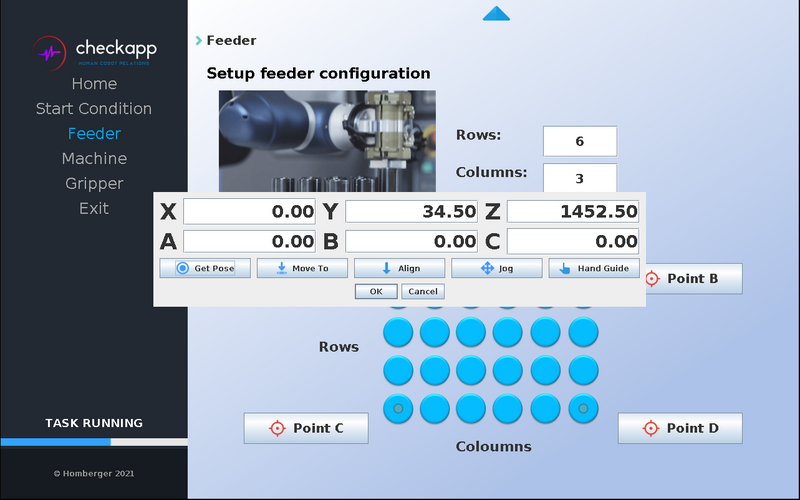
A new Get Pose Component has been added to the HMI editor, with this componet is possible to:
- teach and save positions
- move robot to saved positions
- vertically align robot tool
- go to jog screen (if robot program is not running)
- enable manual mode (if robot is inside collaborative zone)
Also a Status Bar has been added to let user know the status of the robot: Safe stop, Servo Off, Emergency, Recovery, Task Running. Remeber to configure the Task Operating signal both on robot and HMI to correctly show the status of the robot program.
Improved Smart HMI Editor
HMI editor has been improved to let user have a better control on their UI.
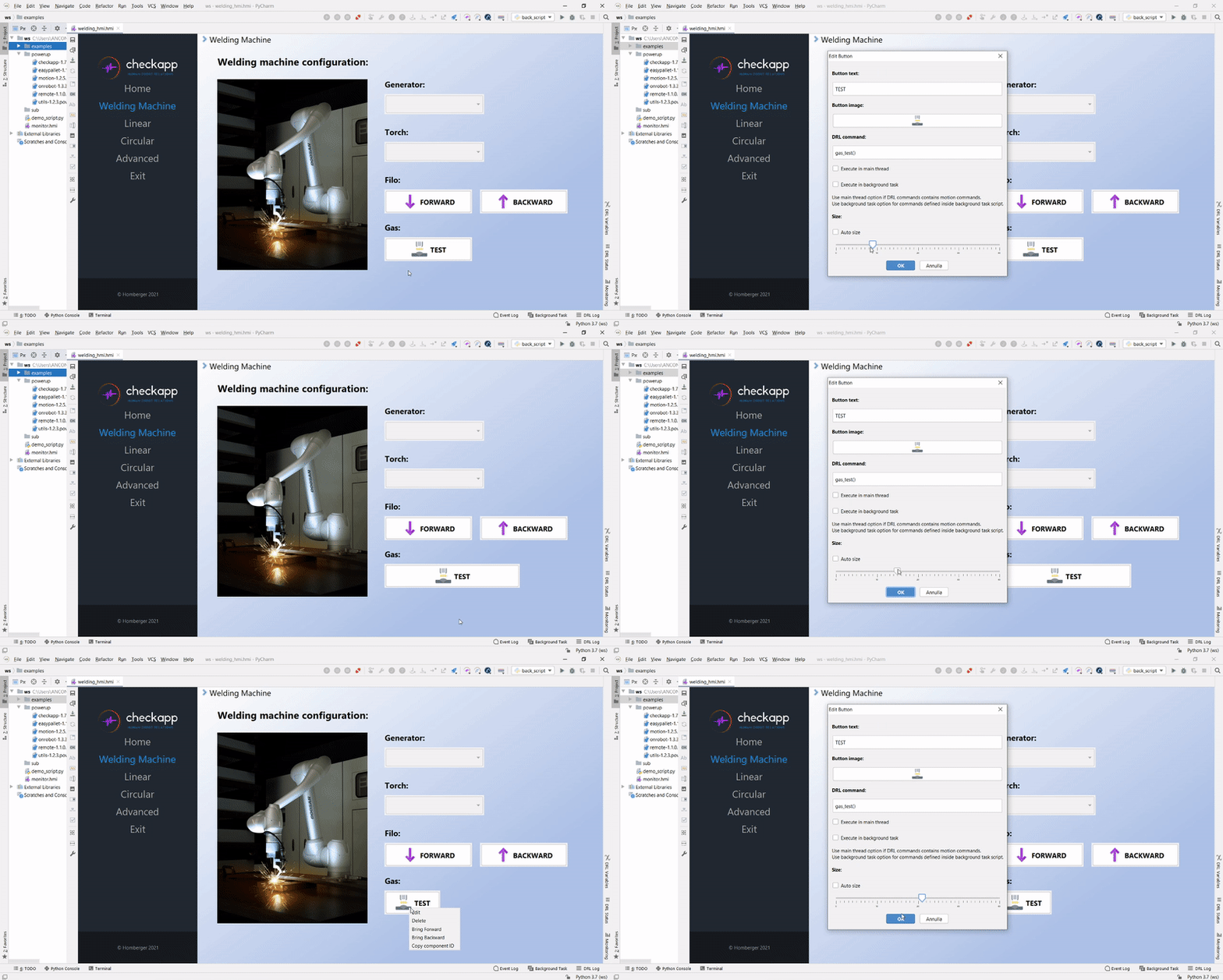
Size of UI components can now be arbitrary choosen.
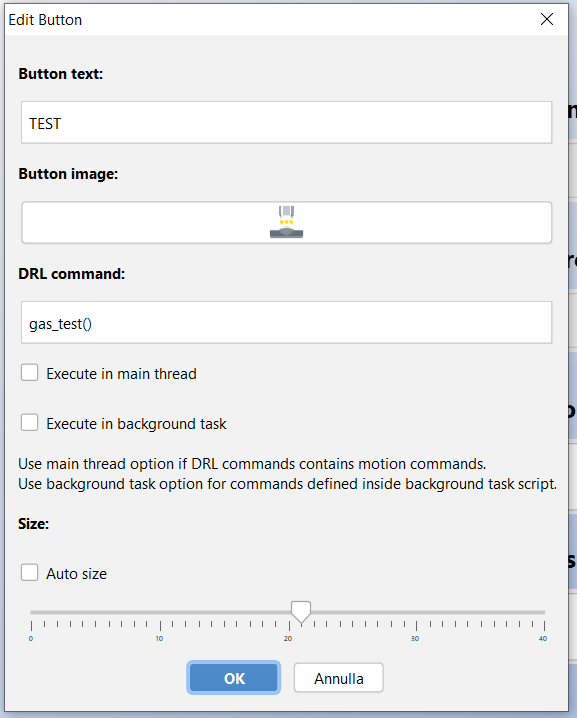
Buttons components can now be linked with DRL commands with several options:
- When nothing is selected, DRL command will be executed by the UI process thread inside the robot program (default option)
- When "Execute in main thread" is selected, DRL command is executed inside the robot program main thread (necessary for motion command)
- When "Execute in background Task" is selected, command is dispatched and executed to the Background Task (this is useful if your button action must be always available, even if robot program is stopped)
HMI Speed Boost
HMI speed and refresh time has been improved a lot, now variables and UI components updates without delay even for complex project.
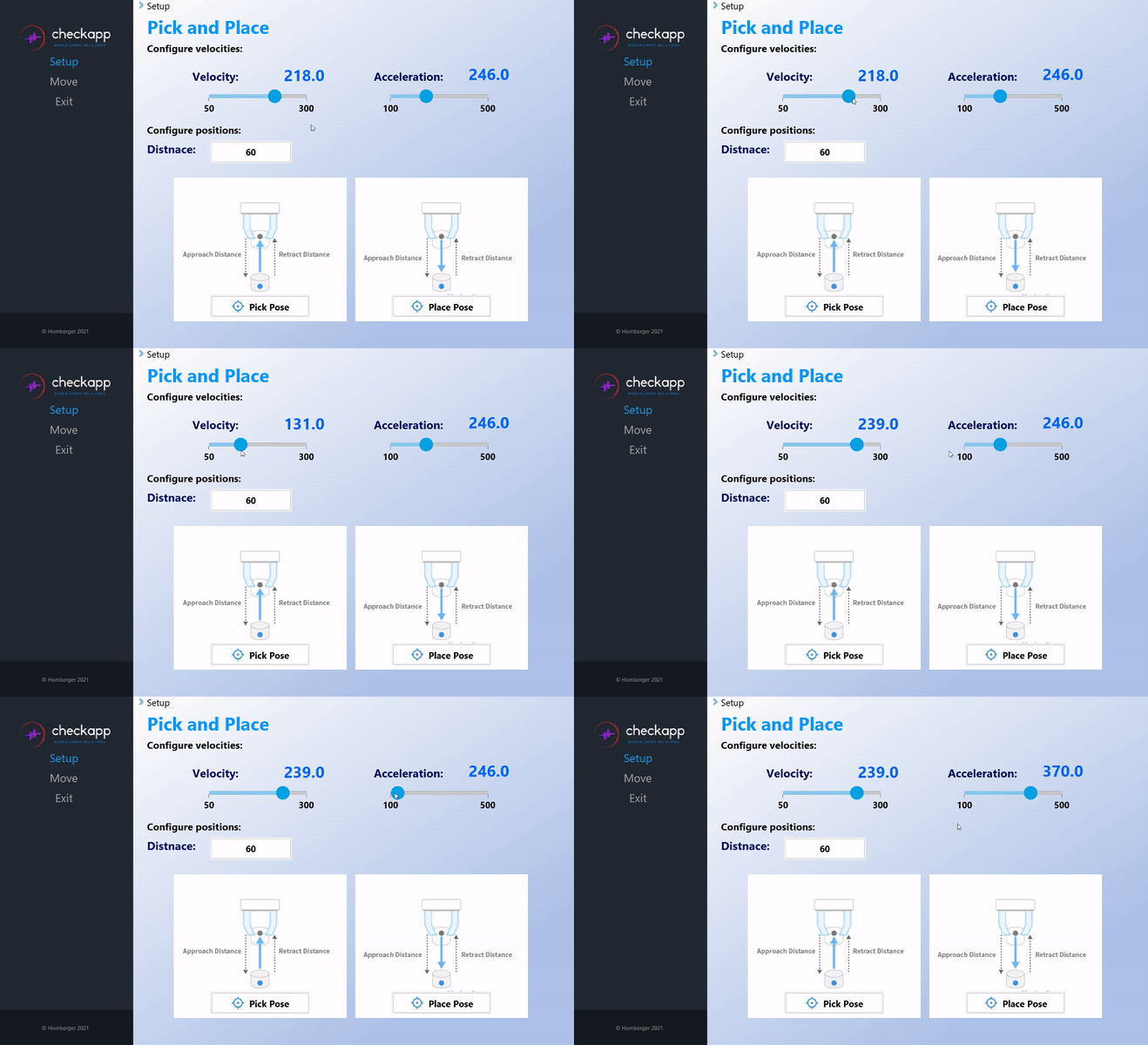
To apply the speed boost just install the new Hub Firmware Version 1.6.2
New Aplication Examples
More comprehensive examples have been added to cover advanced and real application, i.e. Machine Tending, Palletizing, Sanding, Welding.
