Authentication and Account Creation - radiasoft/sirepo GitHub Wiki
How to sign up for a Sirepo account
To access any supported code on the Sirepo gateway, be sure to have an active email address. Then follow these steps.
-
Navigate to sirepo.com.
-
Select the code you want to use from the dropdown under Supported Codes in the upper right-hand corner.

-
Fill out your email address.
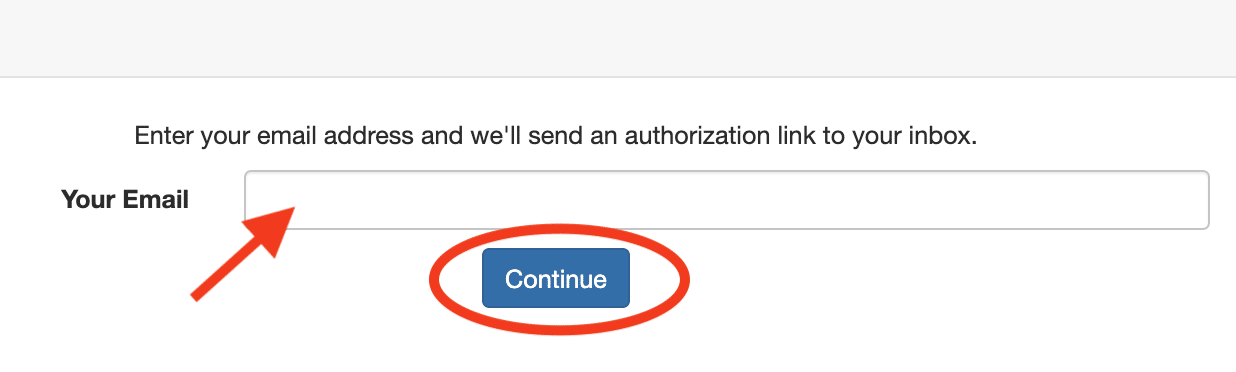
-
Check your inbox for a confirmation email.
-
Click on the confirmation link, and you're ready to start using Sirepo.
This is a one-time link that will add a cookie to your browser for that particular code, so you can login automatically to Sirepo going forward.