Tips and Workflows - oculometric/IvyFactoryDocs GitHub Wiki
Growing Carefully, Topiary
If you want to control exactly how your ivy grows, you can try this. Start by setting Branch tries down to 10, Segment tries to 10 and also Depth limit quite low, 10-15. Grow ivy. Now increase Depth limit to 20 or so, and Extend ivy. Try pruning away any unwanted segments by selecting vertices in edit mode, deleting them, then running Prune disconnected. Now increase the depth limit again, maybe to 30 now, and Extend ivy again. Repeat as necessary.
Moderating Weights
Unless you want just absolute spiky chaos, it's usually a good idea to have your weights set in moderation, with Direction weight being the greatest. Unless you want to end up with 'just growing straight up' sorta situation, working with Direction weight as your primary weight is a good idea.
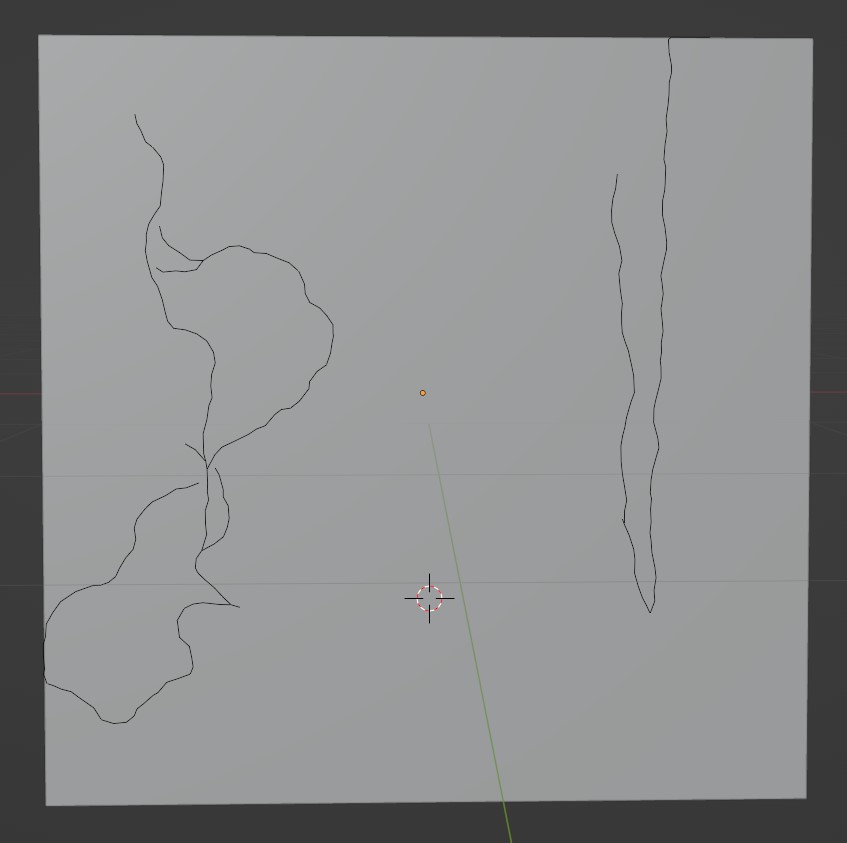
However, if you did want to go super-extreme, here's what normal weights vs Gravity weight=1 looks like:
And here's what normal weights vs Random weight=1 looks like:
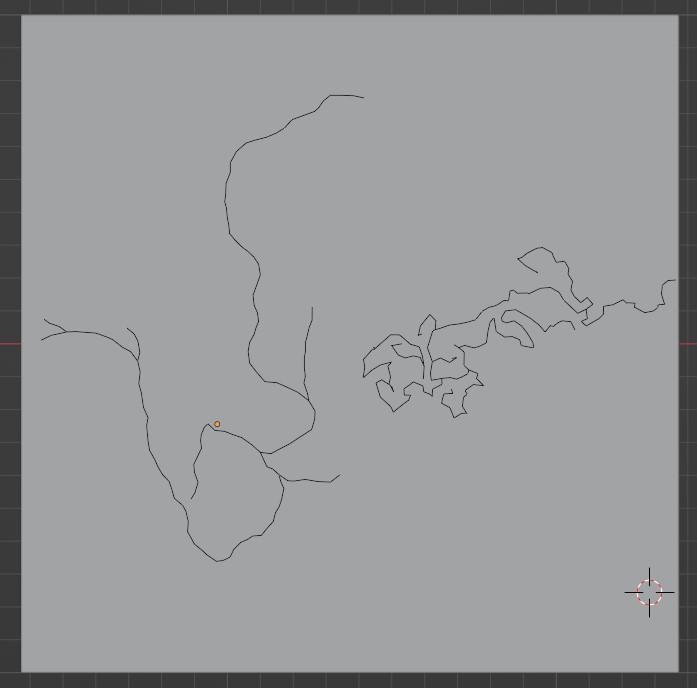
Balancing these weights can give vary varied results, so try out different combinations.
Using Attractors
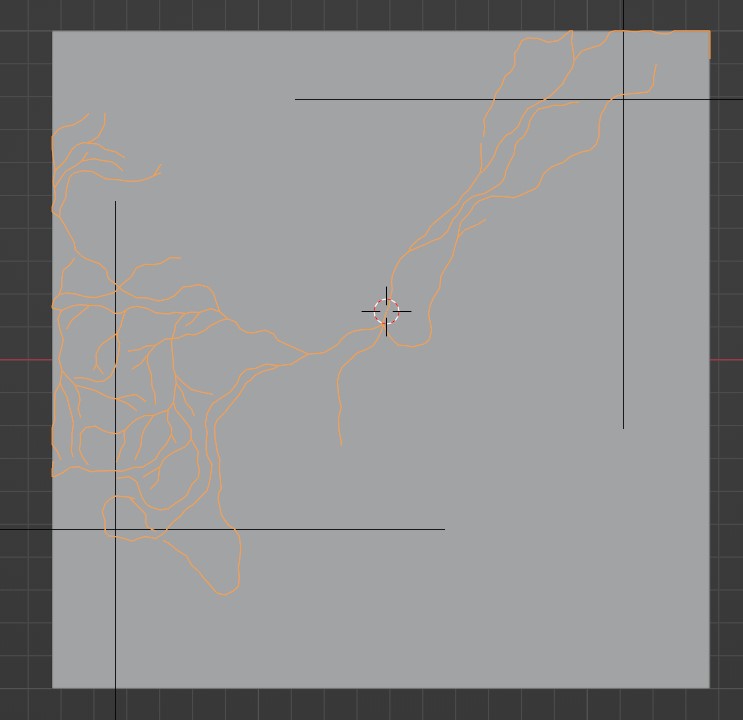
Attractors allow you to direct ivy toward specific points. You can control how much of an effect this has with the Attractor weight parameter, but remember that the attractor strength decreases the further away from the current segment it is.
The easiest way to set this up is by creating a new collection for your attractors and creating a few empty objects inside it to use as attractors. Make sure you set the Attractors: field in the IvyFactory panel to reference that collection. Then you can play with the Attractor weight and Attractor falloff to change how the attractors affect your ivy's growth until it looks right. Remember you can combine this technique with any of the other techniques mentioned above.
Miscellaneous Tips
- Try and grow things incrementally, at least to some degree. It makes it easier to review the ivy growth as you go, and potentially means less time spent waiting if you're working on a really big ivy object
- Weights aren't for life, you can grow part of an ivy, then completely change them before you extend it. May look a bit wacky if you do though
- Remember you can change options in the modal on the left side of the 3D view after you run one of the operators (
Grow ivyorExtend ivy). You don't have to Ctrl+Z, change a parameter, redo. You can just change parameters on the modal and you should see an update immediately