Notifying Repository - nimblehq/github-notifications-mac GitHub Wiki
- Log in with the Github Personal Access Token to the application.
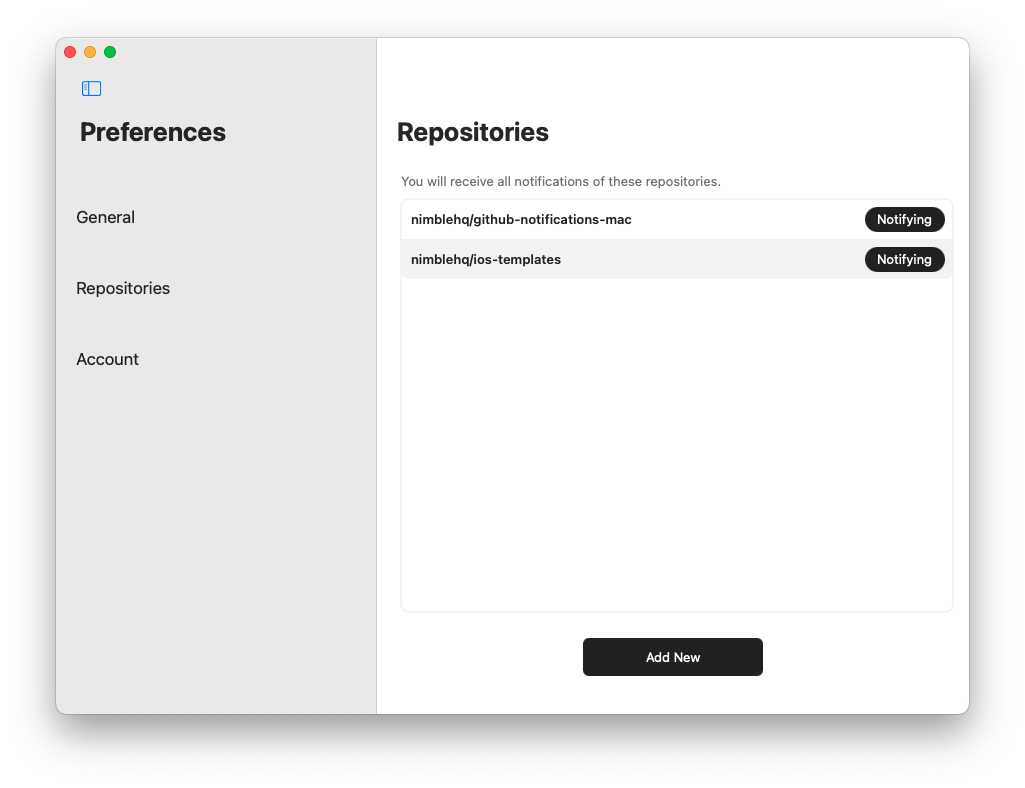
- Navigate to the Repository tab.
- Click
Add Newbutton to go to the Search Repository Screen. - Search for the repository and click on
Notifybutton for receiving notifications orNotifyingbutton to stop receiving notifications from the repository.