NCINM User Manual - ncidosimetry/ncidosetools GitHub Wiki
NCI Dosimetry System for Nuclear Medicine

The National Cancer Institute Dosimetry System for Nuclear Medicine (NCINM) is a reference-grade internal dosimetry system developed by the National Cancer Institute (NCI) for estimating organ absorbed doses and effective dose associated with nuclear medicine procedures.
NCINM is based on an extensive library of S values (absorbed dose per unit administered activity), pre-calculated using Monte Carlo radiation transport simulations for up to 70 source regions and 60 target regions across multiple computational human phantom models. The system supports population-based dose evaluation, benchmarking, and regulatory-facing analyses.
Organ dose calculations are performed using the following inputs:
- Patient characteristics
- Radionuclide or radiopharmaceutical
- Administered activity
- Biokinetic data
Intended use
NCINM is intended for reference internal dose estimation and comparative analyses.
It is not intended for patient-specific clinical decision making or real-time individualized dosimetry.
| Step | Description |
|---|---|
| 1 | Select phantom library and reference age |
| 2 | Select radionuclide or radiopharmaceutical |
| 3 | Enter administered activity |
| 4 | Define biokinetic data (if required) |
| 5 | Review organ dose output |
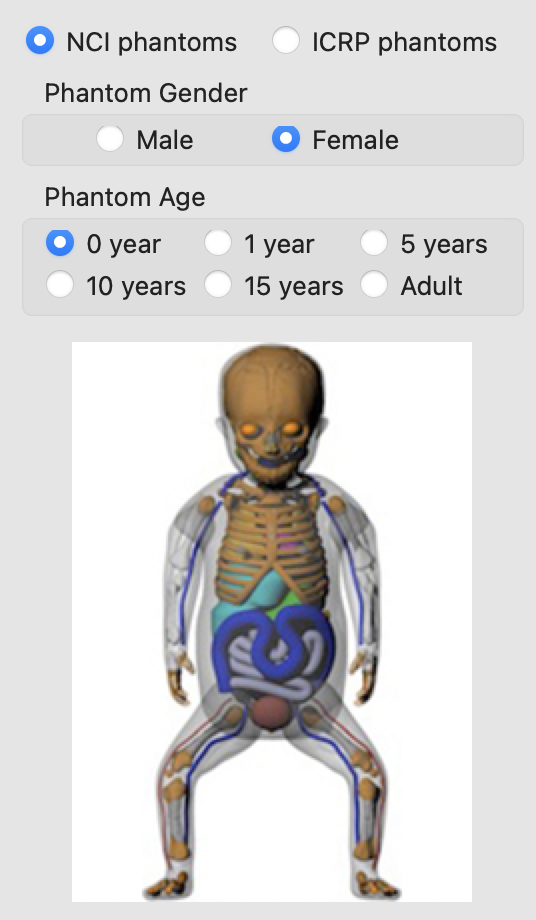
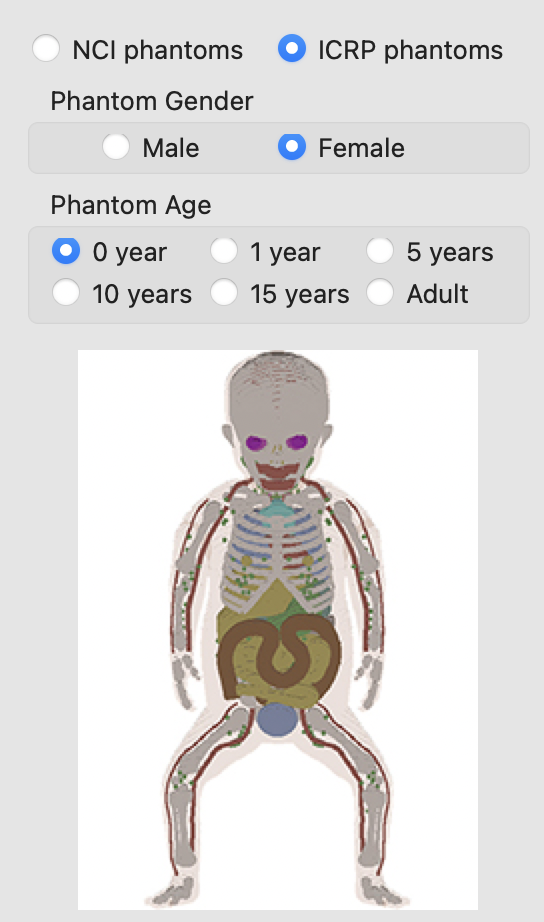
Users first select the phantom library used for dose calculations.
In NCINM 2.0, two phantom libraries are available:
- UF/NCI reference-size phantoms
- ICRP reference voxel phantoms
For both libraries, the following reference age groups are available:
- Newborn
- 1, 5, 10, or 15 years
- Adult (assumed ≥20 years)
If a patient’s age falls between reference groups, users may interpolate organ doses or select the nearest reference age group.
View phantom library and age selection
Two calculation pathways are supported.
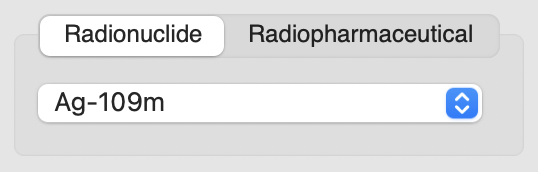
When biokinetic data are available, users may select the radionuclide under the Radionuclide tab. Approximately 300 radionuclides commonly used in nuclear medicine procedures are included.
View radionuclide selection
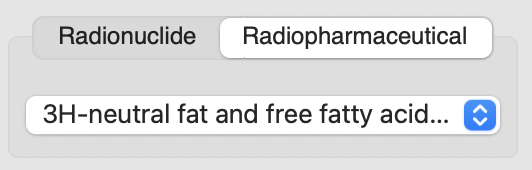
When biokinetic data are unavailable, users may select a compound under the Radiopharmaceutical tab, which applies predefined biokinetic models.
View radiopharmaceutical selection
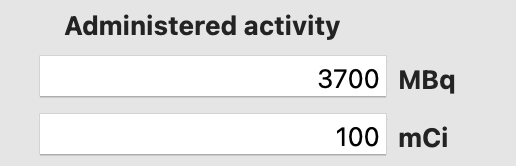
Users enter the administered activity in MBq or mCi (default value: 3700 MBq). Values entered in either unit are automatically converted to the other.
- For Radiopharmaceutical-based calculations, organ doses are computed immediately after activity entry.
- For Radionuclide-based calculations, biokinetic data must also be provided.
View administered activity input
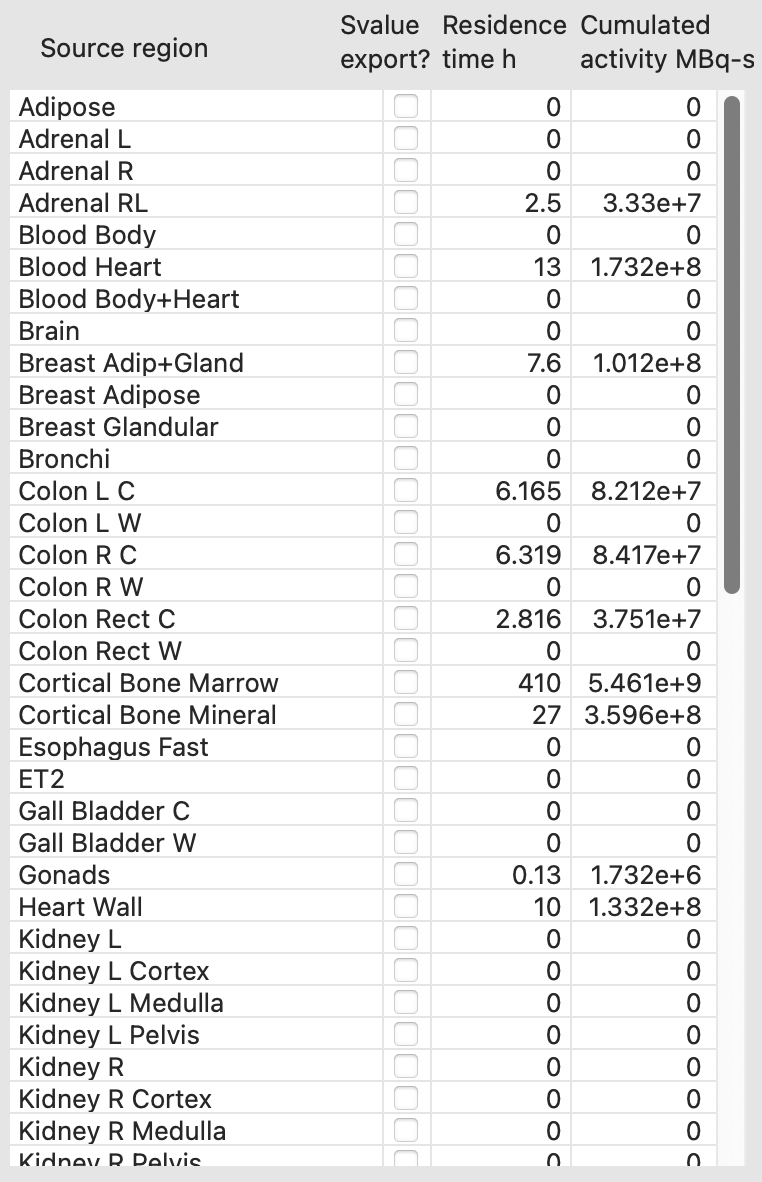
For radionuclide-based calculations, users enter biokinetic data for the source regions.
- Entering residence time (h) automatically computes cumulated activity (MBq·s)
- Entering cumulated activity computes residence time
- Radiopharmaceutical-based calculations populate residence times automatically
Users may export S values for independent dose calculations using Export S Values, which generates a CSV file.
View biokinetic data entry
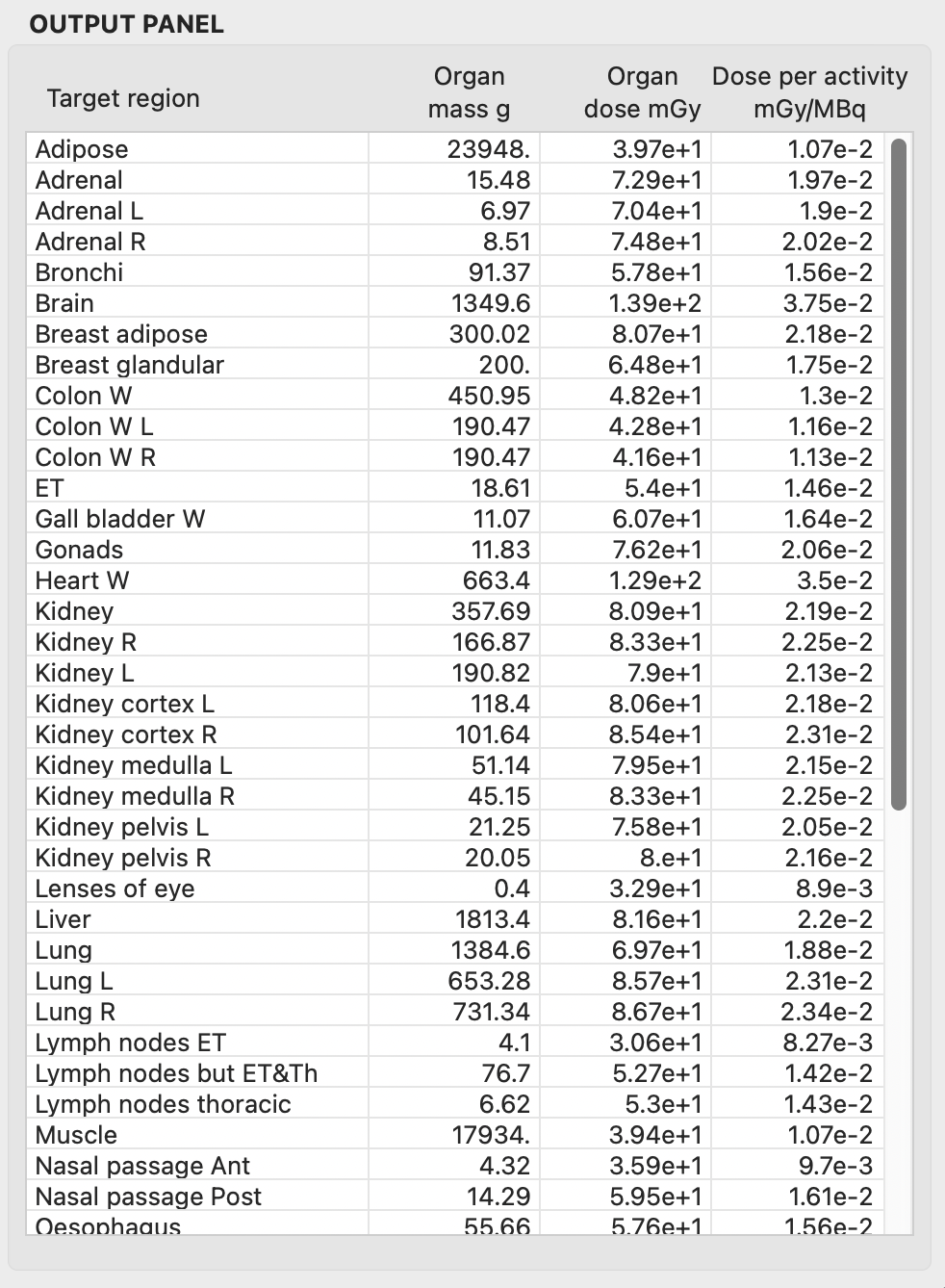
The OUTPUT PANEL reports:
- Target regions
- Organ mass (g)
- Absorbed dose
- Absorbed dose per administered activity (mGy/MBq)
Absorbed doses are automatically copied to the clipboard and may be copied in bulk for external use.
View dose output panel
Selecting Initialize Parameters resets the administered activity, residence times, and organ doses to zero.