Install and configure PTC Creo Parametric - mesh-iit/cad-libraries GitHub Wiki
Before installing PTC Creo:
-
Connect your PC to the IIT LAN, if you are out of the institute use a VPN connection
-
Contact MESH mechanical team for the version to be installed. This is very important for compatibility and file exchange (reminder for silo-mech:
cad-mechanicsREADME) -
if you plan to work with the iCub robot, clone the
cad-librariesrepository (see the wiki manual)
Install PTC Creo
- Download the correct installer from
\\iiticubstor01.iit.local\common\drivers_and_software\ptc. Check the README to select the correct PTC Creo version.
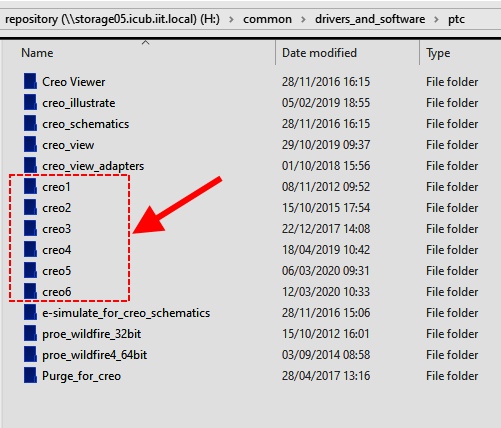
NOTE: The help center is not mandatory, download only the PTC Creo installer ( "_win64" )

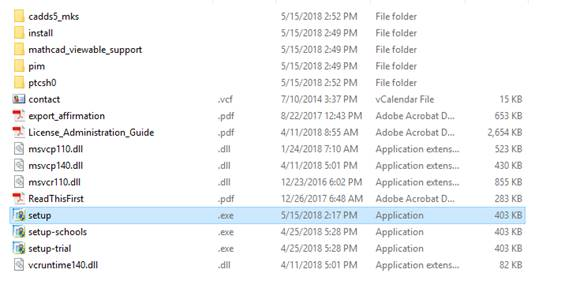
- Unzip it into a folder and lunch
setup.exe
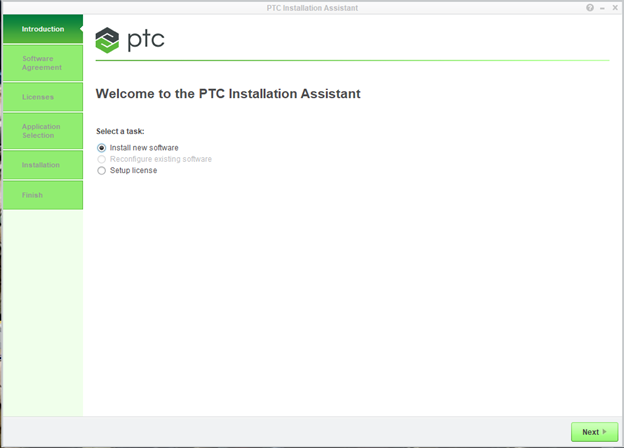
- In the new window select
install new softwareand thenNext
- Accept the software license agreement and press
Next

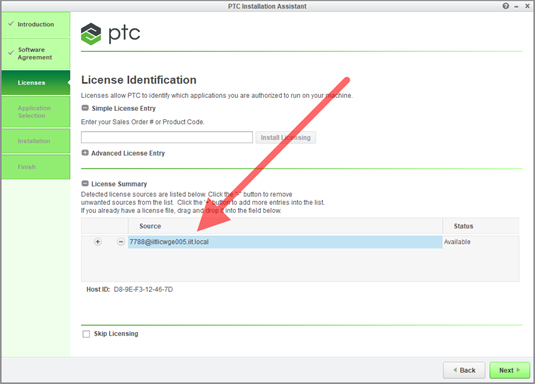
- Copy the license server address
[email protected]in theSourcefield- the license should become available (see image)
- press
Next
- In the next windows select
Customize
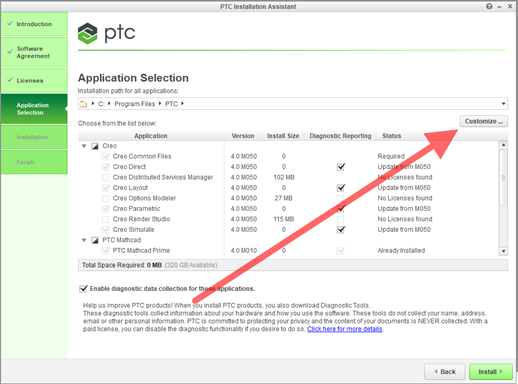
VERY IMPORTANT: keep only the English language in all the sub-modules (remove all other languages, remove Italian if it is selected)
Only for mechanical team: is advisable to select all the options that you can find in the sub-modules, for other people, is possible keep the selection as default (except the language that must be English only).
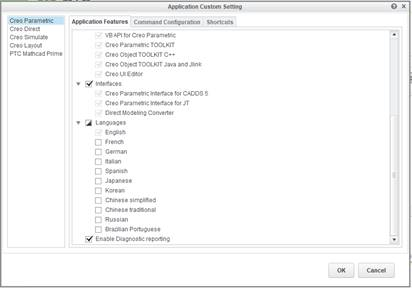
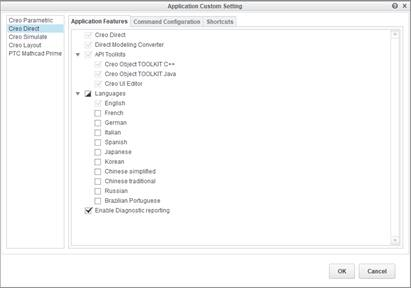
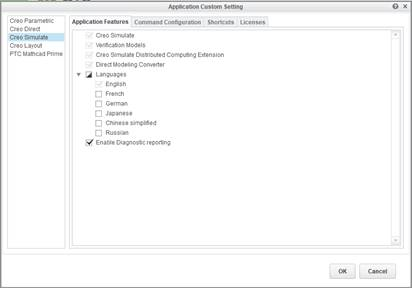
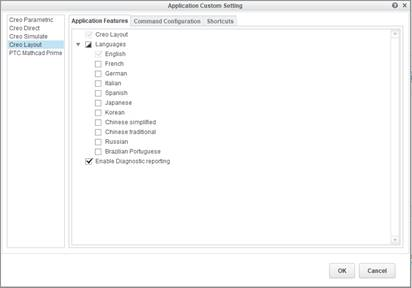
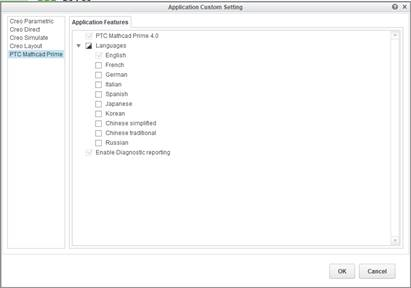
- Eventually select the right box press OK to start the installation.
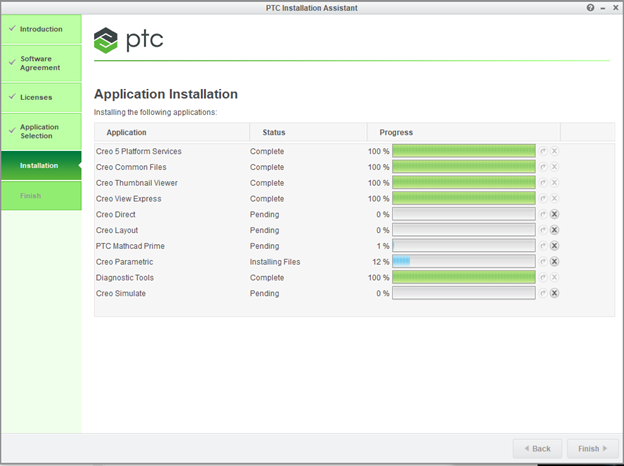
- Now you can configure the
cad-librariesrepository to work with PTC Creo.