GUI - matsjoyce/specter GitHub Wiki
The GUI
specter comes with a tkinter GUI, which may provide a nicer interface to work with.
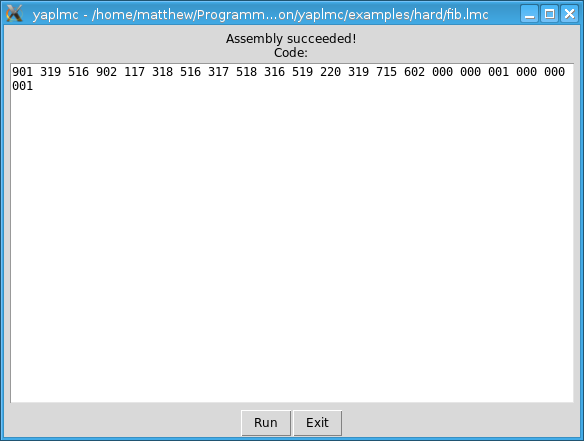
Assembling:
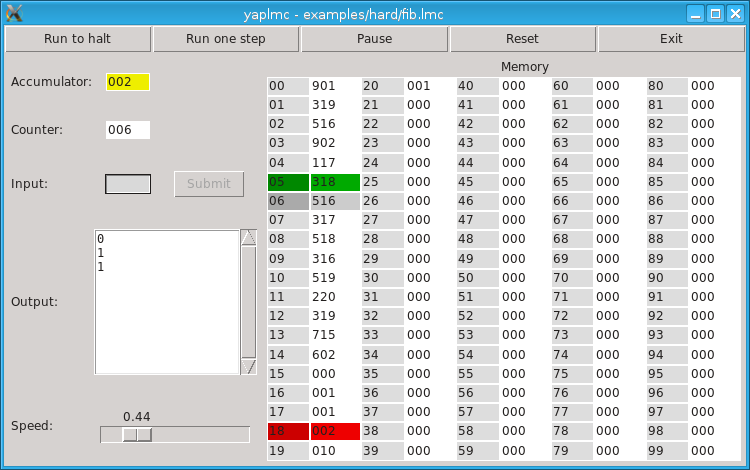
Running (with color markers):
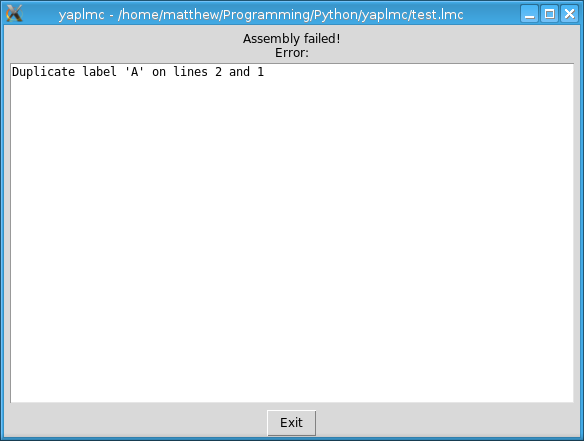
Assembly error (for explanation see Assembly Errors):
Explanation of buttons:
Run to halt- Run until aHLTinstruction is encountered. The speed of simulation can be changed by theSpeedslider. The units are in seconds.Pause- Stop the program running if the code was set running byRun to halt.Run one step- Execute next instruction, then halt. Can be pressed multiple times for "step though" effect.Reset- Reset registers and memory. Equivalent to restarting the program.Exit- Does what is says on the packet.
Explanation of colors in memory and accumulator:
Red- Was written to in the last step.Yellow- Was read in the last step.Green- Instruction was executed in the last step.Grey- Instruction will be executed in the next step.White- Nothing happened.
Other notes:
- The memory can be changed when paused by editing a memory value. The value must be between
0and999.
Command line options:
-h,--help- show this help message and exit-f FILE,--file FILE- lmc file (skips file open dialog)-l,--licence- display licence-V,--version- display version
Also see: The CLI