Reports and MSI - magento/inventory GitHub Wiki
 DEVELOP User Guide - This guide provides MSI Develop Branch/Active Development merchant information on Magento Multi Source Inventory (MSI) features and project.
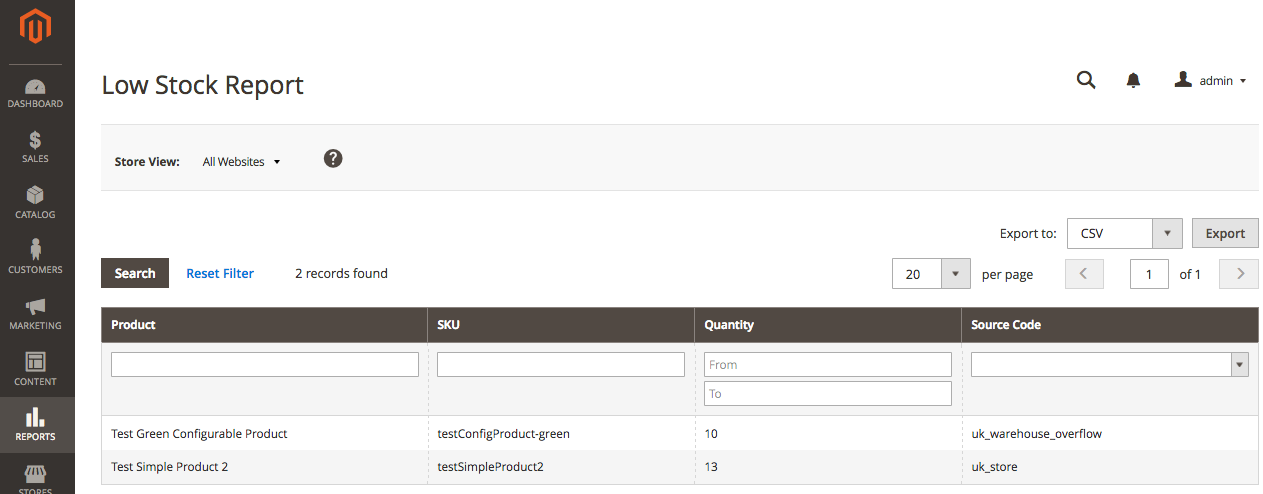
With Manage Stock enabled, you can review the Low Stock report to review notifications. To view the Low Stock report, tap Reports and choose Low Stock Report.
This report includes updates for the following information:
- List products (name and SKU) at or below the Notify
- Current quantity
- Code for the source indicating the low stock amount
 |
|---|
| Low Stock Report |
The notifications may fire when the product uses the global or an product specific setting. For more information, see Modifying quantities and notifications in the Admin.