Screenshots - lennartdeknikker/frontend-data GitHub Wiki
Start screen
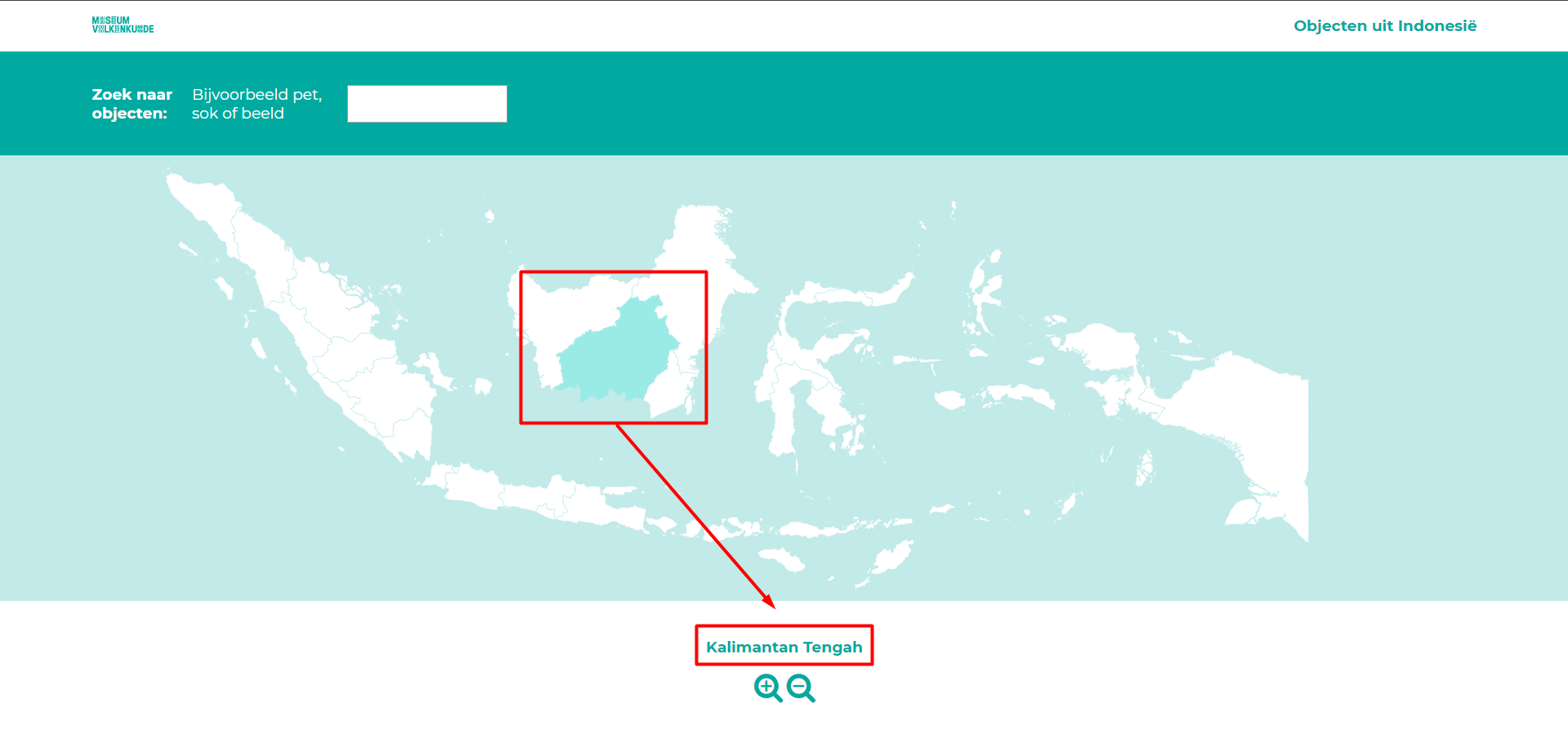
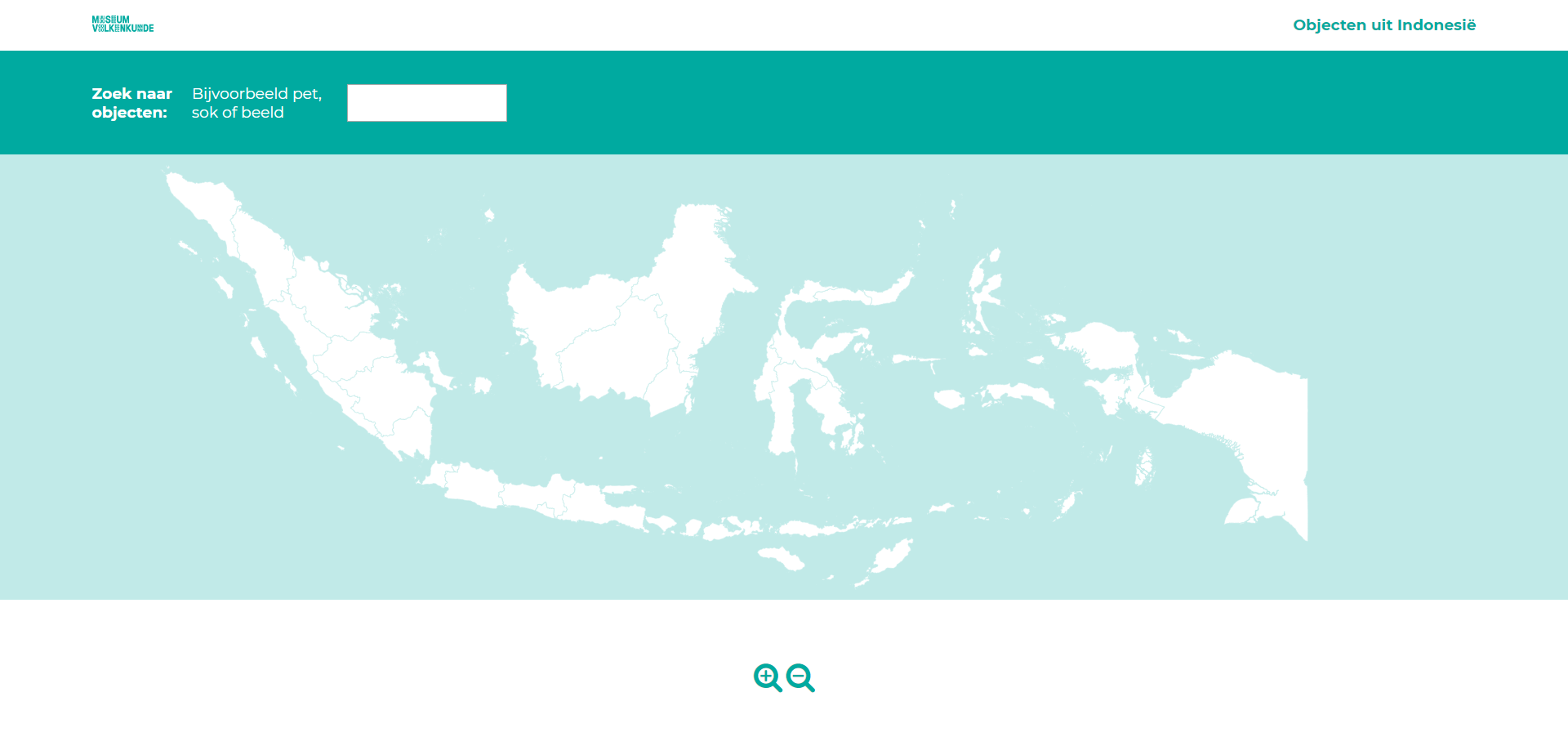 The start screen just shows the map of Indonesia. Users can explore the map by zooming and/or hovering over areas to see the names:
Searching for keywords
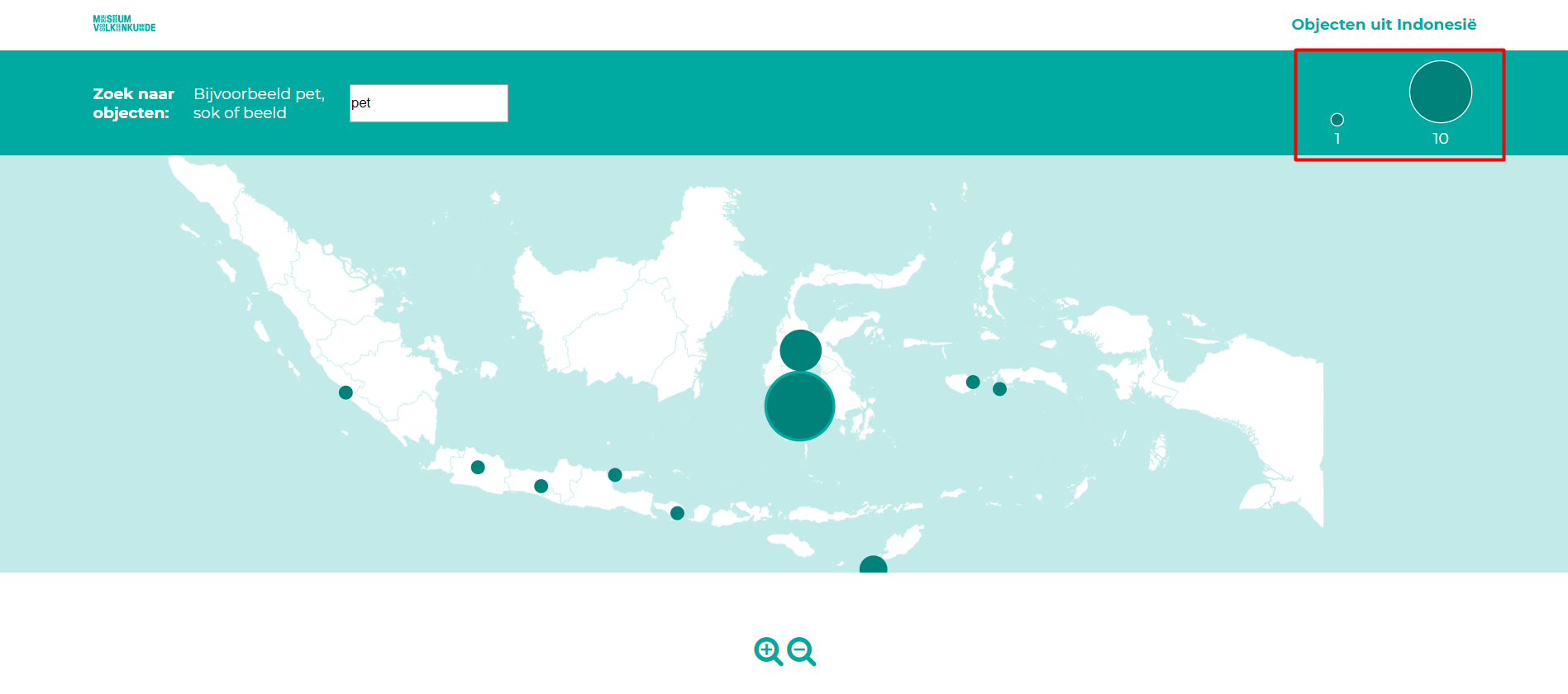 The user can search for keywords to explore the collection. A few suggestions are given to get you started. When a keyword is given, objects with that tagword are shown on the map. In the right upper corner, the legend will show the data extent for that object. When given another keyword, the legend will update accordingly.
Zooming
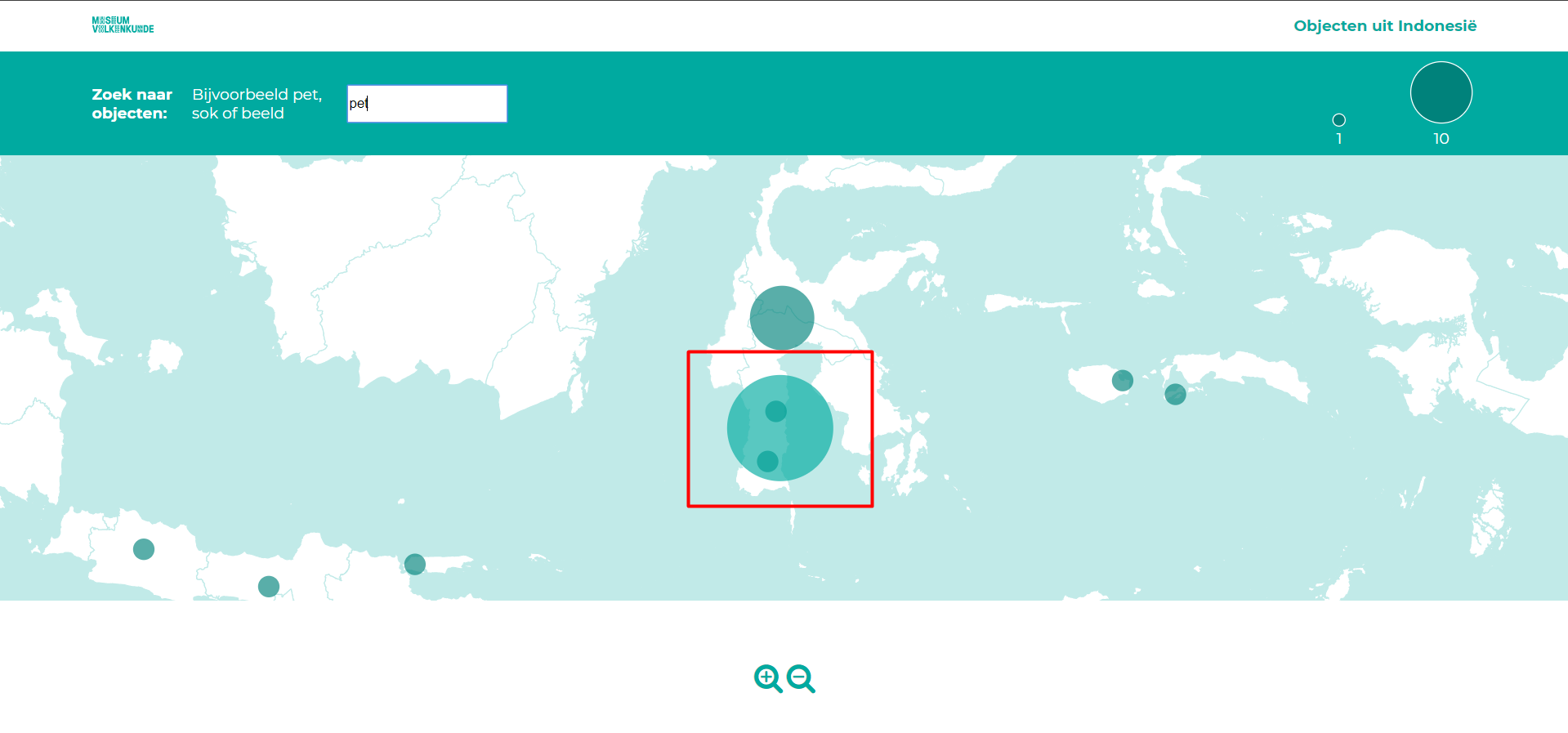 When zoomed in, the bigger dots will get transparent, so the smaller dots behind those can be seen.
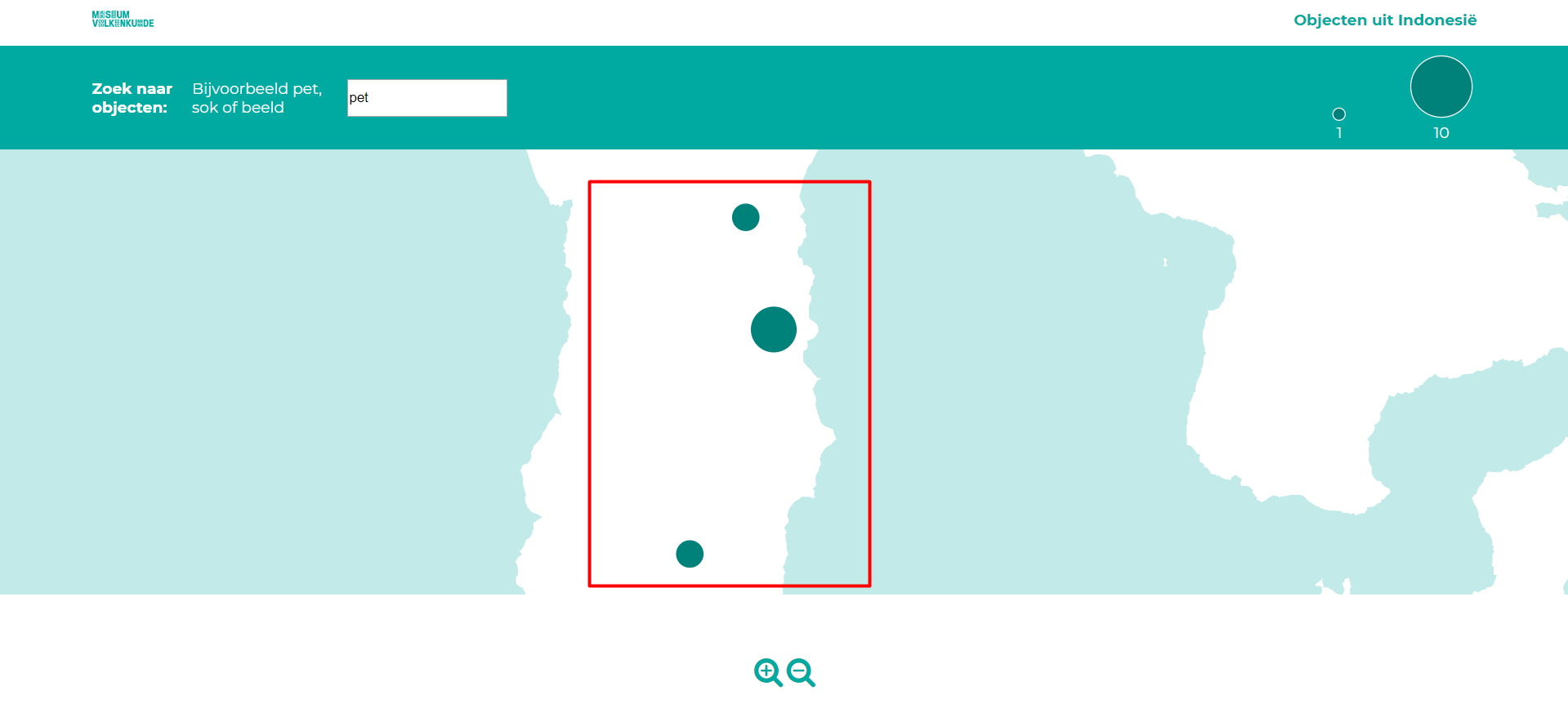 At the maximum zoom-level, the dots lose their transparency and will dramatically shrink in size so it's easier to pinpoint the origin location. I added this functionality, because there's no other reason for zooming in that far than wanting to know the exact locations.
List
Image view
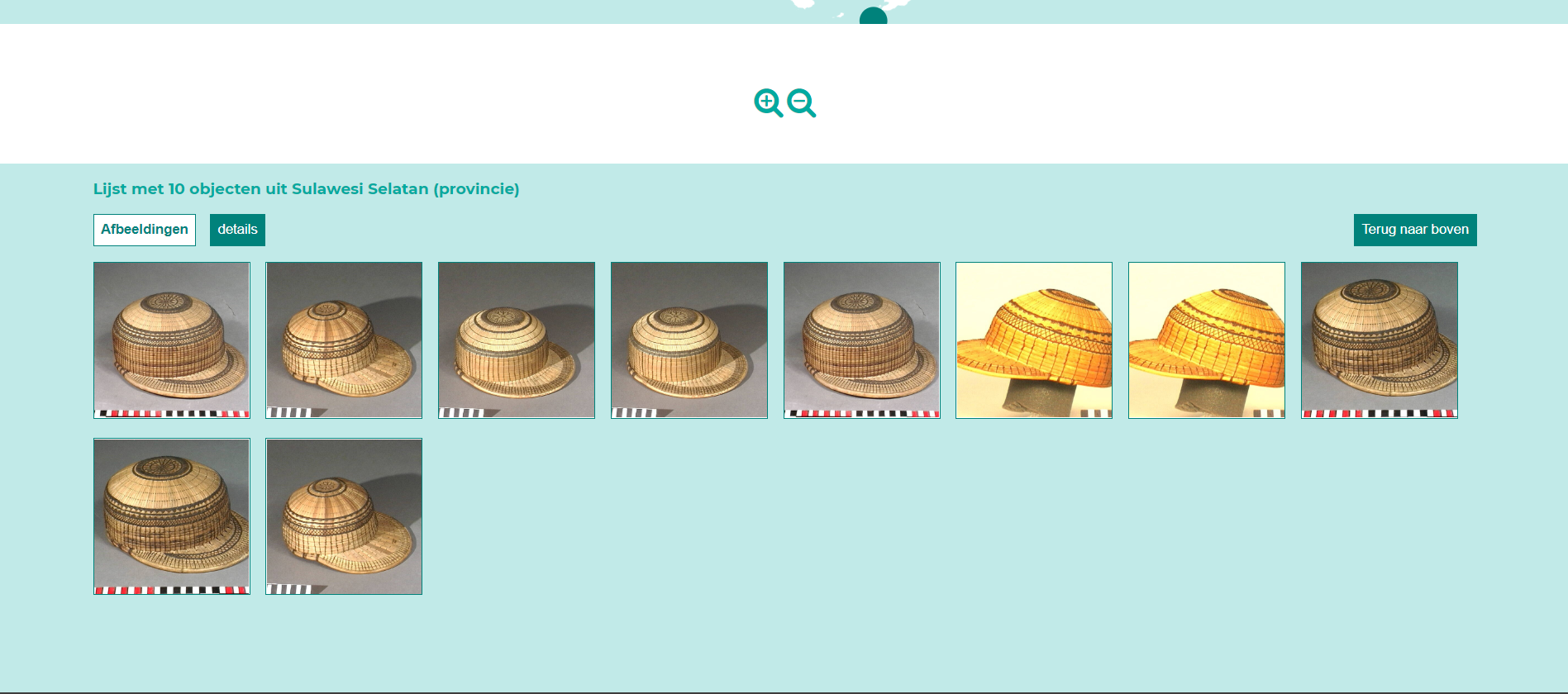 When a dot is clicked. The window will automatically scroll down to the list view showing those objects in more detail. On default, it will just show the images.
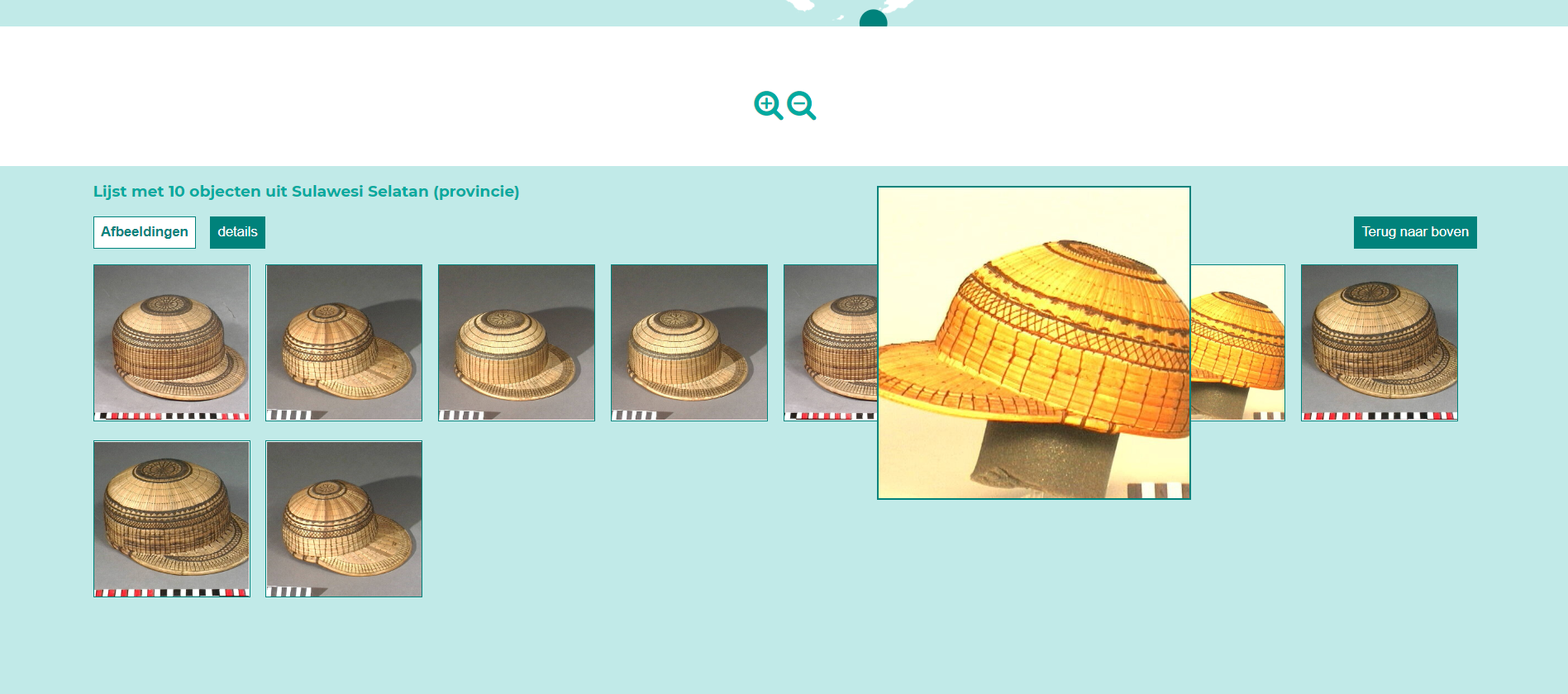 Those can be enlarged by clicking on them, so users can see more detail.
Details view
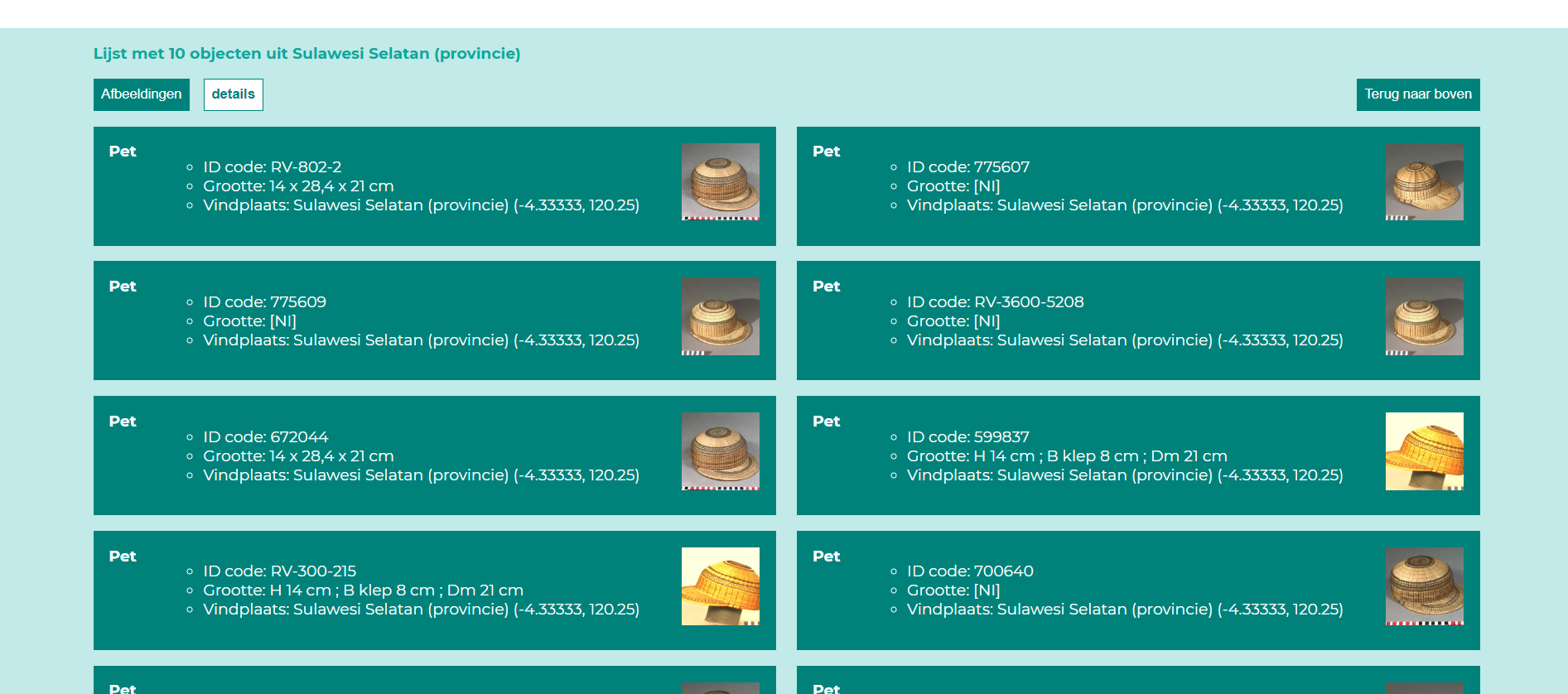 Users can also toggle between the default image view and a details view. The details view shows ID-codes, sizes and exact origin locations for all objects.