Post Install - l1n-dev/Dell-Inspiron-14-5490-OpenCore GitHub Wiki
So you installed macOS, and you want to know what to do next with your hack. If so, this article is for you!
Boot from main drive
=> Download MountEFI.
=> Unzip MountEFI and run the .command file.
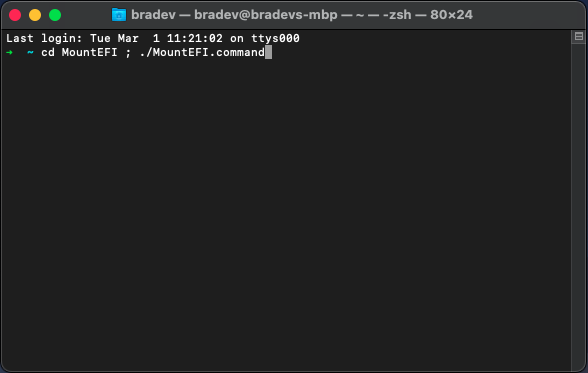
=> Mount your disk's EFI partition.
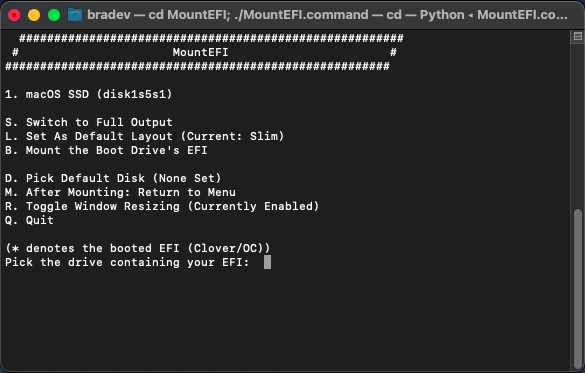
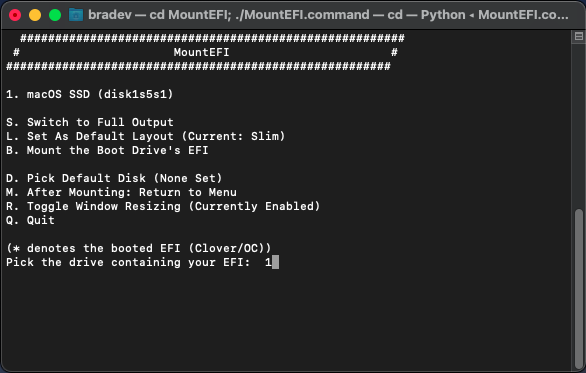
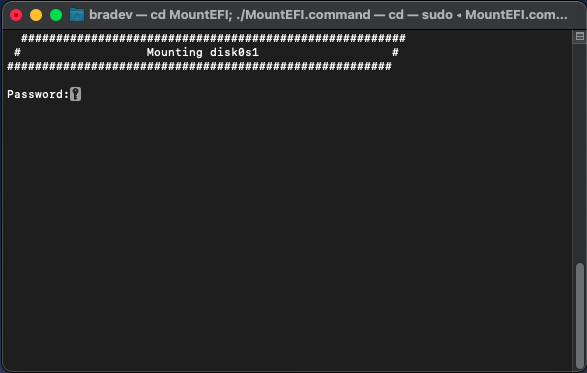
=> Enter your password to mount the disk.
=> Quit MountEFI.

=> Double-check in Finder if the EFI was mounted.
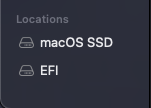
=> Copy over the EFI from your USB to the EFI partition.
=> Eject the EFI partition and reboot.
=> Enjoy!
Notes for MountEFI
Sometimes you will see items like:
macOS SSD
macOS SSD - Data
That is because Apple split the volume into User data and System data.
Kinda like some Linux & BSD distros splitting /home and the other folders.