Report generator pxp nd - kplian/pxp-nd GitHub Wiki
Report generator pxp-nd
All files are located at:
https://github.com/kplian/pxp-nd/tree/main/packages/core/src/lib/reports
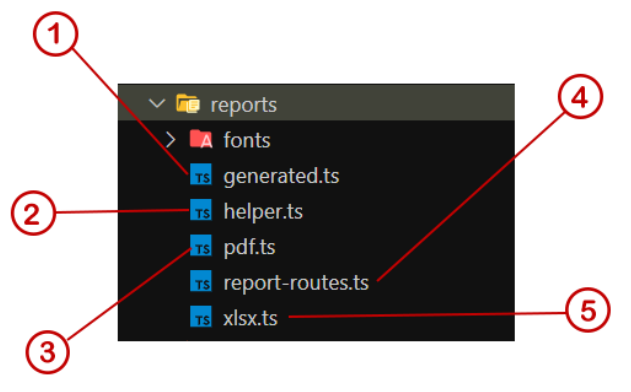
- This file contains the necessary functions to generate the report, extract the information from the database data, generate titles and headers, generate and extract filters. It also contains the functions for consult information of the groups of reports and of each report.
- File that contains common functions that will or will be used in different files.
- File that contains functions to generate reports in a table in PDF format.
- Routes file, contains the necessary endpoints that allow generating the reports.
- File that contains functions to generate reports in a table in XLSX format.
Note: The Report and ReportGroup entities are part of the reports, they are located in @pxp-nd/common.
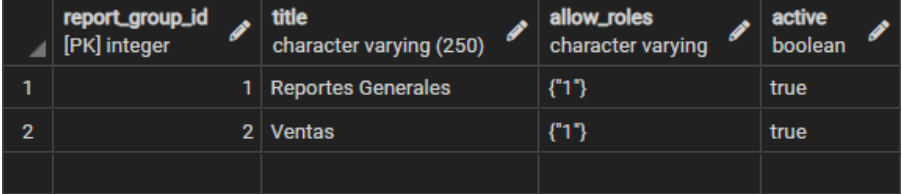
Tables: The report generator depends on the tpar_report and tpar_report_group tables.
tpar_report_group:
| table | Description |
|---|---|
| title | Descriptive title of the report group |
| allow_roles | Array containing the ids of the allowed roles |
| active | Flag to activate or not the group of reports |
tpar_report_group:

| table | Description |
|---|---|
| name | Descriptive name of the report group |
| query | Raw query that returns the report data |
| allow_roles | Array containing the ids of the allowed roles |
| detail_query | Raw query that returns the detail data of a report |
| template | HTML template to generate the report |
| filters | Configuration object to generate the filter form |
| config | Configuration object to generate the report grid |
| order | Report number order |
| report_group_id | Primary key of the group to which the report belongs |
| active | Flag to activate or not the report |
Important: The component used to generate the grid in the frontend and the configuration objects in the tables are strictly oriented to the PxpForm component.
PXP-UI
All files are located at:
https://github.com/kplian/pxp-ui (Missing specify current location)
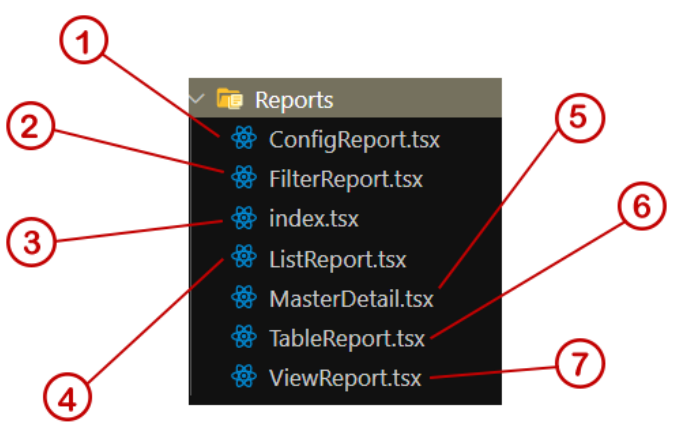
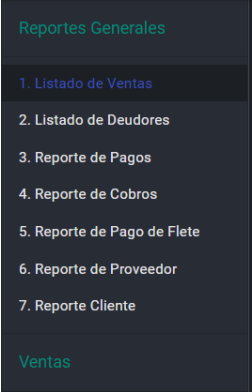
- Component that generates the list of groups and Reports.
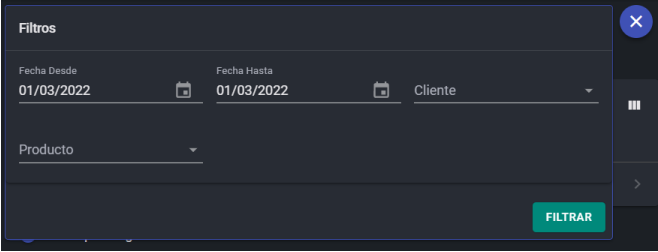
- Component that shows and hides the filter form.
- Main container, which groups the components to generate the desktop and mobile view for the reports.
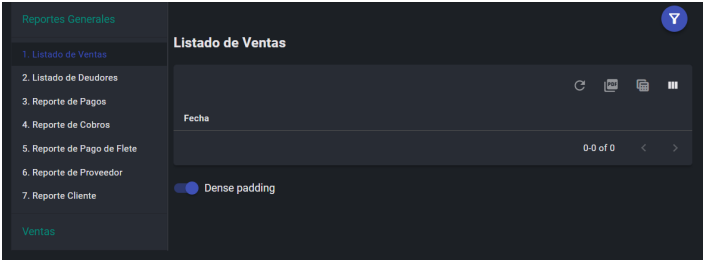
Desktop View
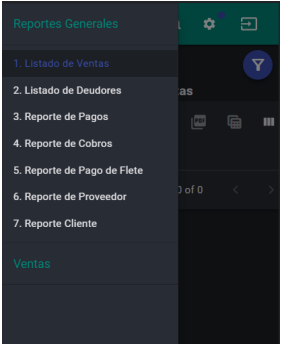
View on a mobile device
- Shows the report list of each group.
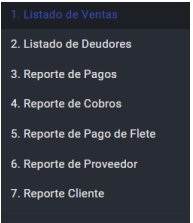
- Component that allows managing a master detail view.
- Component that generates a table to display the data of each report.
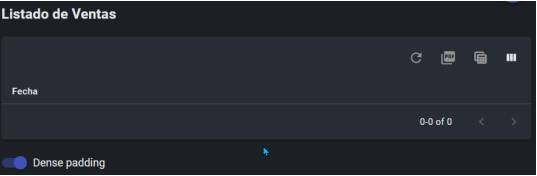
- Main component that allows changing the type of report view to be generated. (Grid, Graphic, Html, etc). Currently only the type Grid is available.
Use in a PXP-ND project
- Install the @pxp-nd/common dependency. 2.In the App.ts file it is necessary to define the Report and ReportGroup entities from @pxp-nd/common

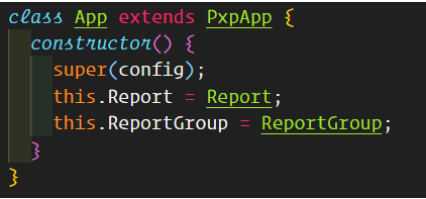
- In the config.ts file activate the reports flag, this enables the necessary routes:

It is important to also have the entities declared this configuration, you can import all the entities or only Report and ReportGroup:

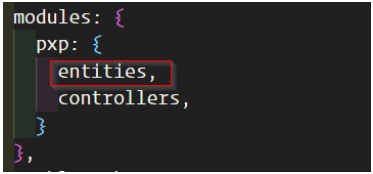
- Declare the entities (Report, ReportGroup) in the file connection configuration ormconfig.js
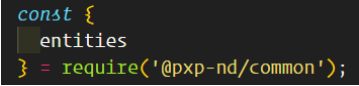
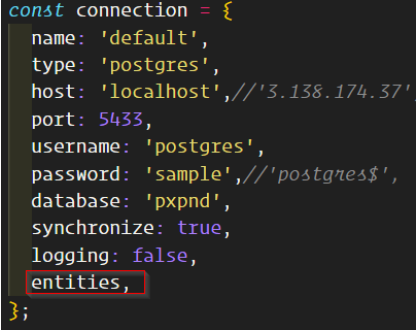
Note: If your project requires it, you only need to define the Report and ReportGroup entities.
entites: { Report, ReportGroup },
# Usage in the current PXP-UI version:
- Install the @pxp-ui/common dependency
- It is necessary to create a page or view, which will act as the container for the reports.
- In the page created above, import the Reports component from @pxp-ui/common

- Finally you can use in component is your view
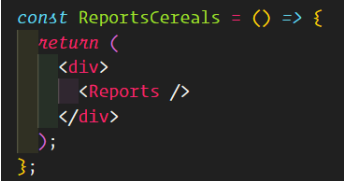
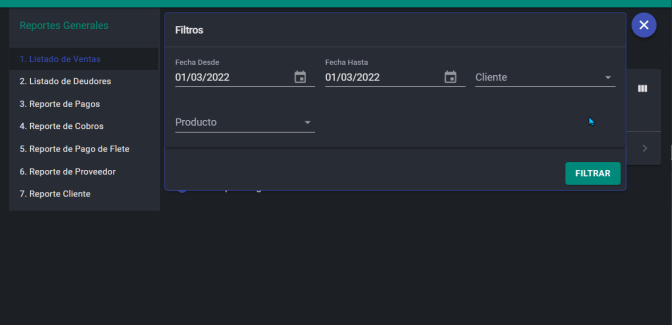
This should generate a view similar to the following: