GIS tools - joelgraff/freecad.trails GitHub Wiki
More GIS-information
Summary
There are several GIS-tools available within the Trials workbench. You can import all sort of GIS-data of a certain location. The idea is to keep the tools understandable for users without too much knowledge about GIS.
We try to avoid using GDAL as dependency because it's complicated to install. The documented modules below do not use any python dependency other then deliverd with the installation of the workbench.
State of the GIS-tools
Geolocation/TMS/WMS/WFS/PDOK are documented here. The other GIS-tools will also be documented here in the near future and will be updated too.
Set Geolocation
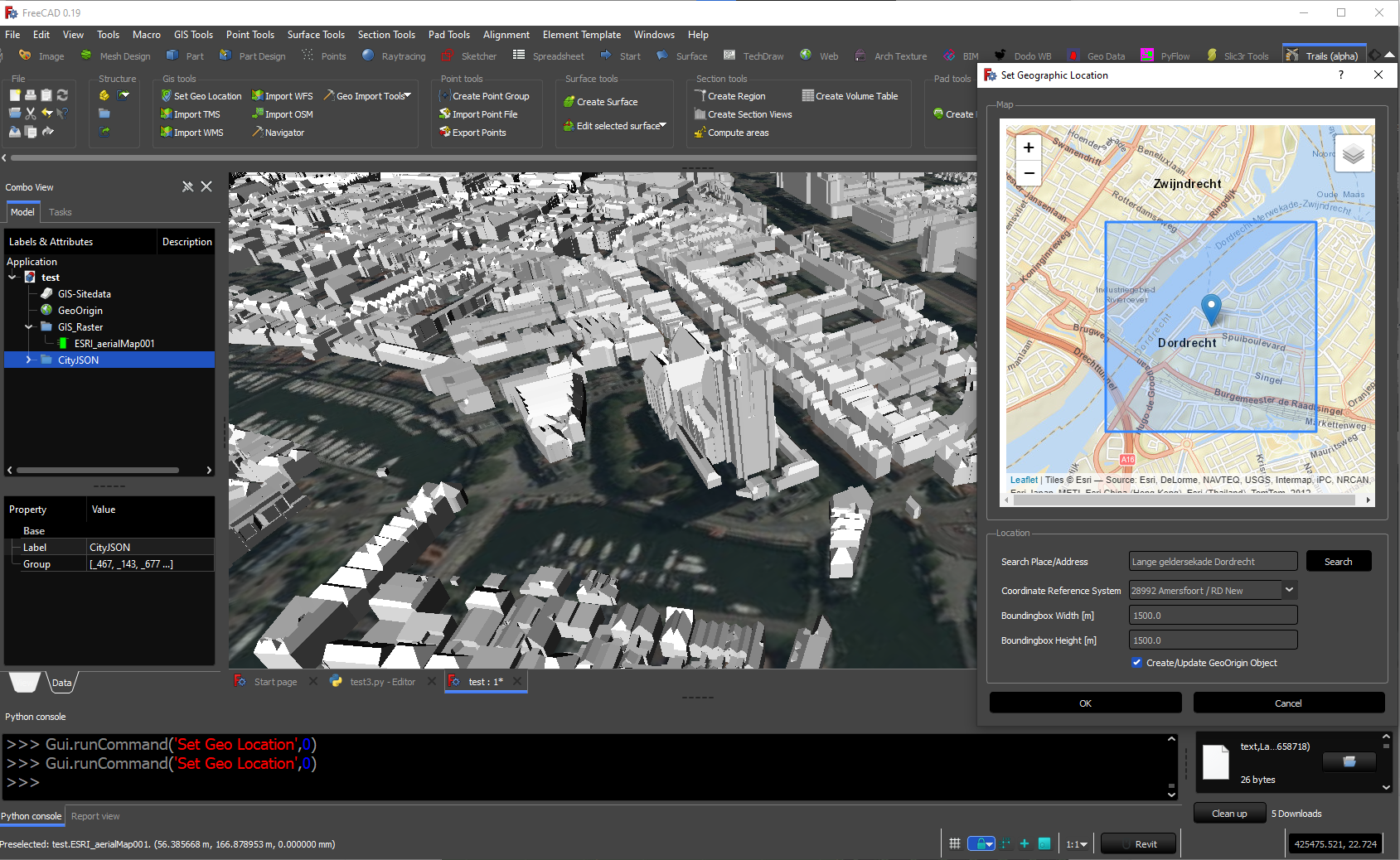
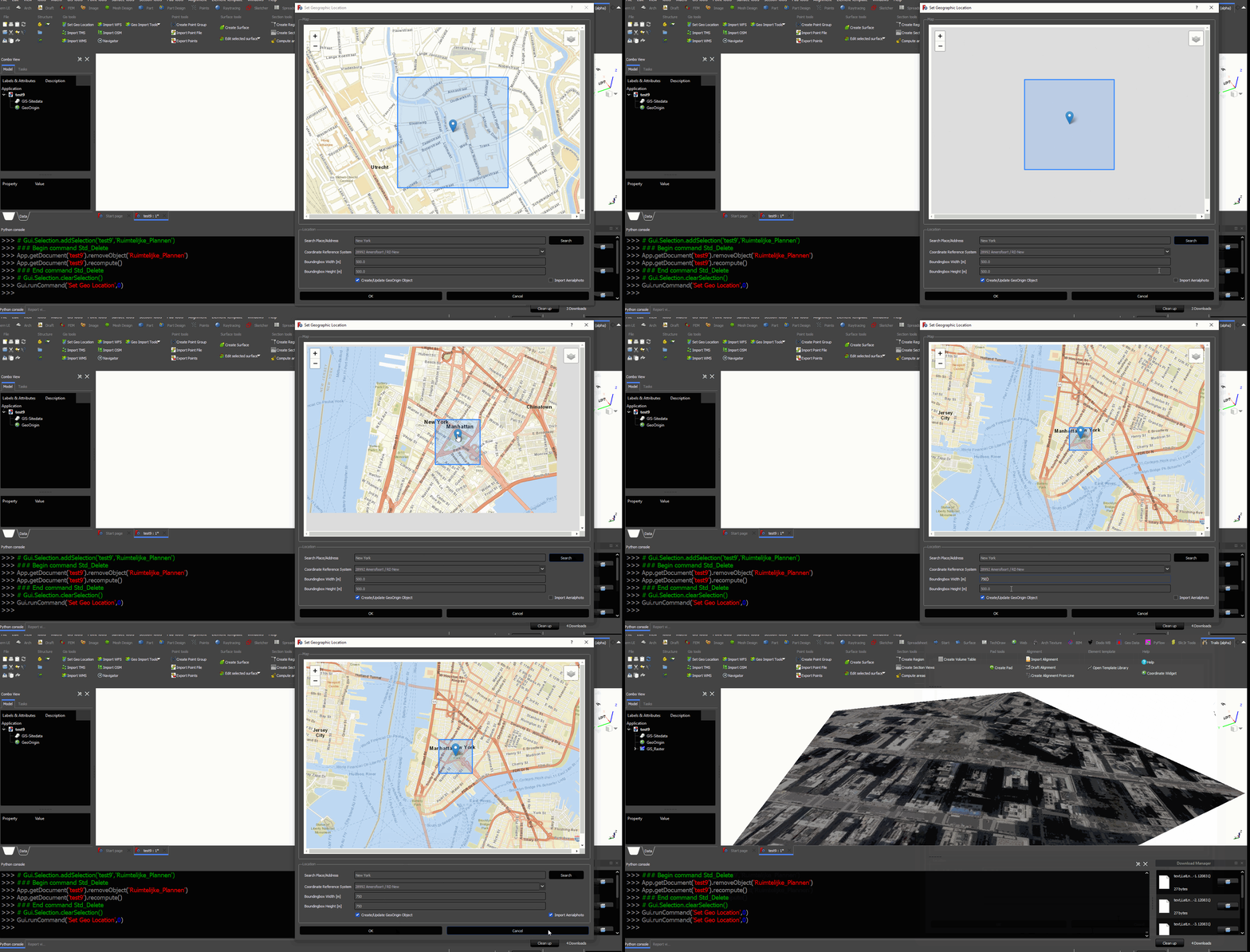
First we start to define the location on earth. You can zoom in/out the map or enter an address and hit the searchbutton. The boundingbox is the area which we are going to download. You can choose which background you want to show(aerialphoto/OSM/ESRI maps etc).
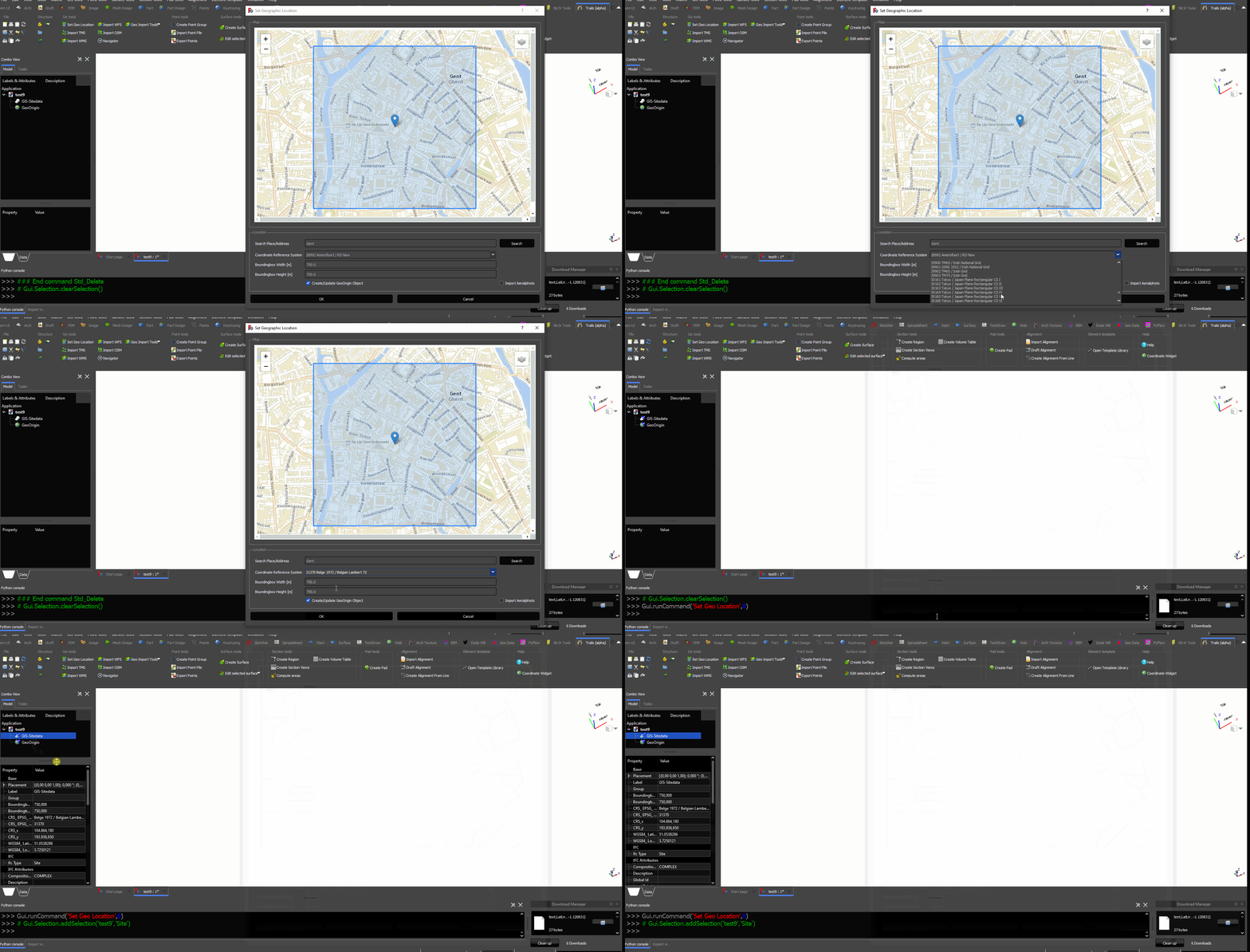
If you are going to use WFS/WMS we need to select the local CRS(Coordinate Reference System) https://en.wikipedia.org/wiki/Spatial_reference_system
They are available in the dropdown menu. The LAT/LON value will be converted to the particular CRS. Some examples of a CRS which are usually used per country.
- Belgium: EPSG 31370
- Netherlands: EPSG 28992
- Spain: EPSG 25830
- Scotland: EPSG 27700
Import TMS
TMS is the abbrevation for Tile Map Service.(https://en.wikipedia.org/wiki/Tile_Map_Service) With this function you can load an aerialphoto or map from any place in the world. You can enter your own server as well. When you change the zoomlevel the resolution will be less. Be carefull with big boundingboxes and high zoomlevel. It can result in extreme large images.
https://github.com/joelgraff/freecad.trails/raw/dev/freecad/trails/resources/wiki/gis_tms.gif

Import WMS
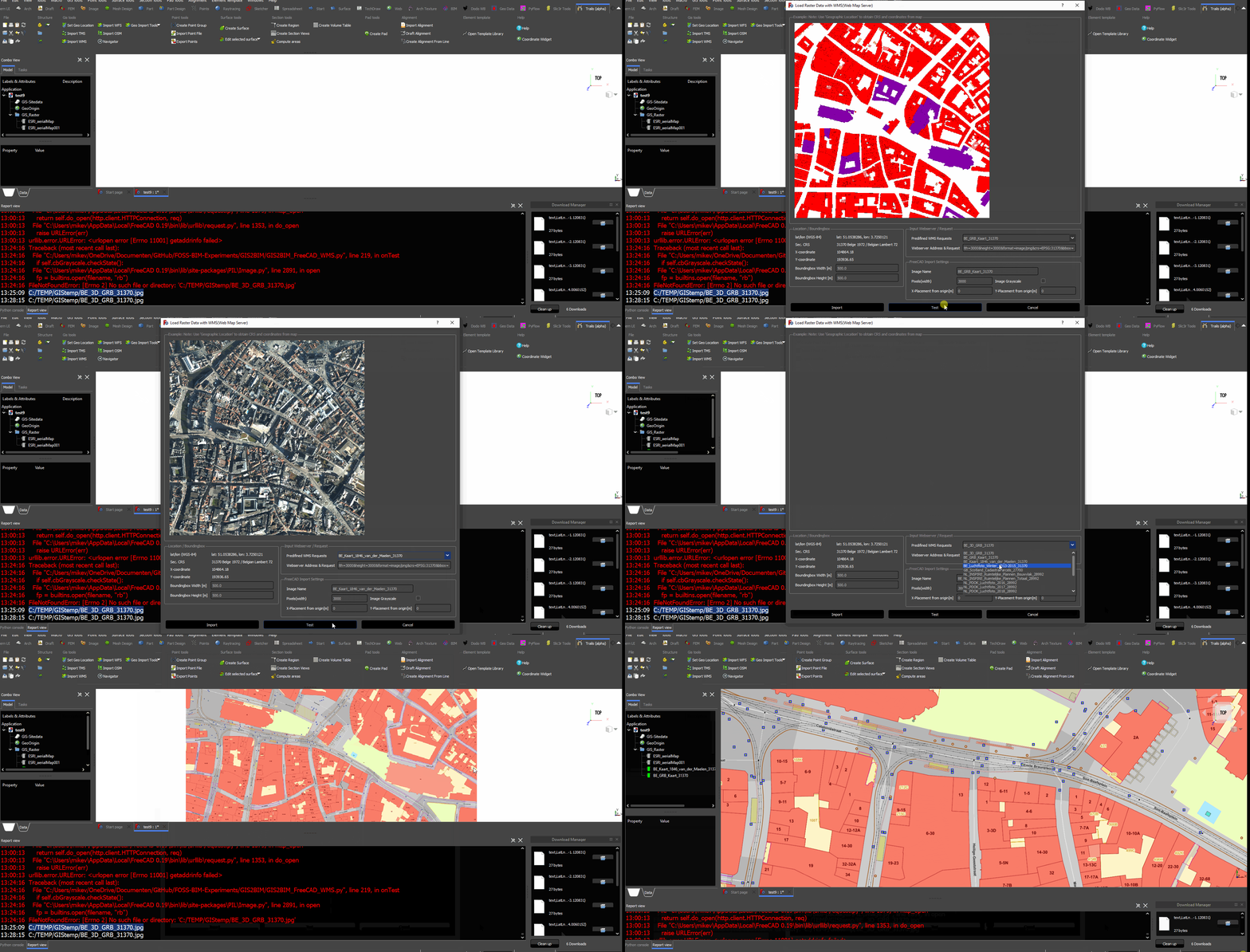
WMS stands for Web Map Service. (https://en.wikipedia.org/wiki/Web_Map_Service#:~:text=A%20Web%20Map%20Service%20(WMS,provided%20by%20a%20GIS%20database.) With this function you can load images from GIS-servers using the WMS protocol. There are several standard WMS-servers available. You can also add type your own server.
Import WFS
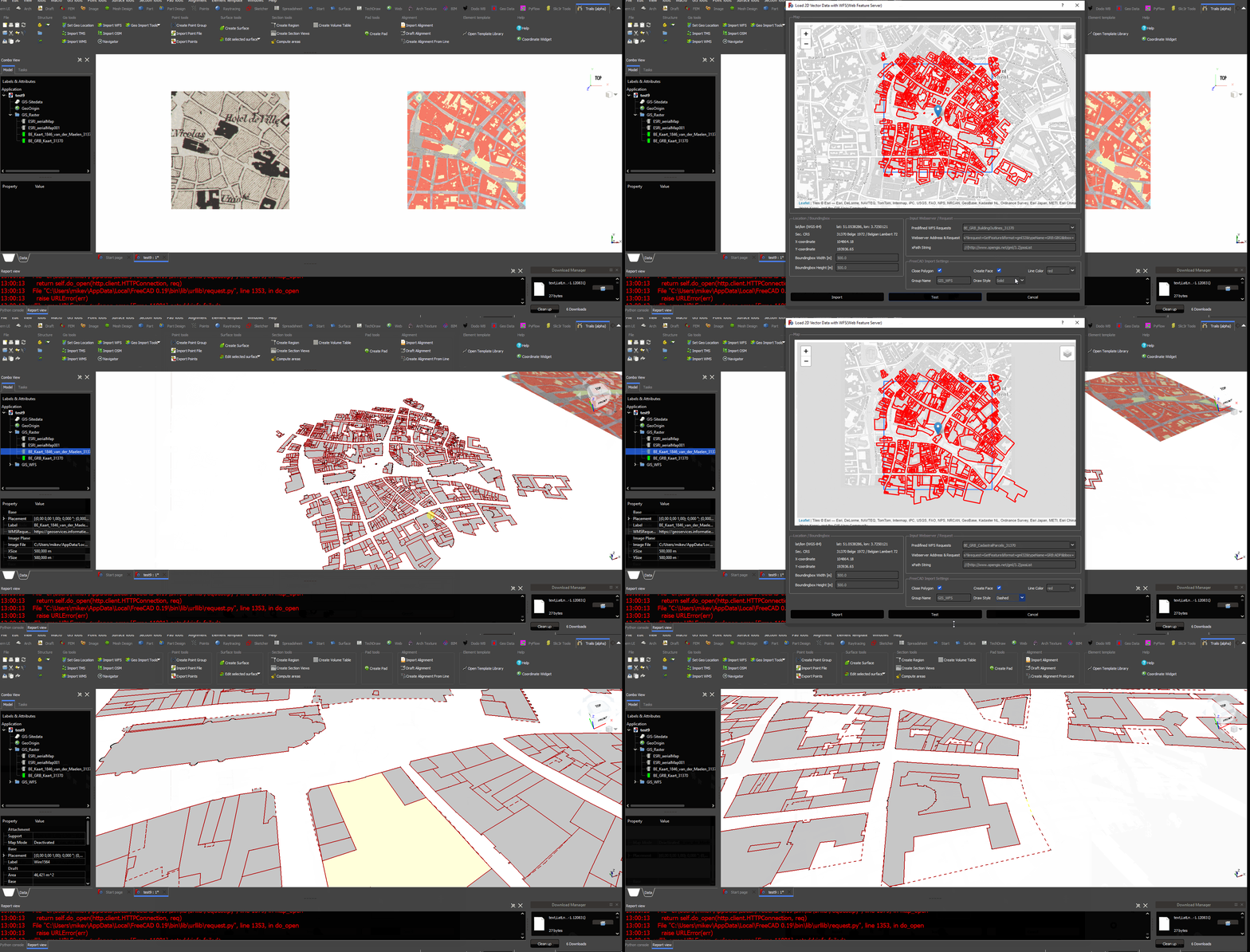
WFS stands for Web Feature Service. https://en.wikipedia.org/wiki/Web_Feature_Service A WFS is providing vector data. It can be imported as
Import PDOK(NL)
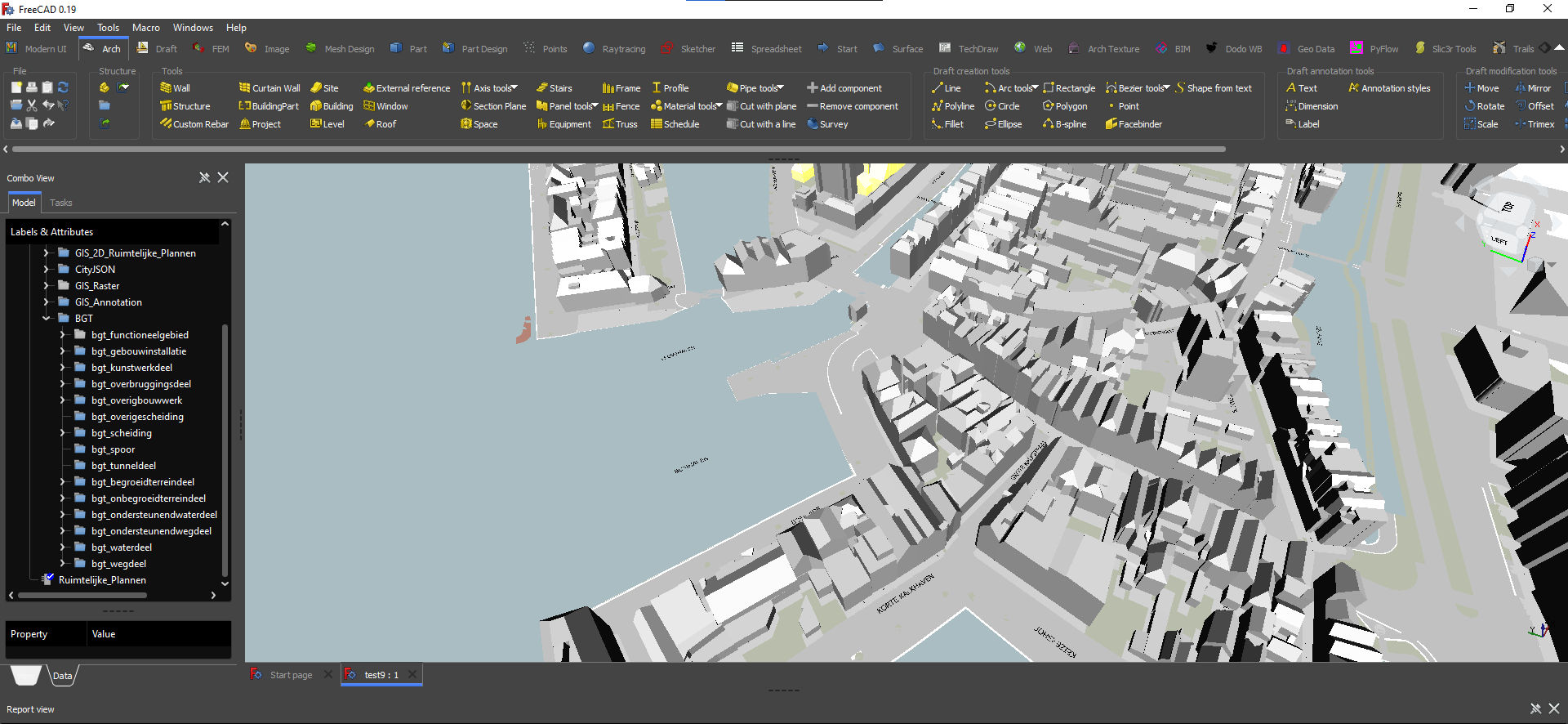
This is a specific function within the Netherlands. It imports a lot of relevant 2D/3D GIS-data including the BGT.
https://github.com/joelgraff/freecad.trails/raw/dev/freecad/trails/resources/wiki/gis_pdok.gif