SRS Sidebar - ita-social-projects/what-front GitHub Wiki
Sidebar Feature
Process
- Everyone can use this Feature
- This feature shows a navigation tabs
- The list of tabs differs depending on the role
- Here is a list of the tabs available for each role
- admin: Students, Mentors, Secretaries, Lessons, Groups, Courses, Schedule, Assigment
- secretary: Students, Mentors, Secretaries, Lessons, Groups, Courses, Schedule, Assigment
- mentor: Students, Mentors, Lessons, Groups, Courses, Schedule
- student: Courses, Schedule, Support
- After clicking on any of the elements the system redirects to the page depending on the selected tab
- The system sends a request to the server and if it's successfully loaded, it shows the page of the selected tab
Functions
- When user hover on some of the tabs it's highlighted in accent color
- When user clicks on some of the tabs it's stay highlighted in accent color
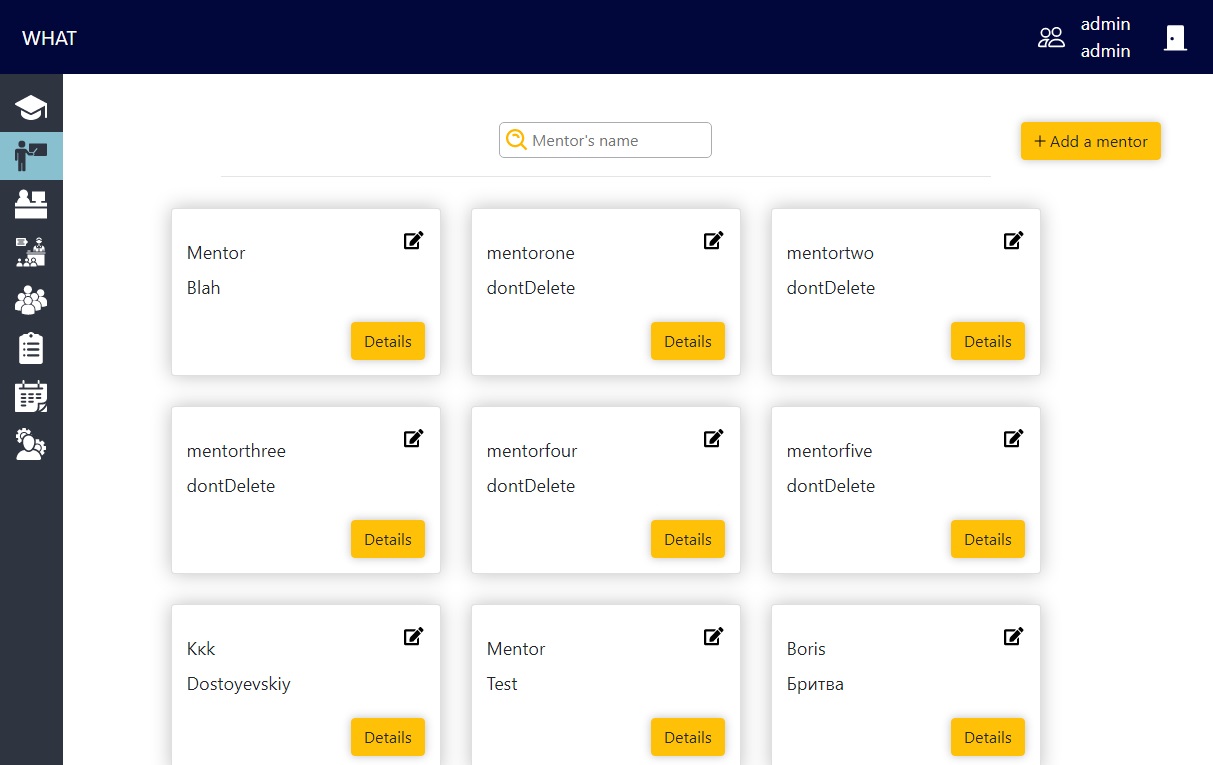
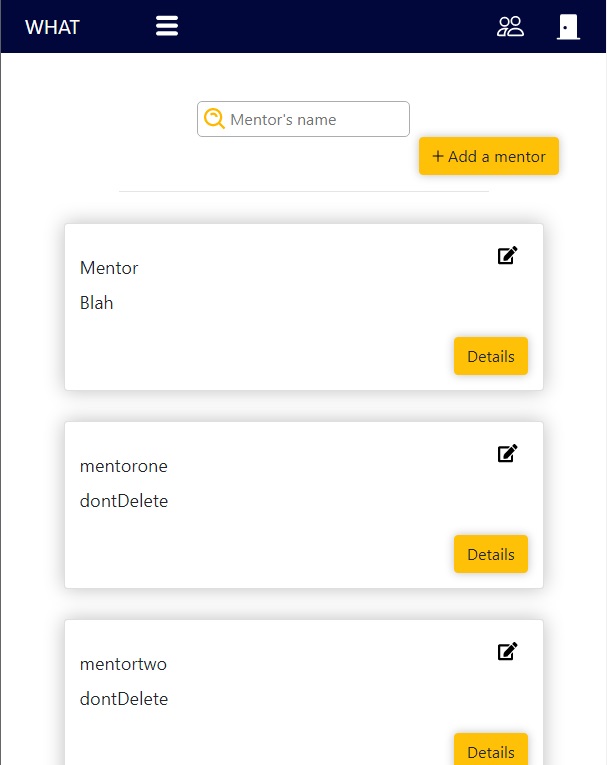
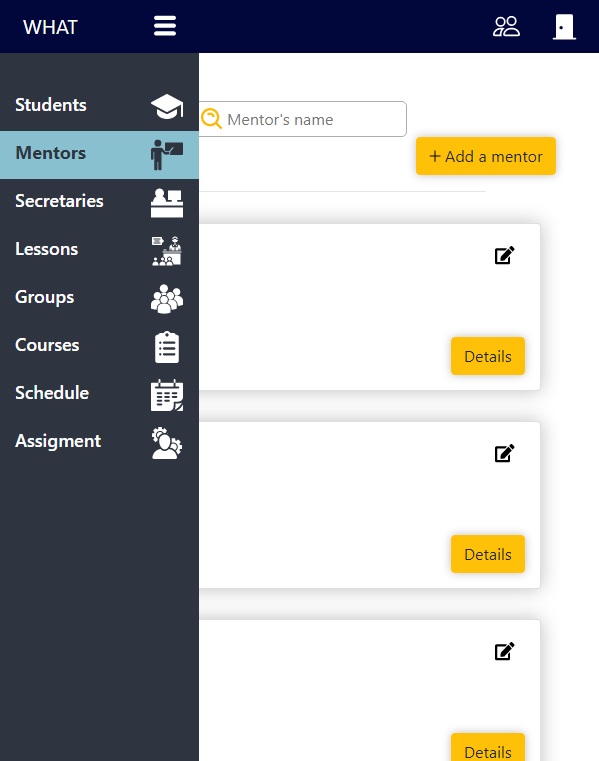
- Displaying of sidebar depends on resolution
- it fixed at 1920 pixels and more
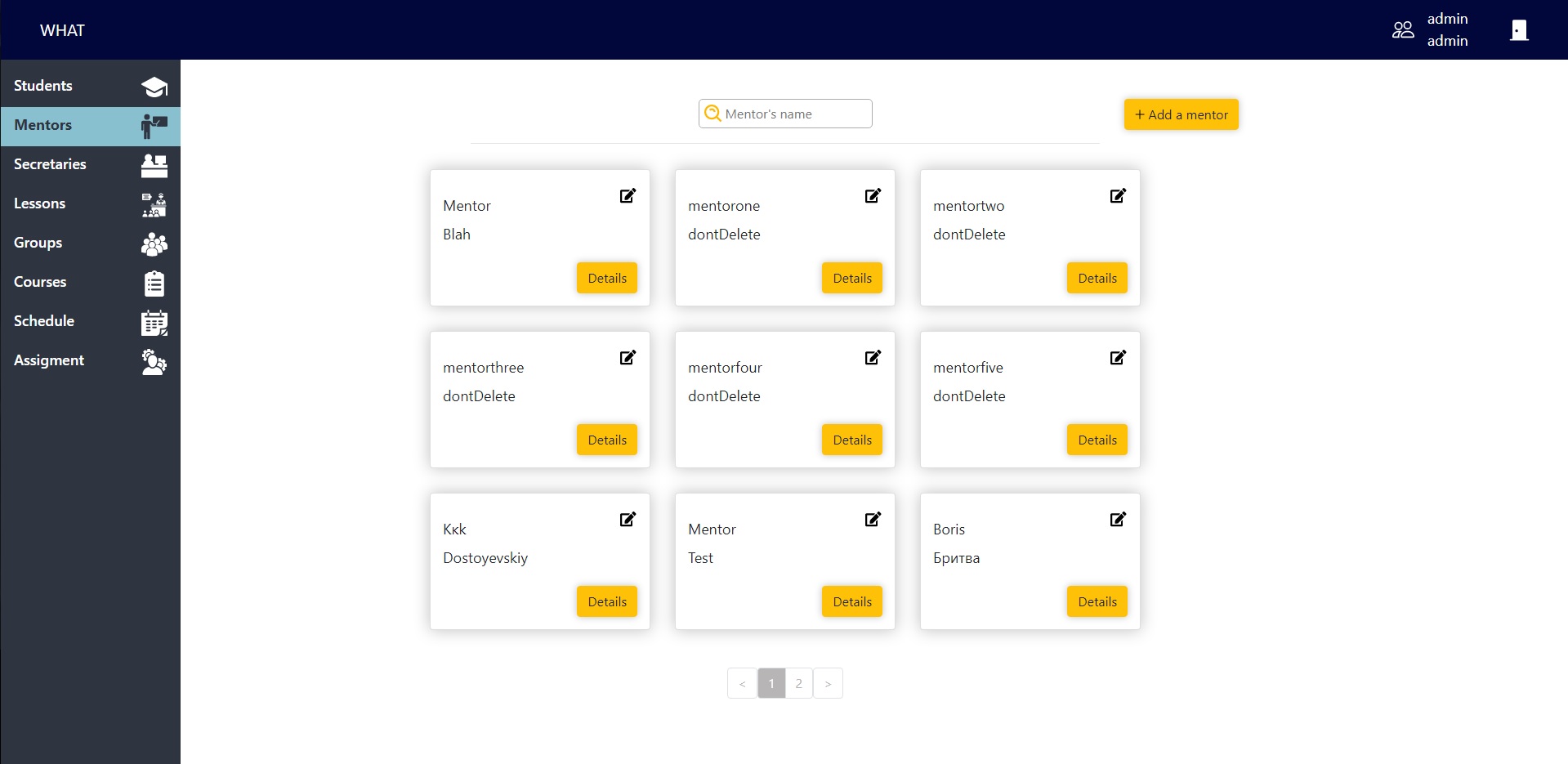
- from 769px to 1919px it hides up to icons and user can hover over the visible part of it to open
- to 768px it completely hides and the menu icon displays in the header. After clicking on icon the sidebar opens
Requirements
- User must be logged as
Admin, Secretary, Mentor or Student
- No highlighted tab by default