SRS List of Secretaries table - ita-social-projects/what-front GitHub Wiki
[WIP]
- Admin and Secretary can use this component
- This component shows a table of all secretaries registered in the system
- After the authorization system redirect the user to the system
[After authorization the system redirects the user to the main page Admin homepage STUDENTS, secretary homepage MENTORS]
- After clicking on Secretary in the sidebar menu the system will redirect the user to the List of Secretary
[After clicking on 'Secretary' icon in the sidebar menu the system redirects the user to the 'List of Secretaries'page]
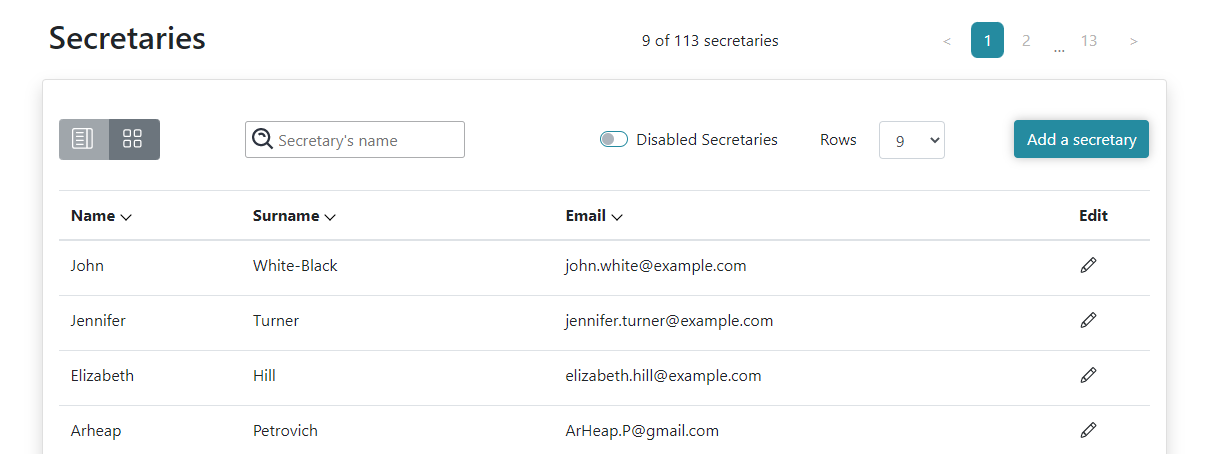
- The system sends a request to the server and if the request is successfully loaded, it shows a table of active Secretaries
- From this component, Admin and Secretary can reach the secretary's details component
- From this component, Admin can reach the Edit secretary component and Add a secretary component
- 'Add a secretary' button redirects Admin to the unassigned list
- If the system has more than ten active secretaries, the user can see pagination above the table on the right side of the screen
- Admin, Secretary can use switcher, which shows disabled Secretaries
- Admin, Secretary can sort the table by clicking on table head with arrow icon
- User logged in as Admin or Secretary
- Search field is empty by default. Letters are allowed. There is an available search by name and Surname
[Must be specified whether Cyrillic letters, Latin letters, lowercase and uppercase letters, apostrophe, hyphen for double names, min./max characters can be used]
- Clicking on the table row will redirect the user to the Secretary's details component
['Secretary's details' component will be opened by clicking on the table row]
- Above the table on the left side the user can see two icons. The user can choose a style of rendering information about Secretaries (table or cards)
[User can see 'table' and 'cards' icons in the upper left corner of the table. The user can select displaying the list of Secretaries as table/cards by clicking 'table/cards' icon][Must be specified which displaying of list is default one]
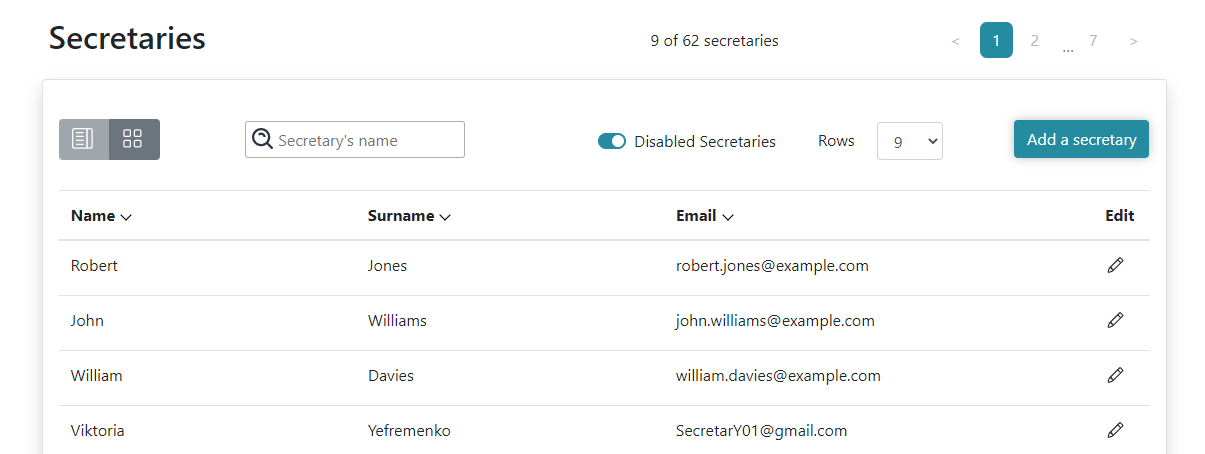
- Above the table, after the Search field, the user can see switcher, which switch render from active Secretaries to disabled Secretaries and back
[At the top of table near 'Search' field the user can see switcher, that switches from active Secretaries to disabled Secretaries and back]
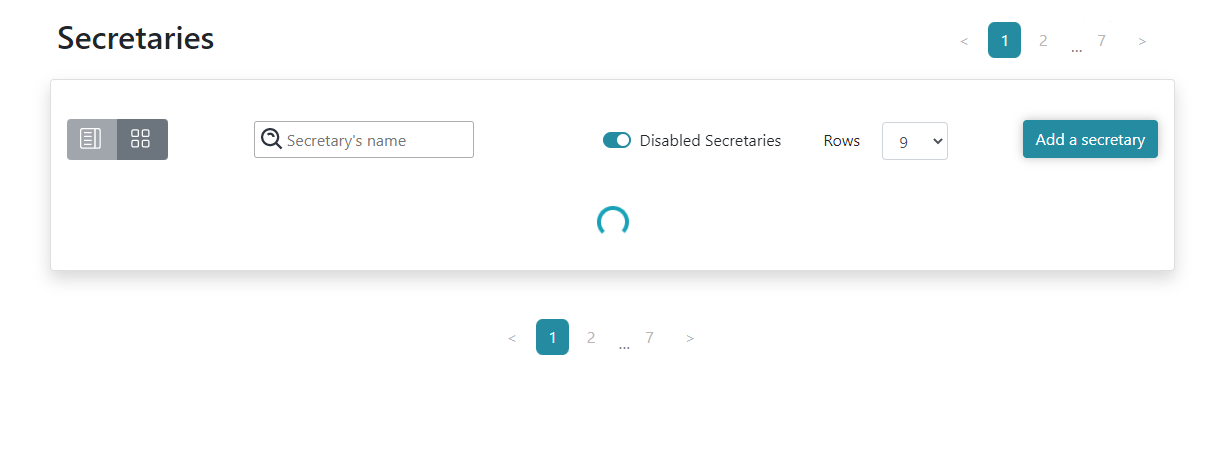
- The user can see the loader during the download of the secretaries
- If the user is on the second page (or more, but not on the first) and click on the switch input or starts to search mentors, the user will get corresponding secretaries, and the current page will become the first one
[If the User is on the second page (or further) of the list of Secretaries, after changing switcher's position or searching for Secretaries in 'Search' field, the current page will become first one displaying the corresponding Secretaries]
- During loading of secretaries - the user does not see pagination and the total quantity of secretaries
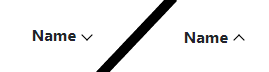
- By sorting a specific column the corresponding arrow must be rotated 180°
- Arrow direction downwards (Name, Surname, Email - alphabetically(sorting utf-8 strings))
- Arrow direction upwards - depends on which column you are clicking (sorting of the corresponding column - is the opposite of what is written above)
[All data in other columns is moving in compliance with data in selected column]
- User logged in as Admin
- 'Add a secretary' button is enabled and clicking on it will redirect Admin to the 'Add Role' component
- 'Edit' icon in the table on each row is enabled and clicking on it will redirect Admin to the 'Edit Secretary' component
- Active Secretaries
- Disabled Secretaries
- Loader
- Style icons

- Search field

- Switcher

- Rows per page

- Add Secretary button

- Sort arrow
- Edit icon

- Range of items

- Pagination

| Description | Result |
|---|---|
| The search field is filled with any name | Secretary is not found |
[EDIT] ['Search' field is filled with invalid data - Secretary is not found]
Back to content