SRS List of Secretaries - ita-social-projects/what-front GitHub Wiki
List of Secretaries feature
Process
- Admin and Secretary can use this component
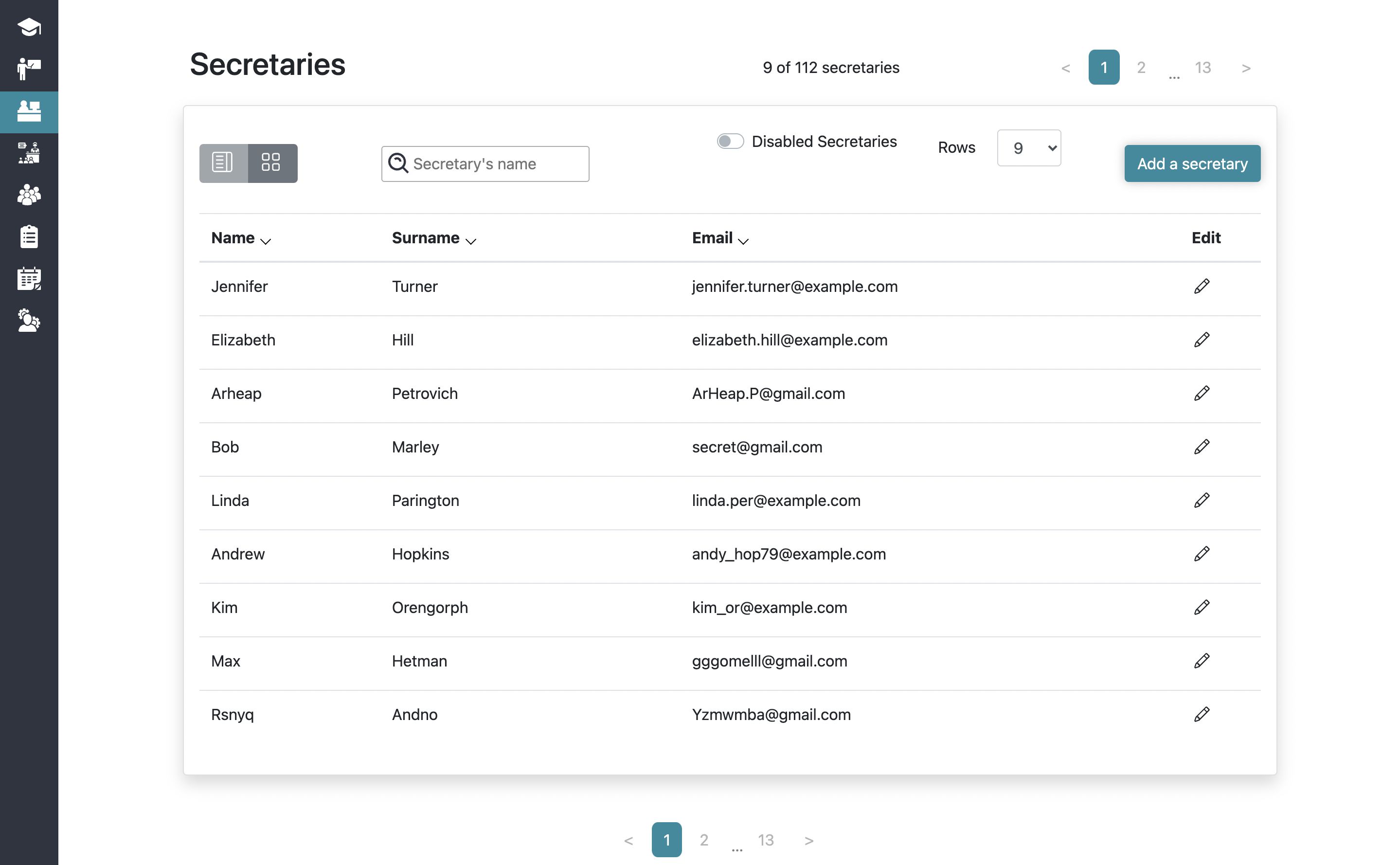
- This feature shows a list of all secretaries registered in the system
- After the authorization and clicking on the sidebar tab Secretaries - the system will redirect the user to List of Secretaries feature
- The system sends a request to the server and if the request is successfully loaded, it shows a Secretary
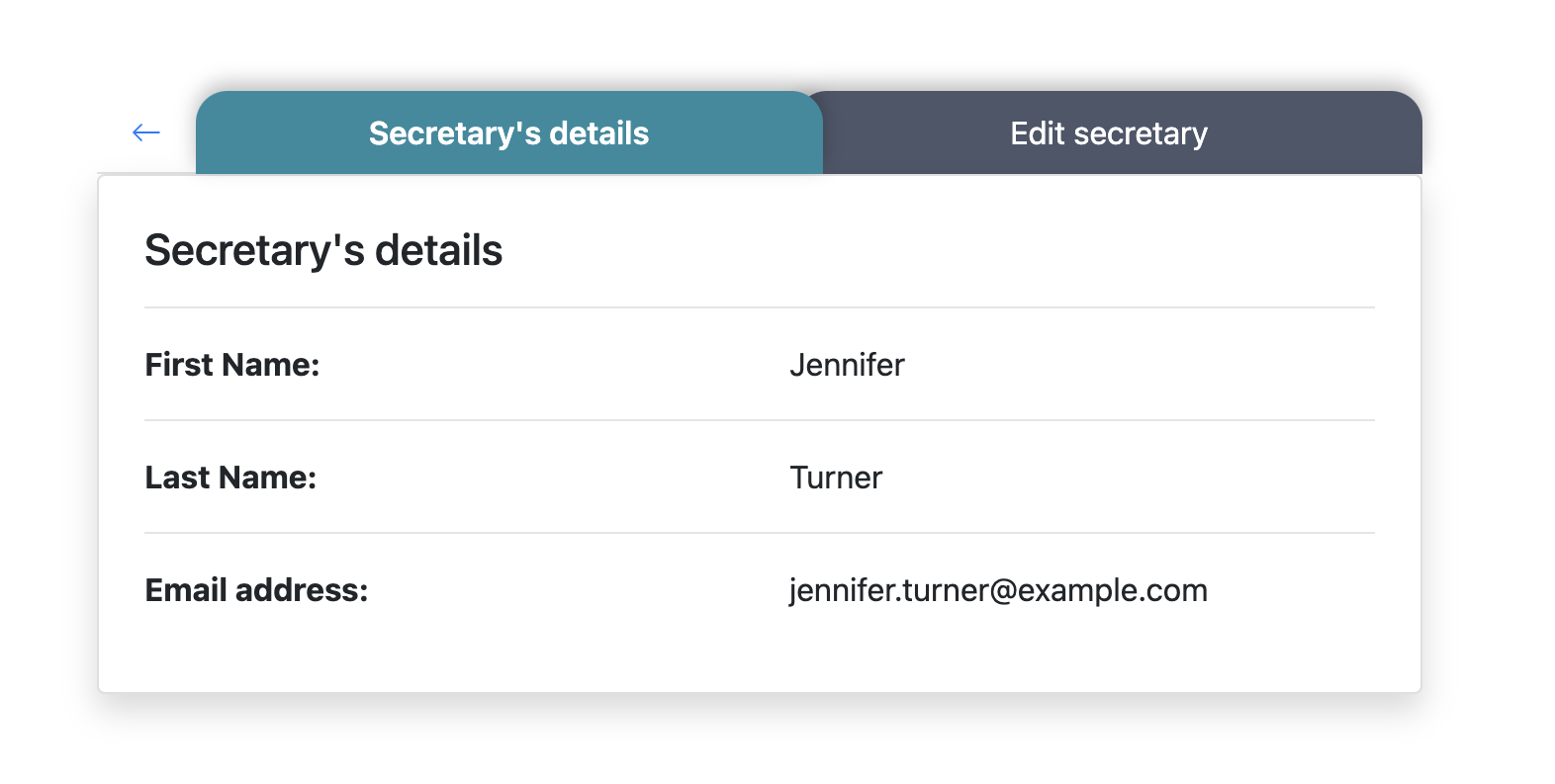
- From this component, Admin and Secretary can reach the 'Secretary's details' component
- From this component, Admin can reach the 'Edit' secretary component and 'Add a secretary' component
- 'Add a secretary' button redirects Admin to the unassigned list
- If the system has more than nine secretaries, the user can see pagination at the bottom of the screen
Requirements
-
User logged in as Admin or Secretary
- 'Search' field is empty by default. Letters are allowed
- 'Details' button is enabled
-
User logged in as Admin
- 'Add a secretary' button is enabled
- 'Edit' icon on every card is enabled
Errors
| Description | Result |
|---|---|
| The search field is filled with a name that doesn't exist | Secretary is not found |
Back to content