SRS Group details - ita-social-projects/what-front GitHub Wiki
Group Details
Process
- Mentor, Secretary, Admin has access to this component from List of Groups
- This feature shows detailed information about the group by group ID, taken from query parameters.
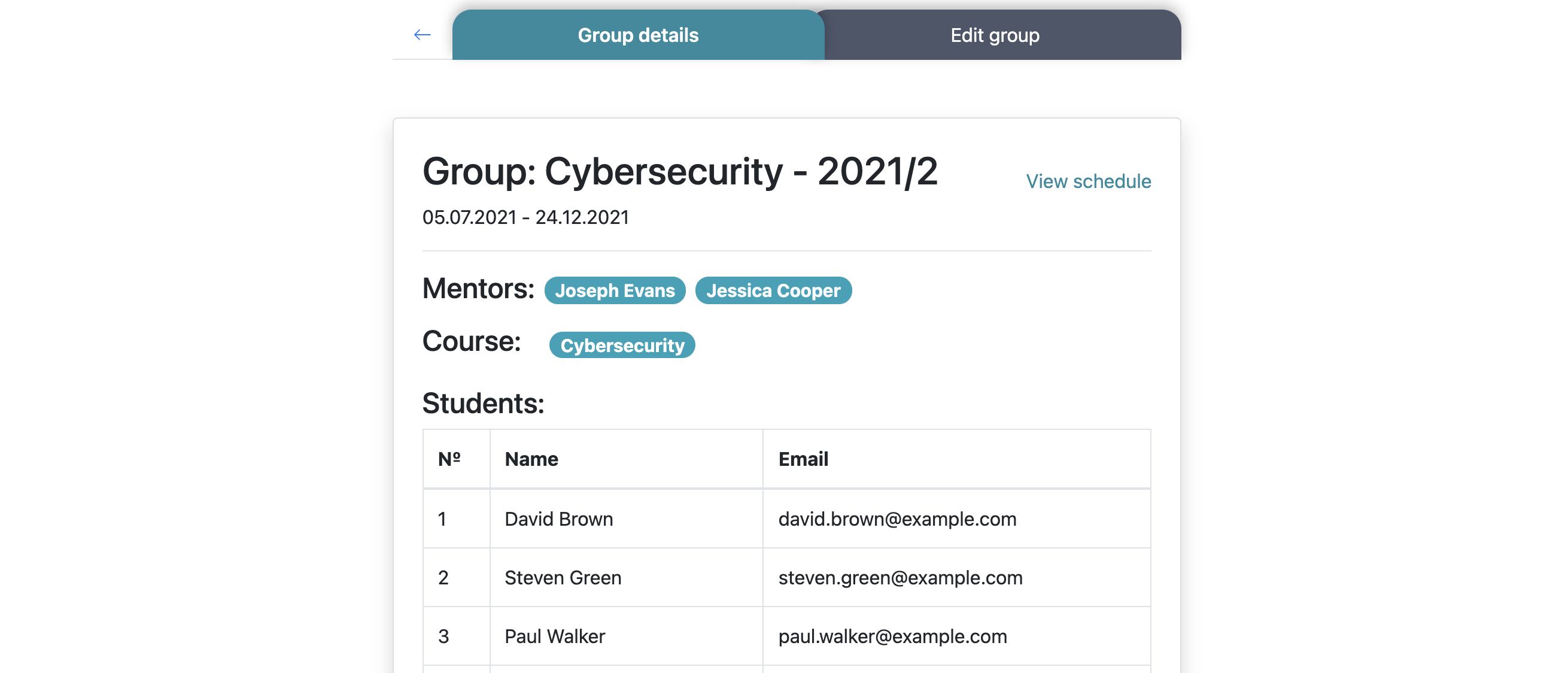
- The system sends requests to the server and if all requests are successfully loaded, detailed information displays feature with relevant content, which includes:
- Group Theme
- Mentor name - its value is clickable and leads to the Mentor details feature
- Course name - its value is clickable and leads to the Group details feature
- Schedule - its value is clickable and leads to the Schedule Group feature
- Student's Name : every student's name which is related to the Group name that was filled in during a course creating, is clickable and leads to the Student details feature
Requirements
- User must be logged in as Mentor, Secretary, Admin
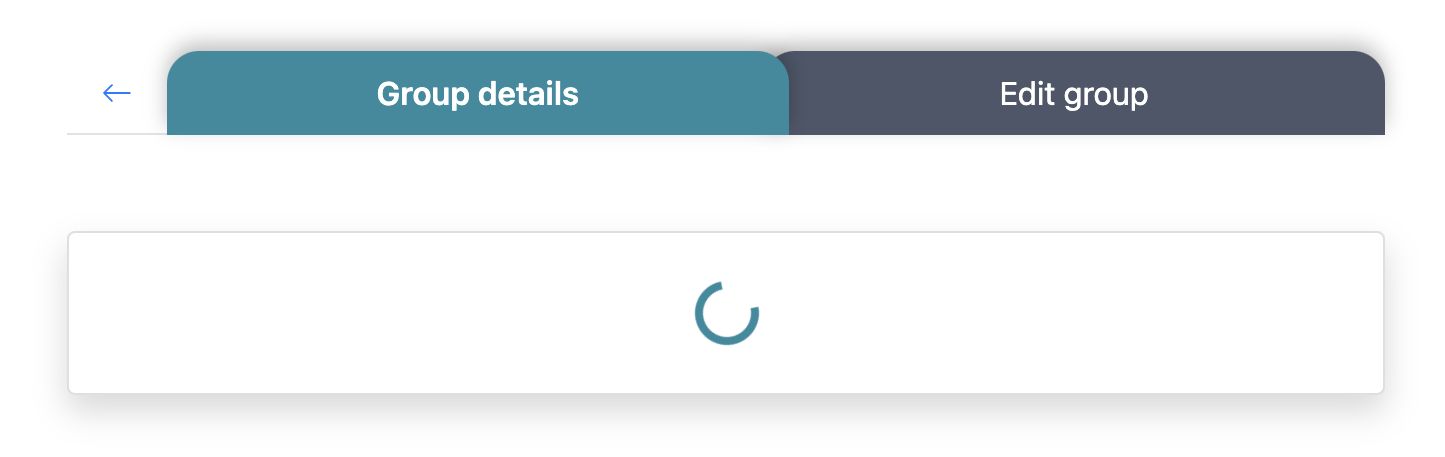
- Loader is rendered while a fetching group data
- Not Found component is rendered if the group with current ID doesn't exist
- The Button arrow, to the left of the first tab, is enabled and redirects us to the List of Groups
- Clicking on the Edit Group Tab - this tab becomes active and Edit Group feature is rendered
- Clicking on the one of mentors you redirect to the component Mentor details
- Clicking on the one of students in the tabs you redirect to the component Student details
For Admin and Secretaries:
Errors
| Description | Result |
|---|---|
| Writing the wrong ID in the URL address | redirect to Not Found component |
Back to content