SRS Course details - ita-social-projects/what-front GitHub Wiki
Course details
Process
- All users have access to this component from List of Courses
- This feature shows detailed information about course by course ID
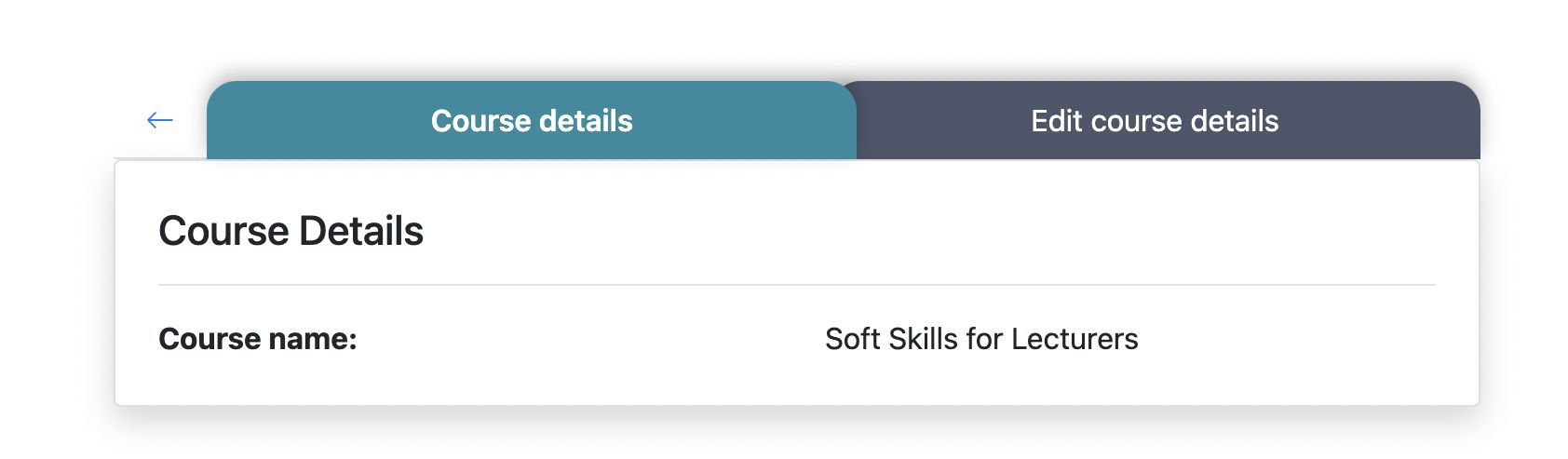
- After clicking on course card or button details - system will redirect Admin and Secretaries to Courses Tabs component with active Tab (_tab color: cyan) Course details and relevant content
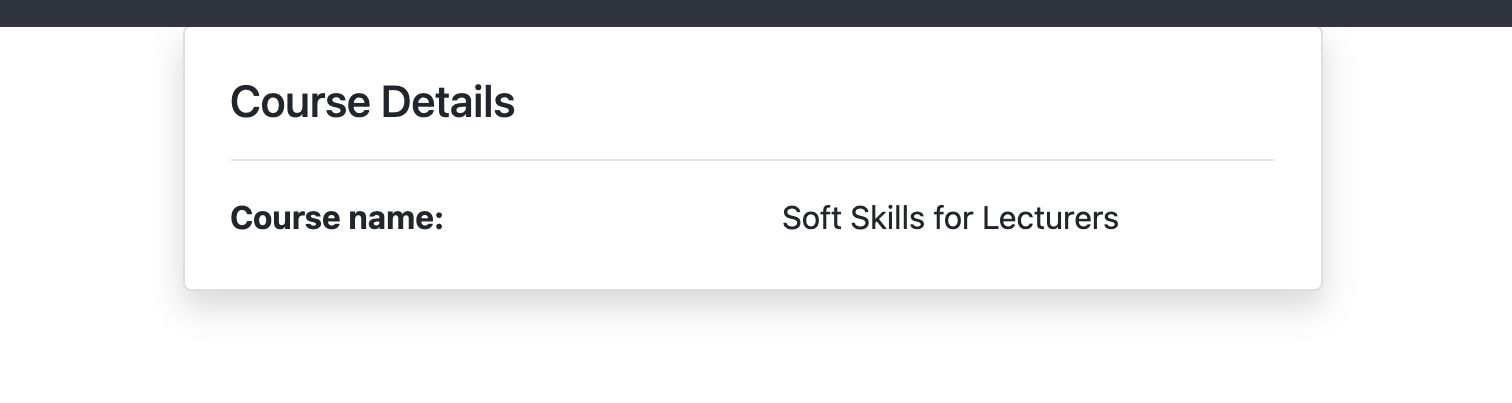
- After clicking on course card or button details - system will redirect Mentor and Student to Course Details component
- The system sends a request to the server and if the request is successfully loaded, it will show us Courses Tabs (for Admin and Secretaries) and will show us Course Details component (for Mentors and Students)
- Not Found component will be rendered if course with current ID doesn't exist
Requirements
- User logged in as an Admin, Secretary, Mentor, Student
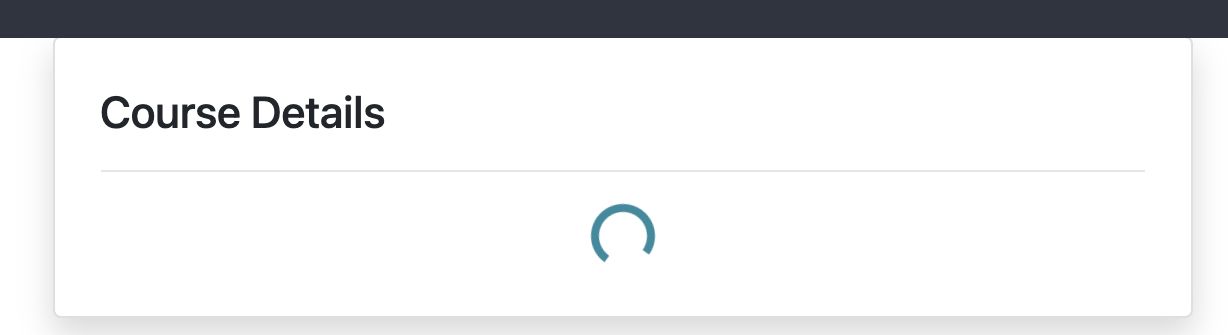
- Until the courses are downloaded, inside "Course details" component the loader is being shown
- User logged in as an Admin or Secretary
- The Button arrow, to the left of the first tab, is enabled and redirects us to the previous component(List of Courses) - for Admin and Secretaries
- Clicking on the edit course details Tab - this tab becomes active and shows us relevant content
For Admin and Secretaries
For Mentors and Students
Errors
| Description | Result |
|---|---|
| Writing the wrong id in the URL address | redirect to Not Found component |
Back to content