SRS Add Lesson - ita-social-projects/what-front GitHub Wiki
Add a lesson
Process
- Admin and Mentors have access to this component from List of Lessons
- This component allows adding lesson
- Clicking on button Add lesson redirects to the Add Lesson component
- The system sends a request to the server and if all requests are successfully fulfilled, the form will be rendered
- While requests are pending, Loader is rendered
Requirements for the Form
- All inputs are required
- There are two steps of Lesson Creation
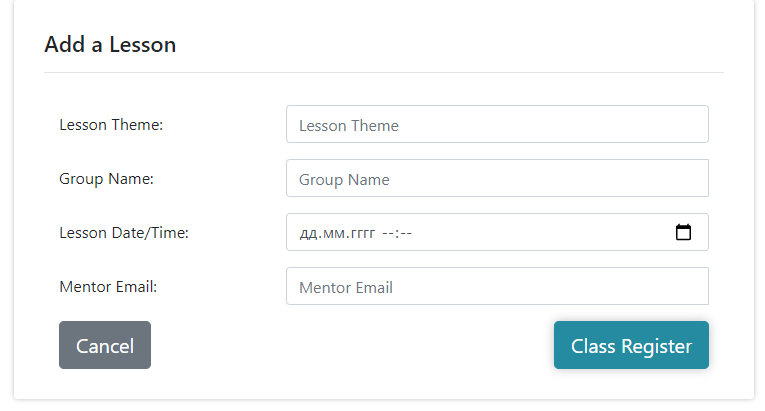
- Filling in 4 fields
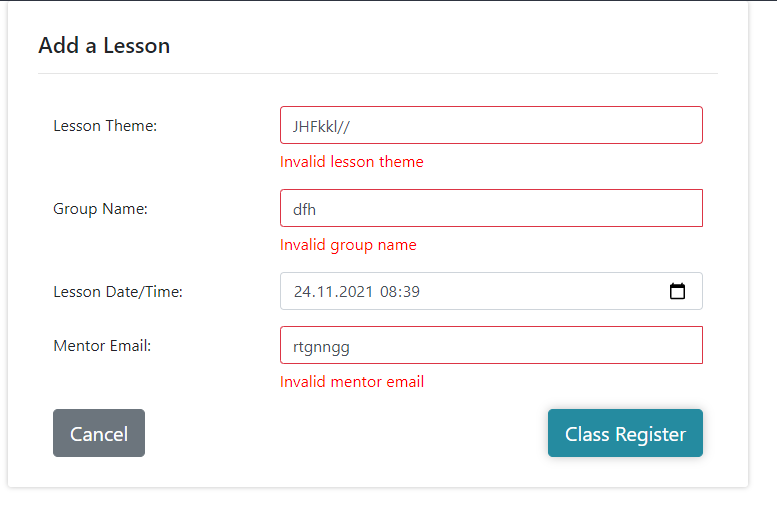
- Lesson Theme. Cyrillic letters, Latin letters, upper, lower case and numbers are allowed.
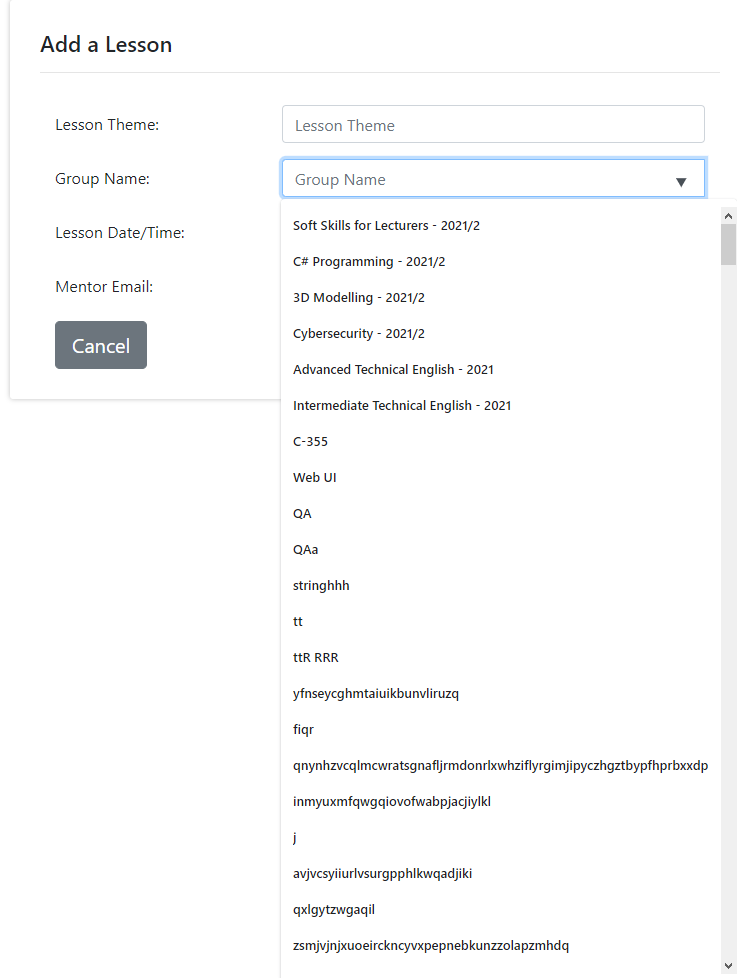
- Group Name select list allows choosing group from the list of all groups
- Lesson date field allows choosing lesson date. Valid date in format DD.MM.YYYY is required. The date can't start in the future
- Mentors field allows changing list of group's mentors. This field requires the email of the existing mentor. User can choose a name from the list of tips
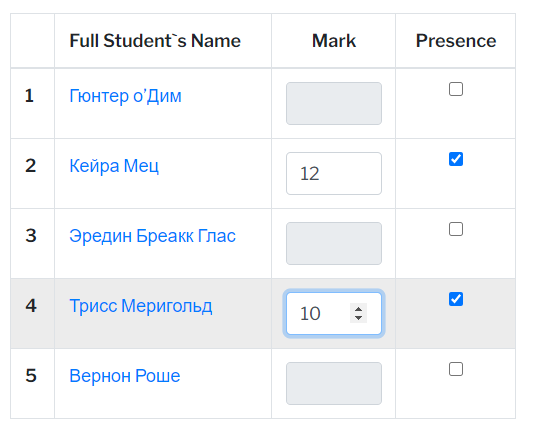
- Filling in Class Register
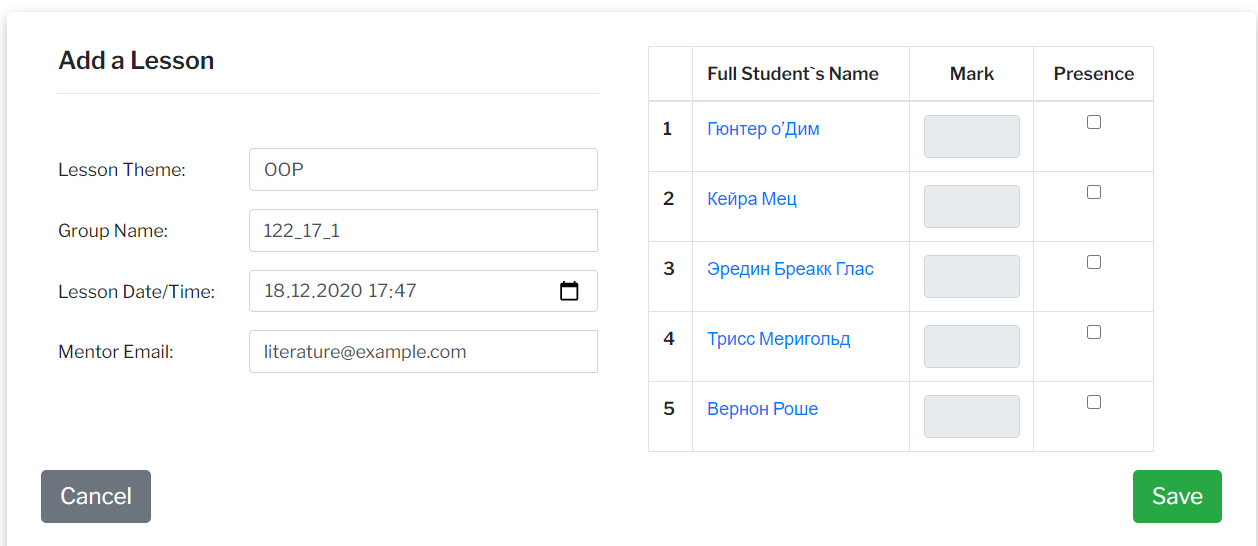
- Class Register can be opened only after choosing a group
- Marks are unavailable when presence is false
- Marks must be from 1 - 12
- Students
names are clickable and redirect to the students details feature
General Info
- The Button Cancel redirects user to a List of Lessons feature
- Successful Adding redirects user to a List of Lessons feature
Errors
| Description | Result |
|---|---|
| The theme name field | |
| The theme name field is empty | This field is required |
| The theme name field contains one letter | Too short |
| The theme name field contains more than fifty letters | Too long |
| The group name field | |
| The group name field is empty | This field is required |
| The group name field contains one letter | Too short |
| The group name field contains more than fifty letters | Too long |
| The date/time field | |
| The date/time is tried to be chosen in the future date | The lesson cannot start in the future |
| Invalid data | invalid data |
| Server problems | server error |
Back to content