[SRS] Students table - ita-social-projects/what-front GitHub Wiki
[WIP]
Students table
Process
-
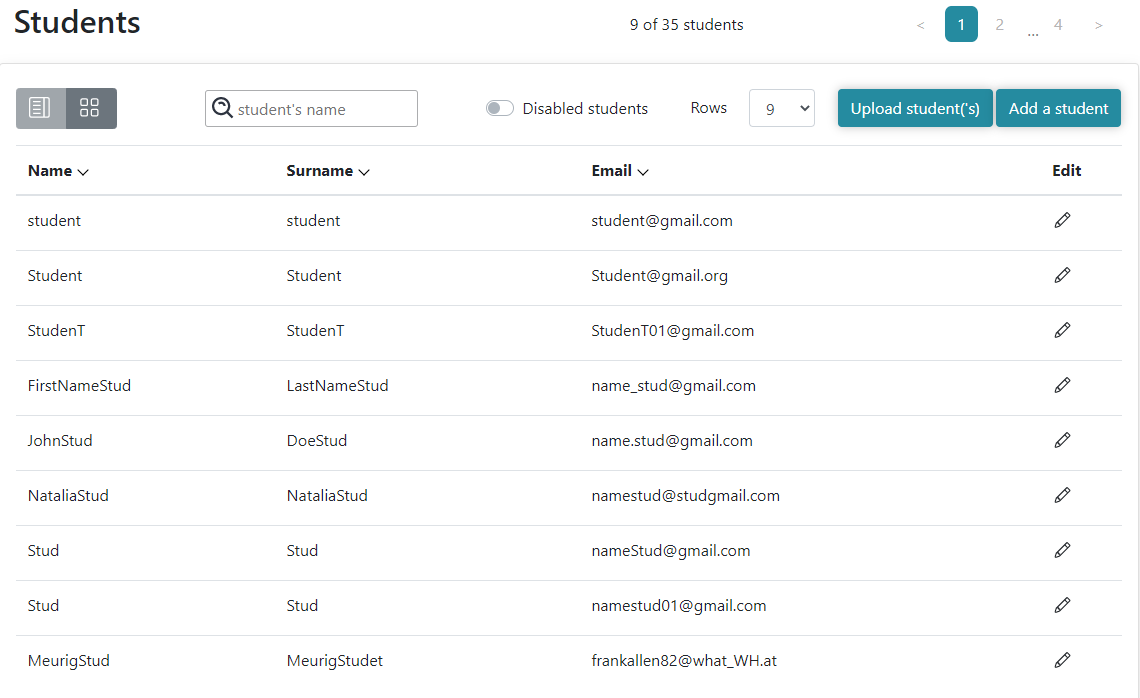
This feature shows a list of all students registered in the system
-
Admin, Secretary, Mentor have access to this list
-
Admin, Secretary, Mentor initiate sending a request from the client to the server and if the response is successful, the table of students will be displayed
-
Admin, Secretary, Mentor can search for a particular student by Name and Surname using 'Search' field. 'Search' field contains the 'Student's name' placeholder. The Search is implemented by partial input.
-
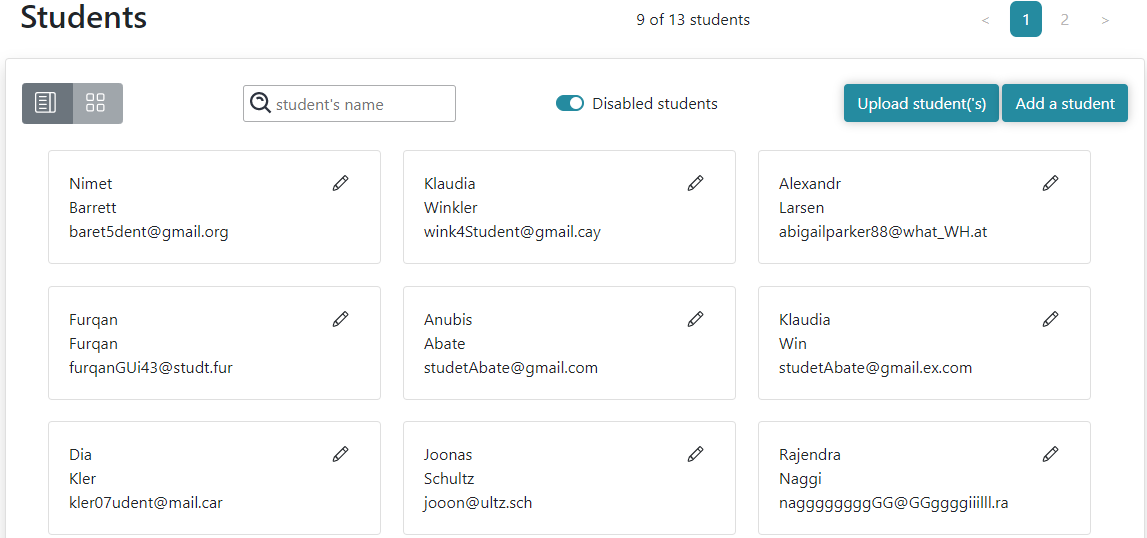
Admin, Secretary, Mentor can reach the 'Student's details' tab by clicking 'Details' button (if 'by cards' view is chosen) or by clicking on table row with particular student (if 'by list' view is chosen).
-
Admin, Secretary, Mentor can reach 'Edit student details' tab by clicking 'Edit' icon.
-
From this component Admin and Secretary can reach the 'Add a student' button. Admin and Secretary are redirected to 'Unassigned users' page after clicking 'Add a student' button
-
Admin, Secretary, Mentor can sort students by clicking Name, Surname, Email column headers. No sorting of the 'Edit' column is performed.
- 'Name' , 'Surname', 'Email' columns can be sorted in ascending order after the 1st click on corresponding column header. 'Arrow' icon is turned up.
- 'Name' , 'Surname', 'Email' columns can be sorted in descending order after the 2nd click on corresponding column header. 'Arrow' icon is turned down
- By clicking 'Name' , 'Surname', 'Email' column headers the 3rd time in row, the columns can be sorted in ascending order. 'Arrow' icon is turned up.
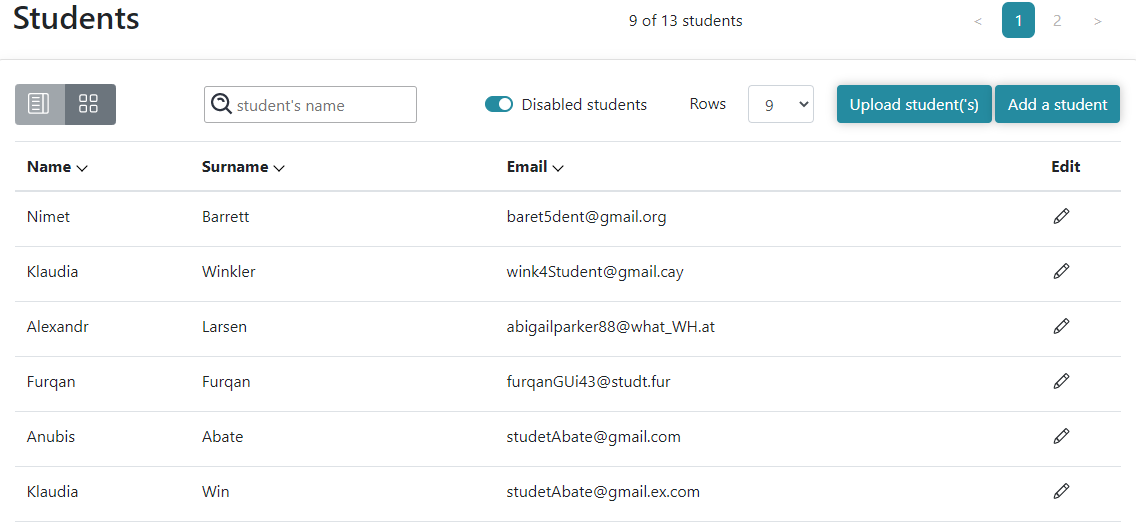
- Admin, Secretary, Mentor can view disabled students by switching 'Disabled students' toggle switcher. 'Counter of students' is changed corresponding to quantity of Disabled students.
Requirements
-
User must be logged in as Admin, Secretary, Mentor
-
'Search' field is empty by default. 'Search' field contains the 'Student's name' placeholder
-
'Student is not found' message should be displayed if there is no student whose Name and Surname contains searched value
-
'Add a student' button is enabled and redirects to 'Unassigned users' page
-
'Add a student' button should not be displayed if current user is Mentor
-
'Edit' icon is displayed on every card (if 'by card' view is chosen) and in each row of 'Edit' column (if 'by list' view is chosen).
-
Admin and Mentor are redirected to "Edit students" component after clicking 'Edit' icon.
-
Table row click redirects to "Student Details" of particular student
-
'Loader' is rendered while a request is sent to the server
-
'Disabled students' switch should be inactive by default
-
If the list of Students contains more than 9 students, pagination should be displayed at bottom center of 'Students' page, otherwise pagination should be hidden
-
The list should be sorted by student's ID by default. Newly added Student should be added at the end of the list
-
Name, Surname, Email sorts by Unicode codes of symbols
- The arrow symbol near the column header should be turned down by default.
- The arrow symbol near the column header should be turned up if column sorted by ascending.
- The arrow symbol near the column header should be turned down if column sorted by descending.
- After switching 'Disabled students' sorting should reset.
- After refreshing page sorting should be reset
List view of active students:
List view of disabled students:
Block view of disabled students:
Errors
| Description | Result |
|---|---|
| [The 'Search' field is filled with a name that doesn't exist] | Student is not found |
Back to content