2015 12 07 improving organizational security at kadira - giordanocardillo/kadira-server GitHub Wiki
title: Improving Organizational Security at Kadira category: other summery: This is process of how we improved our organization security by implementing a proper access control mechanism. authorName: Madushan Nishantha authorProfile: https://twitter.com/madushan1000
I'm the newest member of Kadira family. I joined Kadira back in October as a devops engineer.
One of the first tasks I was assigned to when I started here is reevaluating our organizational security.
Even before I was assigned to this task, one of the things that bothered me was our production deployment system.
Before coming to what's wrong with it, I'll explain the current deployment system.
Most of our current deployment system is a set of nodemiral scripts which were written to automate the deployment and maintenance the MongoDB replica sets and a few other internal services. Those scripts are kept inside a git repo.
This git repo contains all the ssh/ssl keys we use for deployment. It also has a config file which contains some credentials we use throughout our deployment setup.
All of our Meteor project deployments are handled through Meteor Up(mup). Each Meteor project contains a folder with its mup configuration file (mup.json), Meteor settings file (settings.json), and server ssh/ssl keys.
The Heroku projects are deployed through git and the config vars are pushed to Heroku using a shell script. Which is also contains in the git repo.
As you may have already noticed, this is a mess!
We have passwords and ssh keys all over the place. The worst thing is, anyone who checks outpart of the codebase (not just the deployment repo) has access to our production environment! Including servers on Google Cloud, MongoDB cluster, and a bunch of third-party services.
Other than that, there are few other things wrong with this setup.
- Giving everyone access to deploy increases the probability of damaging the production deployment, either mistakenly or intentionally.
- It also increases the chances of credential leaks (mistakenly via our public repos)
- It's very hard to change our MongoDB replica set passwords because we have to go through every repo and change "mongo urls" one by one.
- If we decide to open-source one of our production tools in the future, we have to go through a repo cleanup, including the git history.
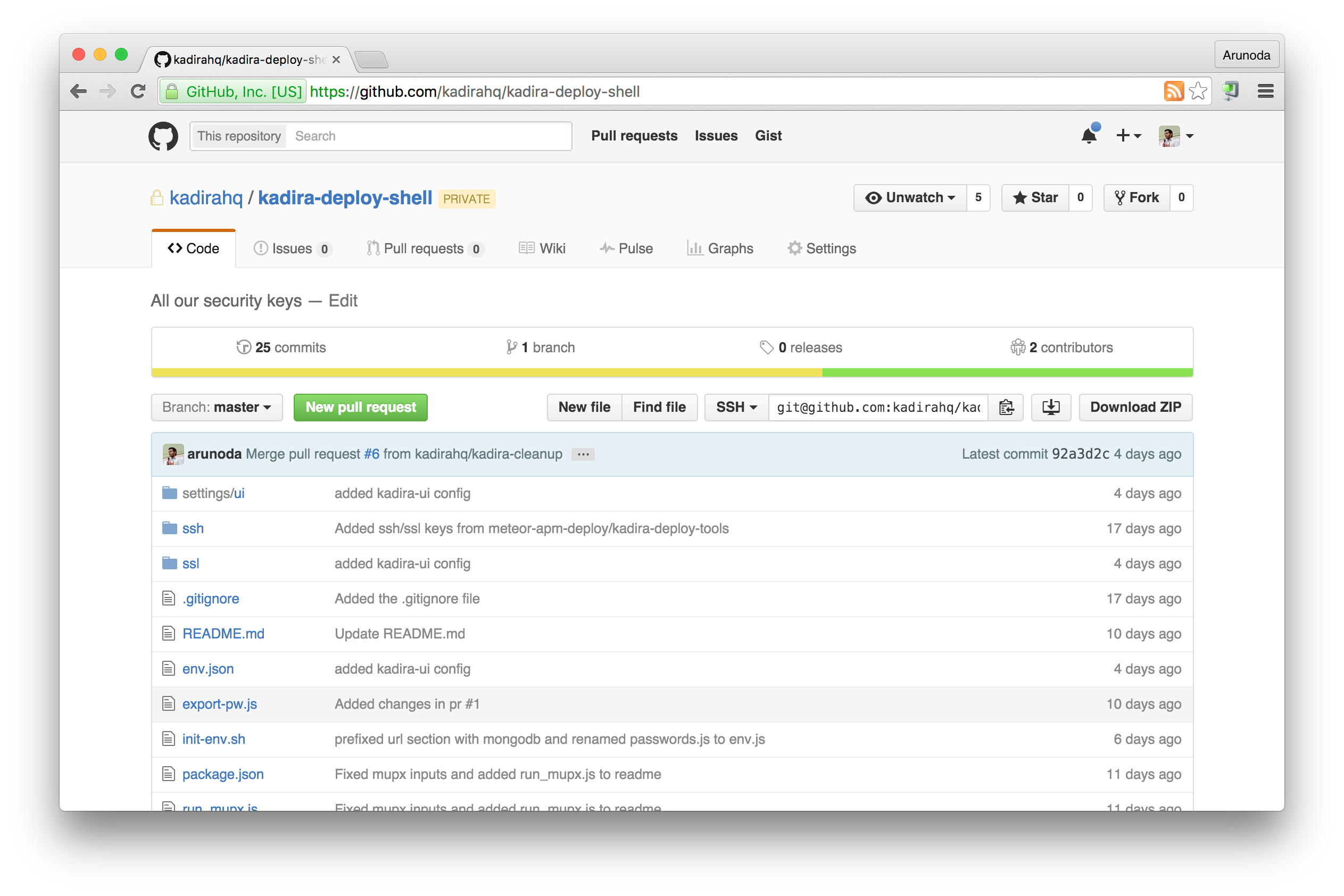
We created a tightly access-controlled (allowed only to sysadmins) repo to store our ssh/ssl keys, passwords, and mongo urls.
This repo has an init shell script which does the following:
- When sourced, it spawns an
ssh-agentprocess and adds all the ssh private keys we have. - It also exports MongoDB, AWS credentials, and other configurations as environment variables in the current shell (read from a json file).
- The repo also contains a
mupwrapper to convert and pass mup.json files to take values from environment variables. - The settings.json files(in mup) for each Meteor project is moved to this repo and passed to mup using an environment variable.
After creating this repo, we simply deleted all the ssh/ssl keys from the rest of the codebase and modified the nodemiral/shell scripts to extract the passwords and other configurations from the environment.
Then, once the sysadmin initializes the shell using the above-mentioned script, he can deploy any of our services. But others cannot deploy them, nor do they have access to the credentials.
Right, even if we removed the passwords and other sensitive data from the repo in our latest commits, Git repo keeps a history of our modifications to the files. So anyone can check out earlier commits before we removed the data and still access them.
Our first thoughts were to take a shallow clone from our git repos, remove the sensitive data, and push them as brand-new git repos. With that we’ll lose our commit history.
But then we found this great article about removing sensitive data from git repos onGitHub Help.
Since git filter-branch seemed a little complicated (and slow!), we decide to go with BFG Repo Cleaner, an awesome tool for clearing git histories by Roberto Tyley.
After cleaning up repos locally with BFG Repo Cleaner, we force-pushed those repos to GitHub.
Note: If you are force-pushing, GitHub doesn't automatically remove the pull requests and cached views, which might still contain your sensitive data. Either contact GitHub support to remove them or create a new repo.
Now at Kadira we have a safer and more flexible deployment process without sacrificing any of our version control history or simplicity. This is the first step in a long list of security optimizations we are hoping to achieve with Kadira in the near future. Stay tuned for updates.