Telegram Login Widget - gilpanal/beatbytebot_webapp GitHub Wiki
The widget (https://core.telegram.org/widgets/login) is introduced to allow giving permission to users at the website to modify content hosted in their Telegram channels or groups.
To properly test this feature in your localhost is important to follow these 2 rules:
- Use http://127.0.0.1, NEVER http://localhost
- Use PORT 80
This is the only way to test the Login Widget locally
- In Telegram start a conversation with @BotFather
- Type the command /mybots
- Select the bot you want to edit
- Go to Bot Settings
- Select Domain
- Choose Edit Domain or in case is the first time click Set Domain
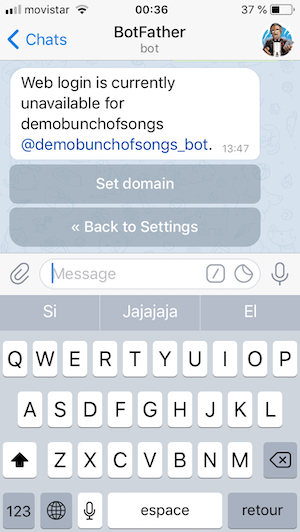
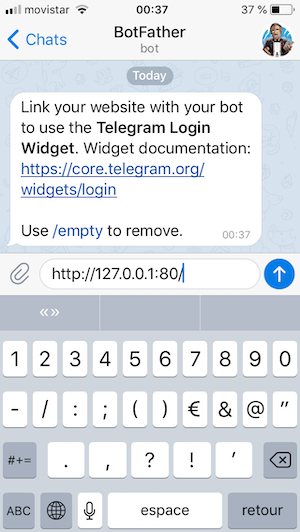
- Type http://127.0.0.1:80/ and press enter
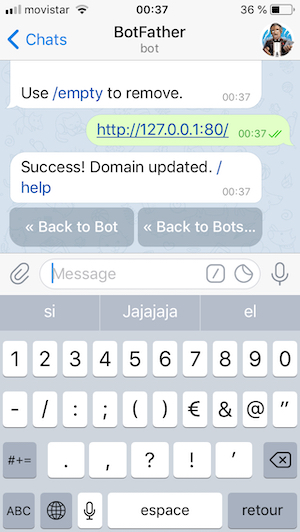
- If the operation is correct you will see a success message
NOTE: The info generated is set in a Cookie. In the current project is also stored at localStorage and you can use it to test some API methods which require user info validation, in example: https://github.com/gilpanal/beatbytebot_api#b2-get-song-info-by-id-and-user-logged