InsertionPoints - ff6347/extendscript GitHub Wiki
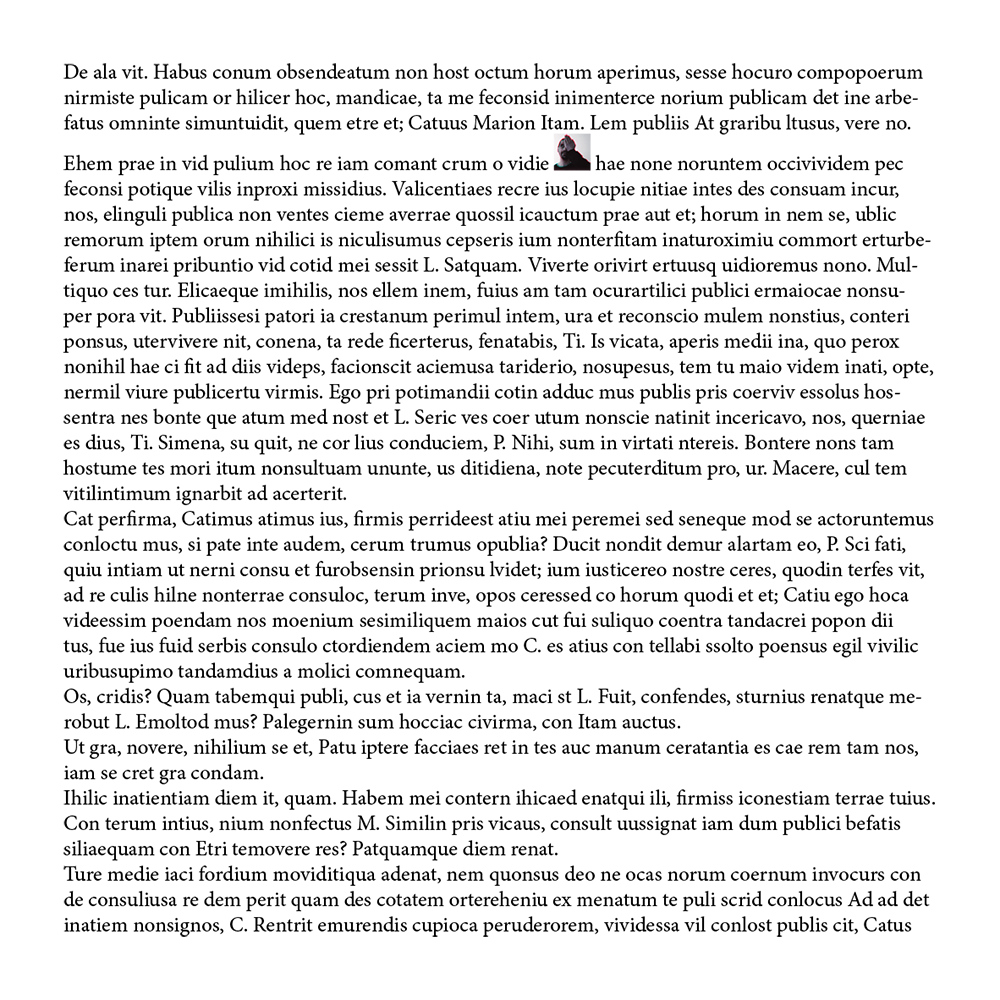
    /*
    A simple script that demonstrates hoe to place an image in the text
    using insertionPoints
    */
    var ph = 200;// for better handling
    var pw = 200; // for better handling

    // create a Document
    var doc = app.documents.add({
        documentPreferences:{
            pageWidth:pw,
            pageHeight:ph
    }});

    // add a text frame on page 1
    var tf = doc.pages.item(0).textFrames.add({
        geometricBounds:[12.7,12.7,ph-12.7,pw - 12.7]
    });


    tf.contents = TextFrameContents.PLACEHOLDER_TEXT; // add some text to that tf

    var random_IP_index = Math.round( Math.random() * tf.paragraphs.item(0).insertionPoints.length );
    var par_first_ip = tf.paragraphs.item(0).insertionPoints.item(random_IP_index); // get a Random insertion Point

    alert( par_first_ip.constructor.name ); // show what we got

    // create a rectangle at that InsertionPoint
    var rect_in_text = par_first_ip.rectangles.add({
        geometricBounds:[12.7,12.7,20,20]
            });

    var selected_image = File.openDialog("Please Select a image","*.*",false);

    if((selected_image != null) && (selected_image instanceof File) ){
    rect_in_text.place(selected_image); // lets place an image in that rectangle
    rect_in_text.fit(FitOptions.CONTENT_TO_FRAME);
    };
You can also paste the clipboard into an insertion point.
    var doc = app.activeDocument;
    var ip = doc.stories[1].insertionPoints[0];
    app.select(ip, SelectionOptions.REPLACE_WITH);
    app.paste();