Developer Getting Started: MinGW - cxong/cdogs-sdl GitHub Wiki
Prerequisites
- Git client (GitHub for Windows)
- CMake
- MinGW
- SDL development libraries: SDL2, SDL2_image, SDL2_mixer
Clone repo: GitHub for Windows
Instructions for TortoiseGit are also available; these are not recommended
Repo URL: https://github.com/cxong/cdogs-sdl.git
-
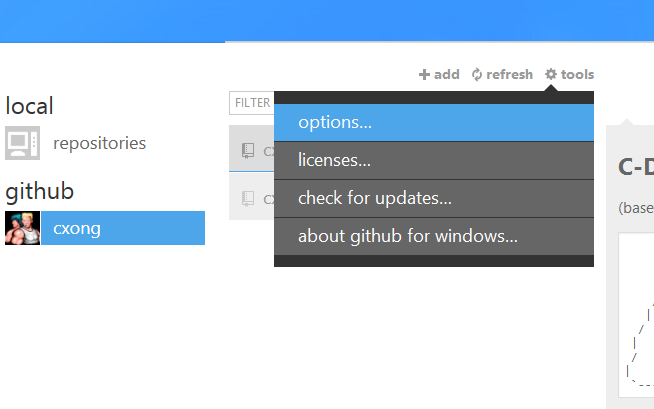
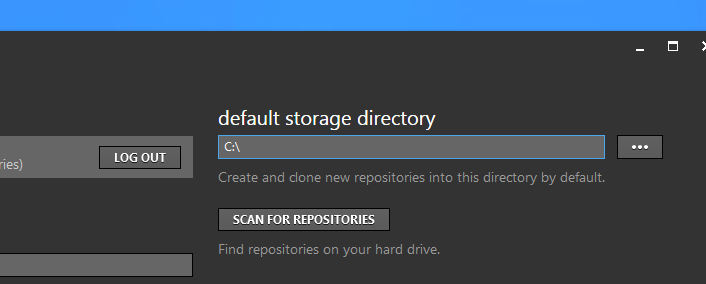
Optional: for the purposes of this walkthrough, the clone location is
C:\cdogs-sdl. To make GitHub for Windows automatically clone to this location, set the default storage directory toC:\.

-
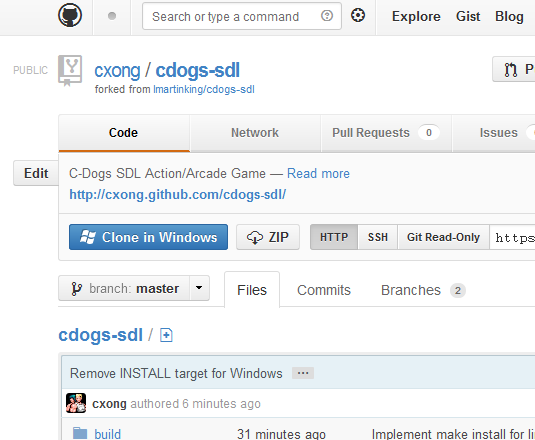
Click the "Clone in Windows" button in the repo website.

-
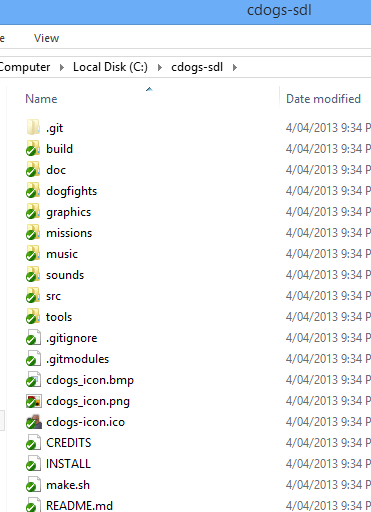
You should now see the repo contents in
C:\cdogs-sdl
Install SDL development libraries
-
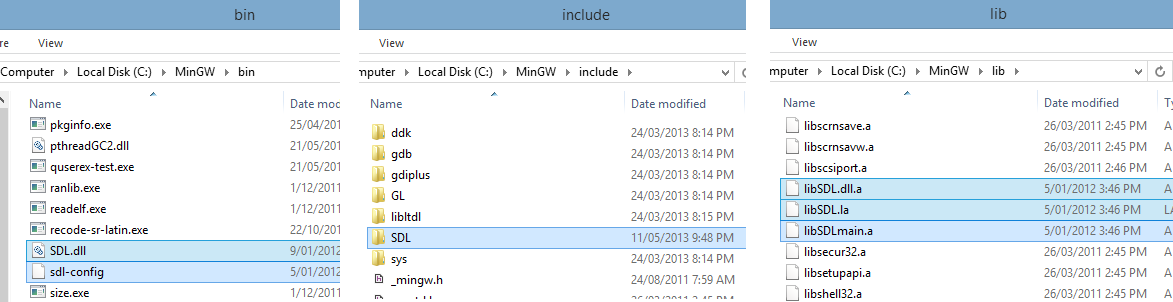
From the contents of the SDL-2.0.XX package, copy the contents of
bintoC:\MinGW\bin,includeintoC:\MinGW\include, andlibintoC:\MinGW\lib(so you should have the filesC:\MinGW\bin\sdl-config,C:\MinGW\include\SDL\SDL.h,C:\MinGW\lib\libSDL.dll.aetc.)
-
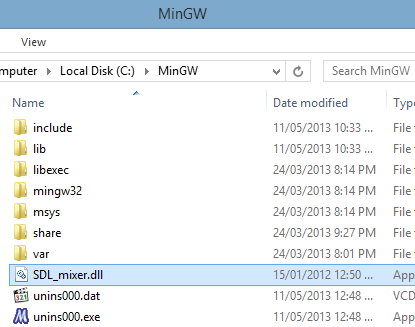
Do the same for SDL_mixer and SDL_image, combining the contents of the include and lib folders. However, you should also copy the DLLs e.g.
SDL_mixer.dlltoC:\MinGWfor CMake's benefit.
-
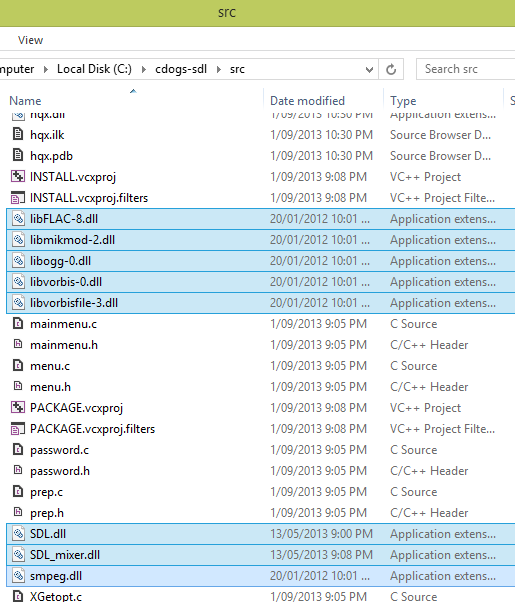
Copy the
.dllfiles to theC:\cdogs-sdl\srcfolder
-
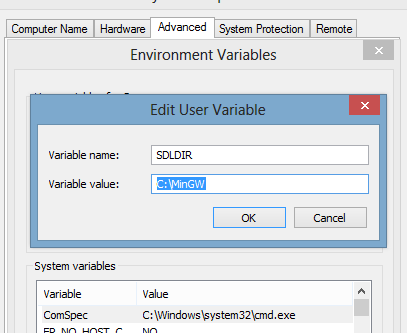
Create an environment variable
SDLDIRthat points toC:\MinGW
Run CMake
-
Simply run
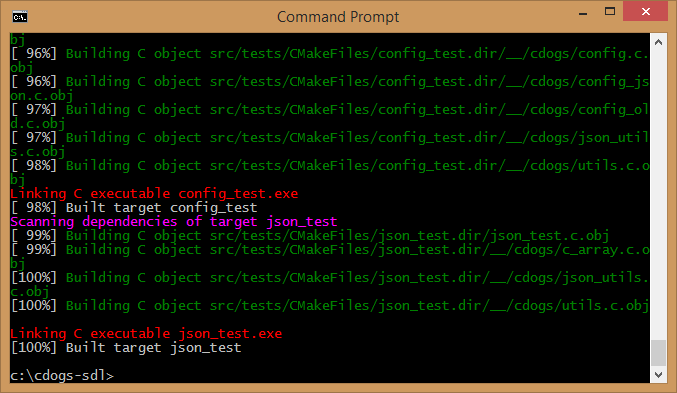
C:\cdogs-sdl\make.bat
-
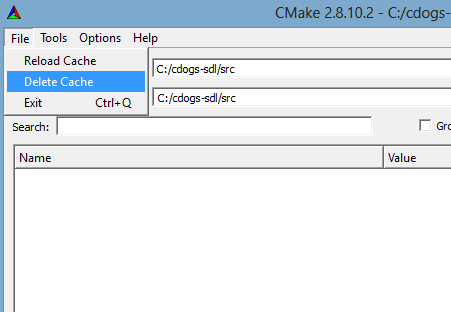
If the last step didn't work, open CMake Windows and select
File > Delete Cache, and start this section over.
-
Run
c:\cdogs-sdl\src\cdogs-sdl.exe. You are ready to go!