Sketch 101: Points in Space - cloudcell/ganja.js GitHub Wiki
Open GANJA Coffeeshop. Open your favorite JavaScript Editor and create an empty file. Your workspace should look roughly like this:
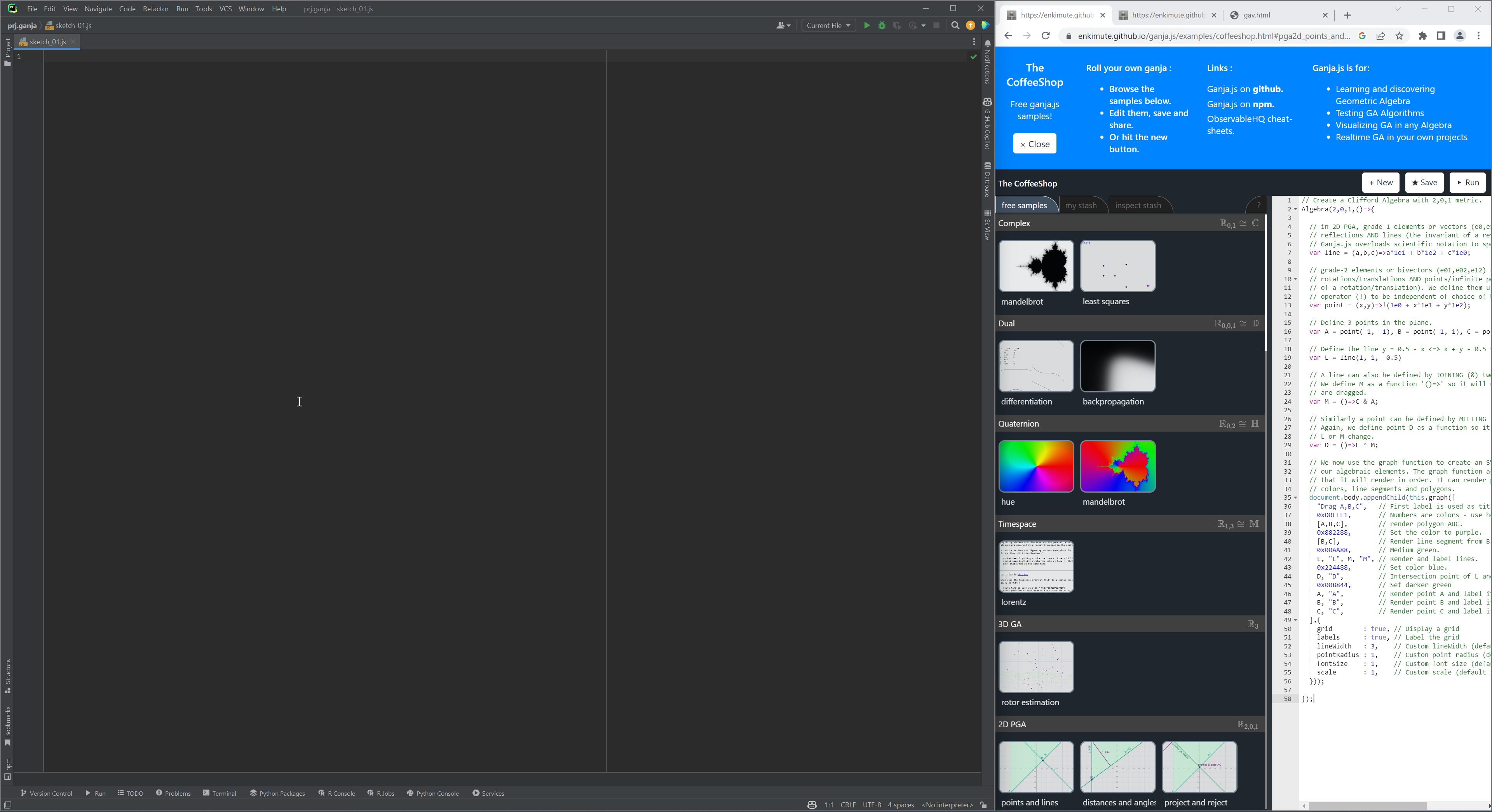
Now, shift the frame to the left and close the banner at the top by pressing on the close button.
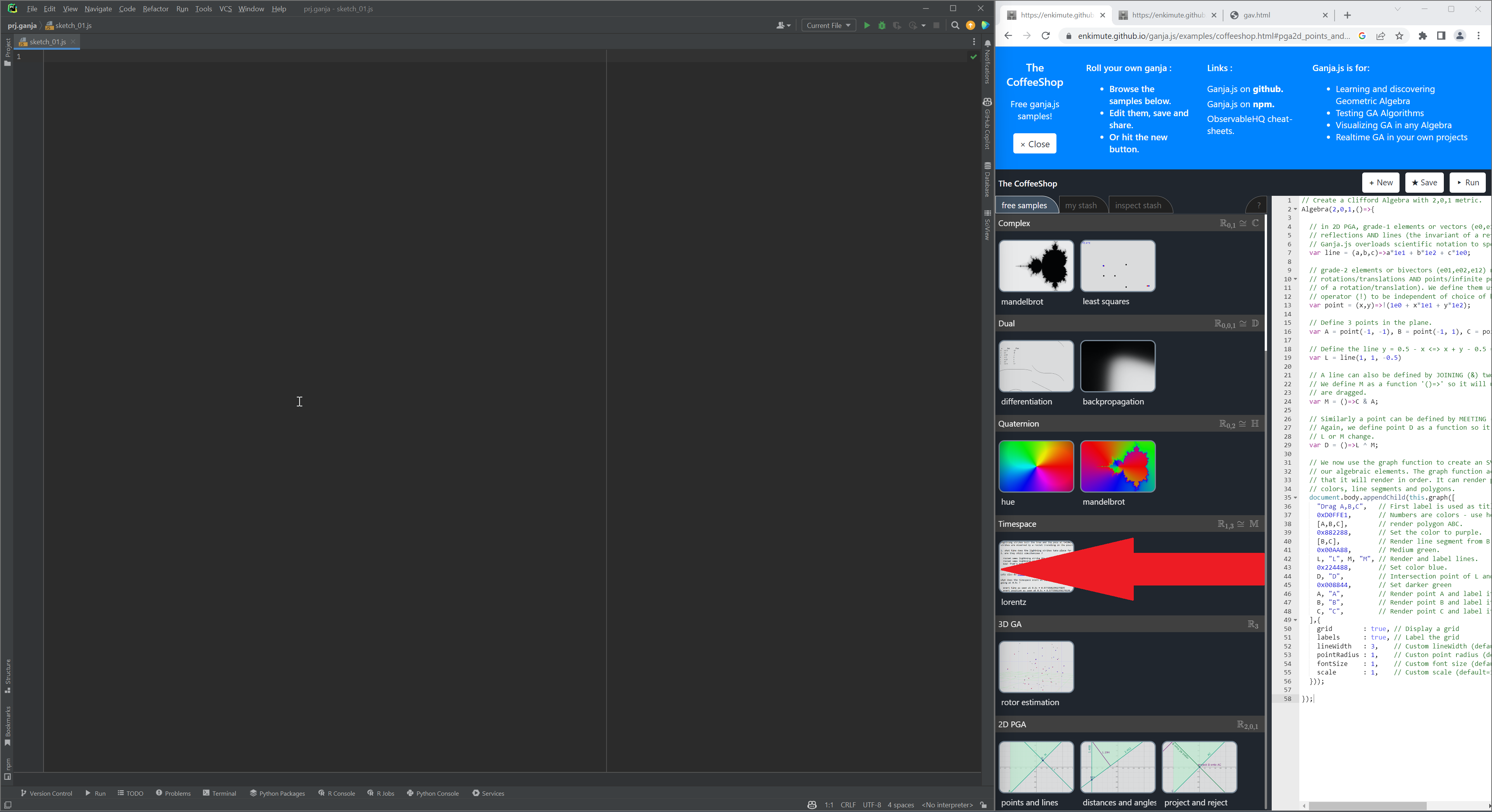
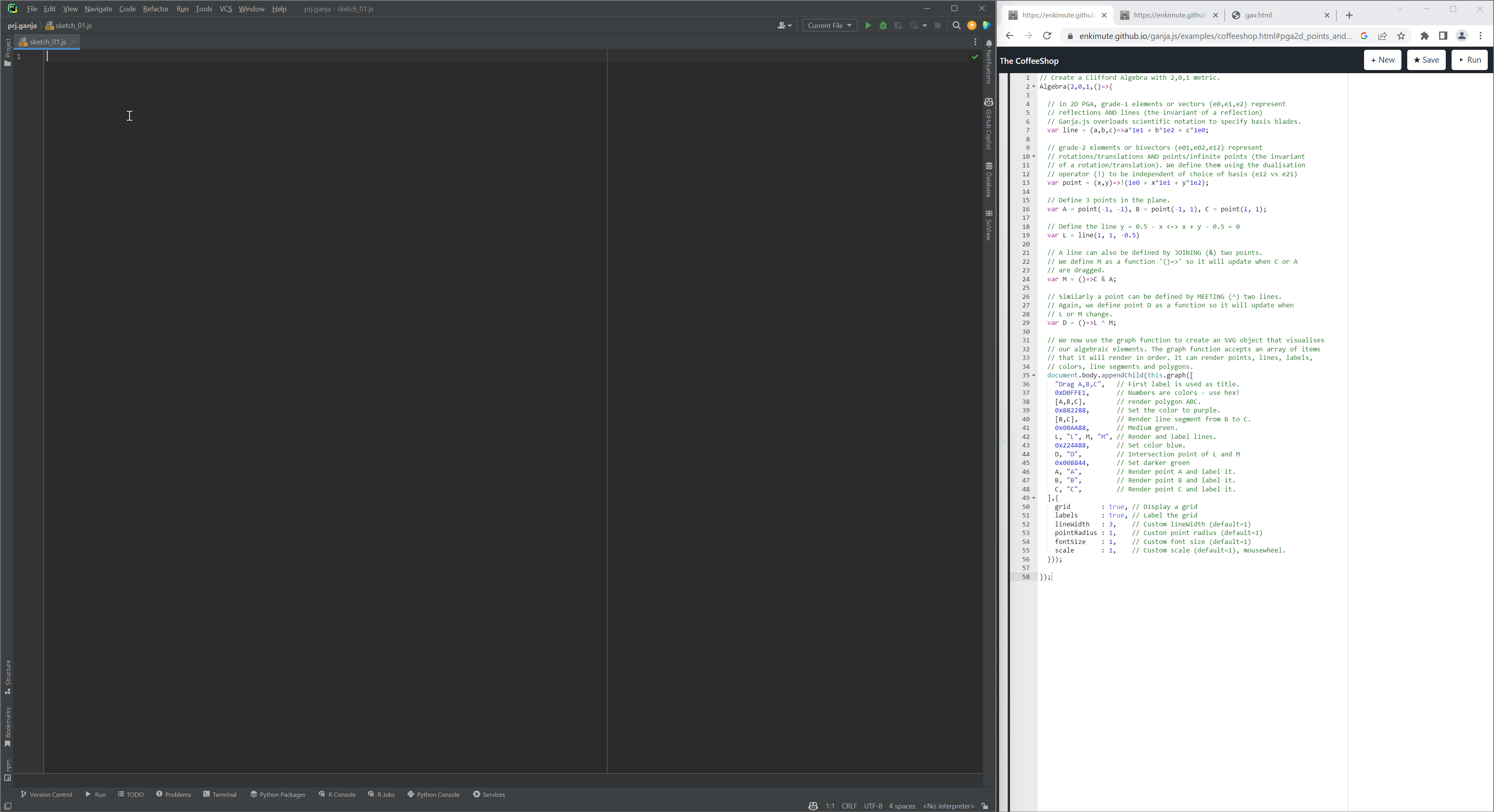
Now you should see something like this:
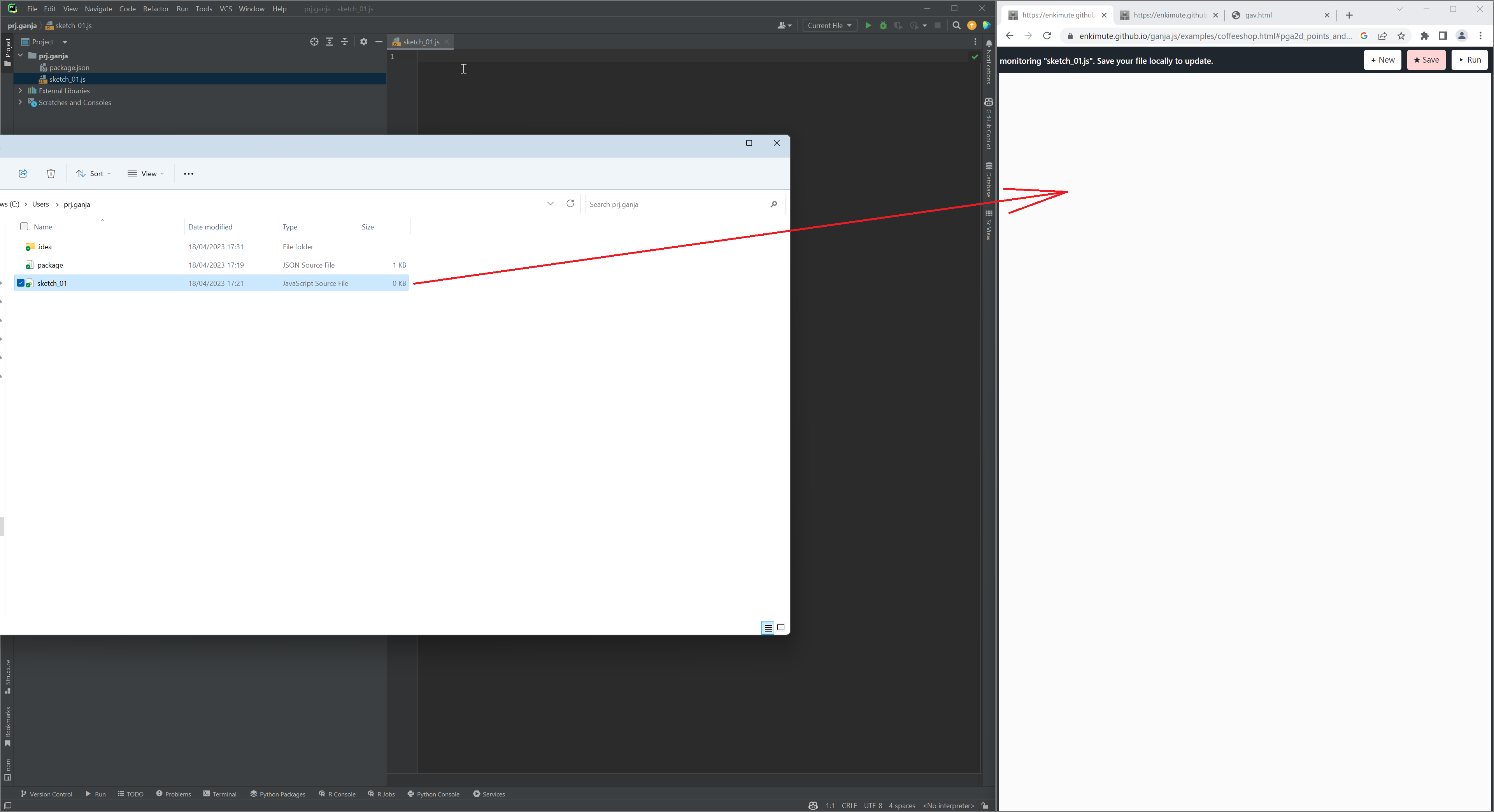
Open your JavaScript file in the file manager and drag and drop it to the code panel of the Coffeeshop website:
Now take the following code and copy-paste it into your script editor and save it.
// Create a Clifford Algebra with 3,0,1 metric
Algebra(3,0,1,()=>{
    var point = (x,y,z)=>x*1e032+y*1e013+z*1e021+1e123; // point function

    // Define multivectors
    var A=point(0,.9,0);
    var B=point(.8,-1,-.9);
    var C=point(-.9,-1,-.9);
    var D=point(0,0,0);

    // Produce a graph in 3D
    document.body.appendChild(this.graph(()=>{
        return [
            0x333333,A,"A",B,"B",C,"C",D,"D",    // draw points
            0x33BBEE,[A,B,C],                    // draw a face
            0x009988,[A,B],[A,C],[B,C],          // draw edges
        ];
    },{
        grid:true,      // draw a grid
        labels:true,    // draw axis labels
        lineWidth:3     // set the width of the lines connecting the points
    })); // end of graph
}); // end of Algebra
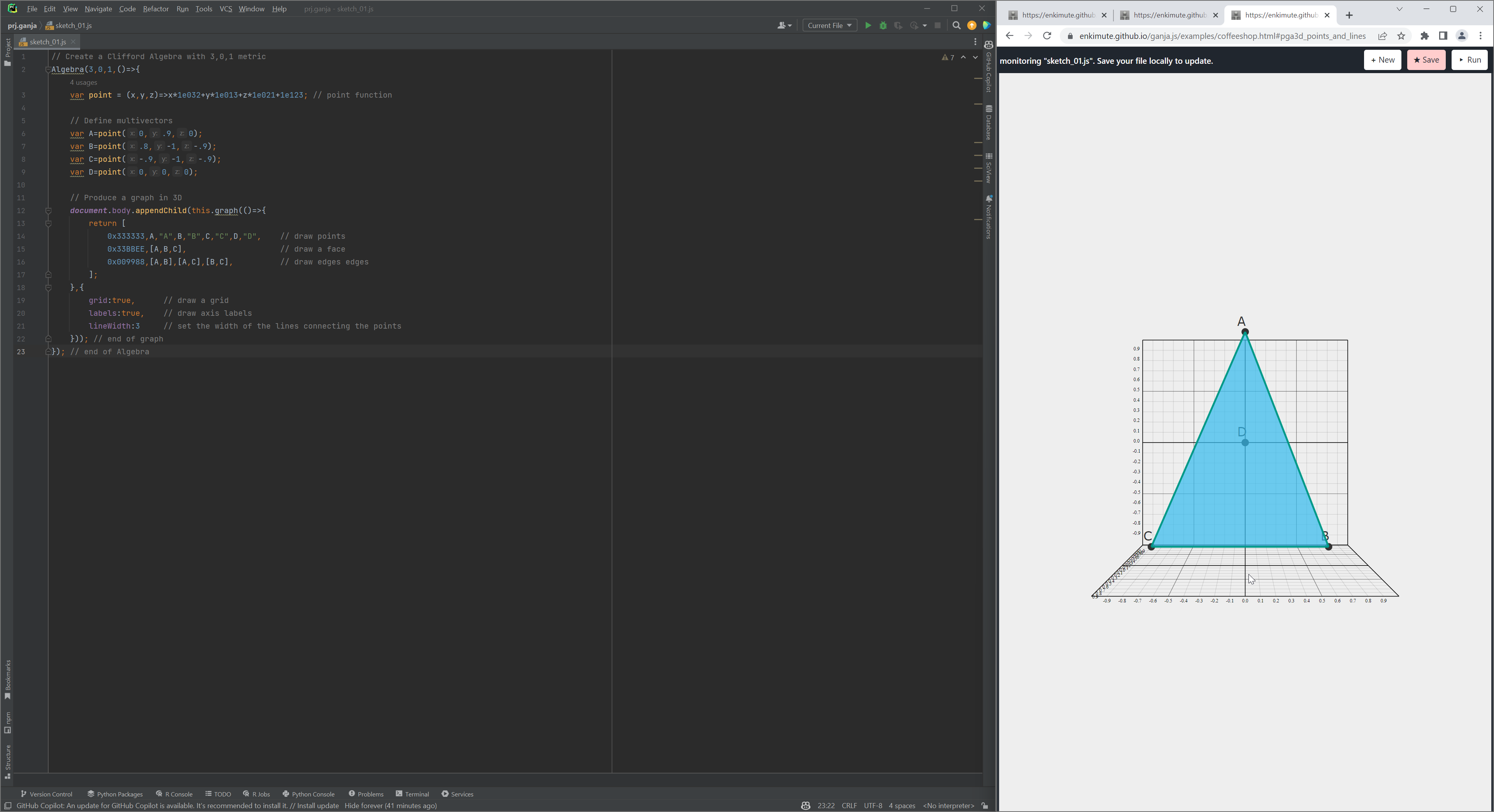
Now, your screen might look something like this:
Ganja interface allows you to move the camera as well as the points. So you may want to adjust the view so it looks something like this.
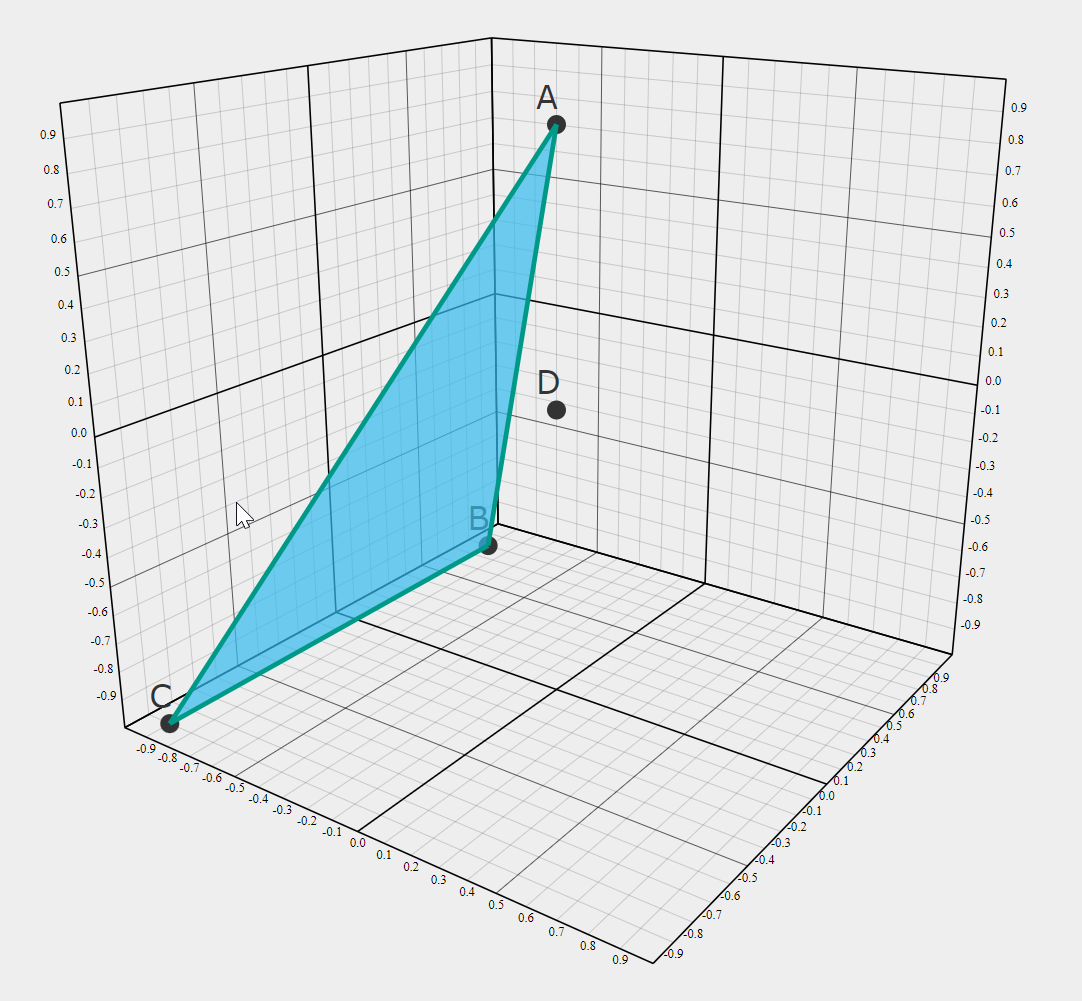
This sketch shows the foundations of the platform. The next sketch will demonstrate basic operations with multivectors of geometric algebra within ganja.